Verity Anime Skin Pack
- 12-10-2026, 12:07
- 777
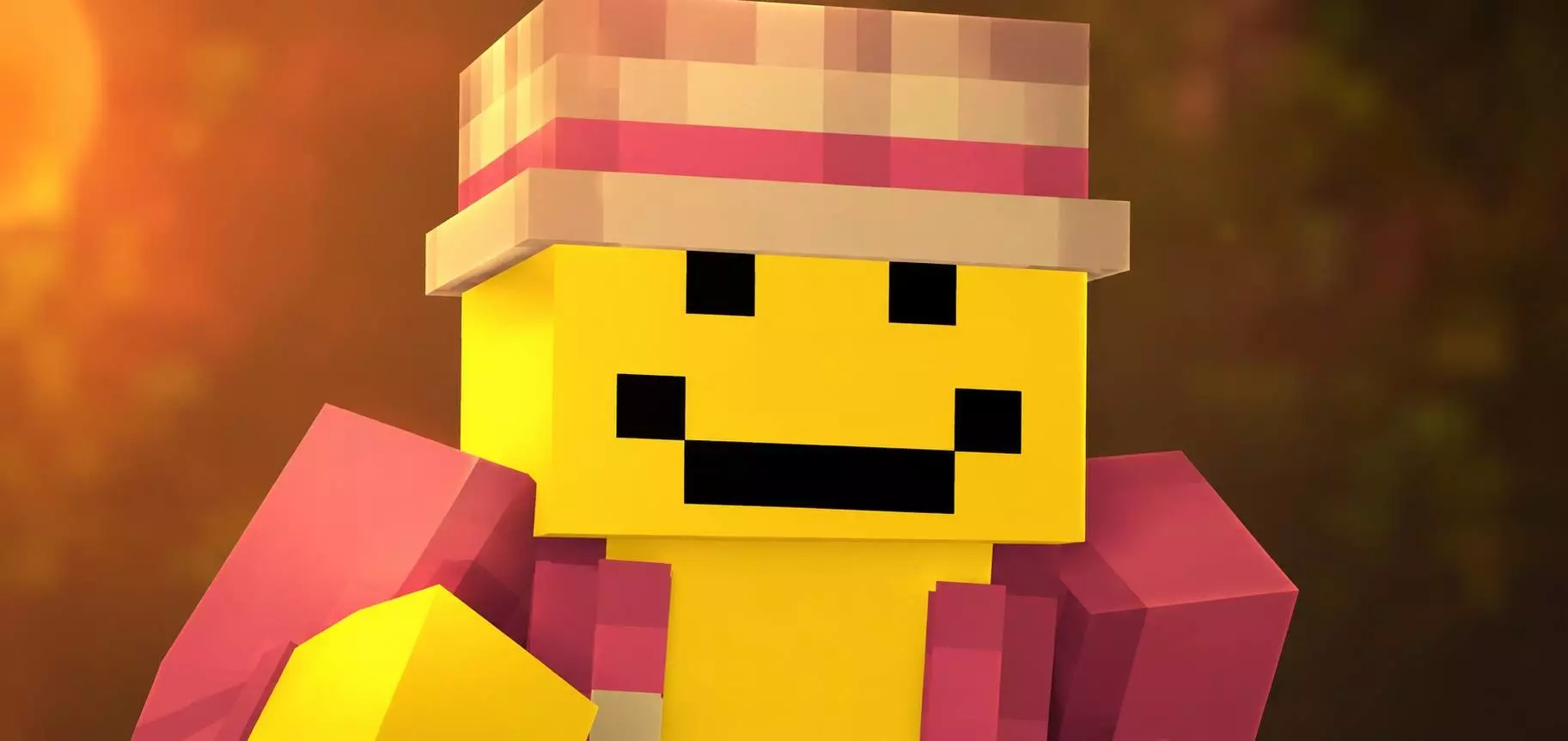
The Verity Anime Skin Pack takes that bright, bubbly aesthetic everyone is used to and completely twists it into something genuinely unsettling. If you want to drop into your realm looking like a cursed nightmare straight out of a horror manga, this is exactly what you need.
Usually, when you download anime-themed outfits for this game, they are all about neon colors, giant eyes, and trendy streetwear. But running around a dark cave system or a sweaty faction server looking like a cute cartoon character doesn't exactly strike fear into anyone. This pack completely flips the script by blending classic anime styling with a heavily creepy vibe. Imagine hiding in the shadows of a massive custom mansion build and watching your friend's reaction when they turn around and see one of these twisted models staring back at them. It’s the perfect way to add a weird, psychological horror element to your multiplayer sessions without forcing your lobby to download a bunch of heavy, game-breaking mods.
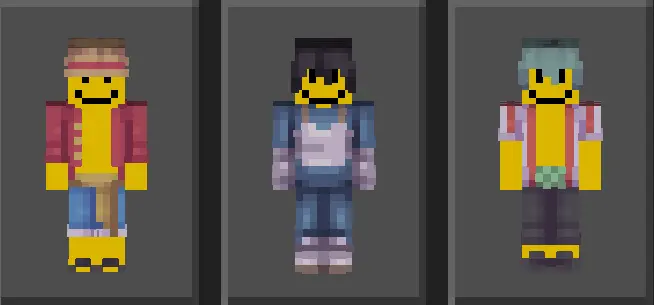
The Minecraft Bedrock marketplace is heavily saturated with cheap, knock-off cosmetics that feature flat colors and zero dimension. You know exactly what I am talking about—those cursed outfits where the hair looks like a solid block of plastic and the eyes are just two terrifyingly massive pixels. Verity completely leaves that amateur hour garbage in the dust. The designers behind this MCPE skin pack utilized advanced shading techniques that simulate a pseudo cel-shaded effect, giving your avatar incredible depth even when you are just standing idle in a trading hall. The clothing options lean heavily into a modern Tokyo streetwear aesthetic mashed up with high-fantasy isekai vibes. You can actively raid a woodland mansion or traverse the Nether while looking like you belong on the cover of a top-tier manga.
What actually sets these character models apart during active gameplay is the sheer attention to detail on the outer texture layers. When you equip one of these Minecraft Bedrock anime skins, the 3D geometry seriously pops. The jackets have actual perceived volume, the hairstyles feature distinct, sharp layering, and the accessories do not just melt awkwardly into your torso. Whether you are sweating it out in a highly competitive SkyWars lobby or just hanging out in a massive survival SMP, the visual clarity remains elite. The color palettes are insanely vibrant, crafted specifically to cut right through the muted greys and browns of vanilla caves and dark oak biomes. Your crew will easily spot you sprinting across a ravine from eighty blocks away purely based on your absolute drip.
A lot of horror outfits try to cram in too much fake blood or messy shading and end up looking like a blurry disaster, but the pixel art here keeps the creepy details sharp. Since it’s a fully optimized Minecraft Bedrock anime skin pack, you just download the file and it instantly syncs directly to your dressing room. If your squad is tired of the same old predictable looks and you want to inject some serious edge into your next survival run, grab these MCPE creepy character skins and go traumatize your server.
Quick guide: How to install this Minecraft skinpack
Downloaded the .mcpack file? Here is exactly how to get it into your game depending on what device you are using right now.
- On Windows or Android: Just click or tap the downloaded file twice. Minecraft will open up on its own and load the skins immediately.
- On iPhone or iPad: Save the file, open your Files app, and hold your finger on it. Hit Share, select Minecraft from the list, and the game will handle the rest.
To put the skins on, just open Minecraft, head over to the Dressing Room (Profile), click on Classic Skins on the left, find this pack under Owned, and tap Equip.
Comments (0)