White Girl Skin
- 12-08-2026, 14:00
- 445
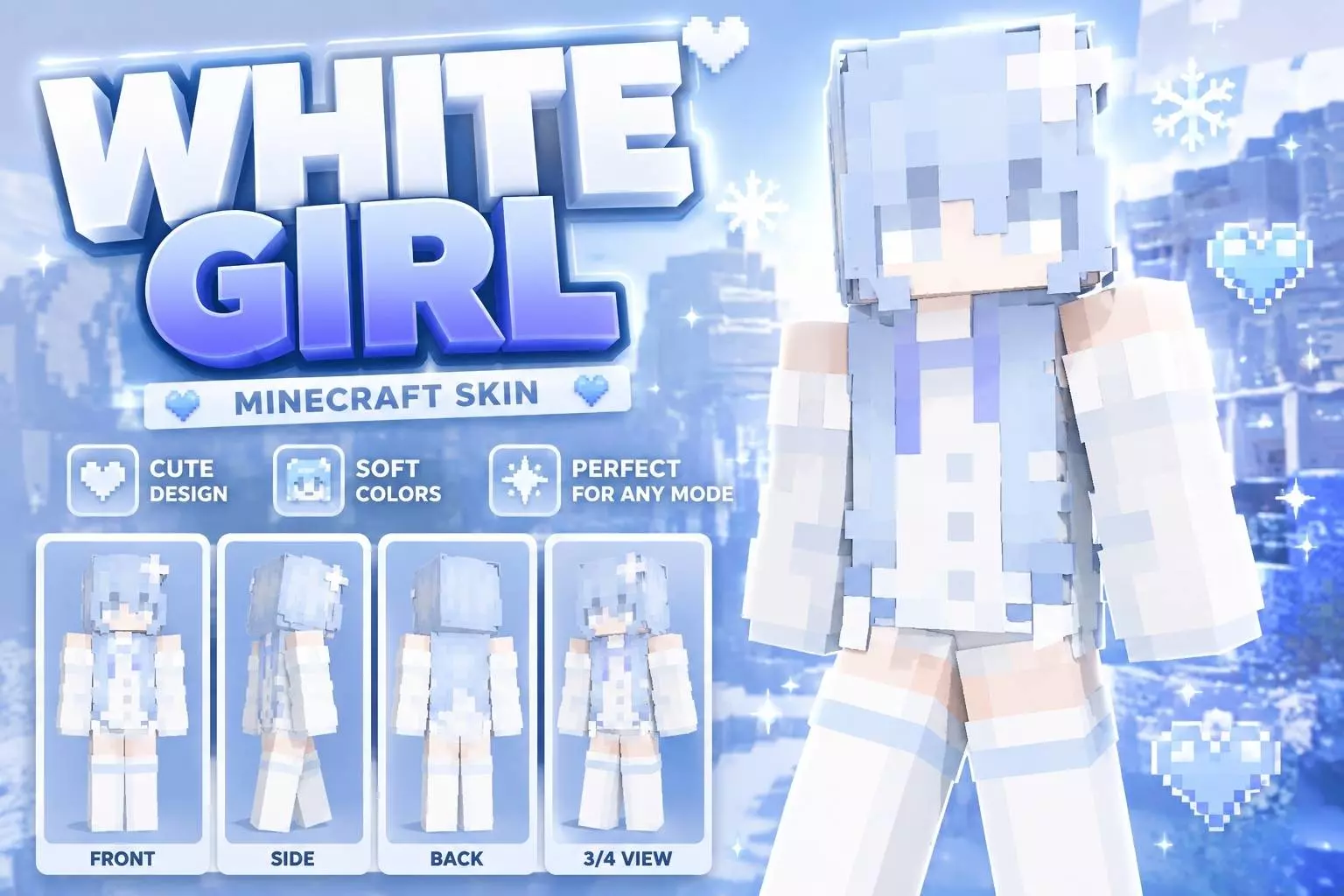
The White Girl Skin brings a super clean, pastel aesthetic to Minecraft Bedrock with its icy blue hair and fresh winter outfit. If you want a sleek look for your next multiplayer session that doesn’t feel cluttered, this one hits the mark perfectly.
Let’s be real, finding a solid character model that actually looks good in-game without being overly complicated is a massive headache. You usually end up scrolling through hundreds of messy, over-shaded designs just to find something decent. This pack keeps things simple. It pairs a crisp white outfit with soft light-blue details, giving off a really chill, frosty vibe. It’s easily one of the cleanest Minecraft Bedrock skins out there right now if you prefer that minimalist pixel-art style.
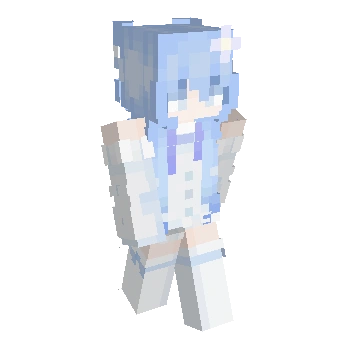
Beyond just looking nice on a casual survival server, having a slim and distraction-free design actually matters if you sweat competitive modes. When you are grinding out BedWars or SkyWars, bulky character models can seriously mess up your field of view in third-person. This MCPE girl skin keeps your screen totally clear so you can focus on clutching up those intense PvP fights. Plus, the bright white and pastel blue color combo pops like crazy against darker maps and cave arenas, making your gameplay clips look awesome.
If you are tired of rocking the default characters and need an aesthetic upgrade, grab this custom skin for Minecraft PE.
Quick guide: How to install this Minecraft skinpack
Downloaded the .mcpack file? Here is exactly how to get it into your game depending on what device you are using right now.
- On Windows or Android: Just click or tap the downloaded file twice. Minecraft will open up on its own and load the skins immediately.
- On iPhone or iPad: Save the file, open your Files app, and hold your finger on it. Hit Share, select Minecraft from the list, and the game will handle the rest.
To put the skins on, just open Minecraft, head over to the Dressing Room (Profile), click on Classic Skins on the left, find this pack under Owned, and tap Equip.
Comments (0)