Fire vs Ice Skin Pack
- 16-08-2026, 02:44
- 418

Pick your element and jump straight into the action with the Fire vs Ice collection. This drop splits your wardrobe into two brutal extremes, giving you high-contrast, glowing outfits built specifically for intense server combat.
Rivalries are what make multiplayer servers actually fun. Half the time you log into a faction or SMP world, players are already splitting up into teams. This pack leans right into that chaotic energy. You get to choose between blazing, magma-infused reds or freezing, sub-zero blues, making it incredibly easy to tell who is on your side during a massive raid. The colors are cranked up, giving off this crazy glowing effect that looks absolutely wild when you are sprinting across the map or clashing in an arena.
From a competitive standpoint, these designs are completely optimized. The creator skipped adding clunky 3D geometry that blocks your peripheral vision while playing in third-person mode. You just get sleek, intimidating models that keep your screen perfectly clear.
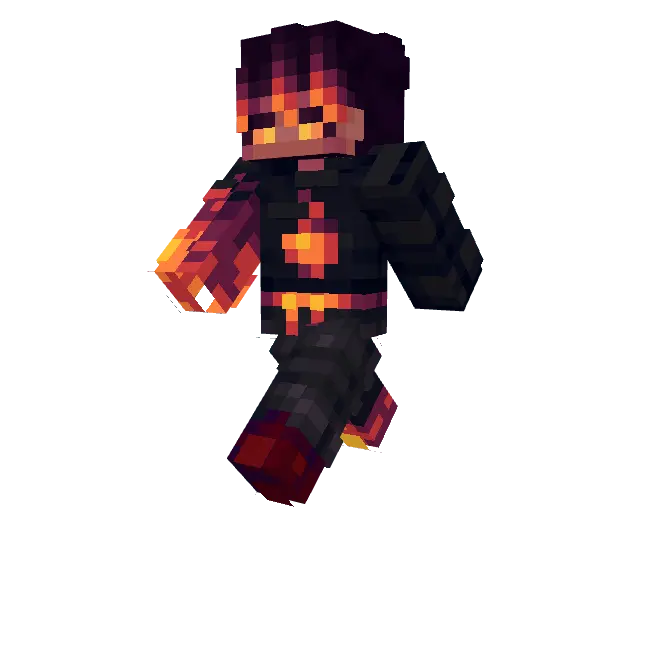
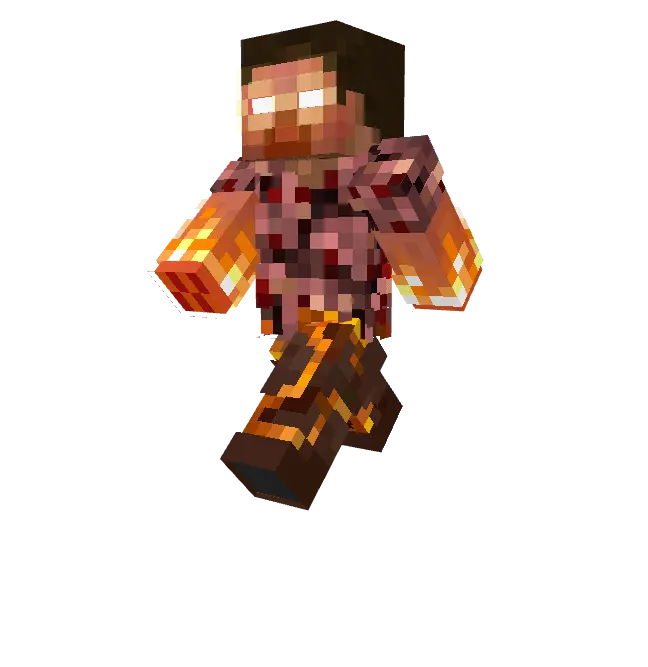

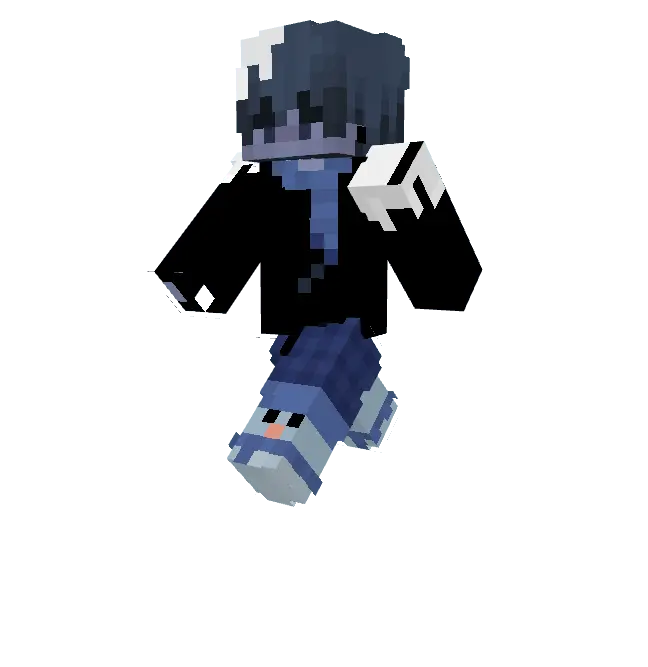
Elemental outfits often end up looking incredibly cheesy, resembling a bad paint job rather than a cool aesthetic. But the pixel work here is genuinely top-tier, keeping the temperature gradients sharp and bright. Whether you need a fresh Minecraft PvP skin to flex in ranked modes or just want to rep a side, this bundle has you covered. Add this Minecraft Bedrock skin pack to your rotation, equip your favorite MCPE custom skin, and bring some serious elemental heat—or frost—to your next match.
Quick guide: How to install this Minecraft skinpack
Downloaded the .mcpack file? Here is exactly how to get it into your game depending on what device you are using right now.
- On Windows or Android: Just click or tap the downloaded file twice. Minecraft will open up on its own and load the skins immediately.
- On iPhone or iPad: Save the file, open your Files app, and hold your finger on it. Hit Share, select Minecraft from the list, and the game will handle the rest.
To put the skins on, just open Minecraft, head over to the Dressing Room (Profile), click on Classic Skins on the left, find this pack under Owned, and tap Equip.
Comments (0)