King Studios SMP (Feudal Japan) – Texture Pack
- 23-02-2026, 14:39
- 530
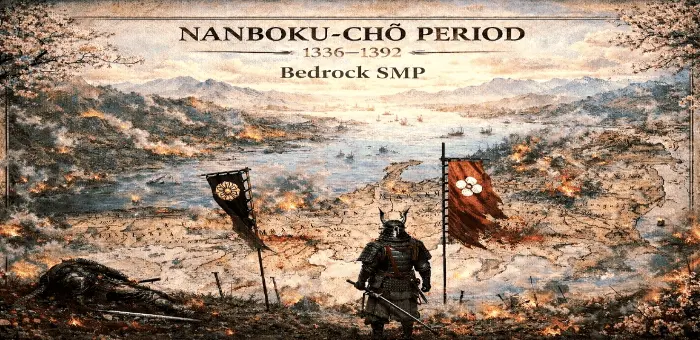
King Studios SMP (Feudal Japan) Texture Pack is presented as part of King Studios, a Bedrock-only moded SMP built around themed seasons. The main idea is not just one permanent style, but a rotating world concept where each season explores a different historical, fantasy, or fictional setting. That gives the project a stronger identity than a normal static world because the theme can shift over time while the community keeps moving with it.
The Feudal Japan angle in King Studios SMP (Feudal Japan) Texture Pack fits that seasonal approach really well, especially if you like world themes that change how a server feels during regular play. Even without adding extra claims, the concept already gives a clear vibe: players logging in for base work, travel, co-op sessions, and general survival progress inside a themed setting instead of a random mixed world. A seasonal setup like this also makes returning to the SMP feel fresh, because the atmosphere and direction can change every few months to a year.


Another strong point in the provided description is the range of themes King Studios has done or plans to do, from vikings and knights to samurai and Romans. That tells you this project is built around variety and long-term world storytelling, not just one short event. In actual gameplay, that kind of seasonal theme rotation can make building choices, social hubs, and group projects feel more intentional since players usually lean into the current setting while they play.
King Studios SMP (Feudal Japan) Texture Pack also stands out because the project is described as being powered by community feedback, which is a big deal for an SMP format. That usually means the direction keeps evolving with the players instead of staying locked in one idea. For Minecraft Bedrock players who like themed SMP worlds and seasonal identity, King Studios SMP (Feudal Japan) Texture Pack sounds like a community-driven style project built around changing settings and shared creativity.
Installation:
- Download Texture;
- Open the downloaded .mcpack to install;
- Select texture in settings;
- Done.
Comments (0)