Fast Better Grass - Full Grass – Texture Pack
- 24-05-2026, 02:46
- 931
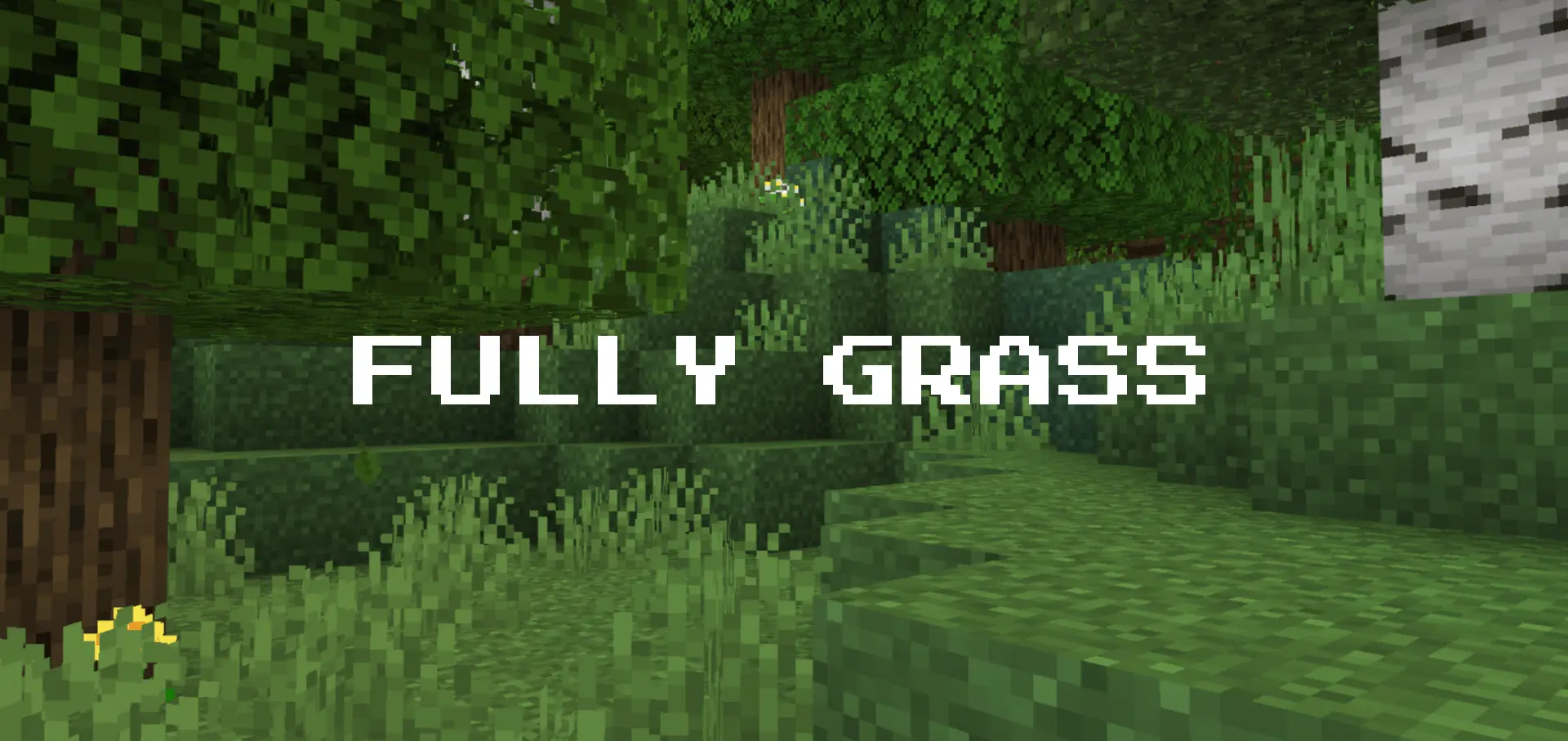
Fast Better Grass - Full Grass Texture Pack is a visual cleanup pack focused on ground texture consistency. The main idea is simple but super effective: several common terrain blocks use their top textures on all sides, which makes the landscape look more seamless and natural while you play. It is built to recreate the Better Grass (Fast Mode) look in Minecraft Bedrock without relying on external mods or extra assets.
What makes Fast Better Grass - Full Grass Texture Pack useful in real gameplay is how often you see these block faces during normal movement. When you are running across hills, building paths around a base, exploring forests, or just looking at terrain from a distance, side textures can break the flow of a nice landscape. This pack smooths that out by changing how those blocks present visually, so the world reads cleaner at a glance. It is the kind of change you notice more and more over time, especially in outdoor survival worlds where terrain is always on screen.


It also sounds like a strong fit for players who care about world aesthetics but do not want a complicated setup. The description clearly says the effect is achieved purely through custom vanilla block models, with no external mods or assets required, which keeps the pack practical. That makes Fast Better Grass - Full Grass Texture Pack easy to keep in your regular setup for base building, scenic screenshots, farming areas, and travel routes where terrain consistency helps everything feel a little more polished.
Another nice plus is that Fast Better Grass - Full Grass Texture Pack supports Vibrant Visuals and is said to work perfectly alongside other texture packs. That gives you room to combine it with other visual choices without turning it into a full replacement for your whole look. If you like subtle upgrades that improve the everyday feel of Minecraft Bedrock, this is the kind of pack that quietly makes your world look better every time you step outside.
Installation:
- Download Texture;
- Open the downloaded .mcpack to install;
- Select texture in settings;
- Done.
Comments (0)