Sun and Moon Retrowave – Texture Pack
- 28-02-2026, 19:24
- 458
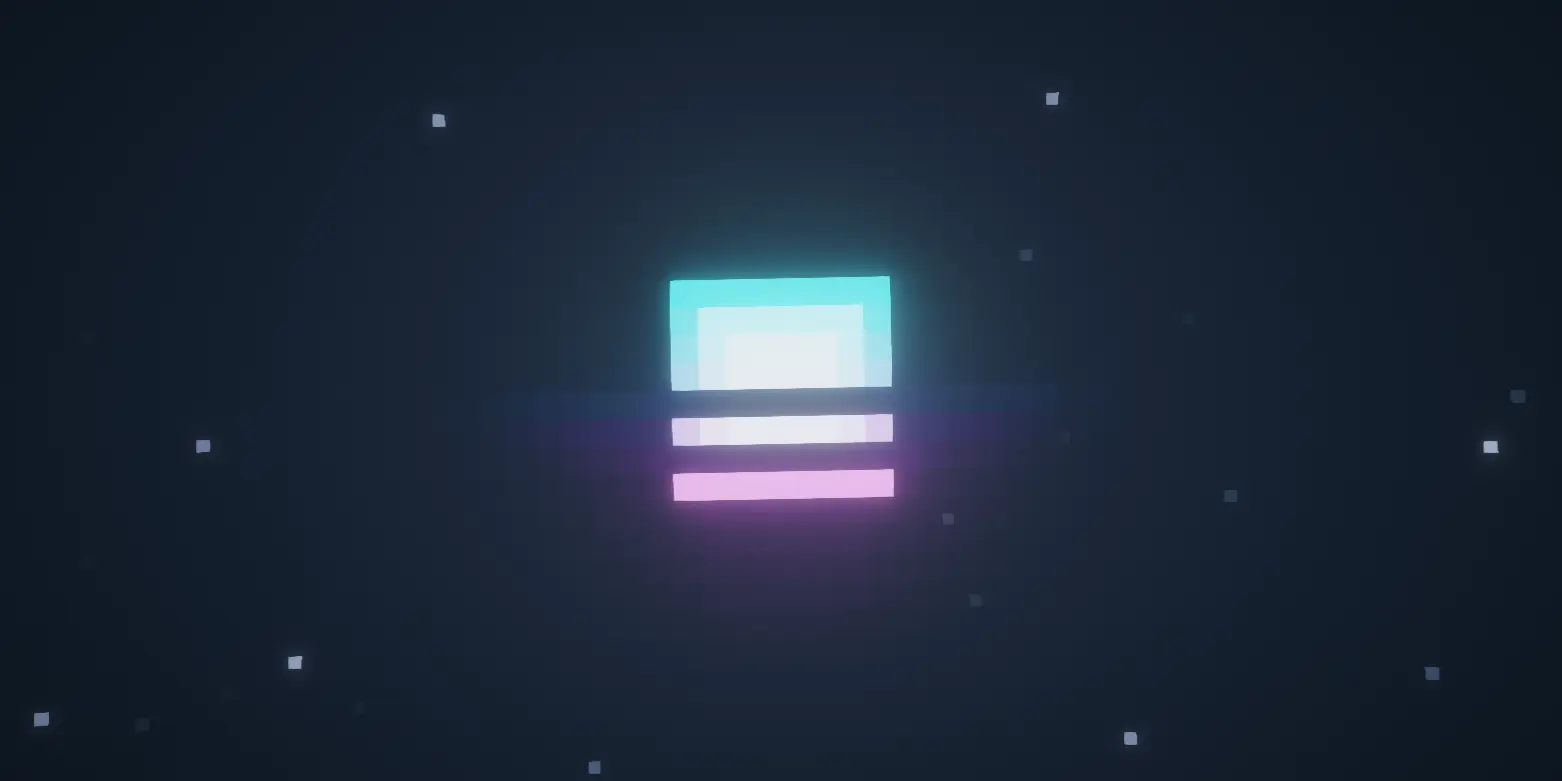
Sun and Moon Retrowave - Texture Pack is one of those small sky packs that can change the feel of a world more than you would expect. It focuses on just two parts of the sky—the sun and the moon—but because those are things you constantly see while playing, the effect is always there in the background. Instead of the default look, the pack gives them a retrowave design, which immediately pushes the world toward a more stylized, colorful, almost synth-inspired mood.
That kind of change works especially well in Minecraft Bedrock because the sky is always part of the atmosphere, even when you are not directly thinking about it. During the day, a retrowave sun can make open landscapes, city builds, roads, and beaches feel more dramatic or more “designed� instead of plain survival terrain. At night, a retrowave moon can make rooftop views, neon-style bases, or even basic travel feel cooler just because the world overhead has a stronger identity. It is a small edit, but it stays visible through almost everything you do.
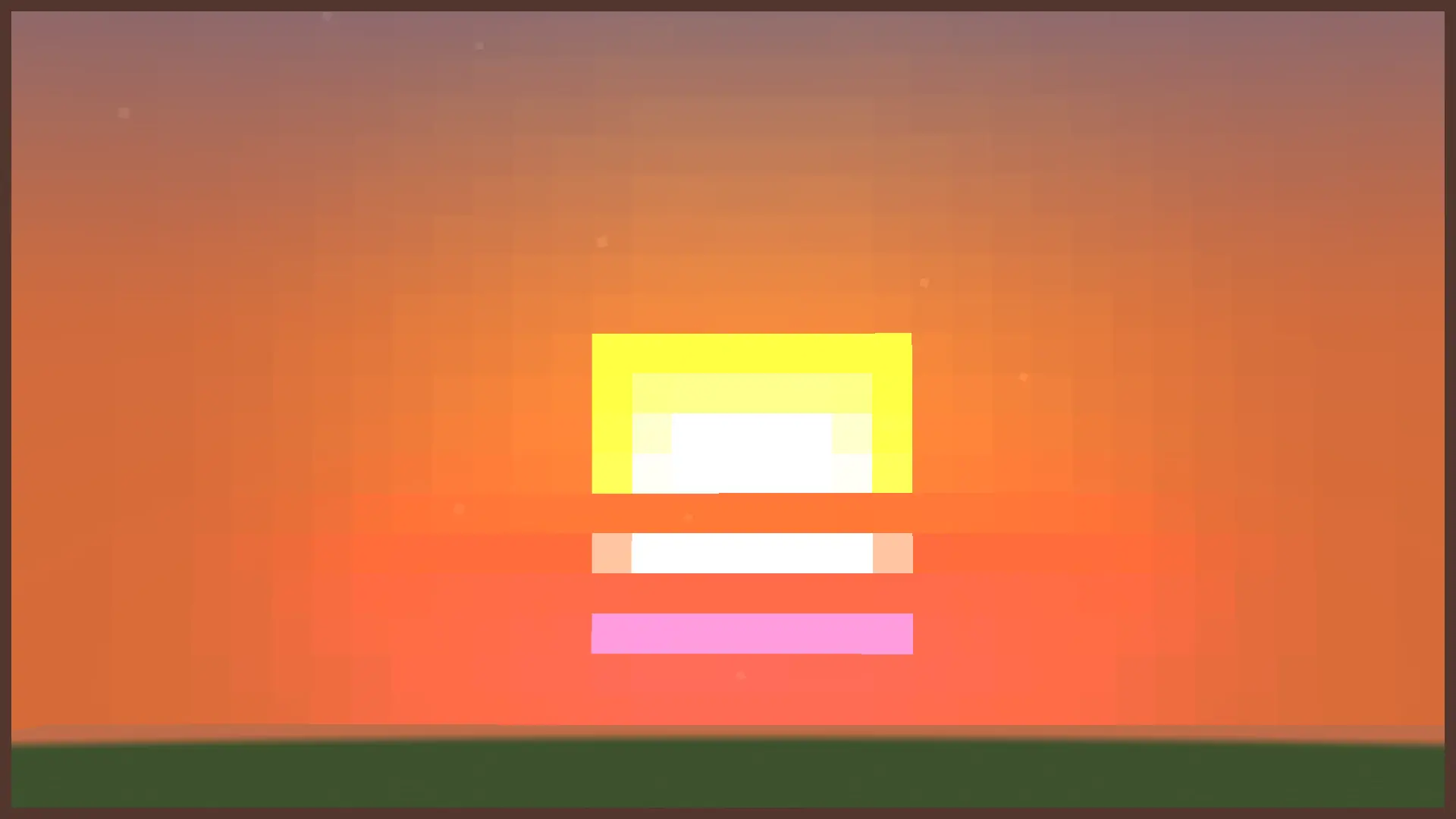
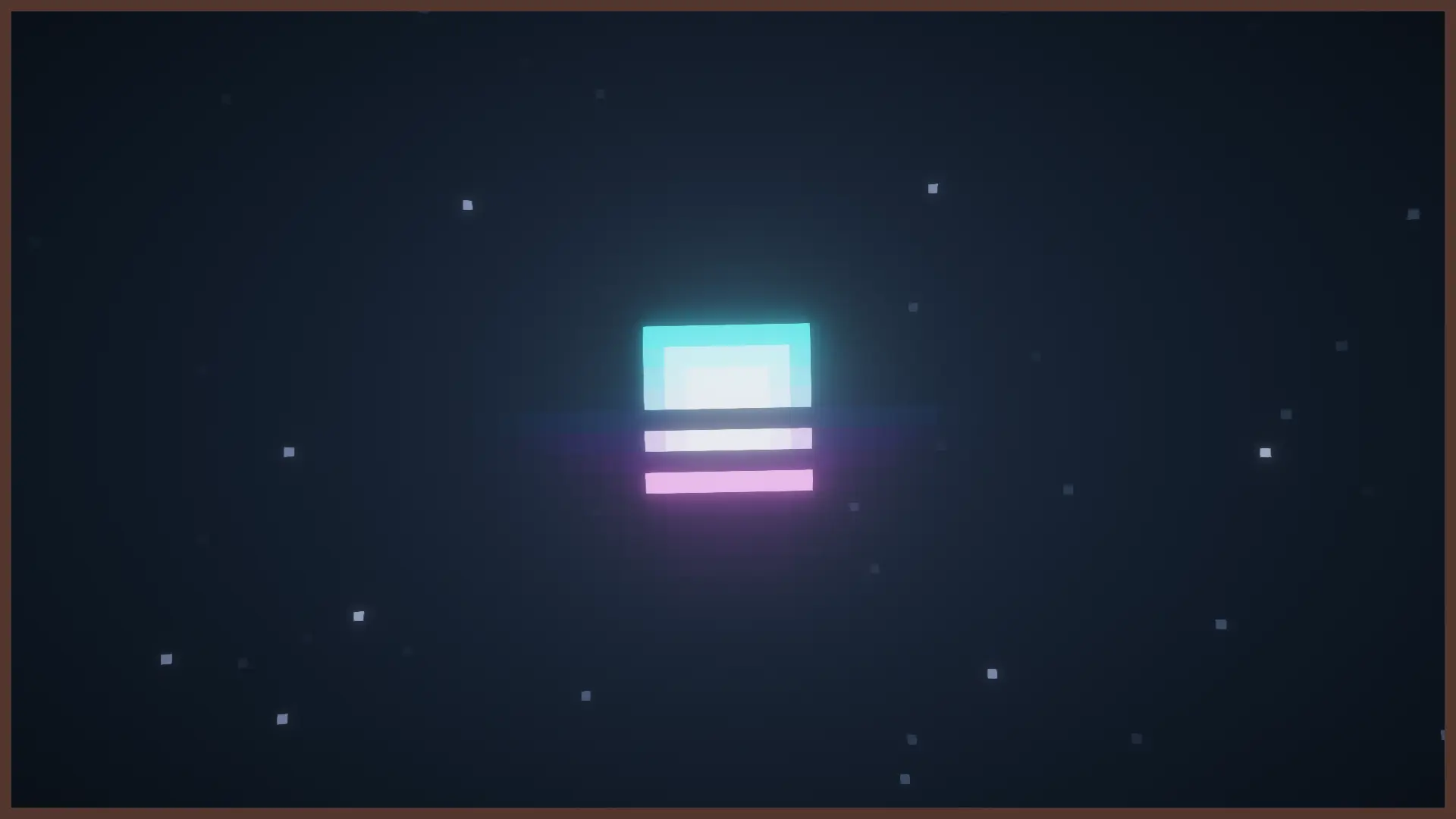
Sun and Moon Retrowave - Texture Pack is also nice because it does not try to force a huge overhaul. It keeps the idea tight and focused, which makes it easy to use in regular worlds. If you already like modern city maps, cyber-style builds, vaporwave colors, or shader setups that lean into warm sunsets and bold skies, this kind of sky texture fits naturally. Even if your world is a normal survival map, a retrowave sun and moon can still make the atmosphere feel more unique without touching blocks, mobs, or mechanics.
A good way to get the most out of Sun and Moon Retrowave - Texture Pack is to use it in places where you can actually see the sky clearly—big plains, rooftops, oceans, highways, towers, or scenic builds. That is where the retrowave design will show itself the most. Sun and Moon Retrowave - Texture Pack is a clean little visual upgrade for players who want a cooler, more stylized sky in Minecraft Bedrock while keeping the rest of the game familiar.
Installation:
- Download Texture;
- Open the downloaded .mcpack to install;
- Select texture in settings;
- Done.
Comments (0)