BlueFlare Optimizer – Texture Pack
- 29-04-2026, 12:24
- 416
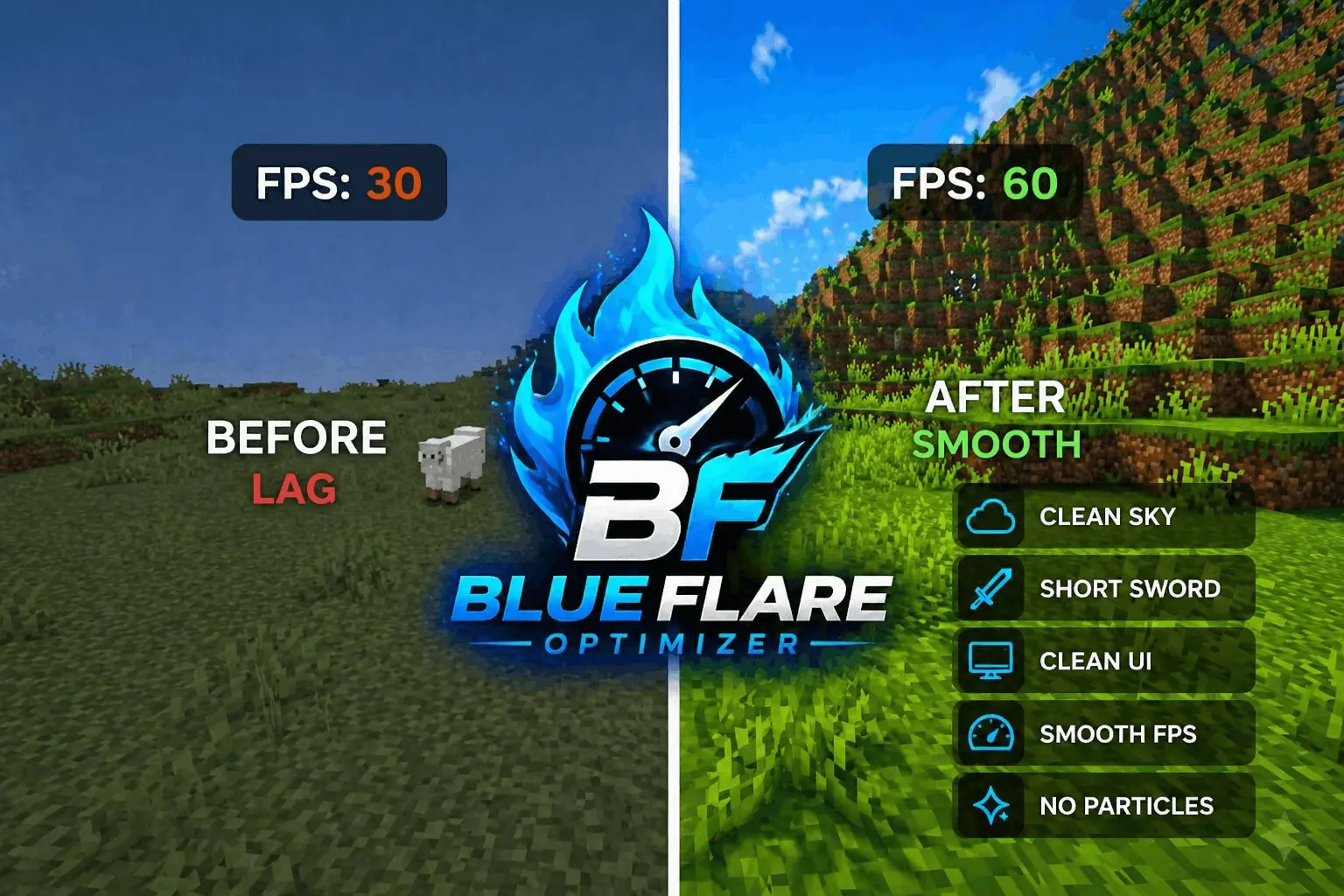
BlueFlare Optimizer - texture will give a boost to graphics performance and increase FPS. This is a special addition for PVP mode in Minecraft. BlueFlare Optimizer is a Minecraft texture pack for players who prefer a simpler look and want to reduce some of the visual effects on their screen. It changes the sky, shortens the appearance of swords, simplifies the interface and removes or reduces particles. The pack is designed with performance in mind, especially for devices that can struggle during busy gameplay. It’s also useful to consider if you play PvP and want a clearer view of an opponent without a large sword taking up as much space on the screen.

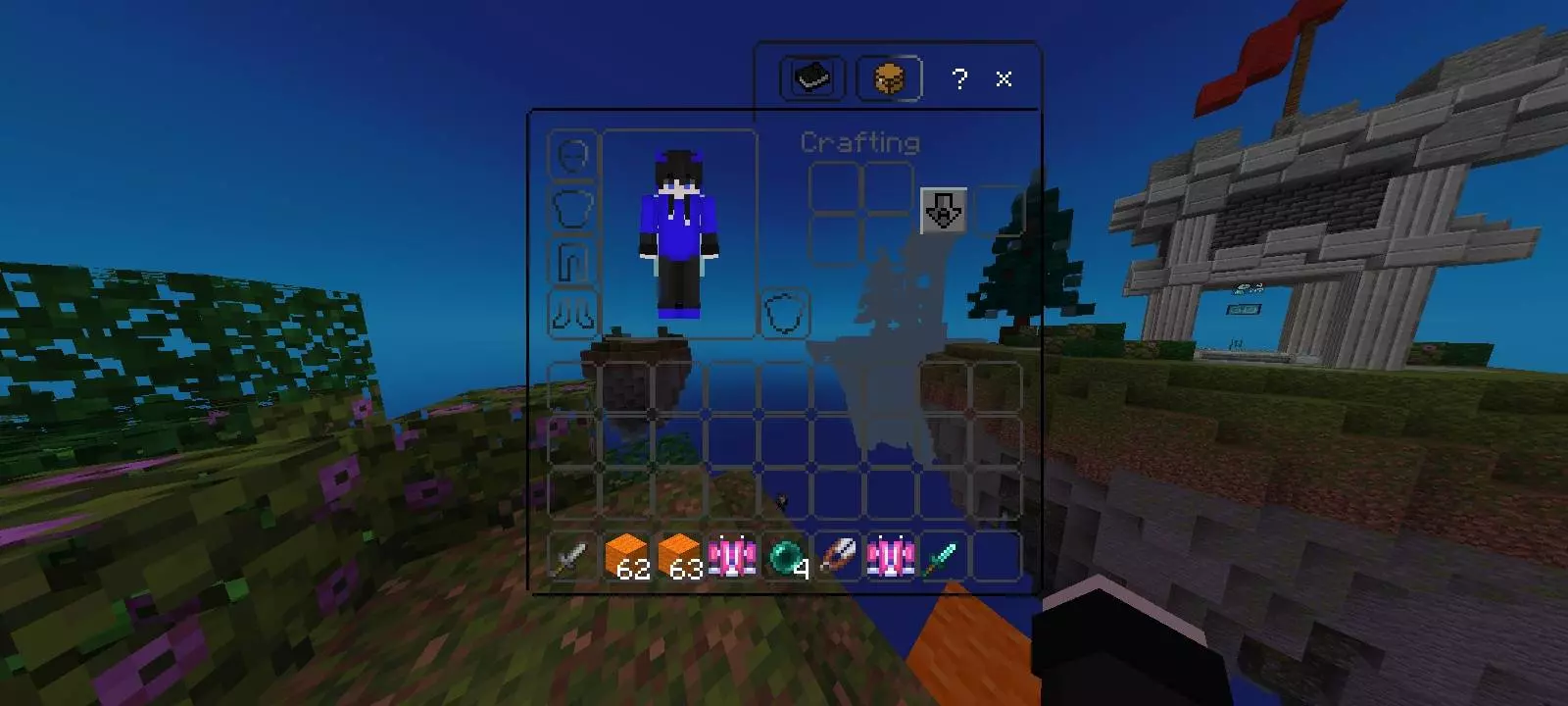
The shorter sword is an easy change to notice as soon as you equip one. In a fight, your weapon stays in view while you’re trying to follow another player’s movements, and a large model can sometimes feel distracting. BlueFlare makes the sword look more compact, leaving more room to see what’s ahead. It’s a visual change rather than a new weapon: you still use the sword as you normally would. Whether you’re fighting another player or dealing with mobs near your base, the smaller appearance can make the screen feel less crowded.
The sky has a simpler appearance too. If you like a clean look while exploring or playing on an arena, this is one of the changes you’ll probably notice when you look up. BlueFlare also gives the interface a more minimal style, which can make menus feel less busy. These changes are especially noticeable if you’re used to a pack with lots of decorative details. Spend a little time moving between your inventory and the game world to see how the new look feels. A simple interface isn’t necessarily everyone’s favorite, but it can be pleasant when you want information to be easy to read without too much decoration around it.
Another part of the pack reduces visual particles. Effects can add character to Minecraft, but during a busy moment they can also make it harder to see what’s happening. With fewer of them on screen, fights and other action may look cleaner. There is a trade-off: you may miss some visual feedback that you’re used to seeing. Try the pack in a familiar world first and pay attention to how the reduced effects feel during the activities you play most often. That will give you a better sense of whether the cleaner appearance suits you.
BlueFlare is intended to help Minecraft run more smoothly, particularly on lower-end and mid-range devices. The actual result can vary depending on your device, settings and what’s happening in the world, so it’s best to judge the difference while playing. If a crowded area or PvP match normally feels slow, try the pack there and compare how it feels. You may notice a change in performance, or you may prefer it simply because of the smaller sword and less cluttered screen.
Although the pack’s compact weapon design makes sense for PvP, you don’t have to spend all your time fighting other players to use it. The simpler sky, interface and reduced effects can also be part of an everyday survival world. Build, explore or gather resources as usual, then decide whether the visual changes make the game more comfortable for you. BlueFlare Optimizer is a straightforward option for players who want to try a cleaner Minecraft look while keeping an eye on performance.
Installation:
- Download Texture;
- Open the downloaded .mcpack to install;
- Select texture in settings;
- Done.
Comments (0)