Clear Glass | Clear And Connected Glass – Addon / Texture Pack
- 7-06-2026, 10:51
- 718
Mods 1.26 / Mods 1.20 / Textures
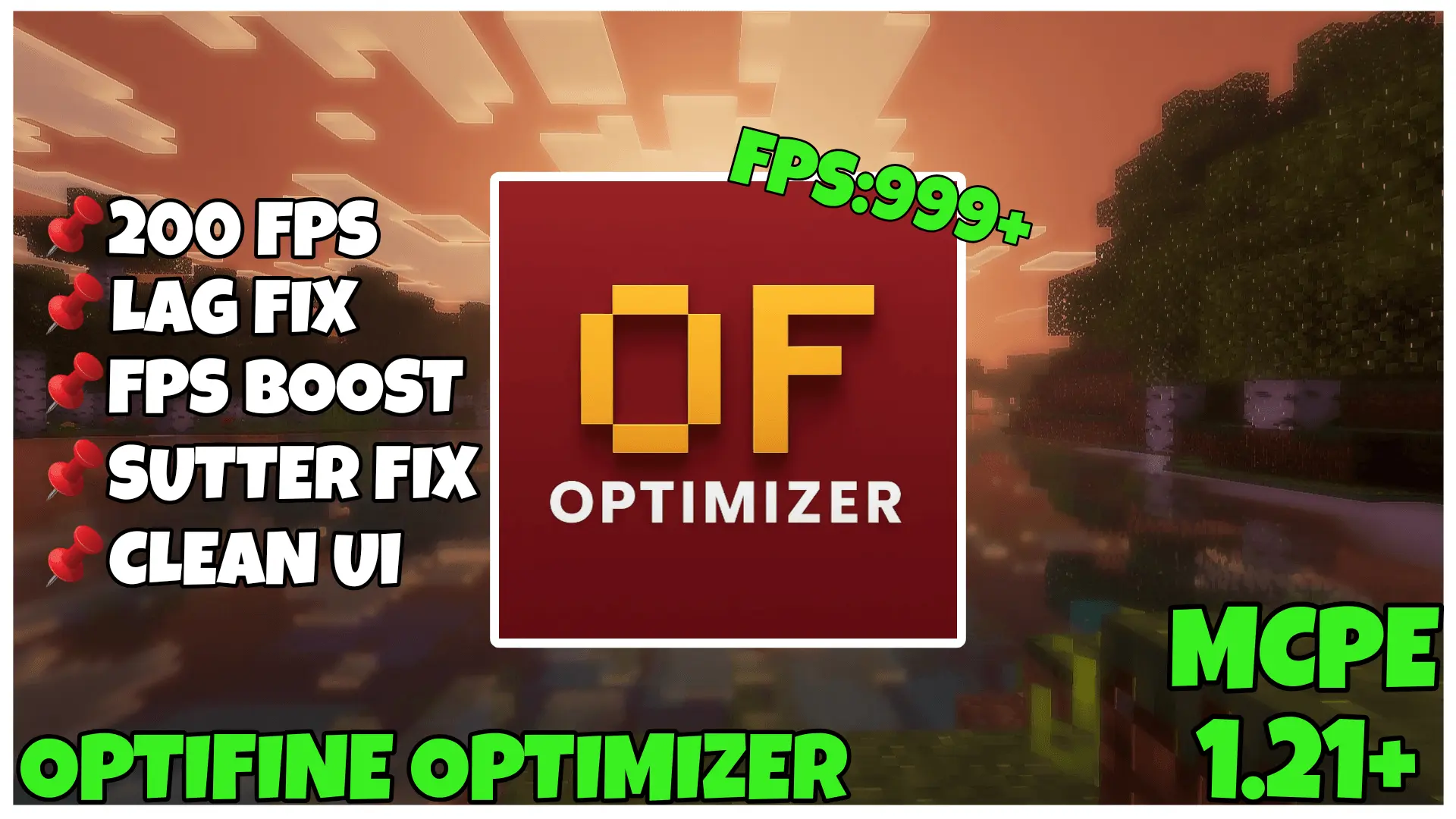
FPS Optimizer | FPS Boost Official Mod is built for one job, and it keeps that job really clear: make Minecraft Bedrock run smoother by cutting visual weight that does not need to be there. The pack is described as ultra-lightweight, which already tells you this is not trying to turn the game into some weird stripped-down mess. It is more about cleaning things up, removing extra visual load, and helping the game feel stable across different devices.
The main appeal of FPS Optimizer | FPS Boost Official Mod is that it targets the stuff that usually drags performance down during normal play. The description says it removes heavier effects like fog, particles, and animations, which makes a lot of sense for players who just want cleaner motion and less stutter while moving around the world. That kind of change is especially noticeable during regular survival sessions, where you are constantly loading terrain, fighting mobs, opening inventories, farming, mining, and traveling between builds. When the screen is not full of extra effects, the whole game can feel more responsive and less messy.

Another strong point is that FPS Optimizer | FPS Boost Official Mod is made with lightweight optimizations for the Render Dragon engine. That matters because the pack is clearly aimed at Minecraft Bedrock as it exists now, not some outdated version setup. It is also described as useful on low-end and mid-range devices, but the nice part is that it is not limited to weak hardware only. Even if someone already plays on a stronger device, the idea is still more frames, cleaner gameplay, and fewer unnecessary visual distractions during long sessions.
The pack also tries to preserve the original Minecraft look, which is important. A lot of performance packs end up making the game look ugly or overly empty, but this one is presented as keeping visuals clean and classic. That makes FPS Optimizer | FPS Boost Official Mod easier to use as a full-time pack, not just something you enable when things get bad. It is also said to be compatible with most shaders and resource packs, which is helpful for players who already have a custom setup and do not want to rebuild everything just to get better performance. If your goal is smoother survival, less lag, and a more stable Bedrock session without losing the game’s familiar style, FPS Optimizer | FPS Boost Official Mod sounds like a very practical choice.
Installation:
- Download Texture;
- Open the downloaded .mcpack to install;
- Select texture in settings;
- Done.
Comments (0)