vibrant brightness – Shader
- 1-05-2026, 08:30
- 392

vibrant brightness – Shader will improve graphics and textures in the game Minecraft Bedrock. Vibrant Brightness makes Minecraft Bedrock look brighter and more colorful, but its most useful feature becomes clear when you head underground. At stronger settings, the pack can help you see blocks and mobs in dark areas without placing a torch every few steps. It’s a handy option if you enjoy exploring caves but find yourself constantly squinting at the screen to work out what’s ahead.
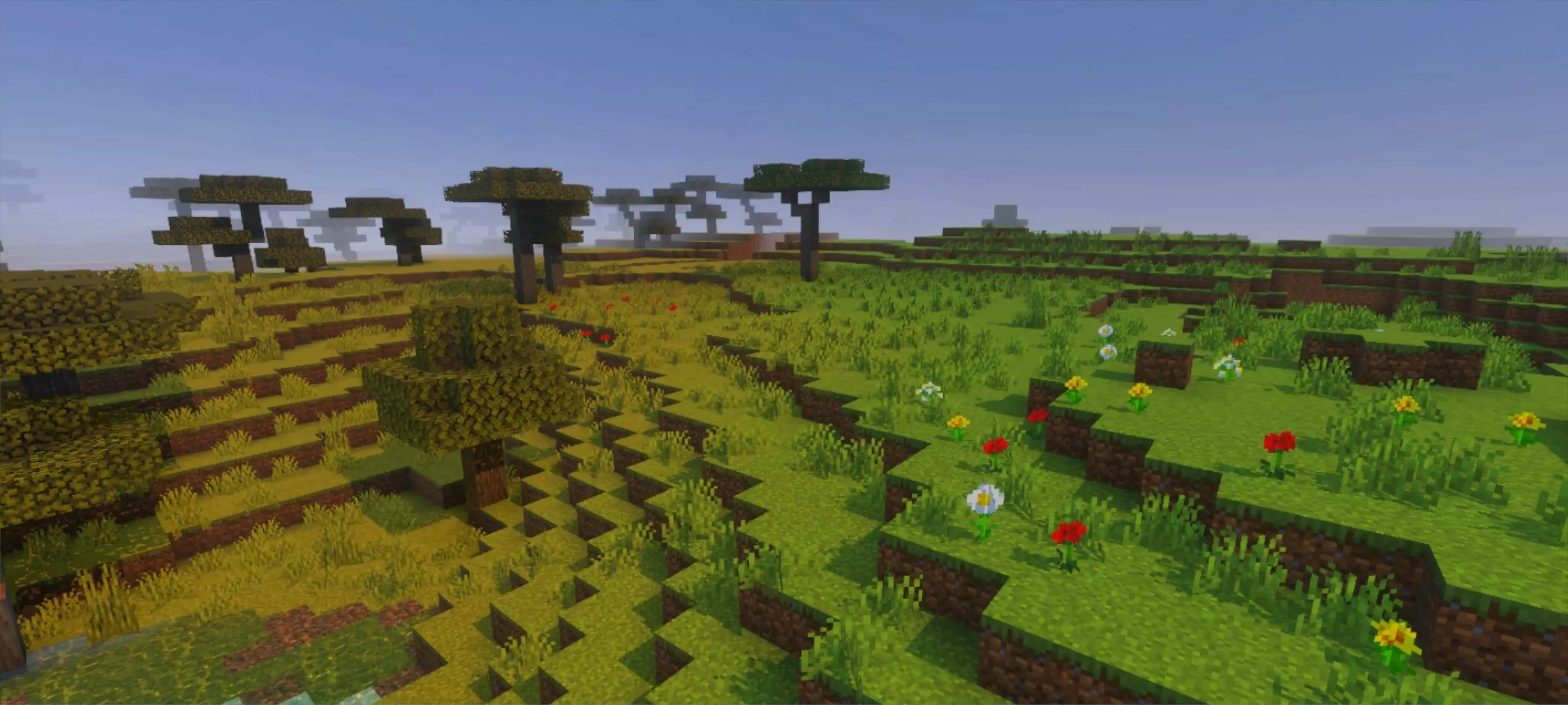


The pack lets you choose between different levels of the effect before entering your world. If you just want a brighter appearance, start with a weaker setting and see how it feels. If dark caves are the main reason you’re trying the pack, you can choose a stronger level and compare the difference. There’s no need to settle on the strongest option straight away: take a short trip around your base, then visit a cave or wait until night and decide whether you want to adjust it. The amount you prefer will depend on how bright you like the game to look and how much of the usual darkness you want to keep.
Mining is where the extra visibility can be particularly convenient. Imagine following a cave deeper underground and coming to a wide opening. You can look around for useful materials without stopping to place a torch at every turn. That said, being able to see the cave doesn’t make the dangers disappear. A creeper is still a creeper, and a deep drop can still ruin a mining trip, so it’s worth paying attention to where you’re going.
Torches can still be useful even when you can see without them. You might place them to mark a route back to the entrance, decorate an underground base, or light areas where you don’t want hostile mobs spawning. Vibrant Brightness changes what you see; it shouldn’t be treated as a replacement for lighting up a safe area. That distinction matters if you’re building a home underground: a room that looks bright on your screen may still need actual light sources in the game. Bring a few torches along, even if you don’t need as many just to find your way.
Above ground, the pack gives your world a brighter, more vibrant appearance. That can be appealing when you’re working around your base, tending crops, or traveling between villages. The effect isn’t limited to a particular building style, so you can try it in a long-running survival world as easily as in a new one. If you’ve spent a lot of time building with different materials, walk around your house and see how they look with the setting you’ve chosen. You may prefer a gentler level for everyday play and a stronger one when you’re planning a long underground expedition.
Vibrant Brightness is a straightforward choice for players who want both a more colorful world and help seeing in darker places. It doesn’t add a new challenge or change the goals of survival; you can keep exploring, building, and collecting resources as usual.
Installation:
- Download Shader;
- Open the downloaded .mcpack to install;
- Select texture in settings;
- Done.
Comments (0)