Rounded UI | Light – Resource Pack
- 1-05-2026, 11:04
- 288

Rounded UI | Light is a great add-on with a new GUI menu for Minecraft Bedrock.
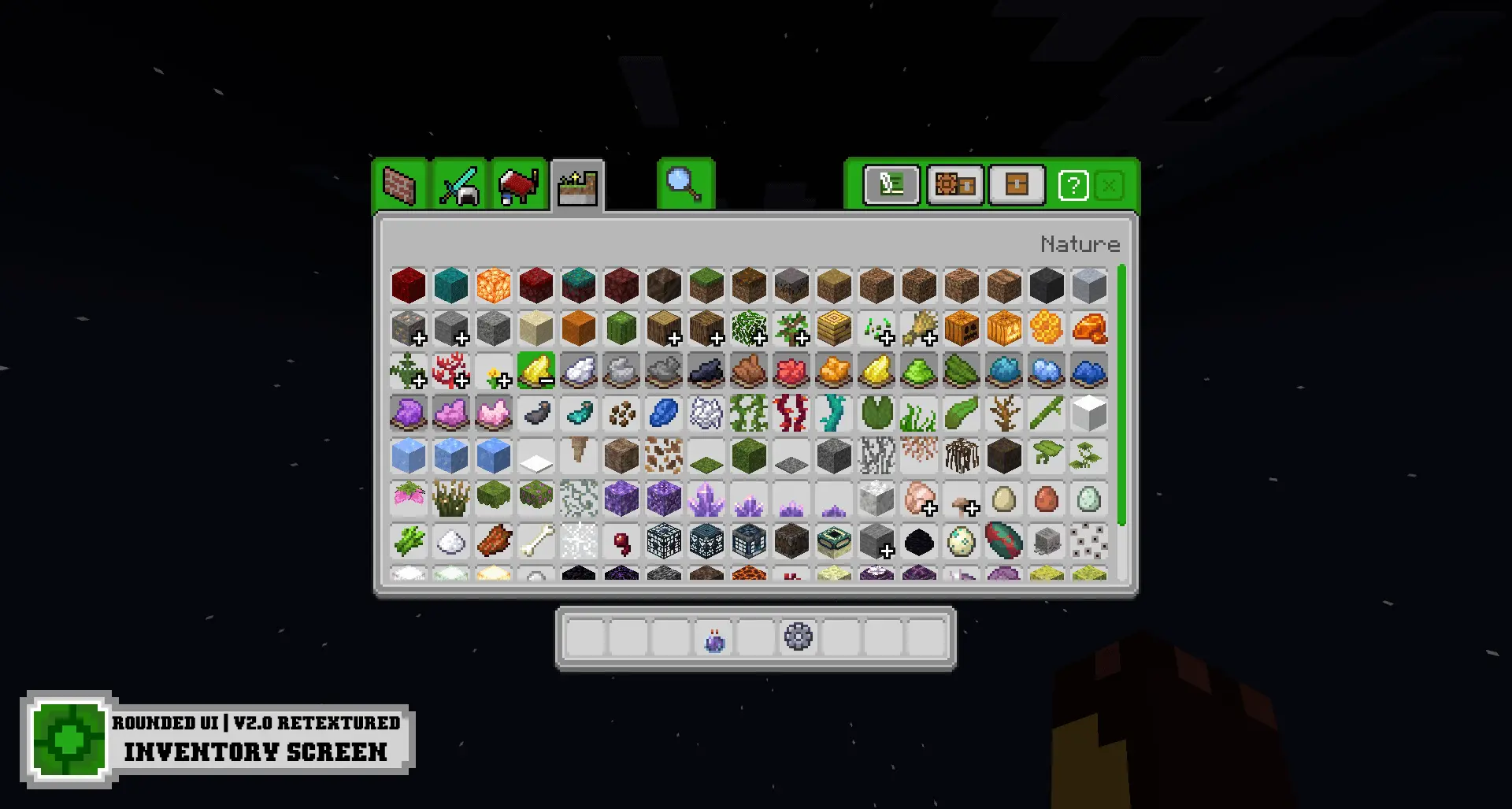
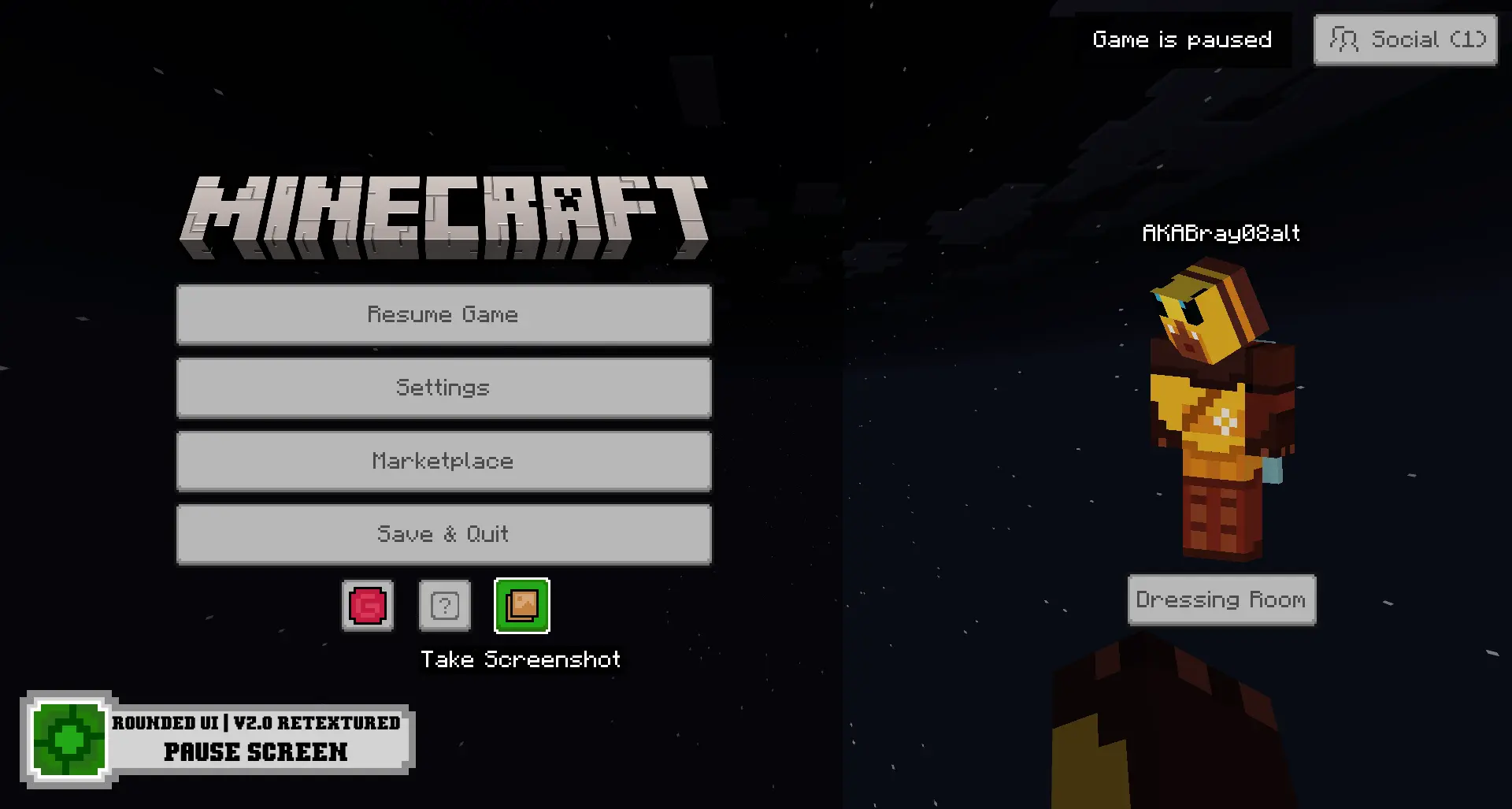
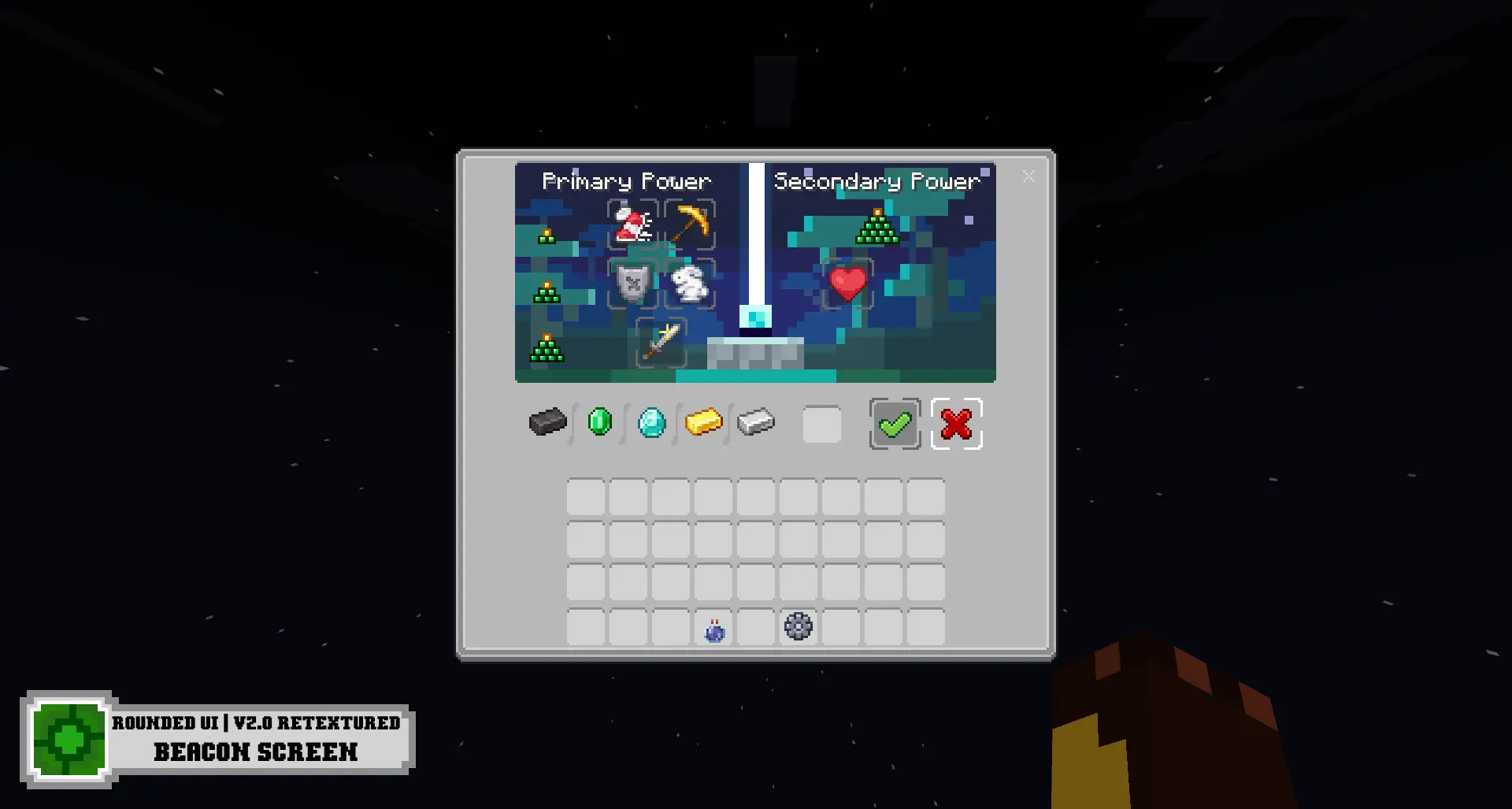
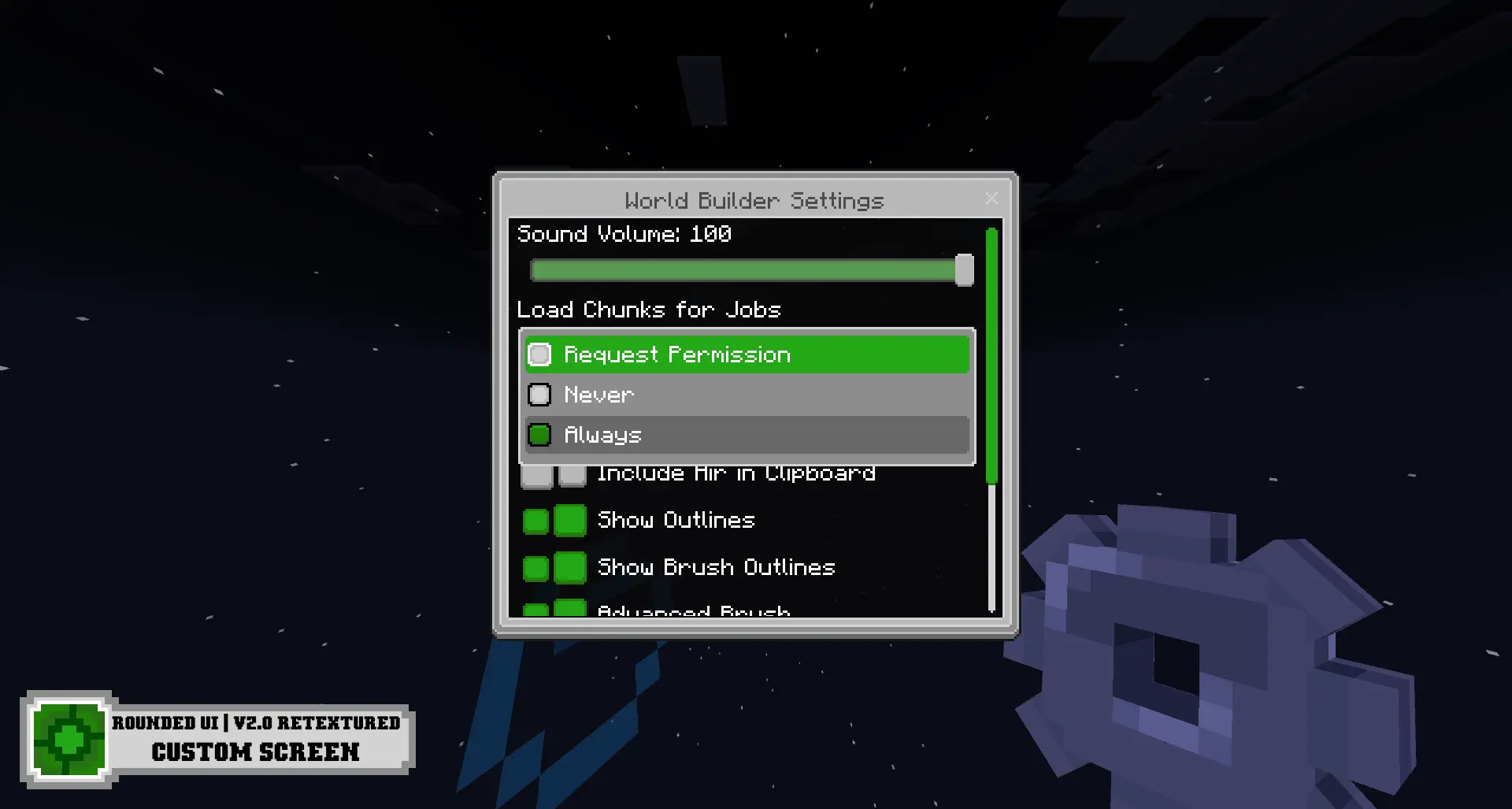
Rounded UI | Light gives the Minecraft Bedrock interface a softer appearance. The pack replaces the sharp corners found throughout the menus with rounded shapes and uses a light theme. You’ll notice the difference when choosing a world, opening your inventory, crafting, or pausing the game. It’s a small visual change compared with a pack that redesigns the whole world, but the interface is something you use constantly, so it doesn’t take long to see the difference.
The play screen is a good place to start. Before entering a world, you’ll see the pack’s rounded style in the menu where you choose what to play. It gives that familiar screen a fresh look without asking you to learn a different game. Once you’re in your world, open your inventory and crafting screen to see the same style carried into the menus you use during play. Whether you’re making a pickaxe at the beginning of a new survival world or sorting through materials for a large build, those screens are part of the routine. Rounded UI | Light makes them feel a little different each time you open them.
The crafting screen is especially useful to look at because most players spend a fair amount of time there. You might open it to make a few torches before exploring a cave, then come back later to craft tools, food, or blocks for your house. The rounded design changes the presentation of that familiar workspace while leaving the purpose of the screen easy to understand. The inventory follows the same idea: you still manage your items there, but the surrounding interface has a lighter, softer look. If you’ve played Minecraft for years, that change can be noticeable without making the game feel unfamiliar.
The pause screen gets the same treatment, so the style carries through when you step away from your world to check an option or take a break. There’s also a redesigned beacon screen, a detail you may not see immediately in a new survival world but can appreciate once you’ve built a beacon. It’s nice that the rounded look appears in more than just the first menu you see. As you move between screens during an ordinary session, the pack gives them a more consistent appearance. That consistency is useful if you enjoy customizing Minecraft and want the interface to match the rest of your setup.
It gives the interface a different mood from a dark design, and the rounded edges make the panels feel less rigid. Personal preference matters here: some players like the familiar square look, while others enjoy an interface that feels a little softer. Rounded UI | Light is aimed at the latter group. You don’t need to change your building style or start another world to enjoy it, because the differences are visible whenever you open the relevant menus.
This is a resource pack for the interface, so its appeal comes from the screens you interact with rather than new mobs or survival challenges. It’s easy to appreciate during normal play: choose a world, organize your inventory, make something at a crafting table, and pause when you’re done. If you like the idea of refreshing those everyday parts of Minecraft while keeping the game itself familiar, Rounded UI | Light offers a simple way to do it.
Installation:
- Download Resource Pack;
- Open the downloaded .mcpack to install;
- Select texture in settings;
- Done.
Comments (0)