Vibrant Normals – Shader
- 4-05-2026, 08:35
- 433
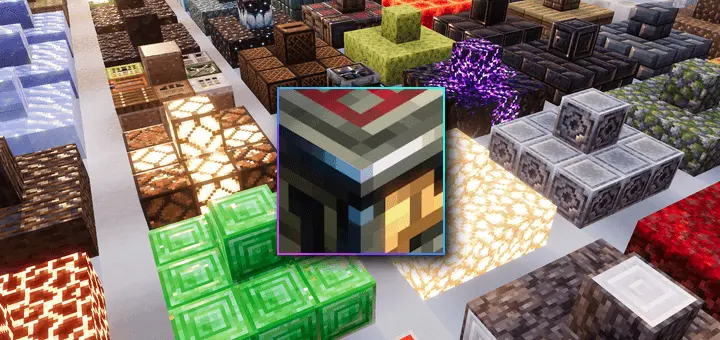
Vibrant Normals - a new version of bright and improved Minecraft shaders. Vibrant Normals gives Minecraft Bedrock’s blocks more surface detail through handcrafted normal maps. Built for Vibrant Visuals, it adds a sense of texture and depth while keeping the familiar pixel art at the center of the look.
The pack is an adaptation of Vanilla RTX Normals, bringing its material work to the Vibrant Visuals graphics mode. Its main feature is a set of hand-drawn 16x normal maps covering vanilla blocks, including those used in survival, creative building, and hidden technical content. Normal maps change how lighting responds across a surface, creating the impression of raised and recessed details. That effect is especially relevant when you’re looking closely at a wall or floor. The block’s texture gains another way to express its pattern, with light helping individual details stand out. It’s a visual treatment you can appreciate while walking through a build, where surfaces pass close to the camera.
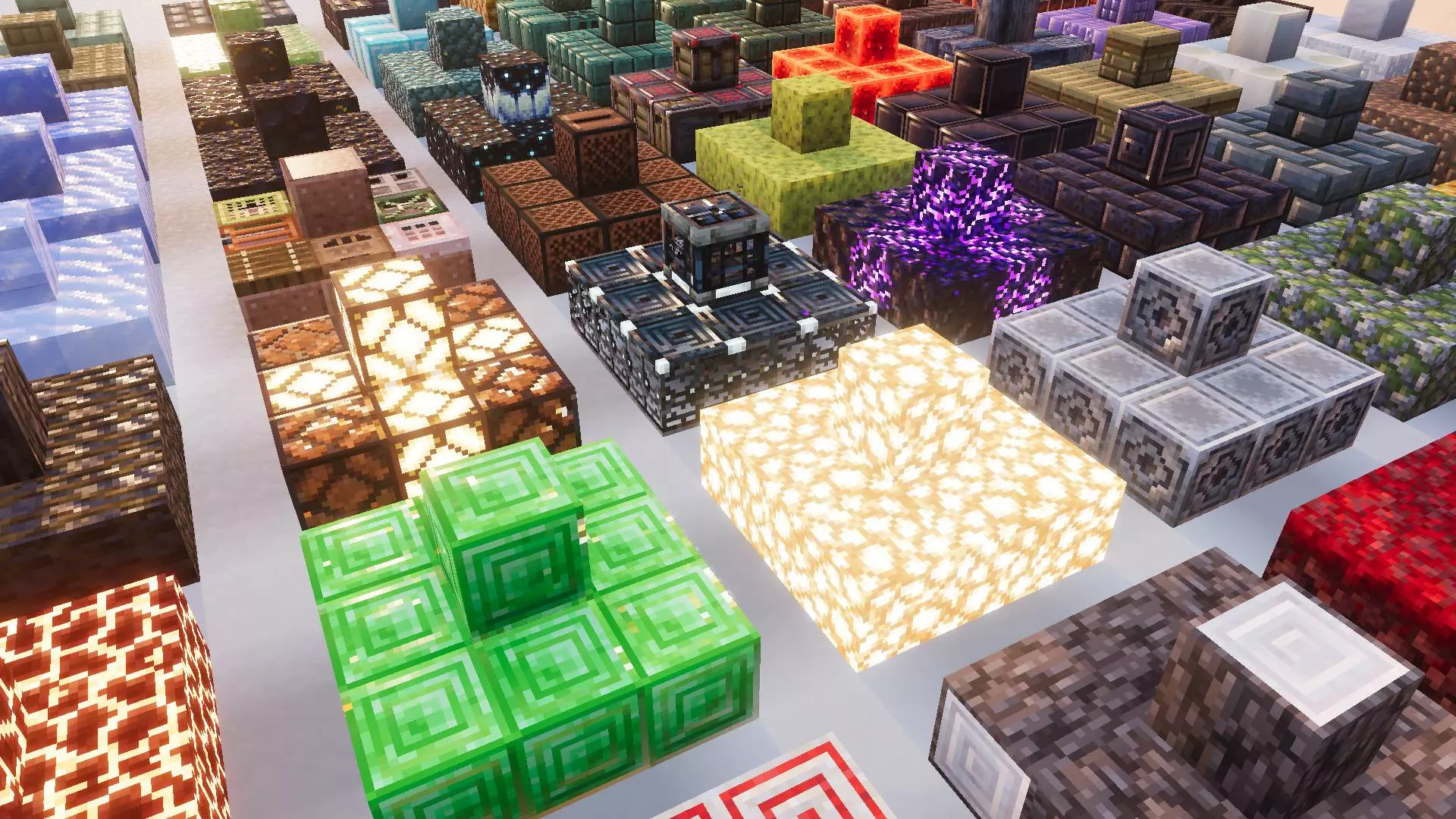
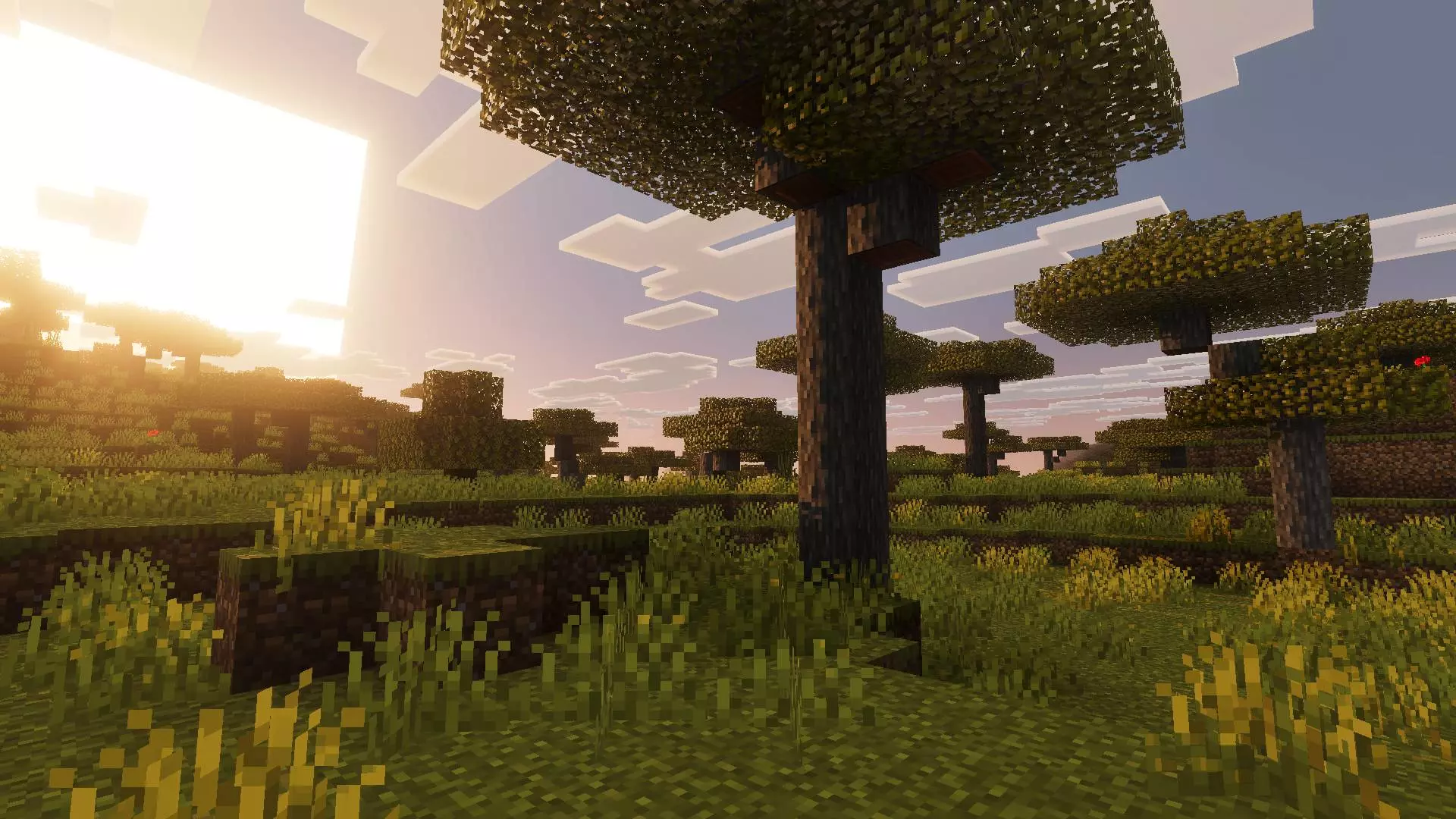
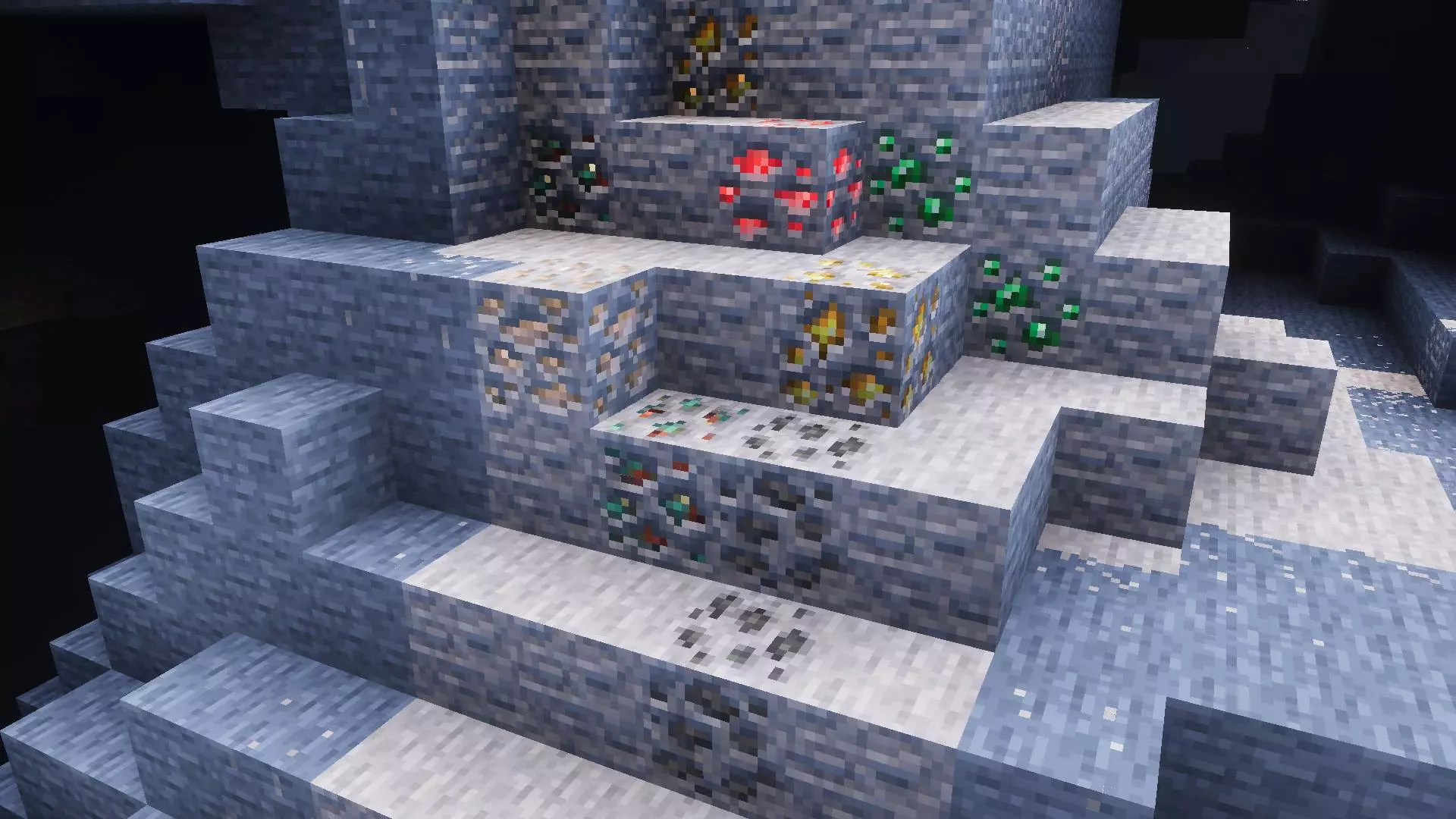
For builders, that makes material choice an interesting part of using the pack. A room with several block types gives you plenty of surfaces to compare under the same lighting. You could start with a familiar build and examine the walls, pillars, and floor from different positions. Looking along a surface can help you appreciate the relief suggested by its shading, while stepping back shows how the details fit into the larger structure. A small workshop or storage room would be enough for that comparison. You already spend time in those spaces, so even modest changes to their materials have a chance to become part of your everyday experience.
Vibrant Normals also includes detailed material properties alongside the normal maps, plus basic adjustments to default water caustics and color grading. Caustics are the light patterns seen beneath water, giving you another detail to examine around rivers, pools, and fountains. A courtyard with a water feature would bring several parts of the pack together in one place: building materials nearby, water in the foreground, and the overall color treatment across the scene. You could use a natural location just as easily. A riverbank provides a convenient place to move between close views of blocks and a wider view of the surrounding landscape.
There’s an optional way to combine its surface work with a broader lighting adjustment: the lighting-only subpack from Vanilla PBR for Vibrant Visuals is designed to work alongside it. Vibrant Normals already has its own basic visual tuning, so that combination offers another presentation to compare. The pack requires Minecraft Bedrock and hardware capable of running Vibrant Visuals. Its appeal is strongest if you enjoy Minecraft’s existing textures and want more detail when light falls across them. An established base gives you a useful starting point, since you know those rooms and pathways well. Take a walk through the places you use most, and the changes have room to speak for themselves.
Installation:
- Download Shader;
- Open the downloaded .mcpack to install;
- Select texture in settings;
- Done.
Comments (0)