Java grass – Texture Pack
- 9-05-2026, 04:10
- 496
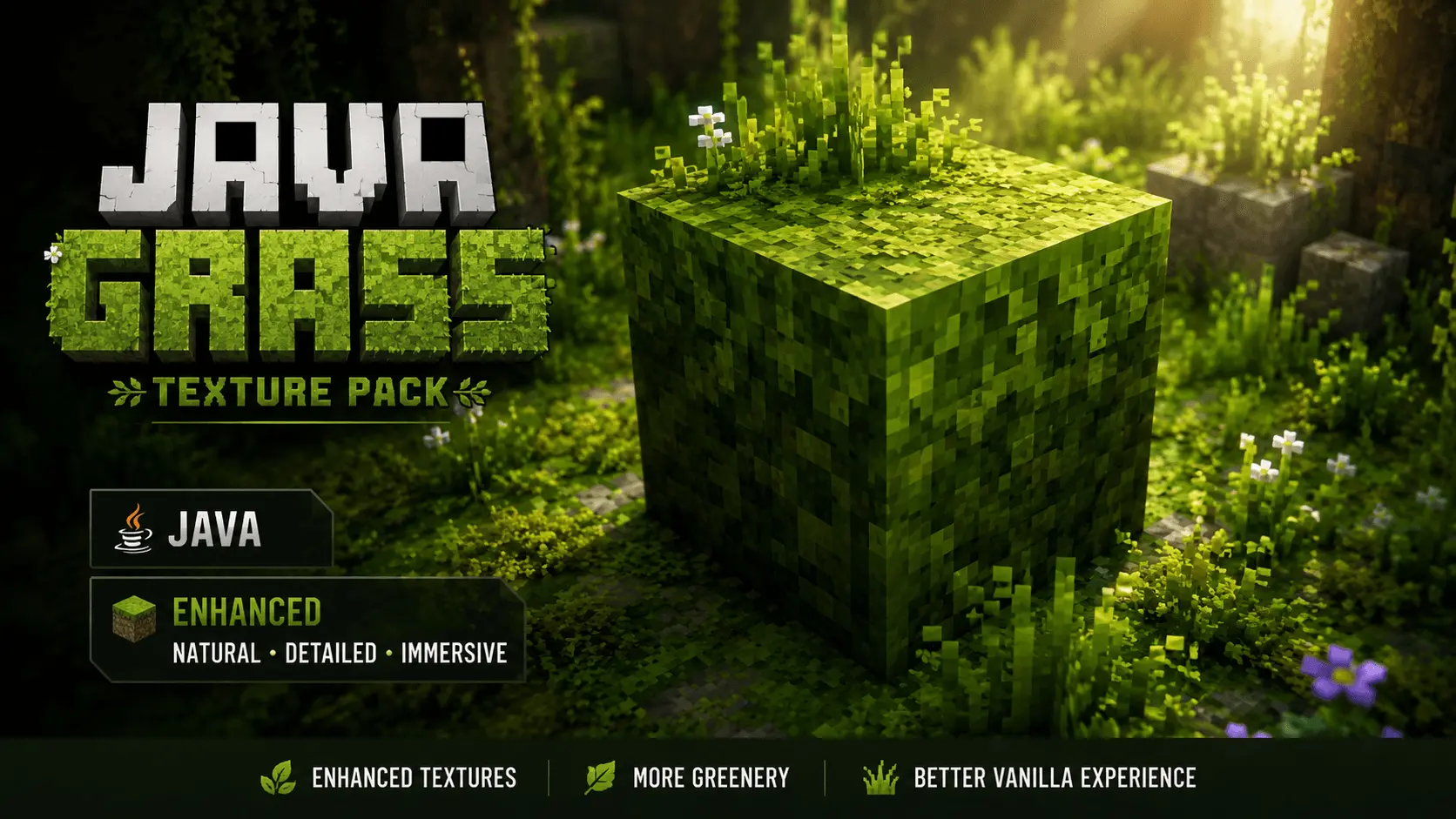
Java grass Minecraft add-on and will transfer the grass texture to Bedrock from the Java version of the game. Bedrock terrain generation looks decent from afar until you realize every rolling hillside is ruined by jagged brown dirt borders. Java Grass Texture Pack wipes out those harsh soil lines, porting clean Java-style foliage coverage straight over to your Bedrock world.
A trek across an open meadow should feel like sprinting across a massive green carpet, but vanilla Bedrock forces you to stare at ugly dirt layers on every single one-block incline. You spend all afternoon carving out a clean terraced lawn around your main survival base, only for the landscape to look fragmented because half of each turf block exposes raw brown dirt on its side profile. Java Edition veterans always had OptiFine and sodium plugins to smooth those edges out, wrapping vibrant green turf all the way down the sides of elevation shifts. Bedrock players basically had to suck it up and live with mismatched hillsides for years.
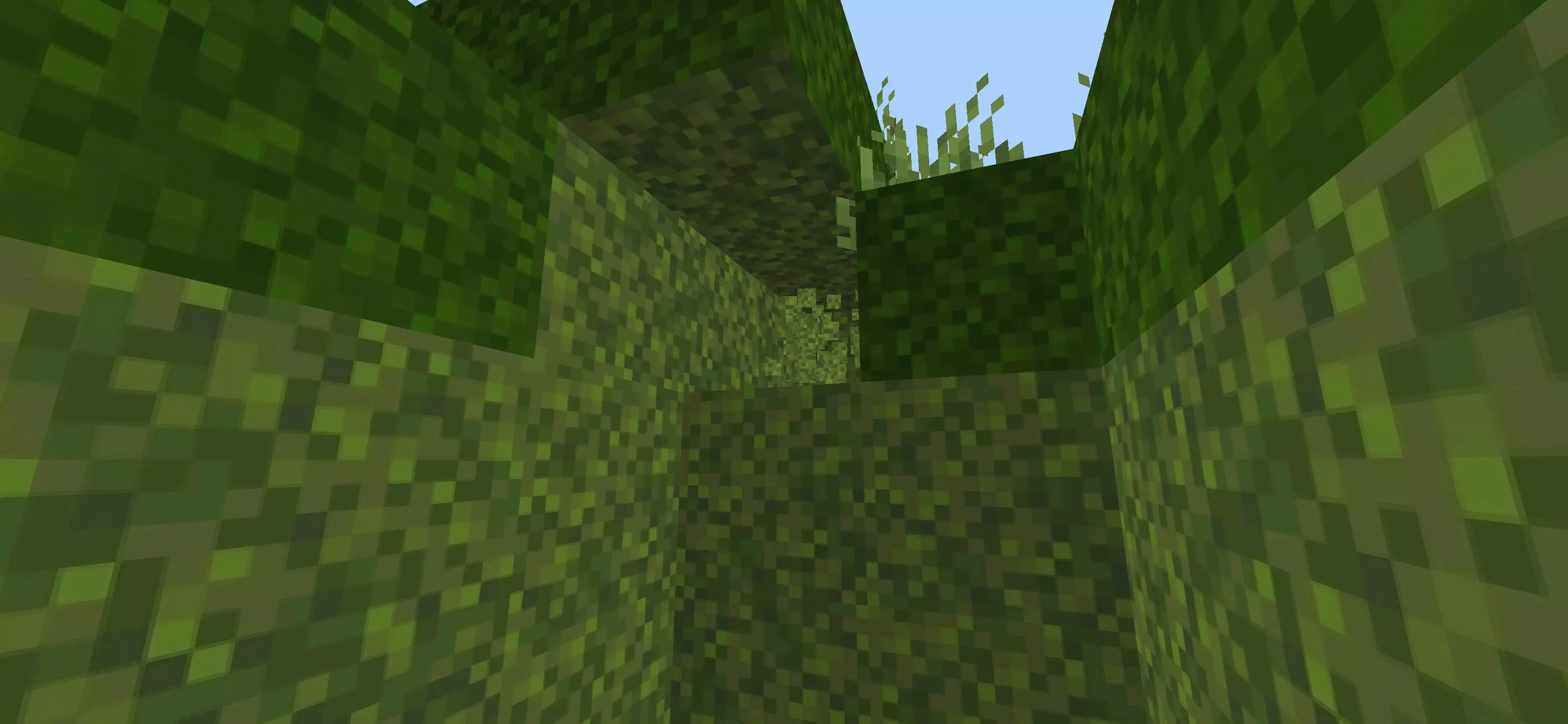
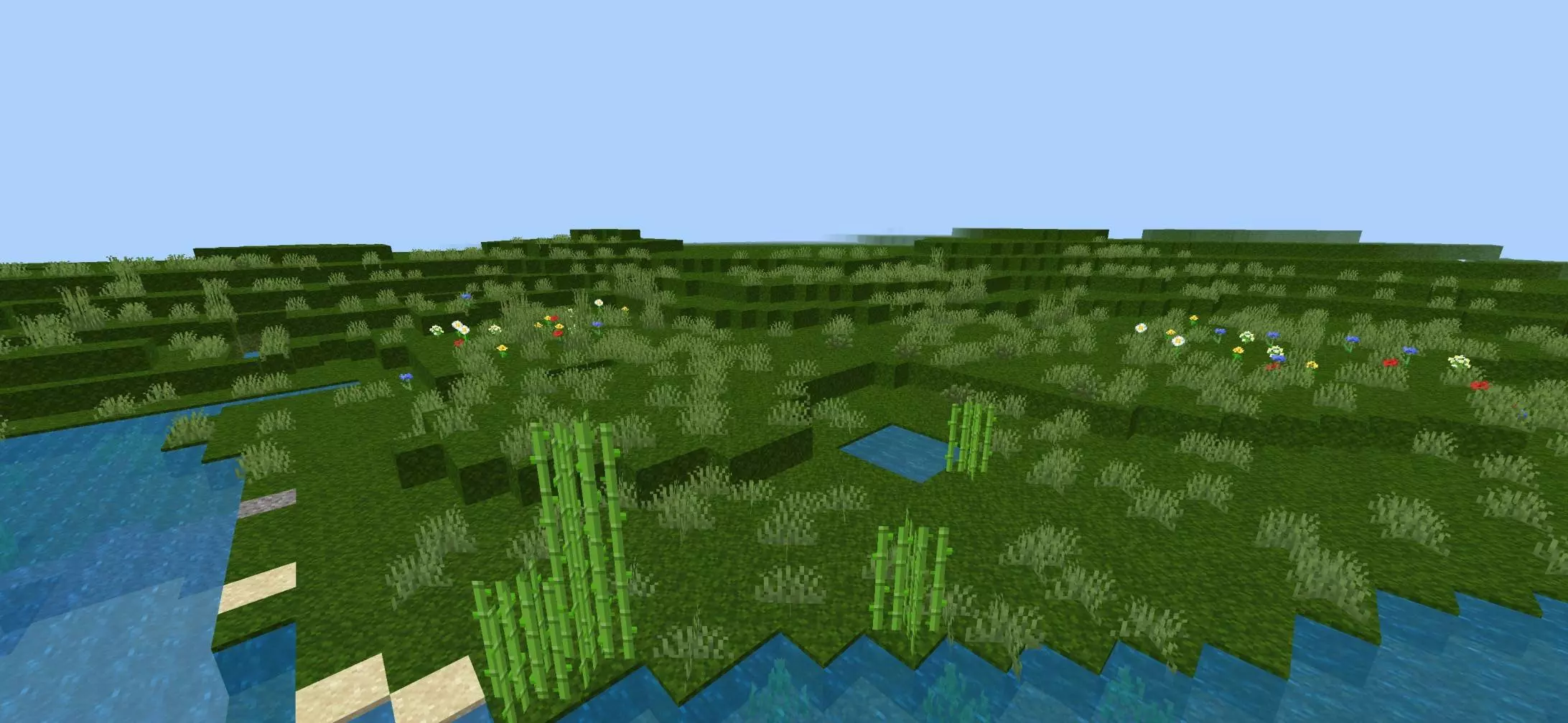
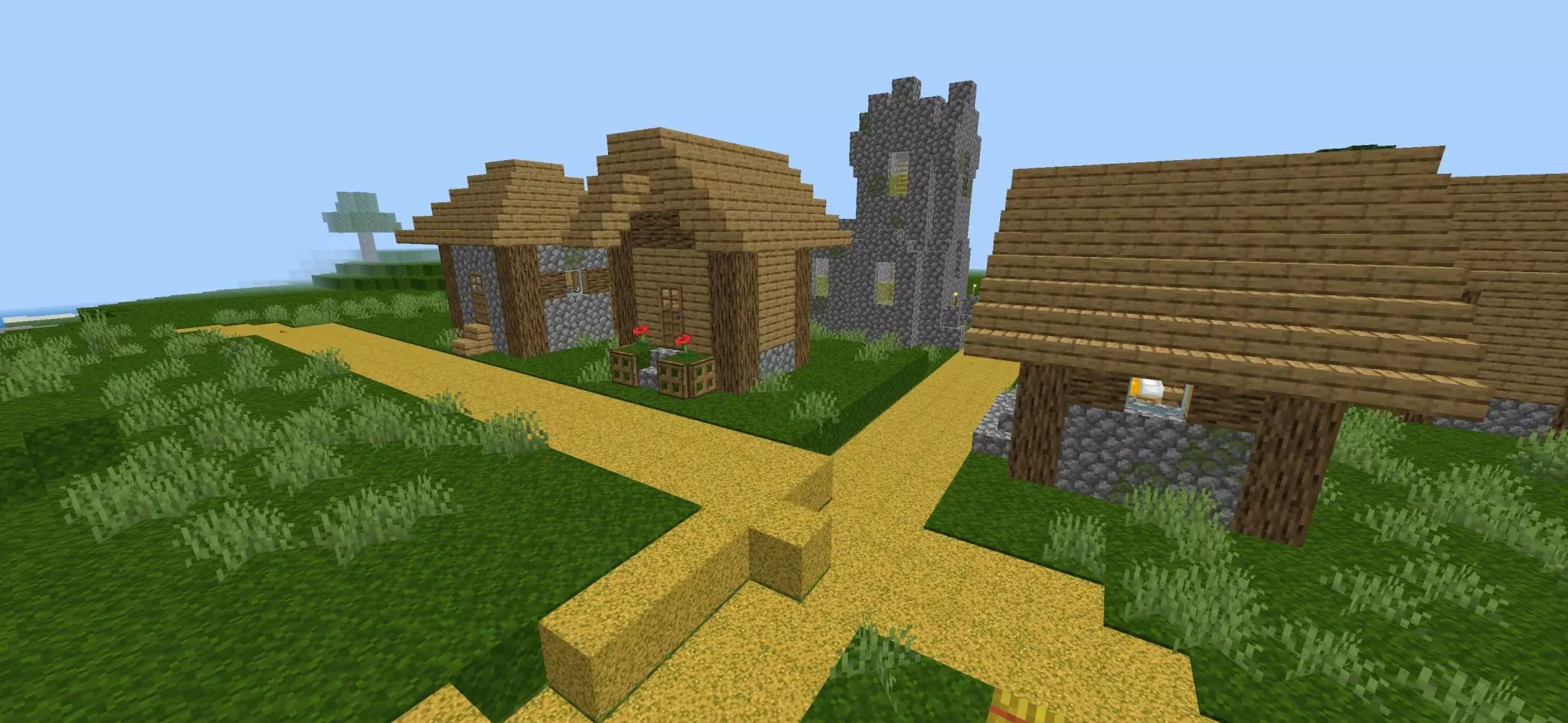
This resource pack bridges that visual gap by overhauling side-block turf behavior to match that classic full-cover aesthetic. Every sloping mountain pass, riverbank slope, and hill crest transforms into a continuous sea of lush greenery. The pack adjusts how the grass side textures render across elevation shifts, giving your hillsides that signature seamless Java roll without needing heavy render hacks. Even custom pathways cut into grassy mounds look way sharper, since your steps no longer clash against harsh dirt undercuts. Biome tinting stays locked in across plains, taigas, and jungle ridges, meaning the extended green edges match the native foliage color palette of whatever territory you claim.
Builders who obsess over terraforming get massive mileage out of this tweak. You can shape natural-looking golf courses, massive rolling pasture zones, or tiered garden courtyards without having to conceal awkward side textures beneath layers of moss carpets or green concrete powders. Castle walls and modern estates sit naturally against the hills rather than looking like they were dropped onto a chopped-up layer cake of dirt cubes. Horseback expeditions feel noticeably more cinematic because the landscape flows smoothly beneath your hooves, cutting down the visual noise that normally clutters wide render distances.
Performance stays completely untouched since this tweak operates purely at the texture level instead of injecting messy scripts or heavy shader calculations. Budget smartphones, portable gaming handhelds, and home consoles run the files without dropping a single tick during fast travel or high-speed elytra flights. You can layer it directly on top of your favorite vanilla-plus resource setups without causing UI glitches or weird rendering conflicts across nearby foliage blocks.
The installation routine takes ten seconds through your standard file manager. Open the mcpack to launch the automatic import routine into Bedrock, toggle the pack to the top of your active resource stack, and load into your world. Strip away those ugly dirt stripes and give your hills the seamless green finish they should have had from day one.
Installation:
- Download Texture;
- Open the downloaded .mcpack to install;
- Select texture in settings;
- Done.
Comments (0)