Skyblock Chest Challenge Map
- 6-05-2026, 04:31
- 1 075
Adventure Maps / Creation Maps / Custom Terrain Maps / Minigame Maps / Survival Maps
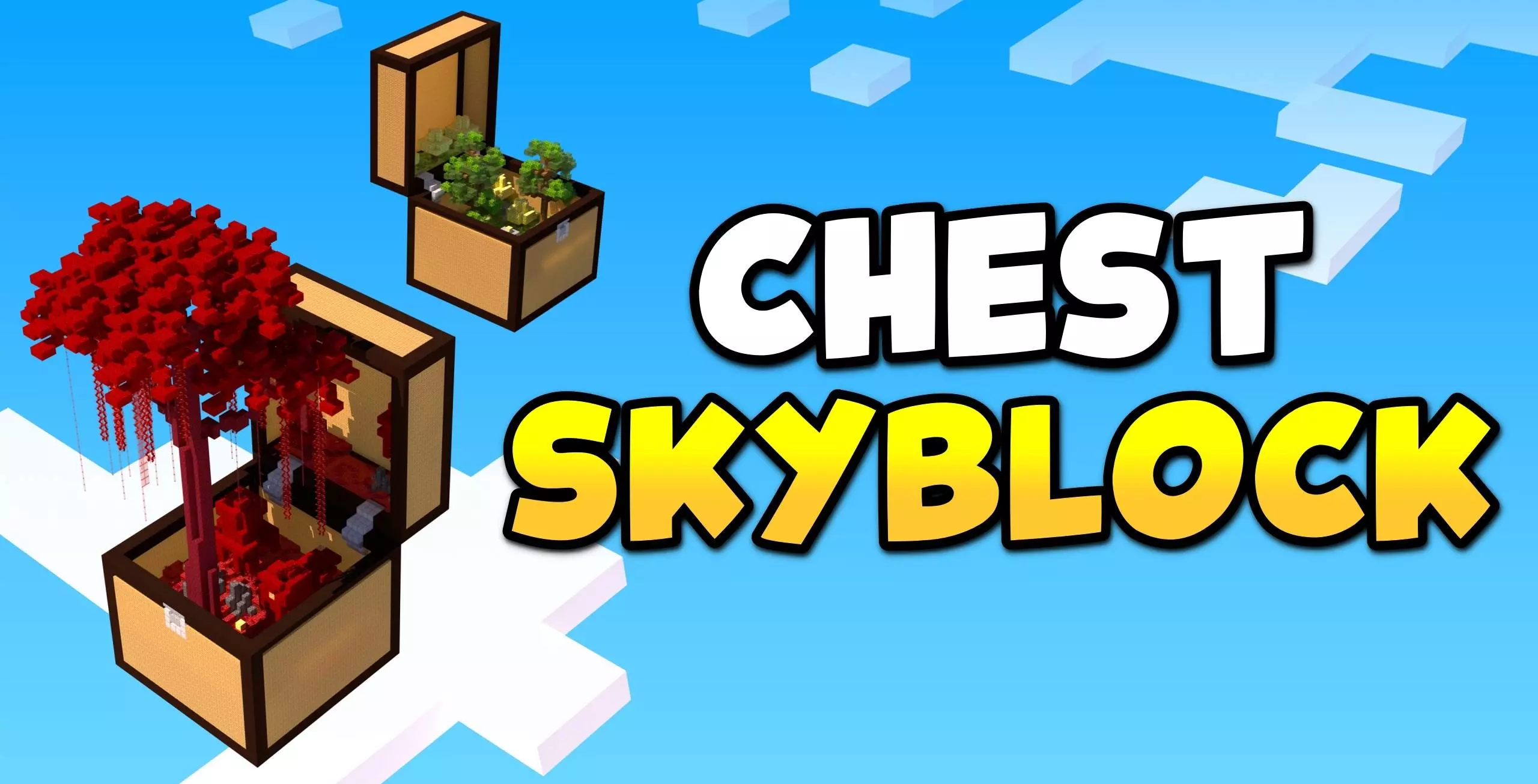
Skyblock Chest Challenge Map takes the classic skyblock idea and makes it feel way less predictable. Instead of sitting on one tiny island doing the same early-game steps every time, you’re dropped into a world where small and big chests are the main hook. Each chest can hold different biomes and secrets, which turns the whole map into an exploration-driven survival run.
In practice, that means your progress comes from curiosity as much as grinding. You’re not just farming resources and waiting for the next step to unlock itself—you’re moving, scouting, and deciding which chest to tackle next. Some chests will feel like quick wins, and others will look like bigger commitments, the kind you save for when you’re ready to handle surprises. That “what’s inside?� feeling stays strong because the map is built around variety, not a single repeating loop.
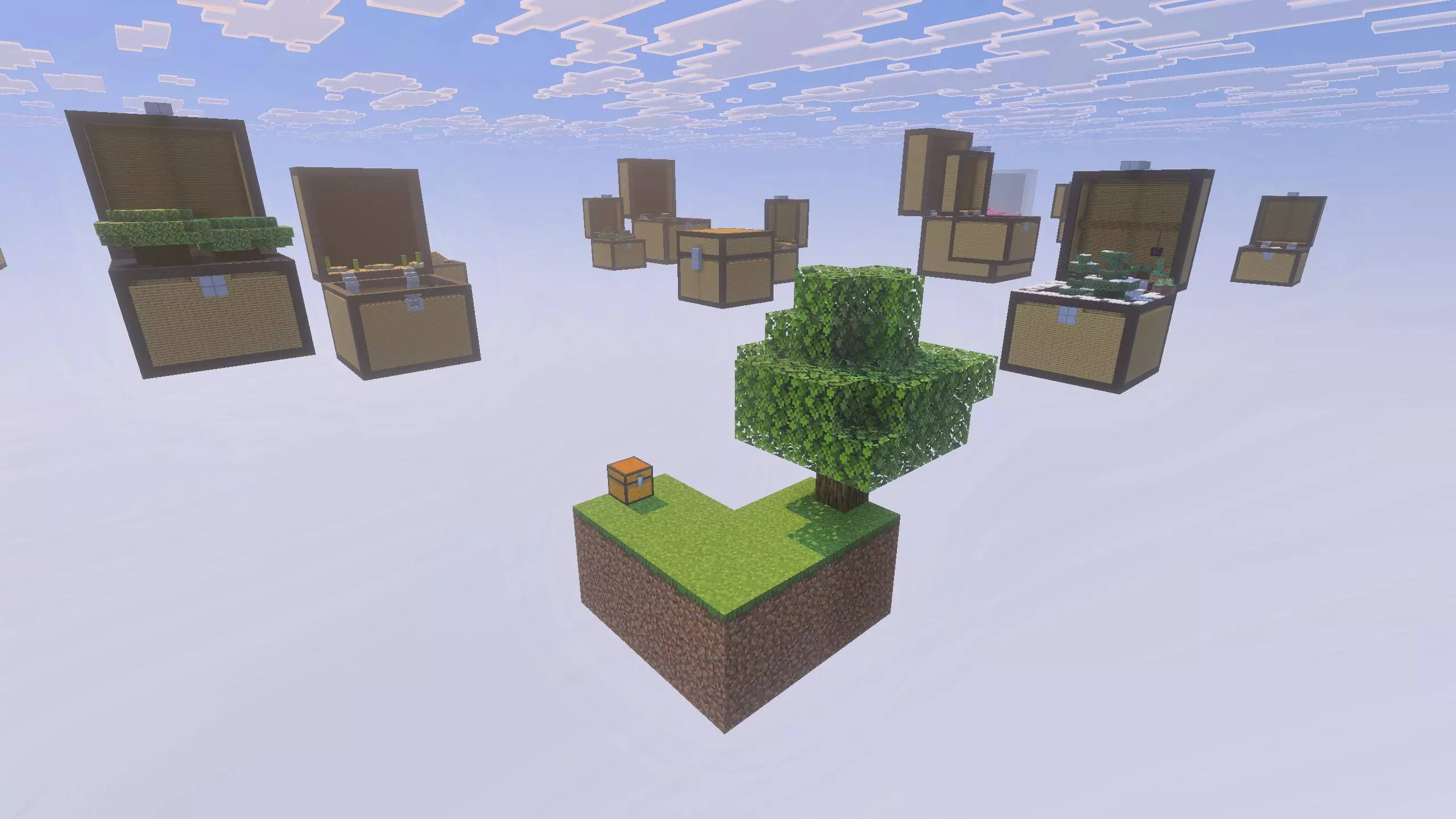
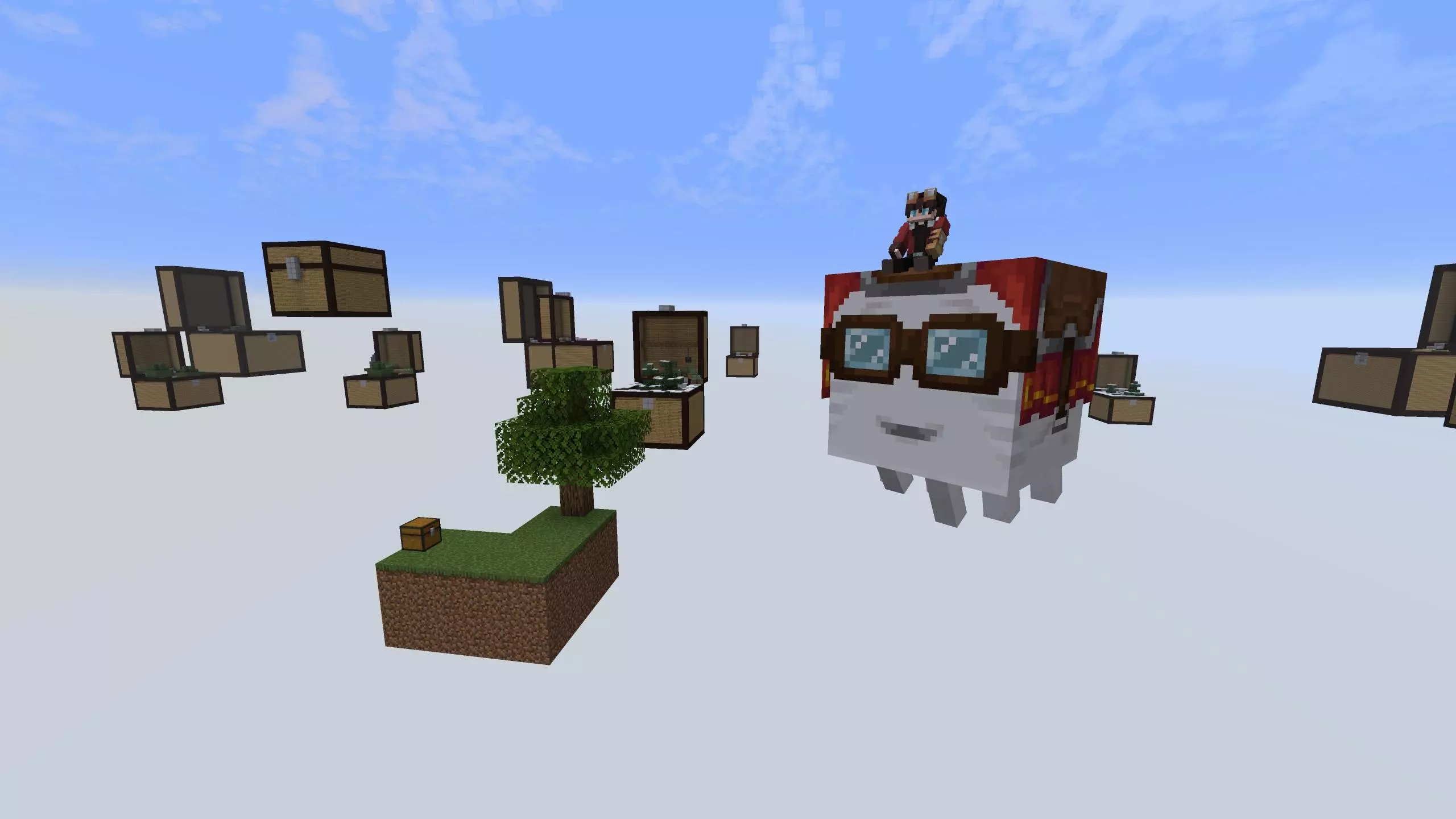
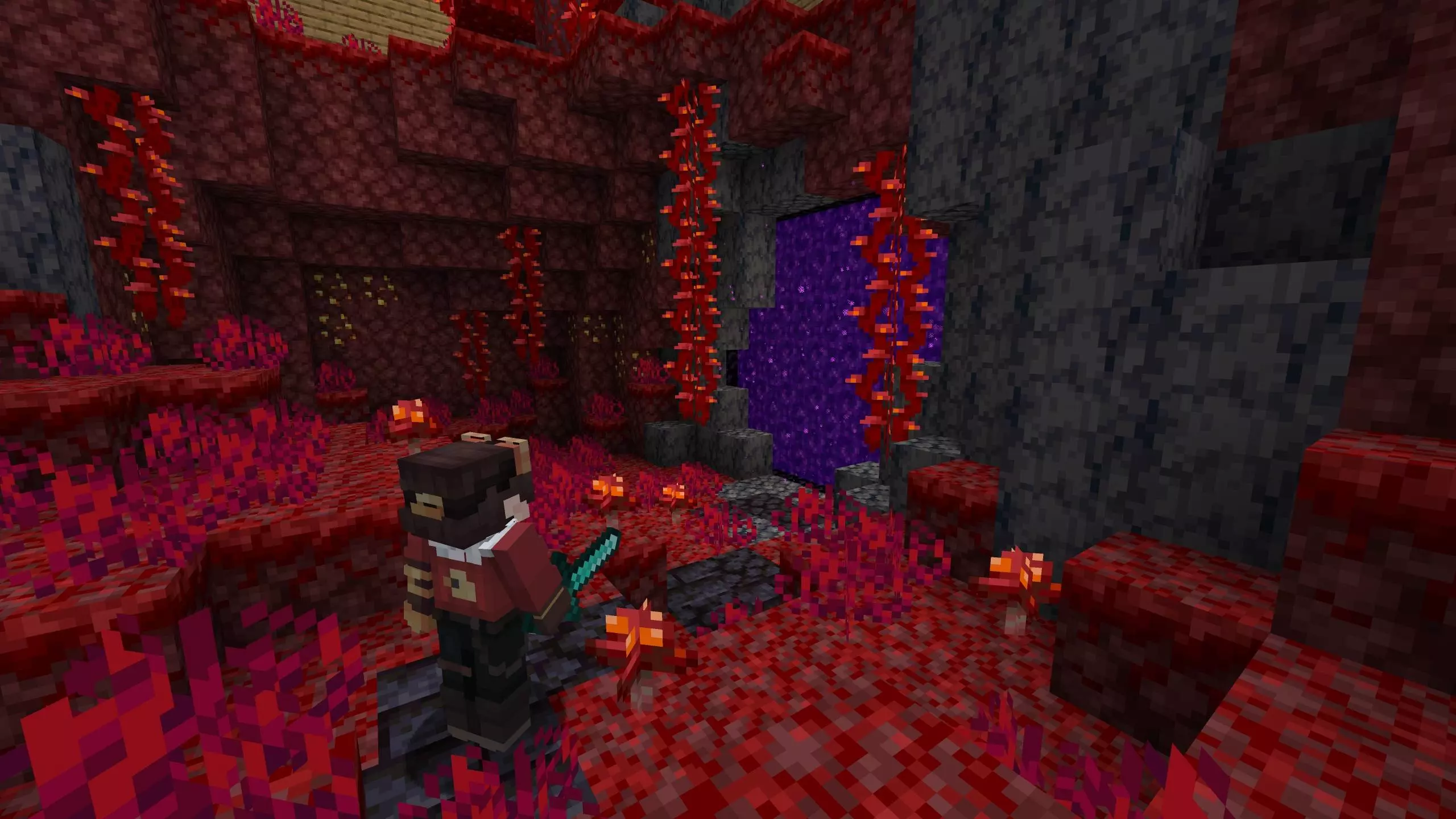
The map scatters small and enormous chest-shaped structures through the sky, with different environments and secrets tucked inside. Your job is to make your way between them, gather resources, and turn what you find into a surviving base. From a distance, the next chest might look like a simple box, but getting inside can reveal a very different landscape from the one you just left. That makes choosing where to go next more interesting: do you spend your blocks reaching the nearest chest, or save them for a larger structure farther away? Either way, you’ll need to build across the void, so keep an eye on your footing and bring enough materials to make the return trip comfortable. Losing a haul over the edge after a successful expedition is a brutal way to learn that a bridge was too narrow.
Once you reach a chest, take time to explore its interior before rushing off to the next one. The map’s biome-filled spaces give you new surroundings to investigate, along with resources and hidden surprises. You may find an area that inspires you to set up a farm, a spot you want to turn into an outpost, or materials that change what you can build back home. Keep track of where you found useful supplies so you can return when a project calls for them. You don’t have to strip every chest bare on your first visit; sometimes it’s worth leaving an interesting area intact and making it part of your growing network. A path between your favorite locations can turn a scattered collection of floating boxes into a sky world that feels connected.
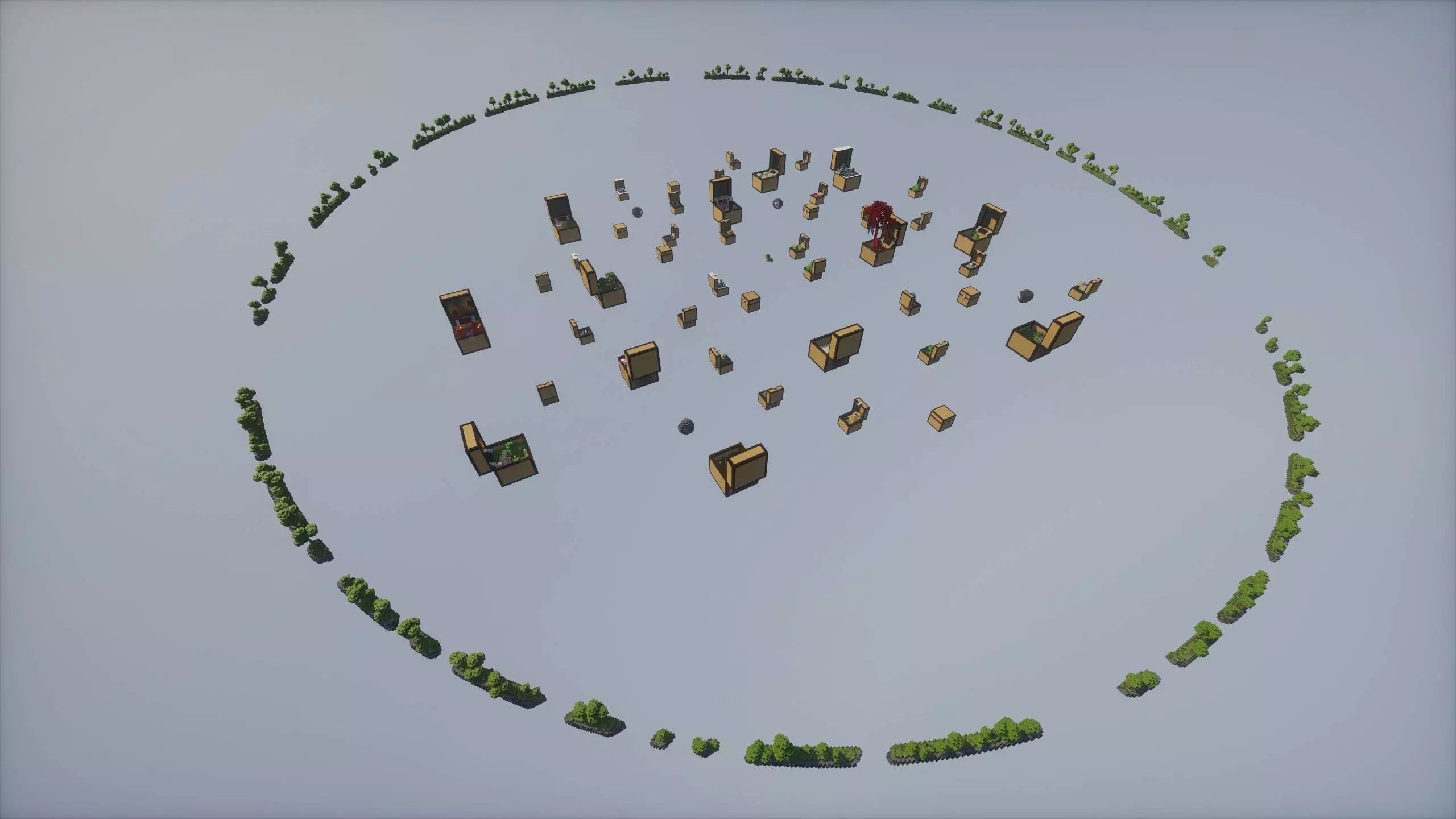
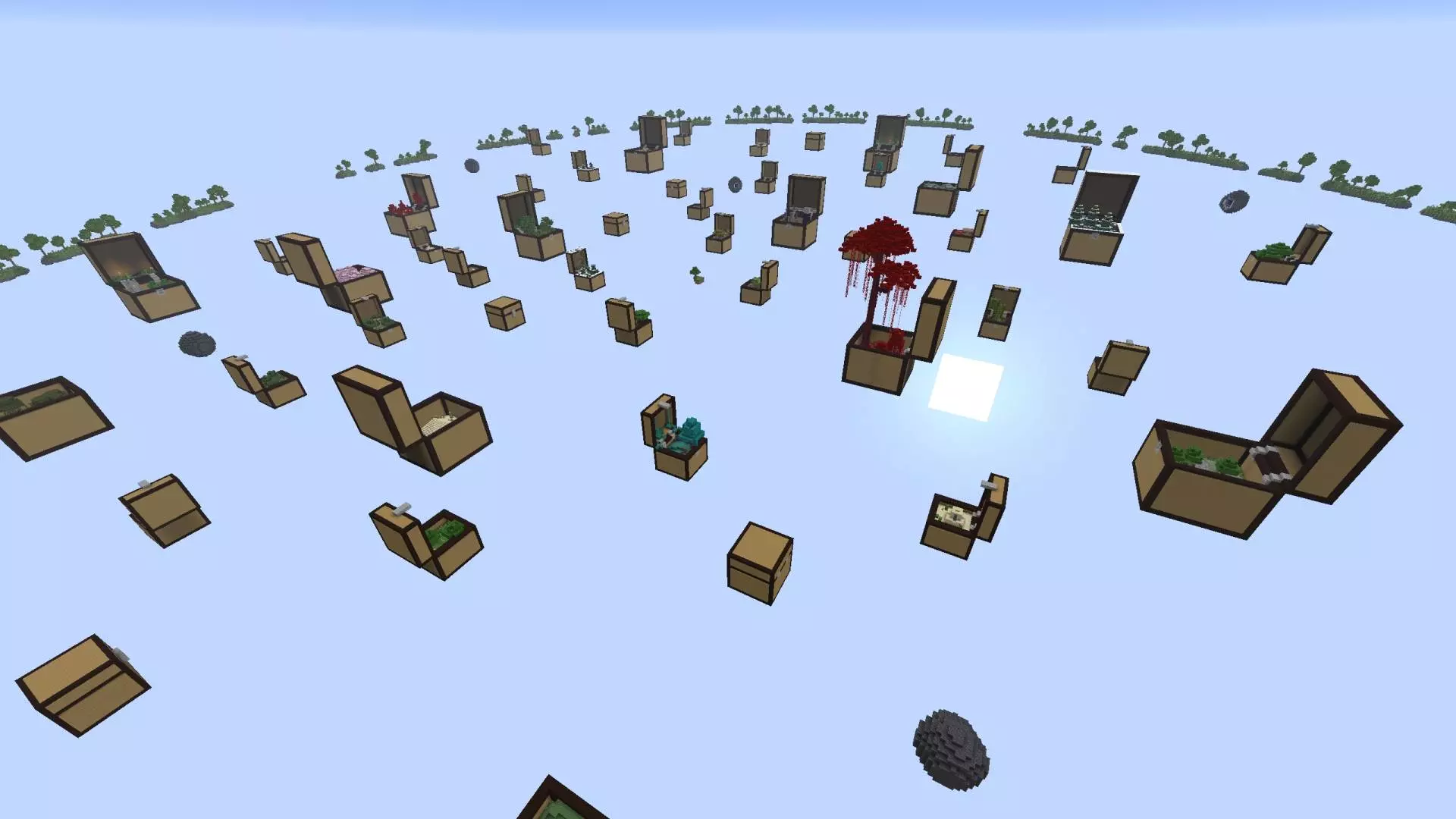
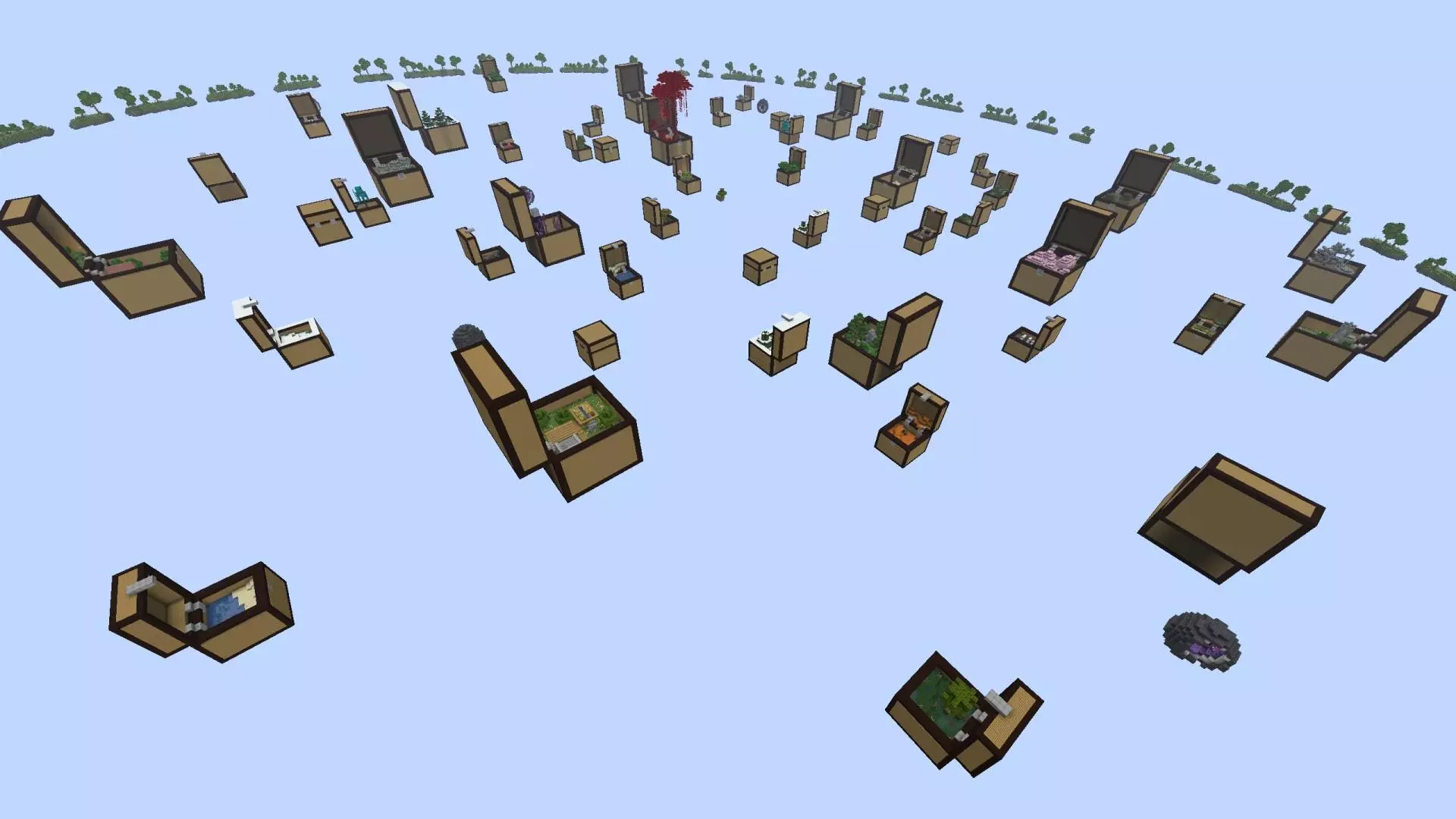
For survival, the smartest way to play Skyblock Chest Challenge Map is to keep your basics tight before you chase every mystery. Set up a small, safe base area where you can stash your best items and regroup between chest runs. When you go exploring, don’t carry everything you own—treat each trip like a mission and bring only what you’re okay risking, especially if you’re diving into a chest that looks like it might throw you into something sketchy. Even a simple habit like keeping your inventory organized makes a big difference in this kind of map, because you’ll be dealing with lots of new stuff over time.
This is also a great setup for co-op, because different players can take different chests and compare what they found without stepping on each other’s progress. If you’re playing solo, make your own “rules� to keep it spicy—like only opening a new chest after you’ve stabilized the last one, or pushing yourself to survive off whatever biome you discover next. Skyblock Chest Challenge Map feels fresh in Minecraft Bedrock because it turns skyblock into a roaming challenge, where the next chest could be your best upgrade or your next problem, and that’s exactly what keeps you loading back in.
How to install?
Android: you need to find the downloaded file on your phone, use any file manager for this and import the map into the game by opening it.
IOS: after receiving the map, the device itself will offer to install it.
Windows 10: go to the folder where the files are downloaded, find mcworld there and activate it.
Comments (0)