Titanium Force MAP
- 13-01-2026, 12:50
- 643
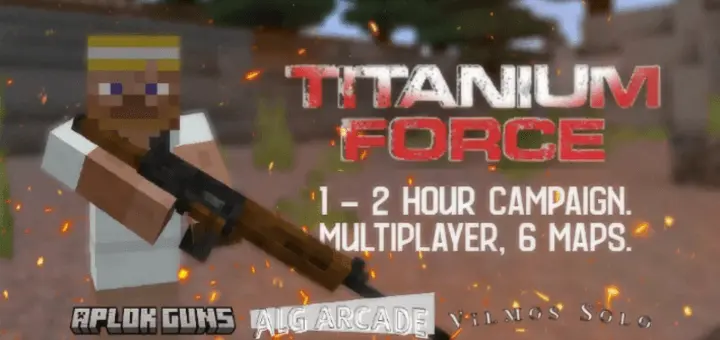
Titanium Force - FPS ADVENTURE MAP plays like an action campaign with a real “wait, how did we end up here?� setup. Your squad, Titanium Force, gets deployed to the North Korea border by mistake, and that accident sparks a war between NATO and the communist countries. The big question isn’t just how you stop it—it’s also who sent you there in the first place, and whether it was intentional.
The campaign is the main vibe: 8 missions that push you through the story while you try to put an end to what the map straight-up calls an awful tragedy. If you’re playing with friends, it hits better because you can actually talk through the mystery as you go, argue over what you think is happening, then jump right back into the next objective. Since it’s built as an “FPS adventure� experience, keep your movement tight and stay on the same page—this kind of mission flow feels way smoother when one person isn’t wandering off while the rest of the group is trying to progress.
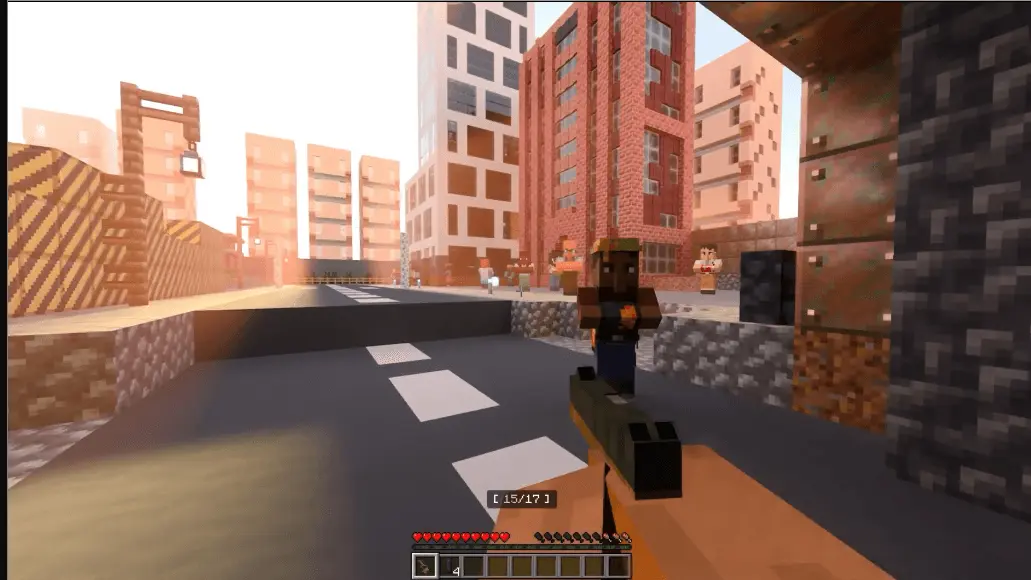


Timing-wise, that 1–2 hour runtime is perfect for a single session, but it’s also short enough to replay if you want to run it again with a different group. A practical move is to treat it like a mini movie night: everyone hops in, you commit to finishing the campaign, and you don’t rush past the story beats just to speedrun it. Titanium Force - FPS ADVENTURE MAP is clearly trying to make you care about what’s going on, not just sprint forward mindlessly.
After the story, the multiplayer mode is there when you want pure action with friends, and it comes with 6 maps built for that “no man shall be taken prisoner� energy. If you’re swapping from campaign to multiplayer in Minecraft Bedrock, set a quick house rule with your group (like rotating who teams up first or doing rematches) so it stays fun instead of turning salty. And since the creator is asking for feedback, Titanium Force - FPS ADVENTURE MAP is the kind of project where leaving a comment actually matters—especially if you notice what parts of the missions or multiplayer maps felt the most hype with your squad.
How to install?
Android: you need to find the downloaded file on your phone, use any file manager for this and import the map into the game by opening it.
IOS: after receiving the map, the device itself will offer to install it.
Windows 10: go to the folder where the files are downloaded, find mcworld there and activate it.
Comments (0)