Modern House3 Map
- 12-02-2026, 06:39
- 525
Adventure Maps / Creation Maps / Survival Maps
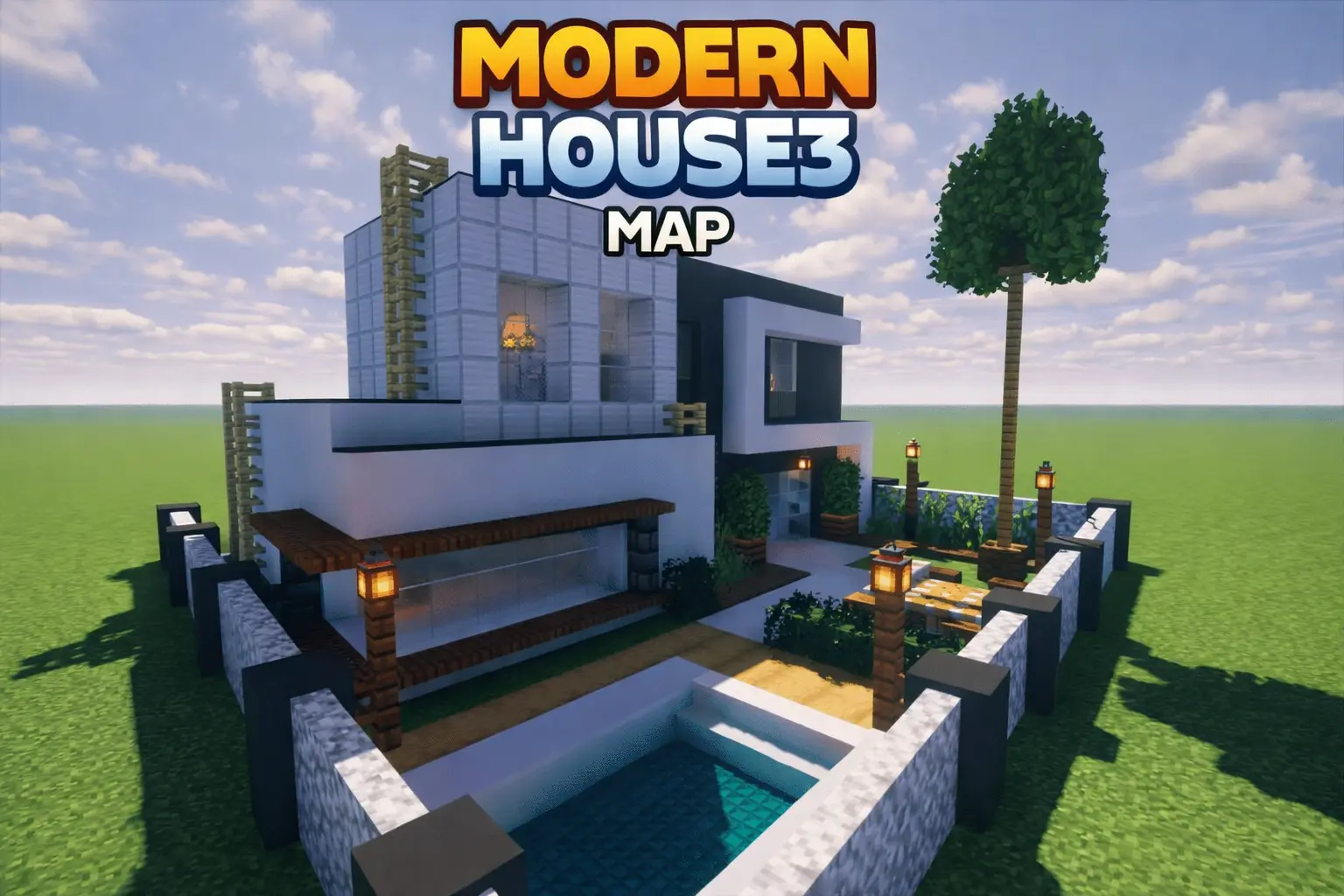
Modern House3 Map is all about that crisp, modern look—straight lines, geometric shapes, and a strong contrast between white and black tones. The house feels intentionally designed, not like a random box with glass slapped on it. The upper section stands out with a large dark volume and a panoramic window, which is the kind of detail that makes the whole build feel expensive and “city house� coded.
The right side uses lighter block detailing that reinforces the modern, layered geometry, so the exterior doesn’t look flat. On the lower level, you’ve got a garage with a dark-textured door, plus a stone driveway leading up to it, which makes the front feel functional instead of purely decorative. The main entrance is slightly recessed and protected by a simple porch, giving it that realistic “walk up and step in� flow you’d expect from an actual modern home layout.
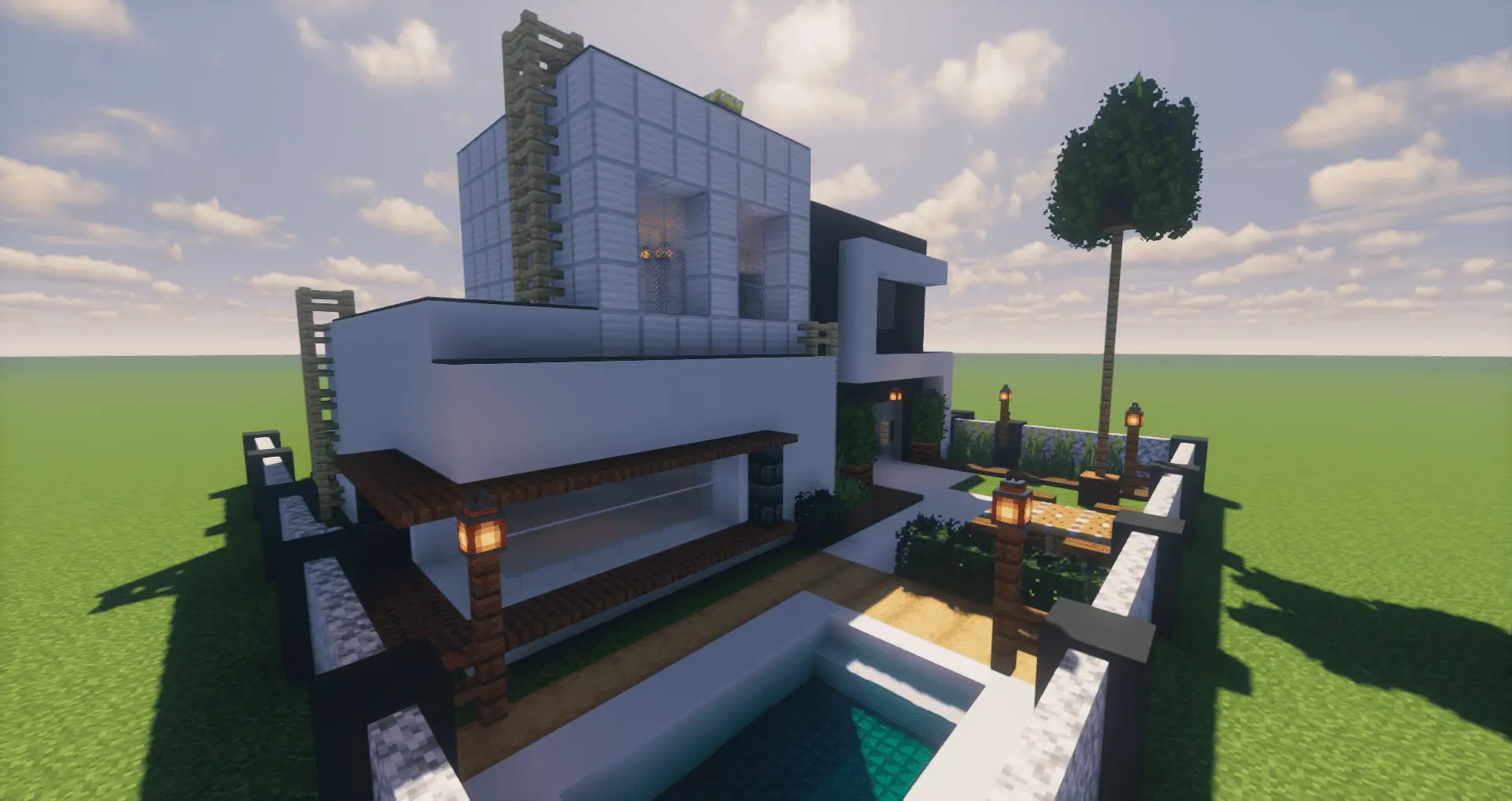
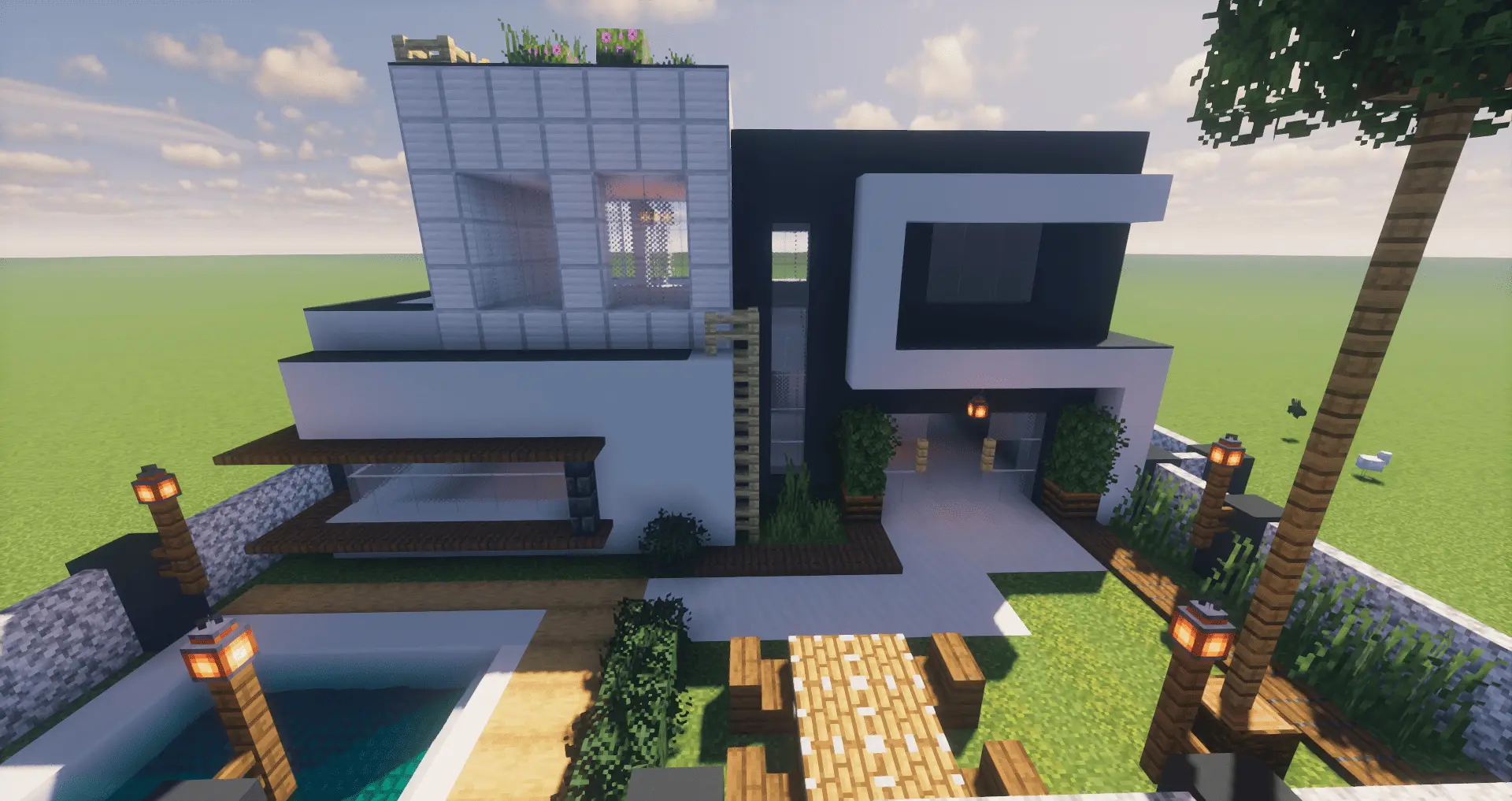
What really sells the build is how it mixes the clean architecture with softer touches. Vertical light-wood structures add warmth against the black-and-white palette, and small garden areas with shrubs and flowers keep it from feeling sterile. In actual gameplay, this makes Modern House3 Map a great starter base if you want something that already looks finished and stylish, but still feels like a place you can expand—add a backyard project, build a pool area, or set up a modern storage room without breaking the vibe.
A practical tip is to keep your upgrades consistent with the house’s clean aesthetic: use straight paths, simple lighting, and tidy landscaping so it stays “sophisticated� instead of turning into a cluttered survival yard. Modern House3 Map is perfect for Minecraft Bedrock players who want a functional, urban modern base with a strong visual identity right out of the gate.
How to install?
Android: you need to find the downloaded file on your phone, use any file manager for this and import the map into the game by opening it.
IOS: after receiving the map, the device itself will offer to install it.
Windows 10: go to the folder where the files are downloaded, find mcworld there and activate it.
Comments (0)