TWO SURVIVAL HOUSES Map
- 12-01-2026, 10:17
- 541
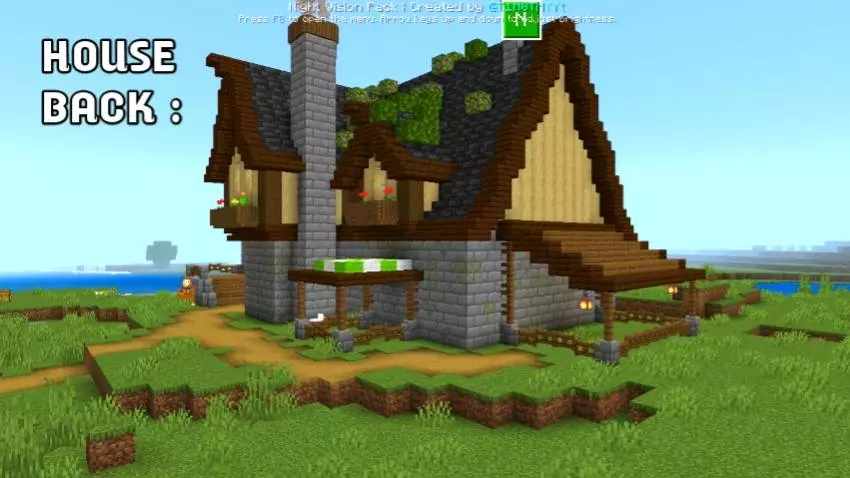
TWO SURVIVAL HOUSES (ANCHIVENT ON) Map is centered around BAKU HOUSE, a modern Minecraft home that’s clearly made with a lot of care. The build leans into a clean exterior, a cozy interior, and a layout that’s meant to feel comfortable the moment you walk in.
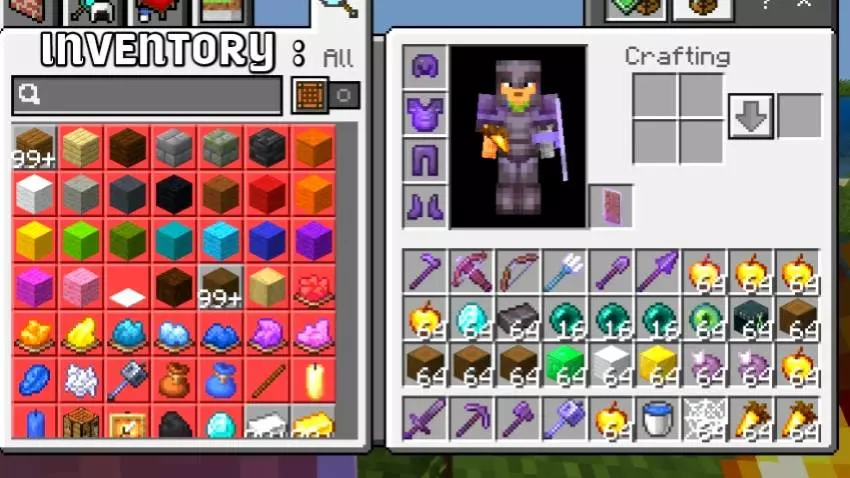
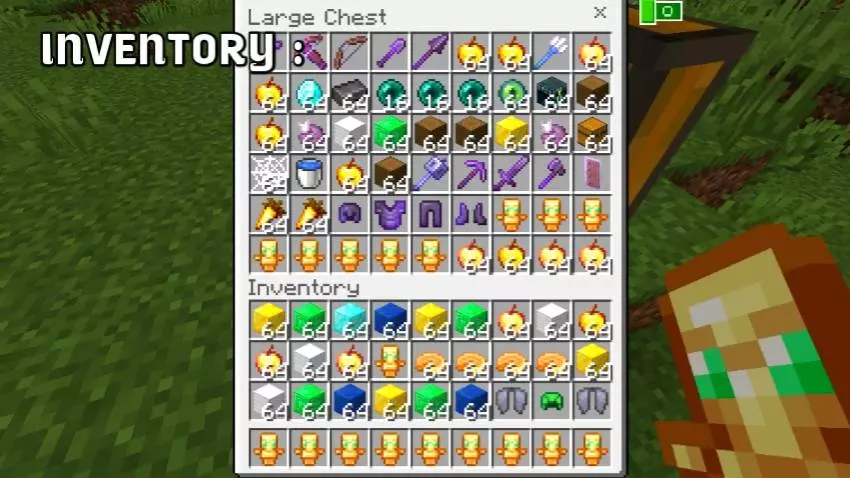
BAKU HOUSE is the kind of place you use as a real base, not just something you tour once and leave. The interior is fully furnished, so it immediately gives that “this is home� feeling when you’re coming back from a long mining run or a sketchy night outside. The kitchen and storage area also make the house feel practical instead of decorative, because you’ve got a natural spot to dump resources, organize your loot, and keep your day-to-day survival routine from turning into chest chaos.
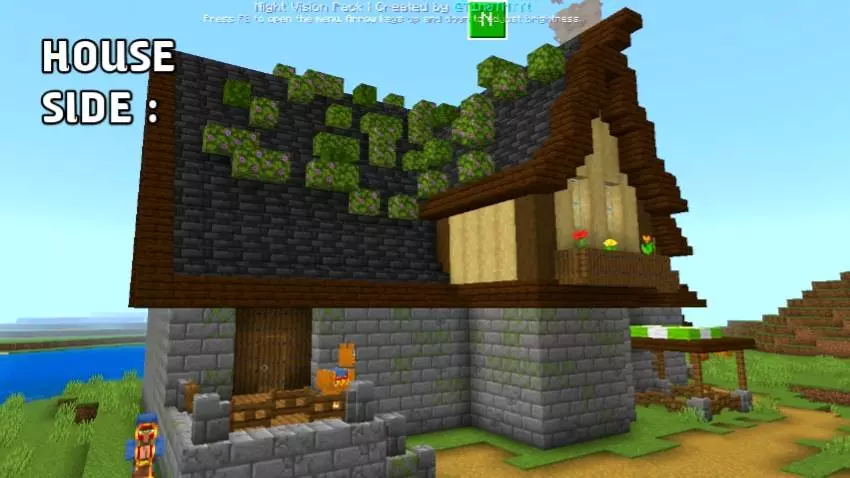
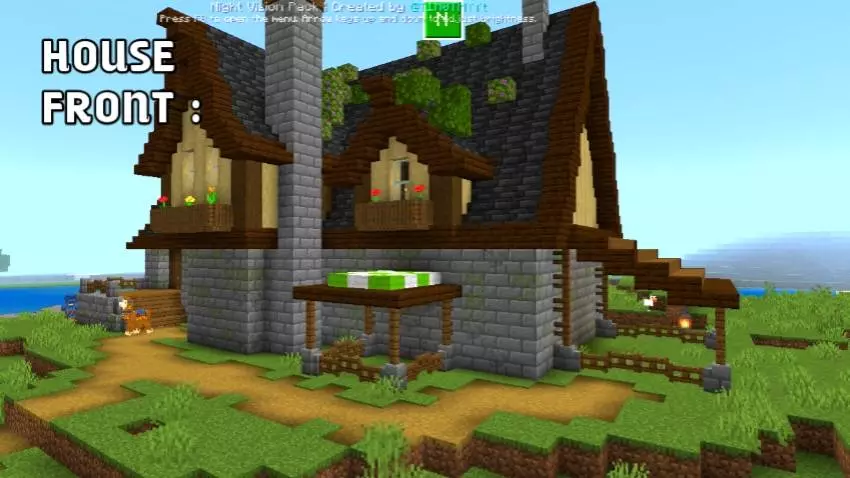
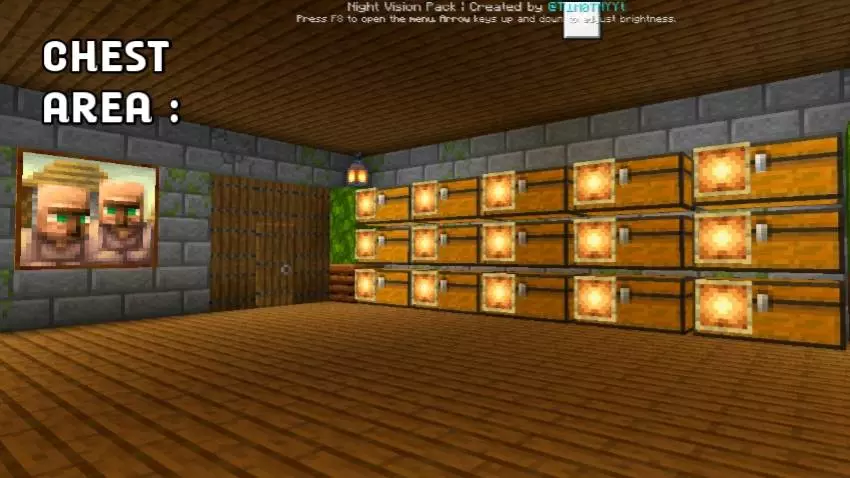
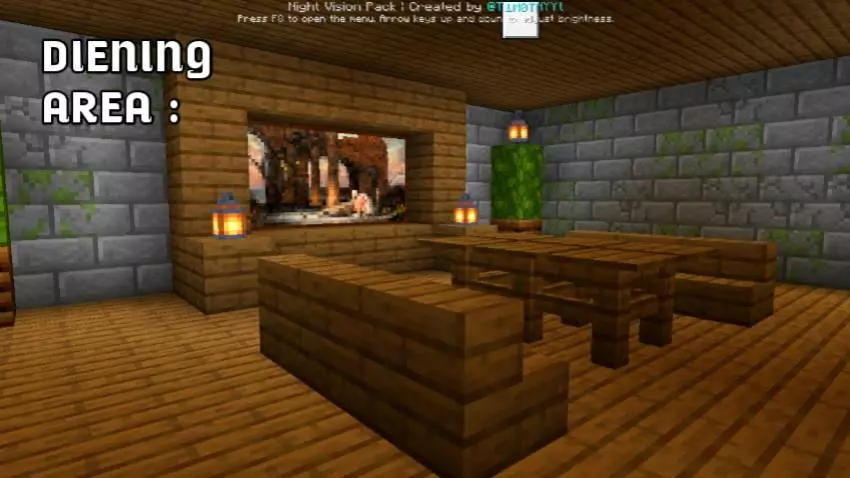
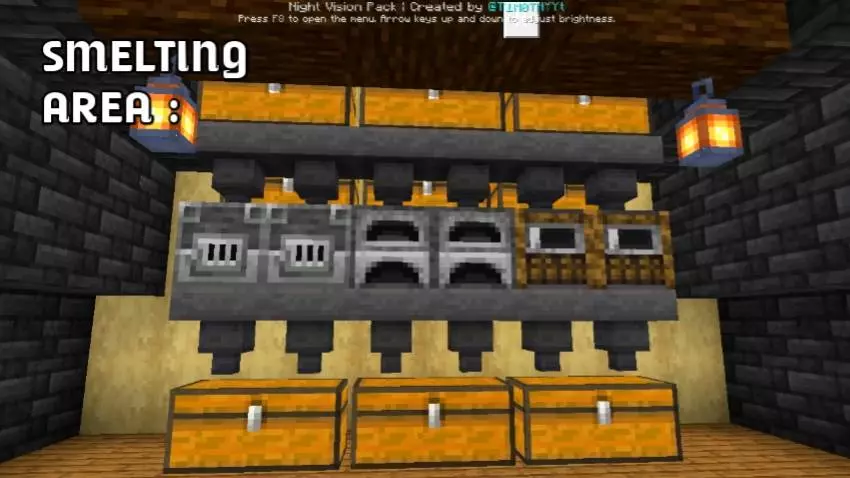
What really makes BAKU HOUSE work is the clean design and good lighting. In actual gameplay, lighting is the difference between a base that feels safe and a base that turns into a surprise mob problem the second the sun drops. Use that to your advantage: keep your main storage and crafting flow inside, and treat the house like your reset point between trips—gear up, unload, eat, head back out. The peaceful surroundings help with that “chill base life� vibe too, especially if you’re the type who likes building in peace instead of constantly fighting for space.
Since TWO SURVIVAL HOUSES (ANCHIVENT ON) Map is labeled as survival & creative friendly, it fits both playstyles without forcing you into one lane. In Minecraft Bedrock, this is a great kind of starter home if you want a realistic-looking base early, then slowly expand outward as your world grows. TWO SURVIVAL HOUSES (ANCHIVENT ON) Map and its BAKU HOUSE setup are perfect when you want your base to feel organized, lived-in, and ready for everyday survival.
How to install?
Android: you need to find the downloaded file on your phone, use any file manager for this and import the map into the game by opening it.
IOS: after receiving the map, the device itself will offer to install it.
Windows 10: go to the folder where the files are downloaded, find mcworld there and activate it.
Comments (0)