Up Parkour Map
- 22-01-2026, 10:12
- 588
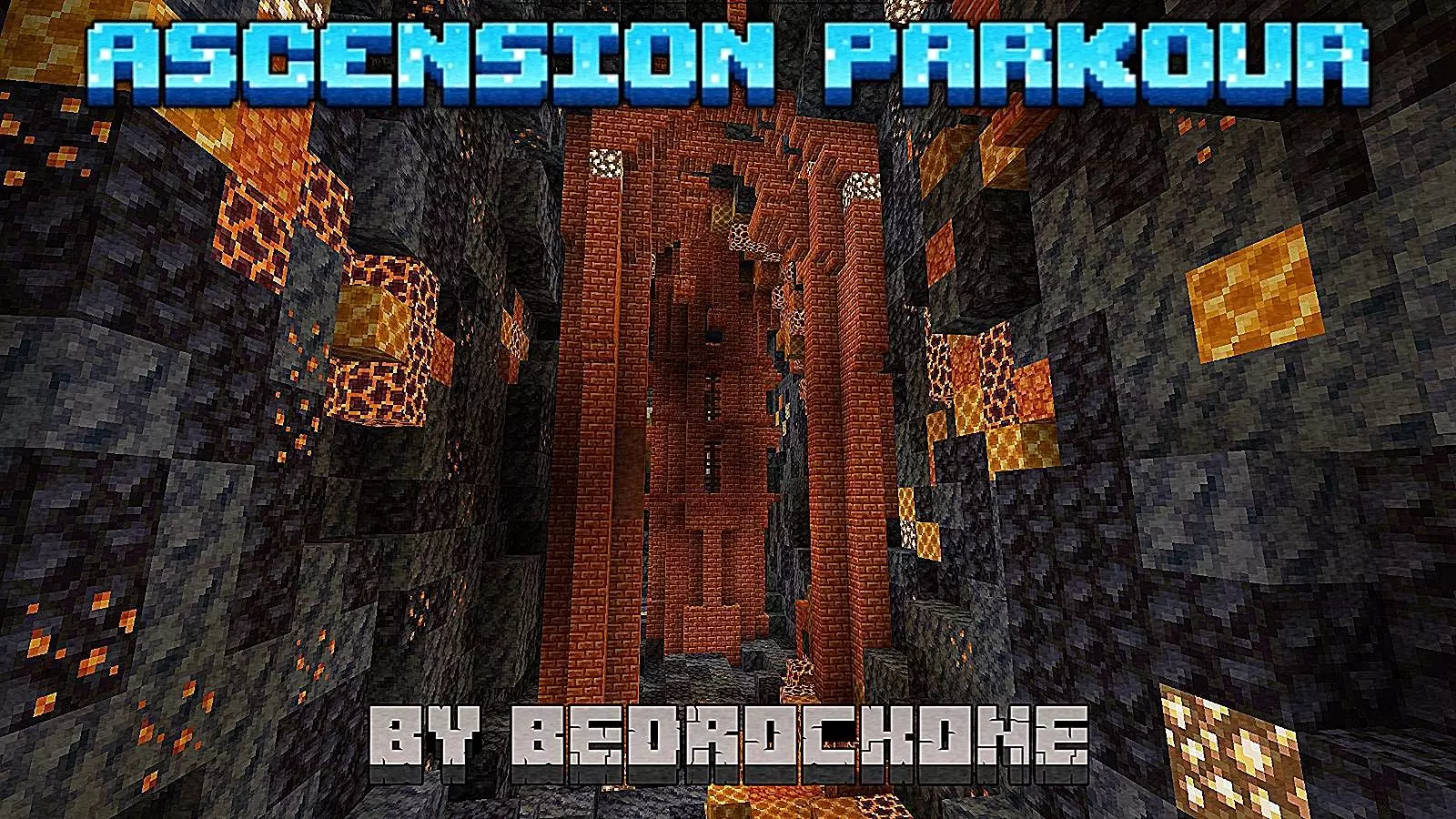
Up Parkour Map is built around that addictive parkour loop where you don’t just “fail and restart,” you fall and then have to climb your way back to the top from wherever you landed. That idea alone makes the map feel less like a straight checkpoint sprint and more like an actual vertical journey, because every mistake becomes part of the run instead of a hard reset. It’s semi-progressive, so you’re steadily moving upward through the map, but the climb has enough length and variety that it feels like a real challenge instead of a short course.
The map has 9 long levels, and the difficulty is designed to increase gradually. That’s perfect for keeping you locked in, because it starts manageable and then slowly turns into “okay, now I actually have to focus.” You get time to learn how the map thinks—timing, spacing, what kinds of jumps it likes—before it starts demanding cleaner movement and tighter decisions. And since the areas aren’t completely linear, you’re not always stuck with one “correct” path. Sometimes you can choose different routes, which is huge because it lets you play to your strengths or take a riskier shortcut when you’re feeling confident.


The collectibles add another layer beyond just finishing. Up Parkour Map includes 16 collectibles spread around the map, and they’re not all sitting in obvious spots. Some are hidden in alternative routes or risk areas, which rewards players who explore instead of only beelining the main route. The map notes that these collectibles will have a function in the future, so right now they’re more of a completion flex and a reason to check every corner, but they also set the map up to feel even more replayable later.
Practical tip: on your first run, focus on learning the main climb so you understand how each level flows. On your second run, start taking the alternate routes and grabbing collectibles, because that’s where the map’s “not totally linear” design pays off. Up Parkour Map is best when you treat it like a climb you’re mastering over time, not just a one-and-done sprint to the finish in Minecraft Bedrock.
How to install?
Android: you need to find the downloaded file on your phone, use any file manager for this and import the map into the game by opening it.
IOS: after receiving the map, the device itself will offer to install it.
Windows 10: go to the folder where the files are downloaded, find mcworld there and activate it.
Comments (0)