Advanced Clear Lag Mod / Addon
- 6-04-2026, 11:52
- 1 278
Mods / Addons / Mods 1.26 / Mods 1.21
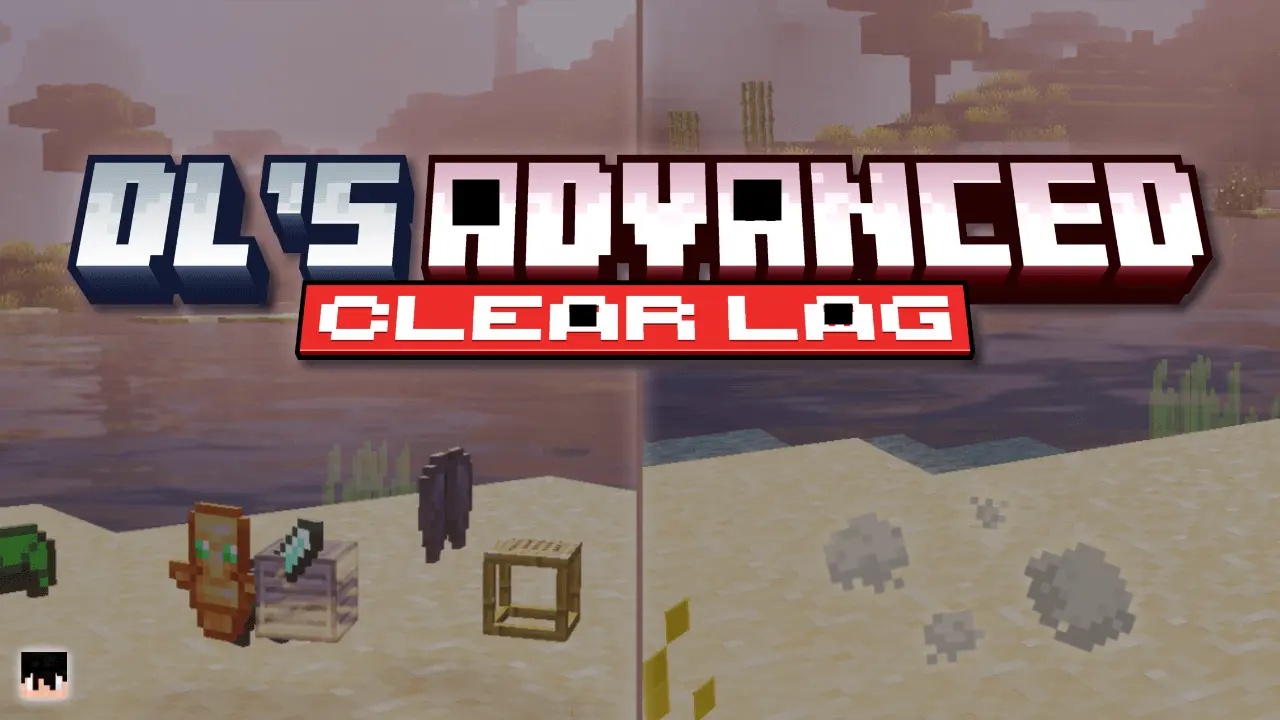
Advanced Clear Lag Mod is basically the server janitor you wish you had from day one. Instead of letting dropped junk pile up in caves, mob farms, and spawn chunks until everyone starts lagging, the addon quietly keeps your world clean on a schedule you control. Everything runs through one item — the Advanced Clear Lag Book — which opens a slick menu where you tune how often ground items get cleared, how long the countdown is, and what kind of warning messages players see before a cleanup happens. No random wipes, no surprises; everyone sees the “3, 2, 1…� and has time to grab what they care about.
A full inventory is easy to deal with: throw out a few unwanted stacks and carry on mining. On a shared Minecraft world, though, those little piles can appear everywhere. Someone leaves spare cobblestone in a tunnel, another player empties their inventory beside the storage room, and a busy farm keeps producing drops nobody collects. Advanced Clear Lag gives the world owner a way to remove dropped items automatically, with settings for when cleanup happens and what it should leave alone.
Everything is managed through the Advanced Clear Lag Book. Using it opens a menu where you can adjust the cleaning schedule, manage item lists and control access to the settings. You can set an interval that suits the way people use your world, rather than stopping what you’re doing whenever the ground needs clearing. A longer gap gives players more time to gather their drops, while a shorter interval may suit an area where unwanted items build up quickly.
Timing deserves some thought, especially on a survival server. Mining, harvesting and fighting all leave items on the ground that somebody may still want. The addon includes cleanup warnings and a countdown, giving players a chance to collect their belongings before removal. Let your group know what the schedule means before relying on it. If someone is clearing land for a large build, they’ll want to understand how much time they have to pick up the materials they’ve just broken.
Exclusion lists help you make the cleanup more selective. You can protect items you want to keep and decide which drops should be removed. That’s useful when a world contains custom items from other addons, or when your group values certain resources more than others. Think about what regularly gets left behind and start there. A pile of unwanted seeds beside a farm and a valuable tool dropped during a trade are very different things, even though both are items lying on the ground.
There’s also an inventory cleaner for items marked as prohibited. This is a separate job from clearing loose drops: it removes specified items from player inventories. Server owners could use it for equipment they don’t allow in their game, but the list needs to be chosen carefully. Only add things you intend to remove, and explain those rules to the players affected. The settings let you manage the prohibited and excluded lists through the book, so you can review them as your world changes.
Permissions keep those controls in the right hands. The first player to join becomes the Original Operator, who can grant or remove operator access for others. Server Mode can require operator permissions before anyone changes the configuration. On a world with several players, that means everyone can continue building and exploring without every person being able to alter the cleanup rules. Both the behavior and resource packs need to be active for the addon to work properly.
Advanced Clear Lag is most useful when dropped items are part of the problem you’re trying to solve. Removing them can reduce clutter and may help a busy world, but the result depends on what is causing the slowdown. Start with a sensible interval and a carefully chosen exclusion list, then watch how it fits into normal play. Once configured, it can take care of routine cleanup while you get back to running the world.
The big win is how targeted it is. You can tell the mod to ignore tools, armor, ores, and other valuable categories so it mostly nukes trash drops instead of ruining someone’s loot run. On top of that, you’ve got custom include/exclude lists, so if your server uses specific addon items, quest tokens, or keys, you can protect them or mark them as junk as needed. It works in the Overworld, Nether, and End, so laggy farms or mob grinders in any dimension are covered.
There’s also an inventory cleaner baked in. If you’ve got items that shouldn’t exist in legit play—dev tools, old admin gear, or stuff that breaks balance—you can flag them as prohibited and the mod will quietly remove them from player inventories. Operator permissions, “server mode,� custom message prefixes, and configurable text let you brand everything to your server and keep control in the hands of admins only. Best part: it’s optimized not to tank performance and still plays nice with achievements, so you get a cleaner, fairer world without turning your Realm or server into a buggy mess.
Installation Mod:
- Download the .mcaddon / .mcpack;
- Open the file to import into the game;
- In World Settings → Resource Packs and Behavior Packs, enable it (turn on Experiments if needed);
- Have fun!
Comments (0)