MrCrayfish' Furniture Mod / Addon
- 3-05-2026, 05:23
- 5 034
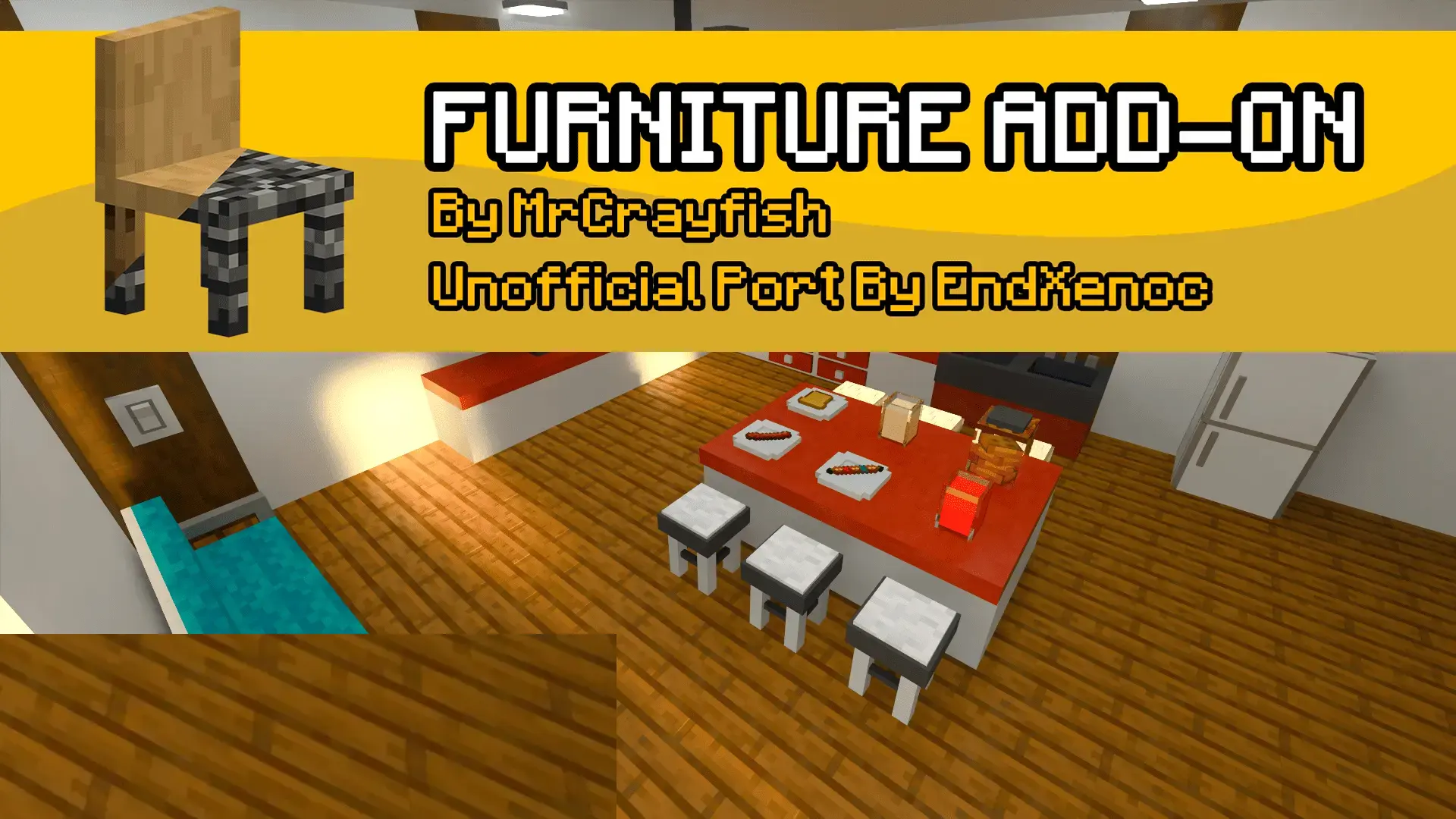
MrCrayfish’ Furniture Mod — the moment you’ve finished a great exterior and stare at an empty room wondering what to do next. With this pack on Bedrock, you stop improvising with stairs and signs and start laying out actual furniture. Drop a couple of matching pieces in the entry, give the kitchen a proper work zone, and carve a cozy corner by the window where you can wind down after a long mining run. It’s the same survival file you’ve been playing—just with rooms that feel finished instead of placeholder.
I like to treat this as a builder’s toolkit. Start small: a compact starter house that needs a table and somewhere to sit. Once the layout clicks, scale up—dress a villager townhouse, stage a city café, set up an outdoor spot beside the farm so co-op friends have a place to meet at sunset. Tours get easier to record too: pan across a furnished hallway, cut to a kitchen pass-through, then step onto a patio without the camera catching weird block hacks. It’s simple, readable, and it photographs well.
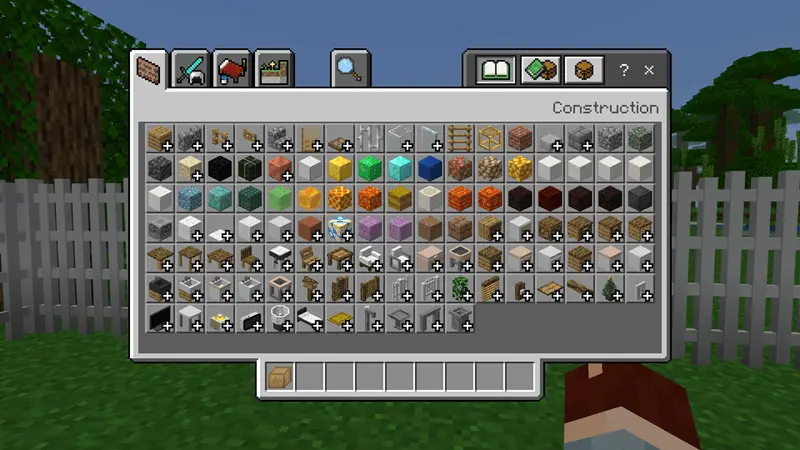
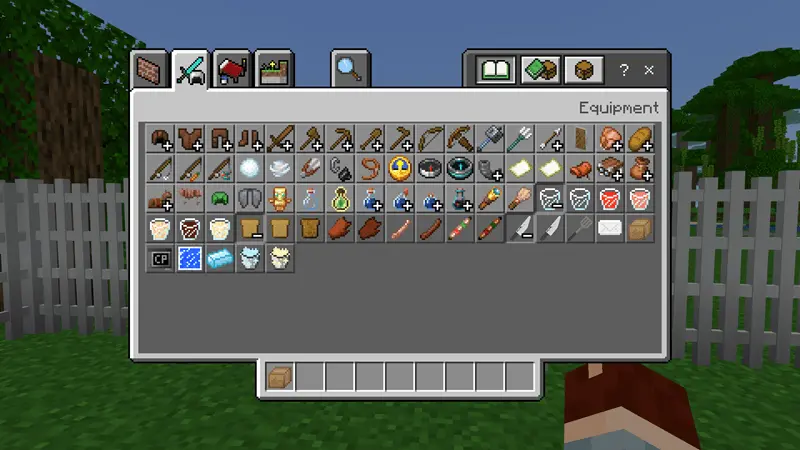
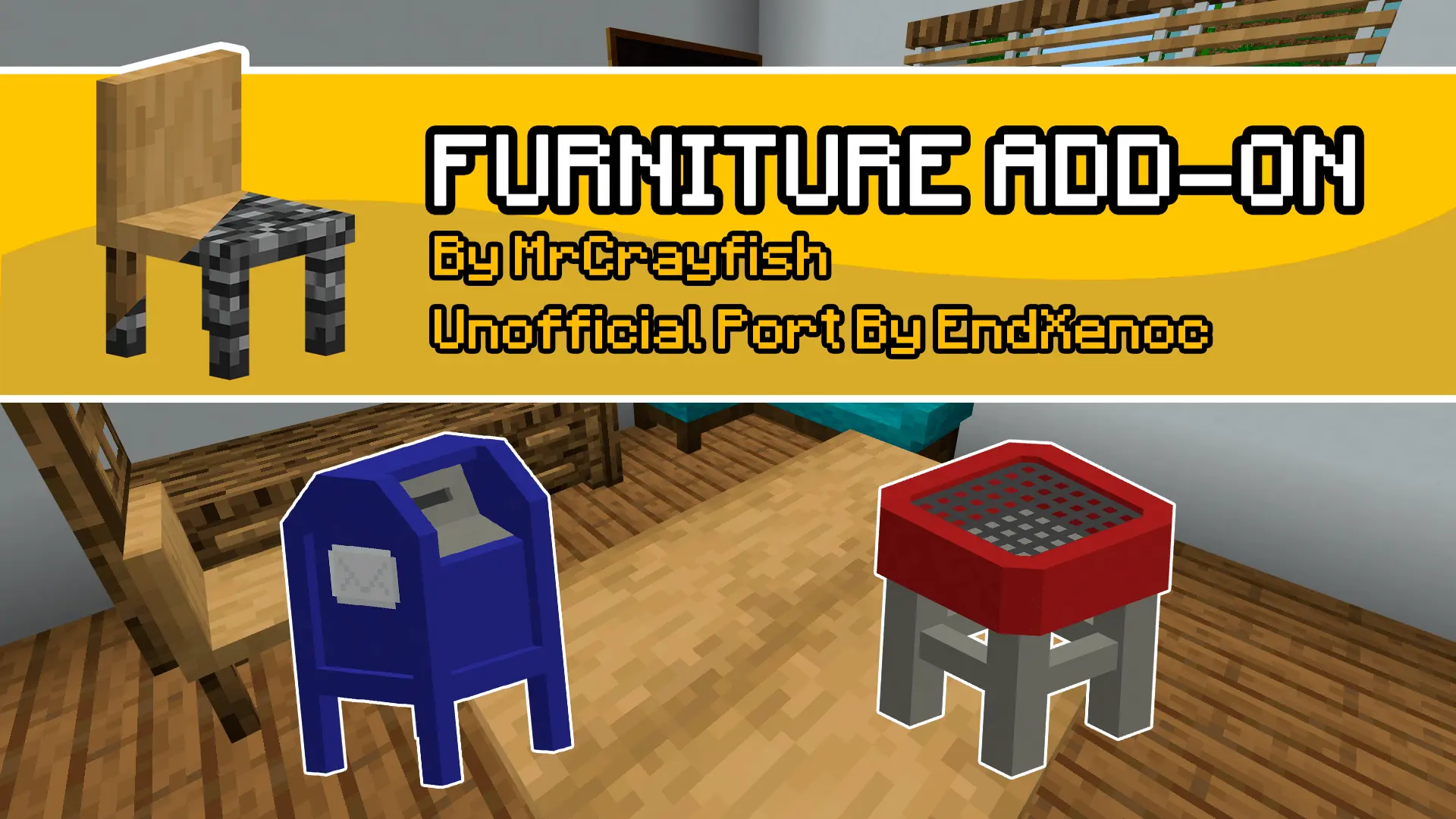
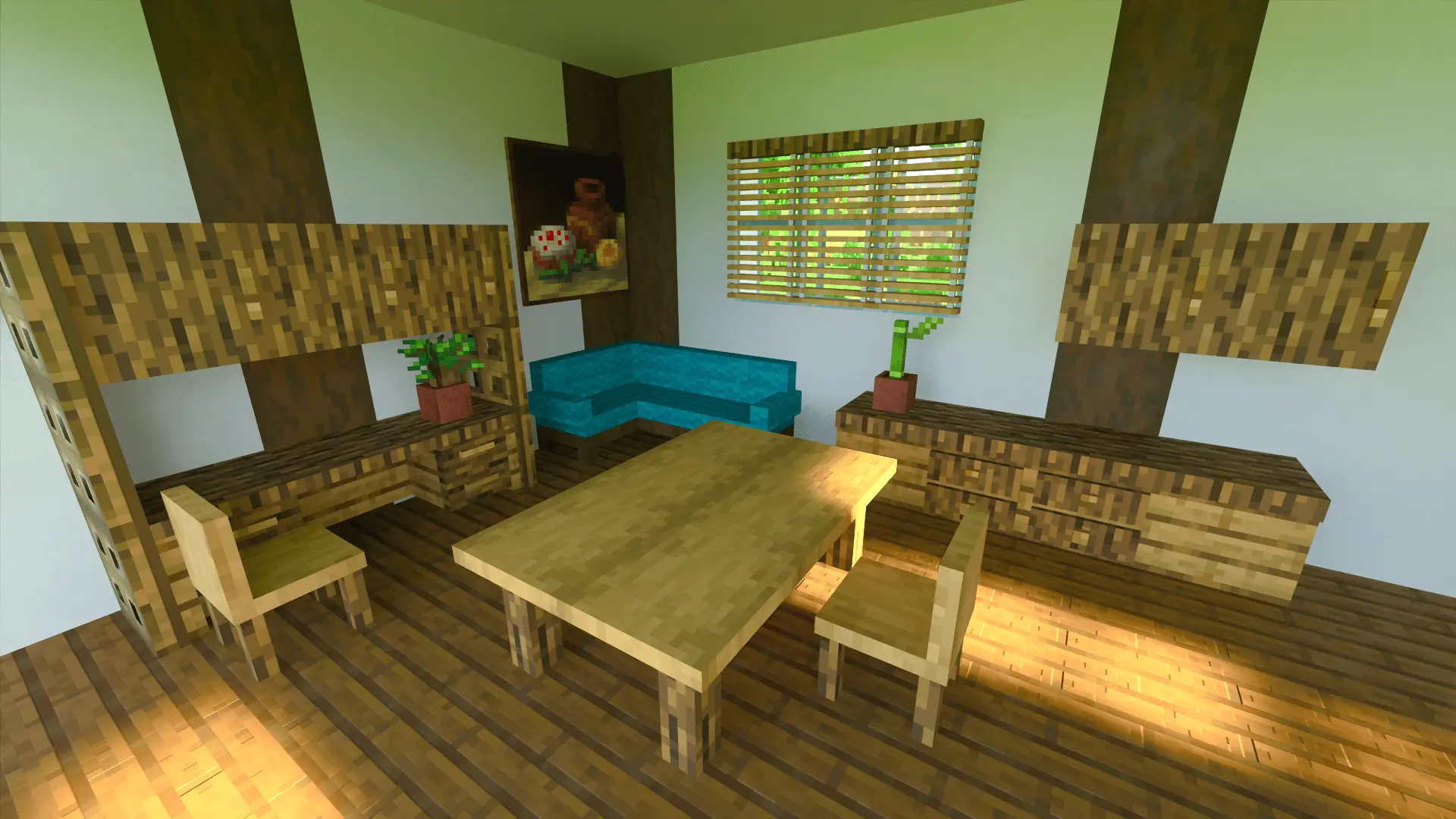
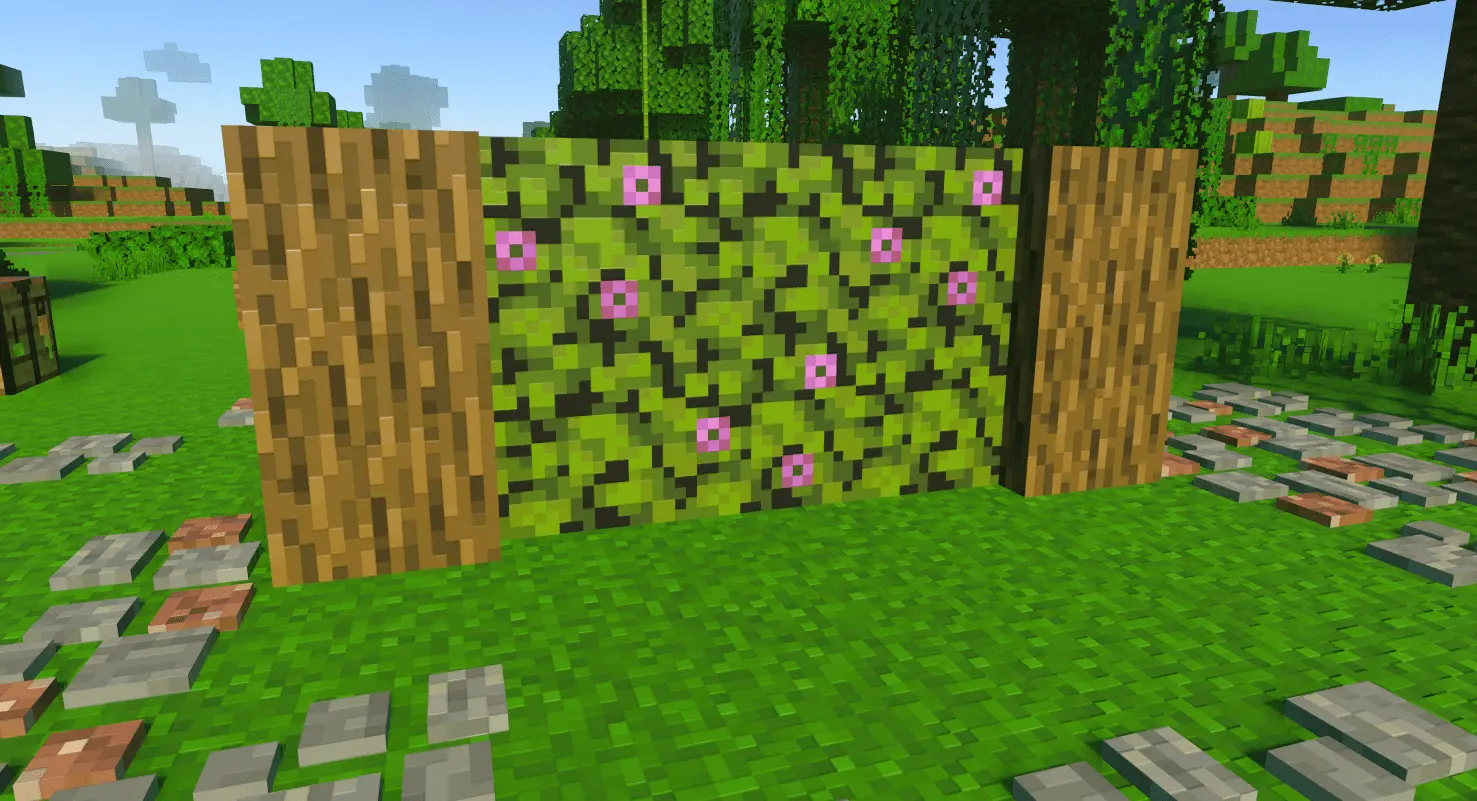
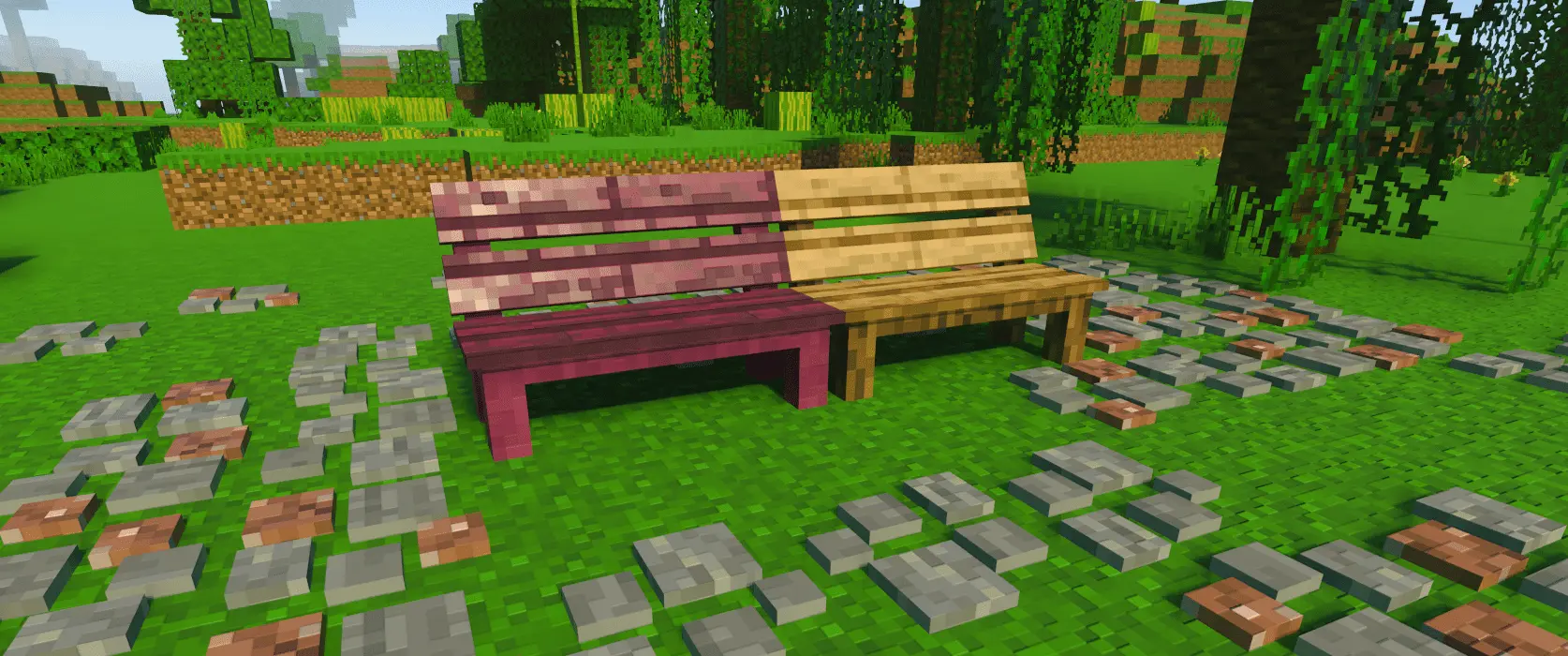
MrCrayfish’s Furniture brings more than 400 furniture pieces to Minecraft Bedrock through an unofficial adaptation of the Java mod. Tables, sofas, cabinets, shelves, and household details give you plenty to work with once the walls and roof are finished.
The collection covers the furniture you need to give rooms a clear purpose. Desks and cabinets suit a study, coffee tables and sofas help establish a living room, and counters and drawers provide the basis for a kitchen. There are bedside cabinets, stools, TV stands, chopping boards, and decorative pieces to fill smaller spaces too. That range makes it possible to work through a house room by room. You can start with the places your character uses most, then return to the spare bedroom or empty upstairs landing when you have an idea for it. A few carefully placed pieces can make a small room feel complete.
Material options help the furniture fit different buildings. Many pieces come in several wood types and colors, letting you match them to the floor, walls, or window frames. The visual variants share the same behavior, so choosing a different finish is about finding the look you want. A warm wooden interior could use one coordinated set, while a modern apartment might suit lighter furniture and a stronger contrast between surfaces. There are stone furniture options as well, including materials such as granite, diorite, blackstone, deepslate, and tuff. Those give you another direction for rooms where wooden furnishings don’t quite fit the design.
Some household pieces also have working interactions. Cabinets, kitchen drawers, TV stands, and mailboxes have container interfaces, bringing storage into the furnishings themselves. The collection includes appliances such as a dishwasher and washing machine, along with a toaster, grill, taps, and animated ceiling fans. These additions give a furnished home more details to discover as you move around it. You might arrange a kitchen around the counters and appliances, then place a dining table nearby so the layout feels connected. Leaving room between the furniture helps, especially in a survival base where you’ll be passing through the same spaces every session.
Outside, benches, fences, gates, mailboxes, and other decorations carry the furnishing work beyond the front door. A bench beside a path or a mailbox at the entrance can help connect a house to its street. For a larger project, you could furnish several buildings with different uses: a café, an office, a family home, or a small workshop. The variety gives each interior room to develop its own character. You don’t have to use everything at once, either. Start with the empty corner that has been bothering you, choose a couple of pieces that belong there, and let the rest of the room grow around them.
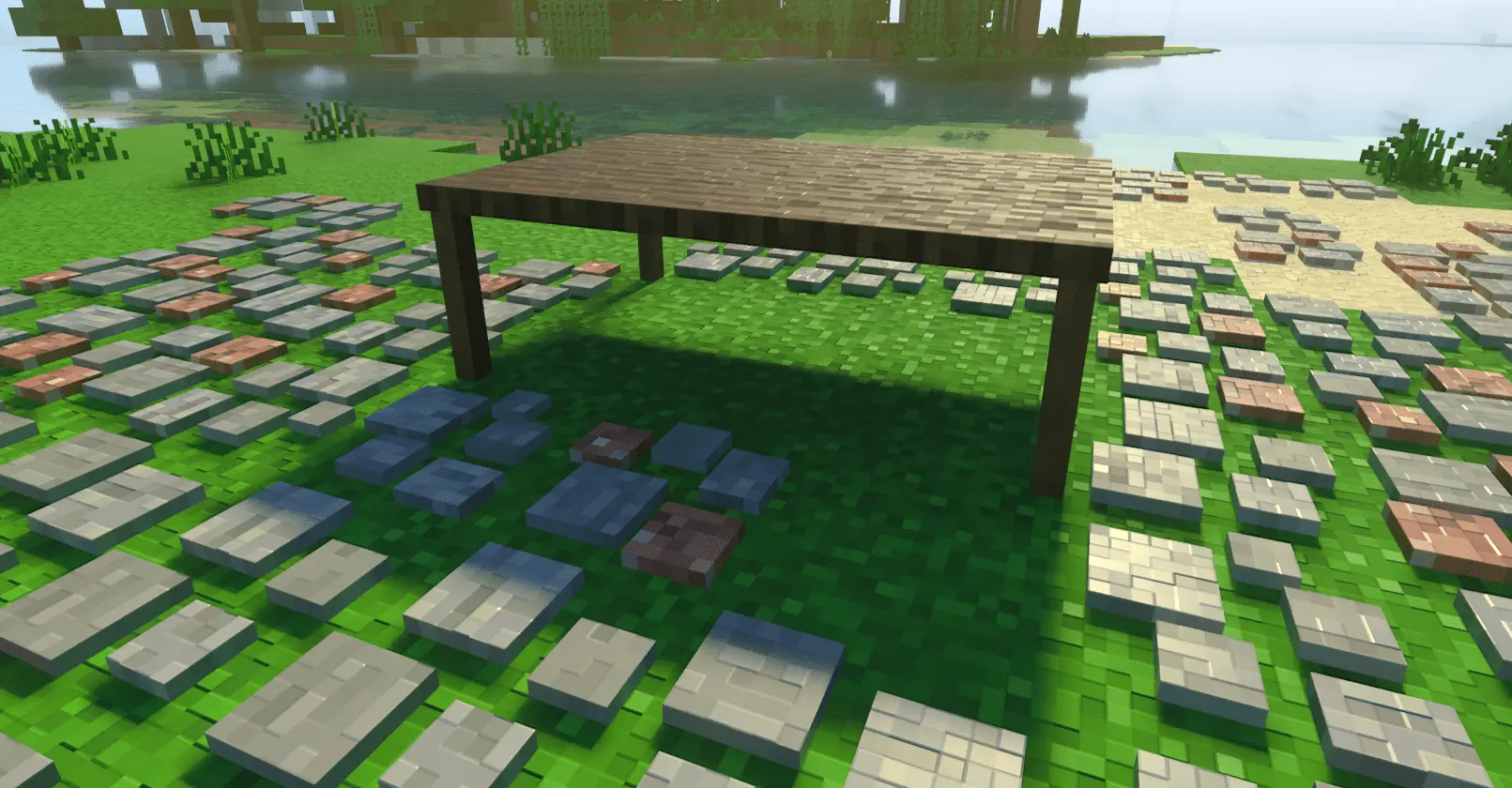
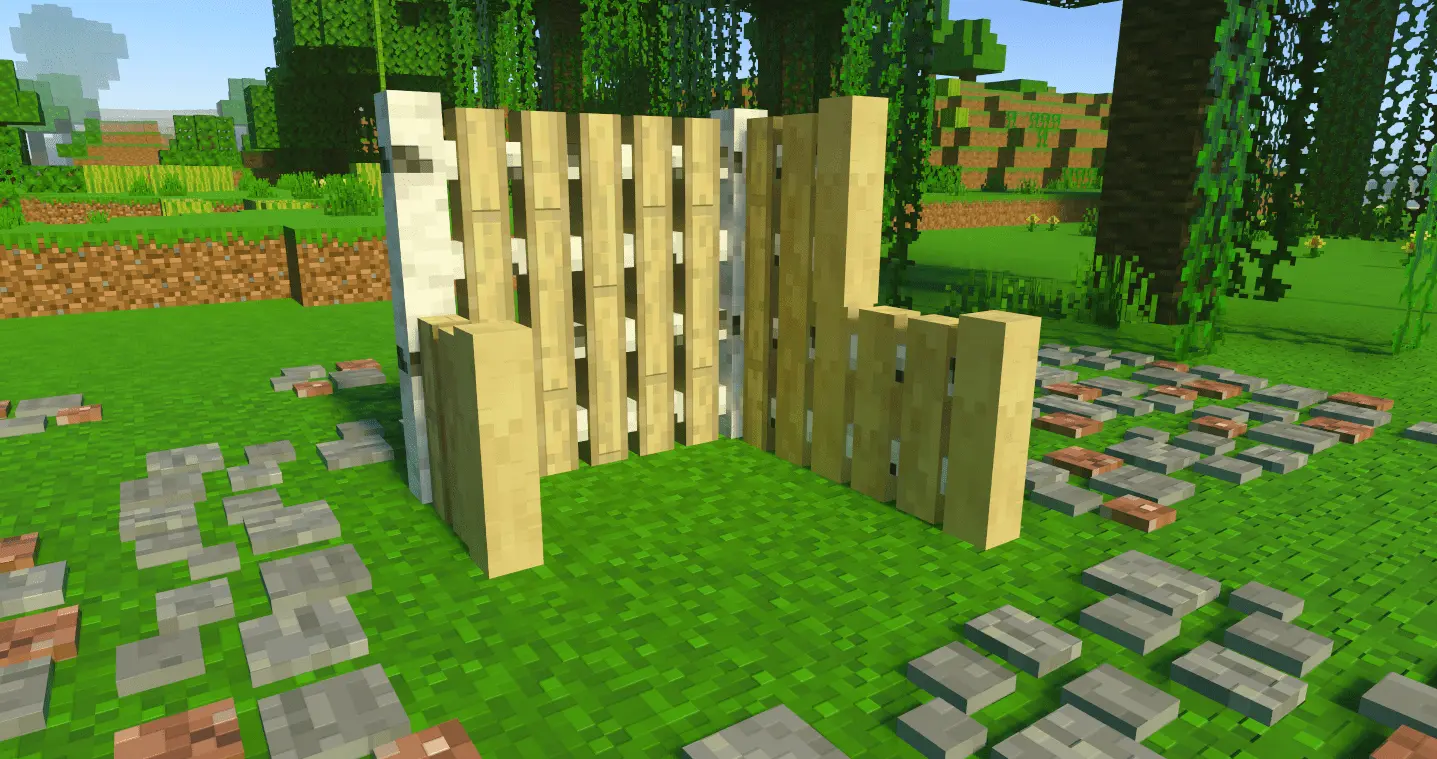
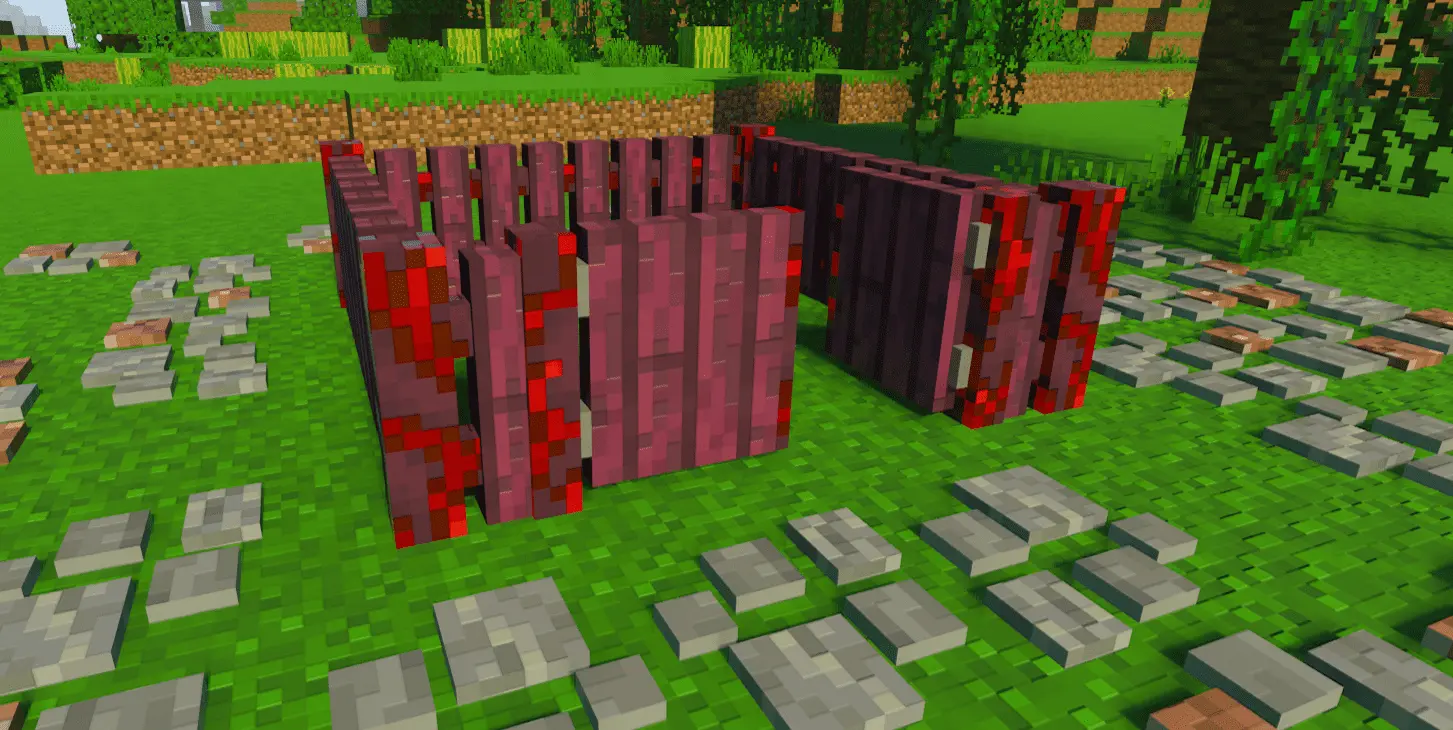
This pack is mainly about looks—and that’s the point. Some pieces may have lightweight interactions depending on the version, but plan your builds as décor-first and you’ll be happy. If you stack other visuals or behavior packs, try it on a copy world and adjust pack order so the furniture textures render cleanly. Achievements aren’t guaranteed with gameplay packs, so keep that in mind for long-term saves. If your Bedrock worlds need believable, matchy interiors without resorting to tricks, MrCrayfish’ Furniture Mod is the set you reach for.
Installation Mod:
- Download the .mcaddon / .mcpack;
- Open the file to import into the game;
- In World Settings → Resource Packs and Behavior Packs, enable it (turn on Experiments if needed);
- Have fun!
Comments (3)