Projectt Z Mod / Addon
- 17-10-2025, 06:37
- 629
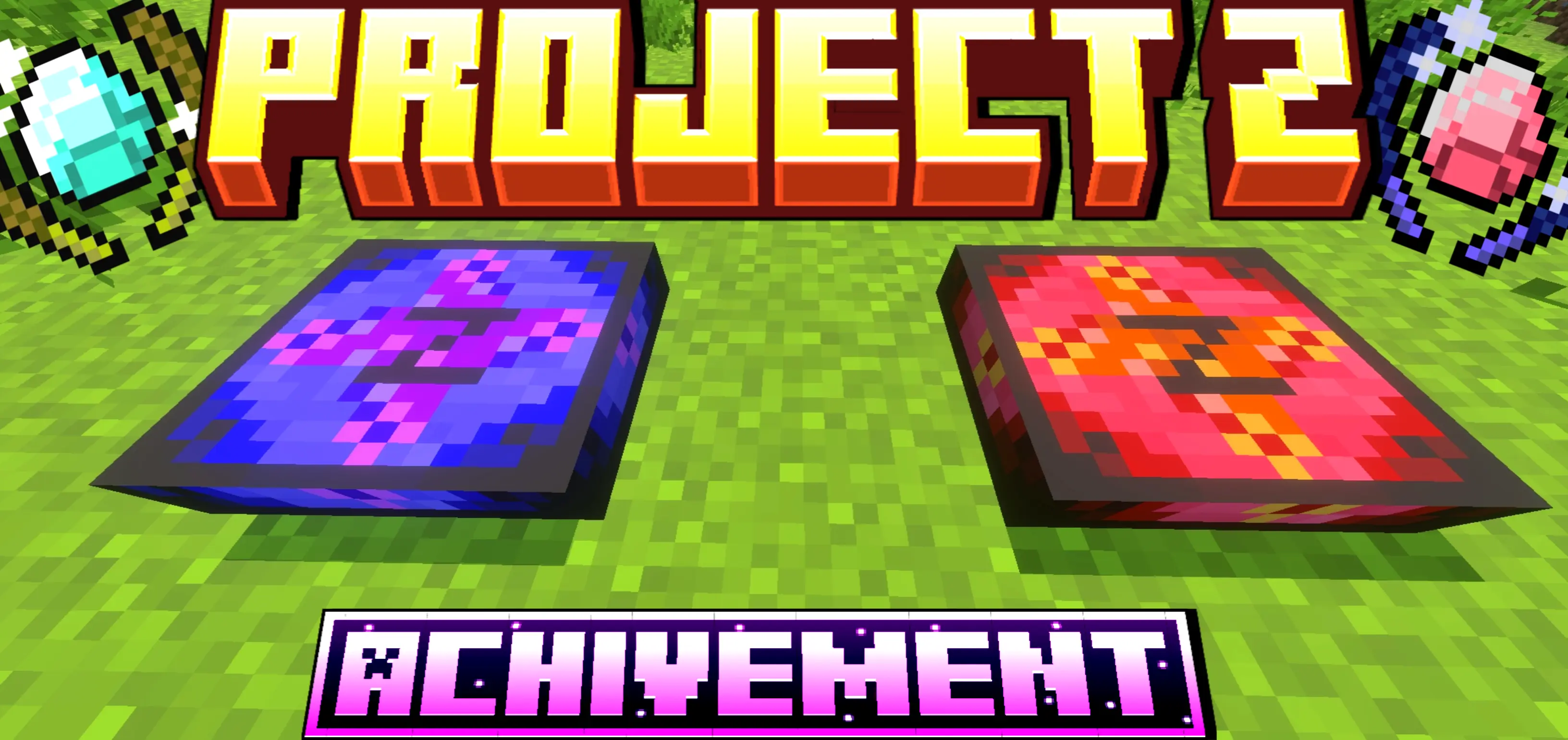
Projectt Z — matter goes liquid. You feed junk into ZMC Energy, watch it melt into pure numbers, then spend those numbers to print the thing you really wanted. Extra drops in Minecraft clogging chests? Convert them. Wrong block type by the stack? Convert it. On the other side, you pull out rails for a line, bricks for a wall, or gear for a run, built straight from the energy you banked. It feels like inventory judo: use the world’s excess to fund your next step without another grind loop.
In survival, it changes how you plan nights. Head out light, scoop whatever the world gives you, and dump the haul into storage as ZMC—no more hoarding items you don’t actually use. Before a trip, you spin that balance into the kit you need right now, from building materials to adventure supplies. Mid-session pivots get easy too: halfway through a project and short on a component? You don’t stop to mine; you rebalance your energy and keep laying blocks. Co-op clicks the same way—one friend feeds the meter with whatever they farm best while you spend for the group objective.

That mountain of spare blocks in your storage room could fund your next big build. Projectt Z lets you turn resources into ZMC Energy, then spend that energy on other items through a special table.
The process starts with the ZMC Table, which has a recipe available in survival. Once you’ve made and placed it, interact with the table to open its interface. From there, you can feed supported items into the system to gain ZMC Energy, then use your balance to obtain resources you need. The interface also lets you search for items and choose a quantity, which is handy when you’re trying to finish a specific project rather than browsing through everything. Before converting a stack, take a moment to check what you’re giving up and what it’s worth to you. A material that seems like clutter today might be exactly what you need for a build tomorrow. Keep a chest beside the table for things you’re considering converting, and sort through it when you get back from an expedition.
The system can change how you approach a long building session. Imagine you’ve gathered plenty of one resource, but you’re a few materials short of finishing a wall or furnishing a room. Instead of immediately setting out on another gathering trip, check the table for the item you need and its energy cost. If it’s available and you have enough ZMC, you can trade some of your stored value for it and get back to work. That can be useful for players who enjoy large projects but regularly find their plans interrupted by one missing ingredient. It also gives excess resources a possible use after a productive mining trip or a session at a farm. Don’t assume every item from every add-on is supported, though. Check the table’s available inputs and outputs before counting on a particular exchange, especially in a world with several content packs installed.
Projectt Z also gives multiplayer groups another way to organize shared projects. Set up the table in a workshop, leave a chest nearby for materials the group agrees to convert, and decide together what the energy should be spent on. One player might be gathering supplies for a new base while another is working on the interior; a shared plan can keep someone from converting a stack their teammate was saving. It’s also worth testing the system in a separate world to learn the values and see which resources are available before building your whole progression around it. The add-on is listed as achievement friendly and includes survival crafting, so it can fit into a world you’re already developing. You still need to collect resources to build up energy, but once you do, Projectt Z gives those leftovers a route back into your plans.
It’s still honest: energy comes from somewhere, so the work you do fills the tank you’ll draw from. Because it’s achievement friendly, you keep your legit progress the whole time—no cheats, no teleports, just a clean system for disassembling, storing, and reassembling matter. If you like tidy bases and flexible plans, Projectt Z turns “wrong loot, wrong time” into “right item, right now.”
Installation Mod:
- Download the .mcaddon / .mcpack;
- Open the file to import into the game;
- In World Settings → Resource Packs and Behavior Packs, enable it (turn on Experiments if needed);
- Have fun!
Comments (0)