Throwables Mod / Addon
- 22-12-2025, 12:00
- 788
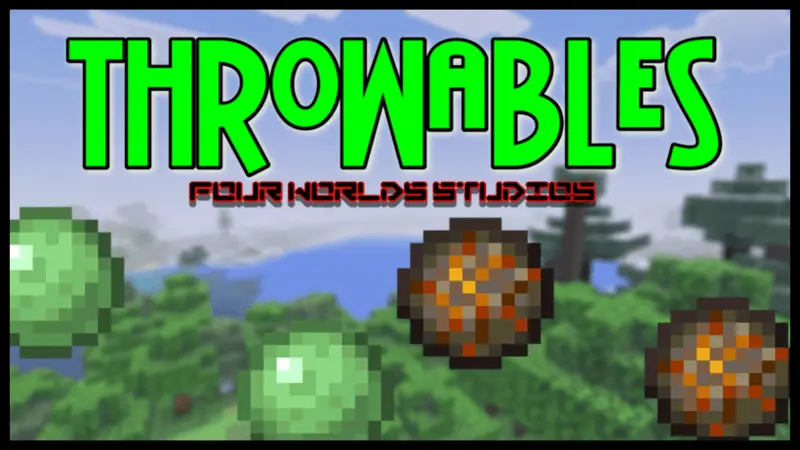
Throwables Mod is for those moments when you’re tired of playing everything at point-blank range. In vanilla survival, a lot of fights turn into the same routine: walk up, trade hits, back up, eat, repeat. This addon changes the vibe by giving you throwable options—slime or fire balls—that let you hit a target from a distance instead. It’s a simple idea, but it makes combat feel way more controlled, especially when you’re dealing with dangerous situations where getting close is the exact thing that gets you killed.
In real Minecraft Bedrock gameplay, ranged throws are clutch in caves and tight spaces. You can poke enemies before they reach you, clear a path without rushing in, or soften something up while you’re still safe. It’s also great for exploring at night when you don’t want to sprint into a group and get surrounded. You can keep space, watch movement, and pick your moment to move in instead of being forced into a messy brawl every time something notices you.


This kind of mod also fits co-op really well. One player can play frontline while another hangs back tossing slime or fire balls to support, which makes fights feel less chaotic and more like teamwork. And if you’re a builder who doesn’t care about “combat skill” but still wants to survive, Throwables Mod is a nice safety tool—use it to keep mobs off you while you’re placing blocks or working on a base outside.
Small tip: don’t treat distance as invincibility. Keep an escape route, don’t let yourself get cornered, and save throws for when you actually need space. Throwables Mod is basically a clean “stay back and still fight” upgrade for Minecraft Bedrock, perfect for players who hate getting too close to targets.
Installation Mod:
- Download the .mcaddon / .mcpack;
- Open the file to import into the game;
- In World Settings → Resource Packs and Behavior Packs, enable it (turn on Experiments if needed);
- Have fun!
Comments (0)