DropPlayer XP Mod / Addon
- 13-01-2026, 13:01
- 648
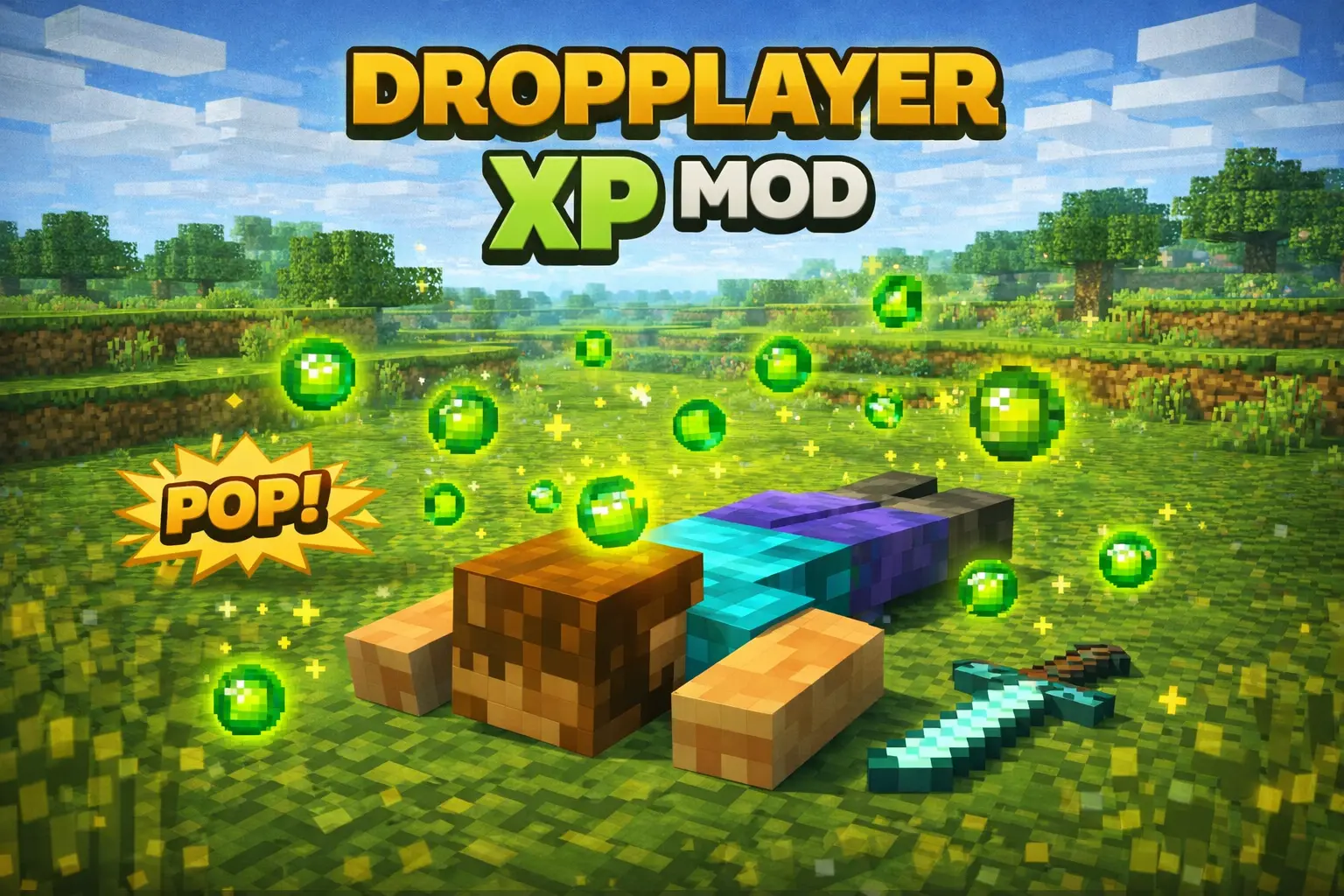
DropPlayer XP Mod – Progressive Mob Drop Multiplier keeps the idea super straightforward: the more you level, the more drops you get. It runs automatically during survival gameplay, so you’re not babysitting settings or doing extra steps just to make it work. The whole point is to make XP progression feel rewarding without turning the game into a total loot explosion.
Here’s how it plays out: every time you hit another 30 XP levels, you gain a 1x multiplier to mob drops. That means your usual “XP grind� sessions—caving, fighting at night, or just doing your normal survival routine—start paying off in a way you can actually notice. It works with both hostile and passive mobs, so it’s not locked to only one playstyle. You don’t need commands, and there’s no setup required beyond having it installed, so it fits cleanly into a regular world without making everything feel modded in a messy way.

In-game, DropPlayer XP feels best in long-term worlds where you’re already stacking levels over time. The natural move is to treat XP like an investment: keep your levels up when you’re planning a big resource push, then go handle the mob drops you care about while the multiplier is higher. If you want it to stay balanced, don’t try to turn every session into a max-efficiency farm grind right away—let the multiplier grow as you progress normally, and it’ll feel like a reward instead of a cheat button.
One important thing: BETA APIS MUST BE ENABLED for DropPlayer XP Mod – Progressive Mob Drop Multiplier. It’s made for Minecraft Bedrock Edition, designed to stay lightweight, and it’s intended to work alongside other addons, so you can keep your usual setup and let this one quietly improve the XP-to-loot payoff.
Installation Mod:
- Download the .mcaddon / .mcpack;
- Open the file to import into the game;
- In World Settings → Resource Packs and Behavior Packs, enable it (turn on Experiments if needed);
- Have fun!
Comments (0)