BlockAI Mod / Addon
- 3-02-2026, 12:18
- 1 056
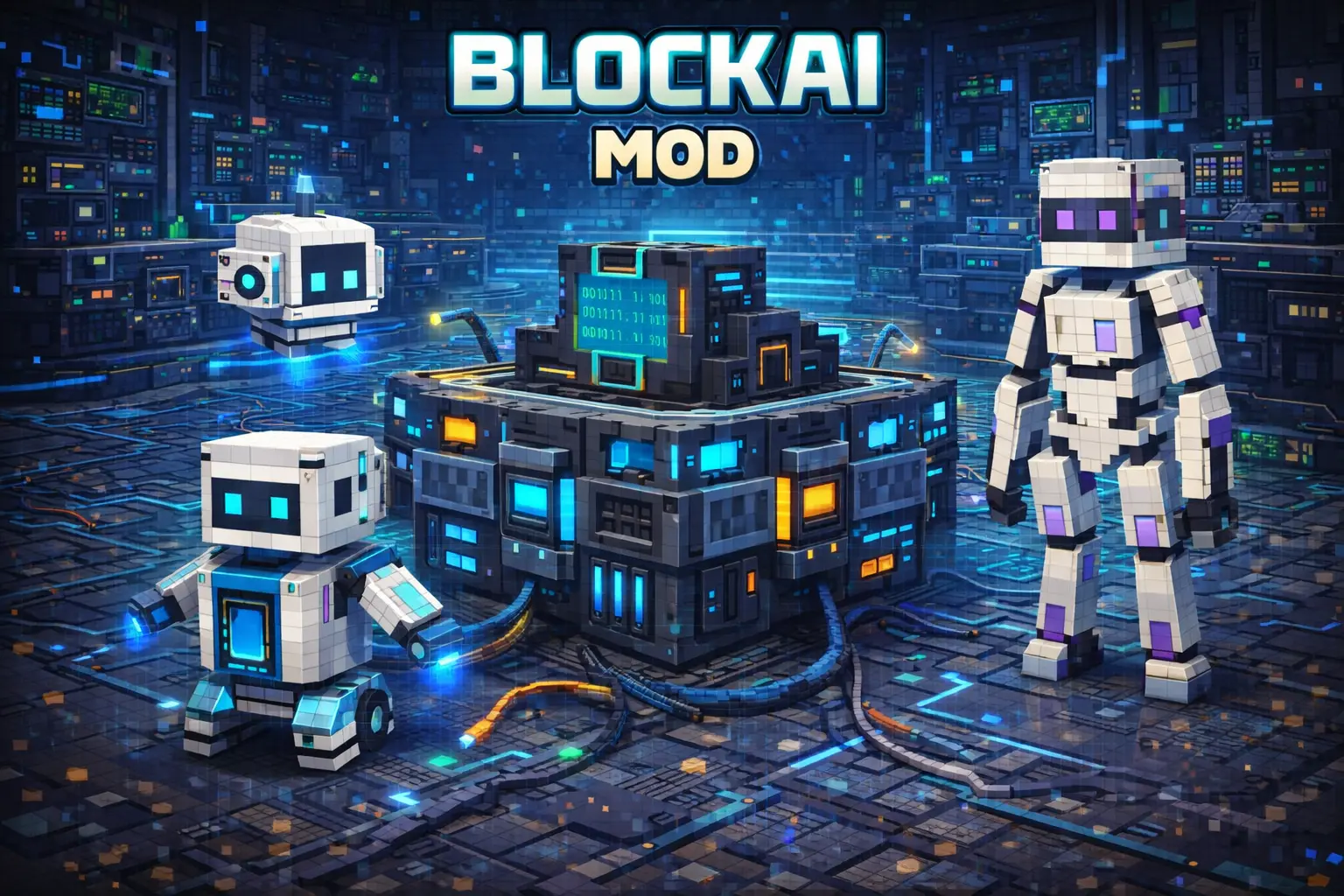
BlockAI Mod is built specifically for Official Dedicated Server (BDS) setups, not regular worlds or Realms, and it’s all about giving your server a chat-based helper that lives inside the game. Once it’s running, you talk to it straight from chat by typing @g , and it responds right there like another “player” in the conversation. The big twist is that it’s aware it’s in Minecraft, so it leans toward Minecraft context unless you tell it you’re asking about something real-world.


In day-to-day survival, BlockAI Mod feels like having a quick info booth that follows you around without you opening menus or alt-tabbing. You’re out mining, someone asks “where was the base again?”, you can use the chat flow to keep notes like coordinates, reminders, or whatever your group keeps forgetting. It’s also handy when your server vibe is chaotic and people constantly ask the same stuff—rules, directions, what you were doing last session—because the addon remembers context within the session and can continue the same thread instead of acting brand new every time.
The internet access part changes the vibe too, because if you ask something like weather for a place, it can answer with up-to-date info, right from chat. The only catch is that it usually assumes you mean Minecraft, so if you’re asking a real-world question, you’ll want to say that clearly so it doesn’t reply like you’re talking about biomes or in-game time.
Memory-wise, BlockAI Mod keeps everything as long as the server stays up, even if players log out and back in. That makes it surprisingly useful as a “session brain” for your BDS—stash locations, planned builds, coordinates to a structure you don’t want to lose, or a running to-do list for the group. Practical tip: treat it like a shared sticky note for the server and you’ll get way more value than just asking random questions.
Installation Mod:
- Download the .mcaddon / .mcpack;
- Open the file to import into the game;
- In World Settings → Resource Packs and Behavior Packs, enable it (turn on Experiments if needed);
- Have fun!
Comments (0)