Block To Xp Converter Mod / Addon
- 1-03-2026, 04:08
- 957
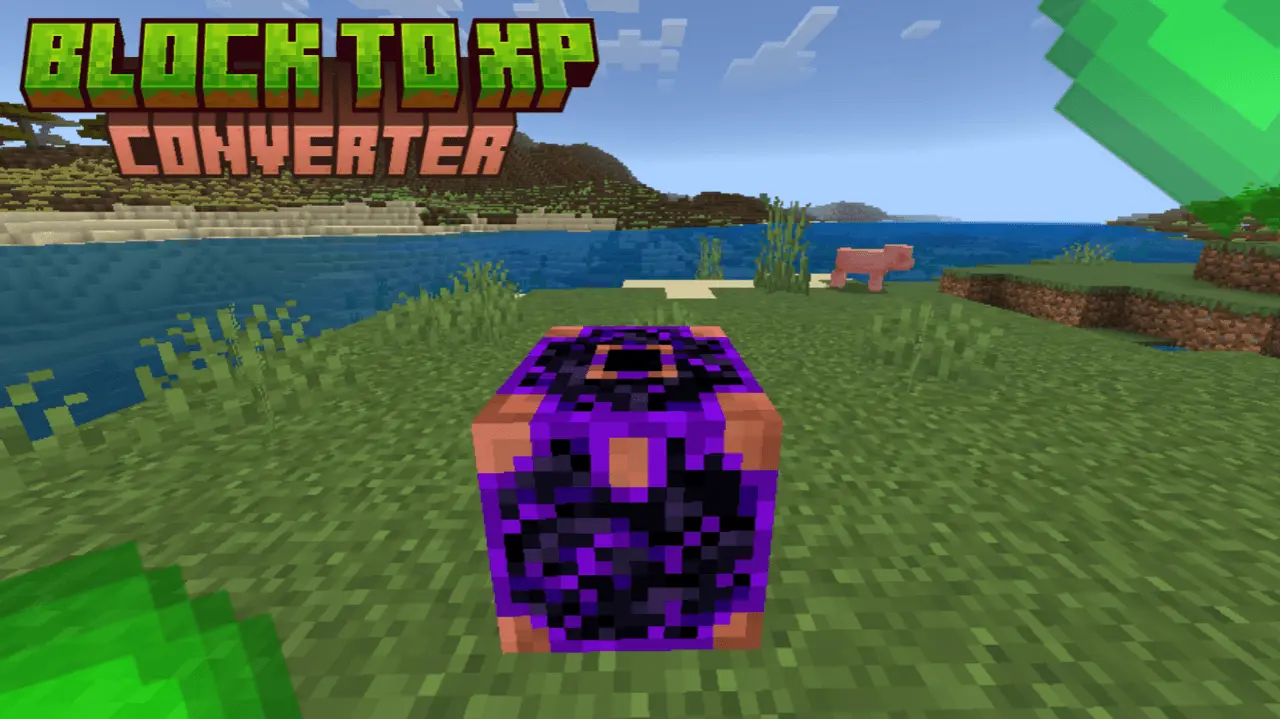
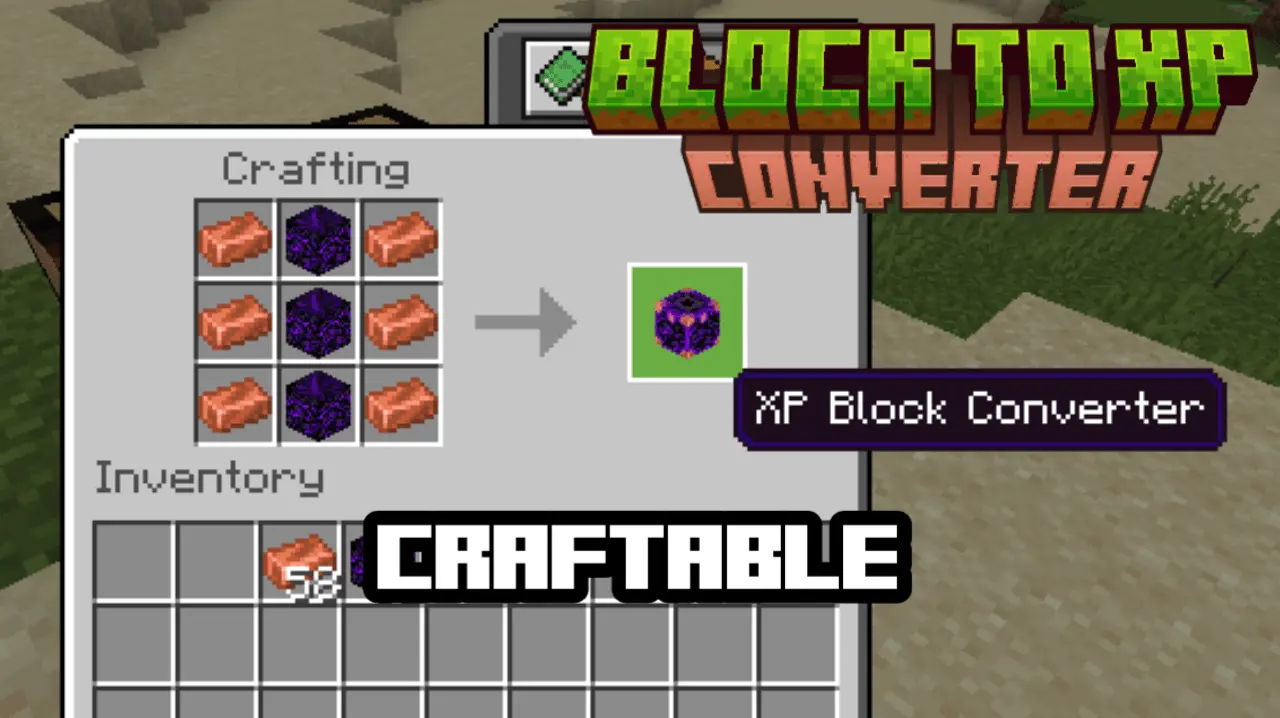
Block To Xp Converter Mod is basically a “turn my storage into levels” tool for Minecraft Bedrock. You craft the Converter using 3 crying obsidians and 6 copper ingots, then you use it by pressing the Converter block while you’re holding a block in your hand. That detail matters a lot: if you click it with an empty hand, it won’t work. The idea is simple—feed it blocks, get XP back, with the amount depending on how valuable the block is.
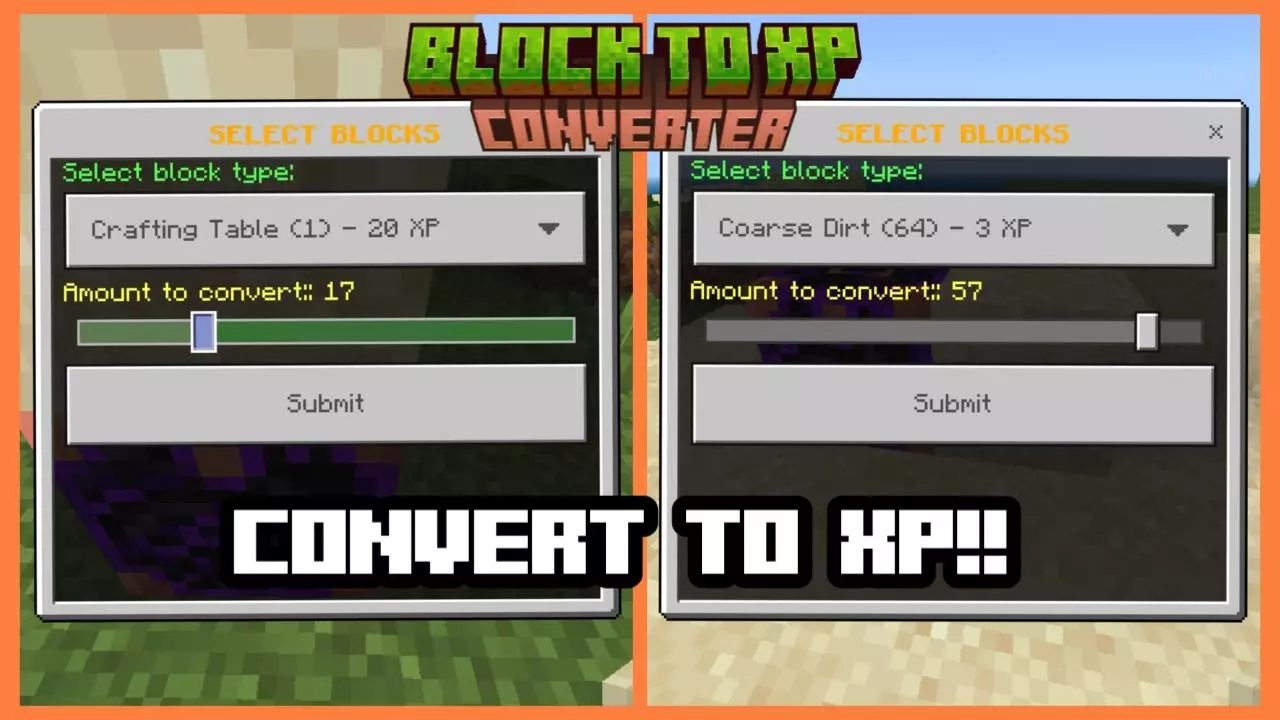
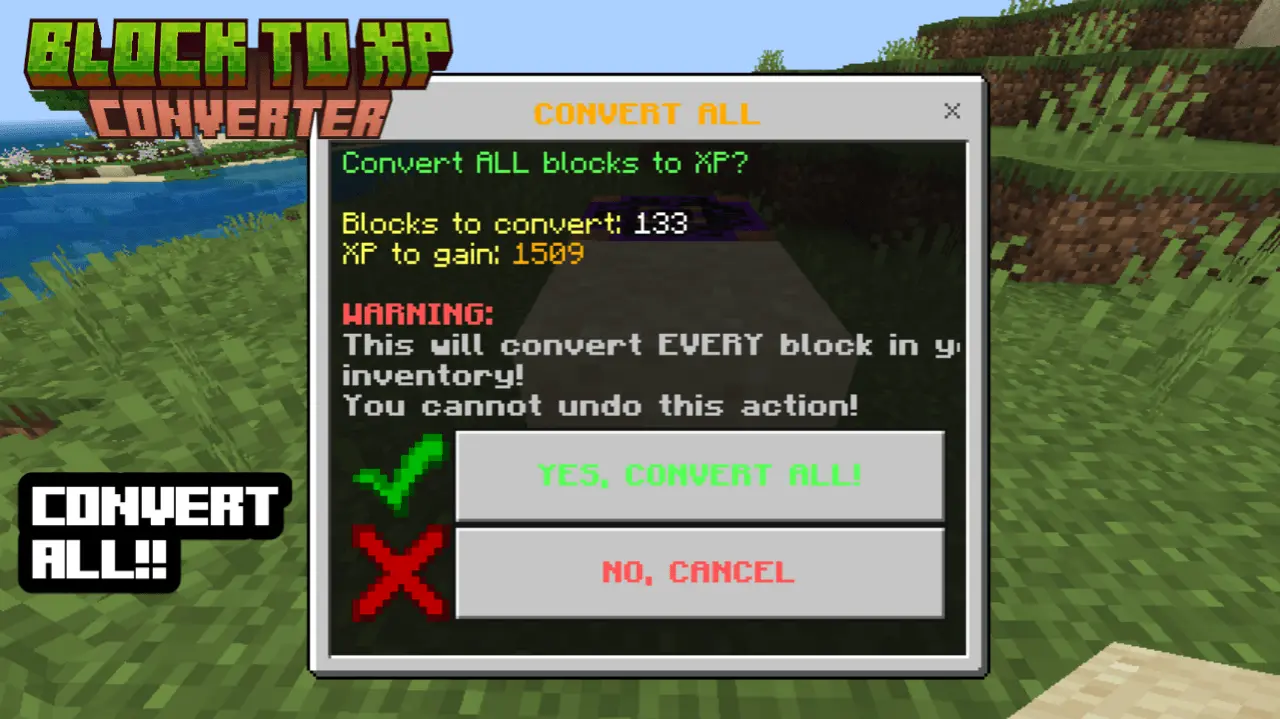
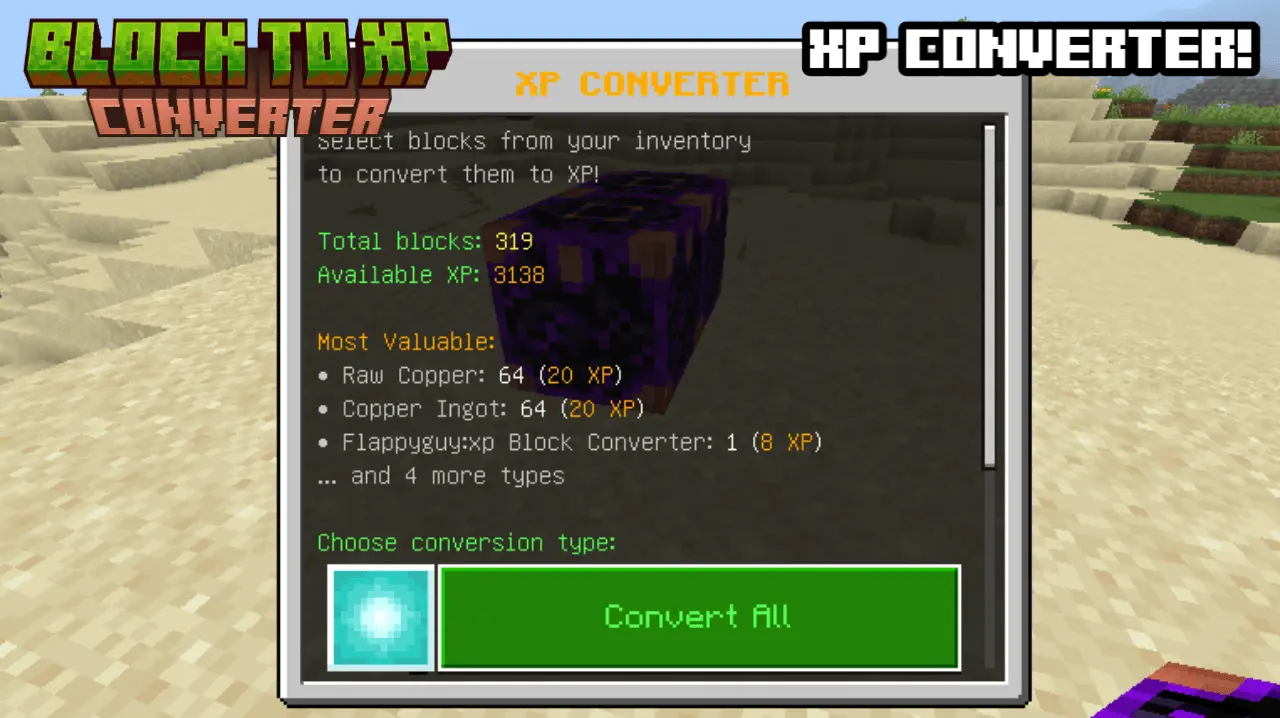
XP is split into tiers, so you’re not getting the same reward for dirt that you’d get for diamonds. The highest tier listed is TIER 1: LEGENDARY, where Netherite Block gives 150 XP, Diamond Block gives 100 XP, and Emerald Block gives 80 XP. Then TIER 2: RARE covers mid-high value stuff like Gold Block (50 XP), Iron Block (30 XP), Lapis Block (25 XP), and Diamond Ore (40 XP). TIER 3: UNCOMMON includes things like Redstone Block (20 XP), Coal Block (15 XP), Gold Ore (15 XP), and Iron Ore (10 XP). TIER 4: COMMON is the everyday material range: Copper Ore (8 XP), Stone/Dirt/Wood (3–5 XP), and all other blocks (3 XP).
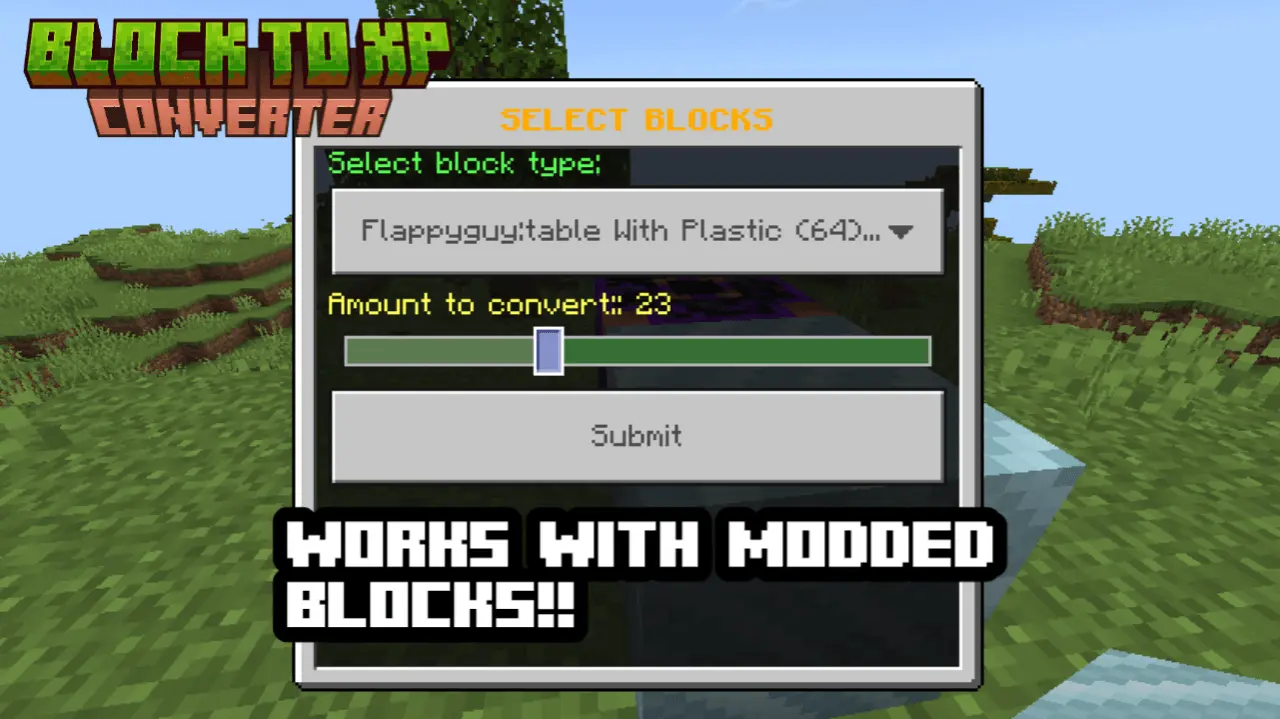
One of the coolest parts is that it also works with modded blocks using name-based rules. If a modded block name includes “crystal” or “gem”, it gives 25 XP. If it includes “ore”, it gives 12 XP. Everything else lands at 3 XP, which keeps it consistent even when your world has a bunch of extra blocks from other addons.
In-game, this mod is perfect when your chests are packed and you’re trying to power up enchanting without doing another endless grind. Practical tip: use the “choose what to convert” feature carefully so you don’t accidentally burn valuable blocks you meant to keep for building. It’s also smart to treat it like a late-session cleanup tool—convert the surplus after a mining run instead of converting everything the moment you get it. Block To Xp Converter Mod turns blocks into XP in a controlled, tier-based way, and it stays usable even in modded Minecraft Bedrock worlds because it recognizes common naming patterns like ore, crystal, and gem.
Installation:
- Download Mod;
- Open the downloaded file to install;
- Select it in the settings;
- Have fun!
Comments (0)