DARK UI Mod / Addon
- 20-05-2026, 02:58
- 831
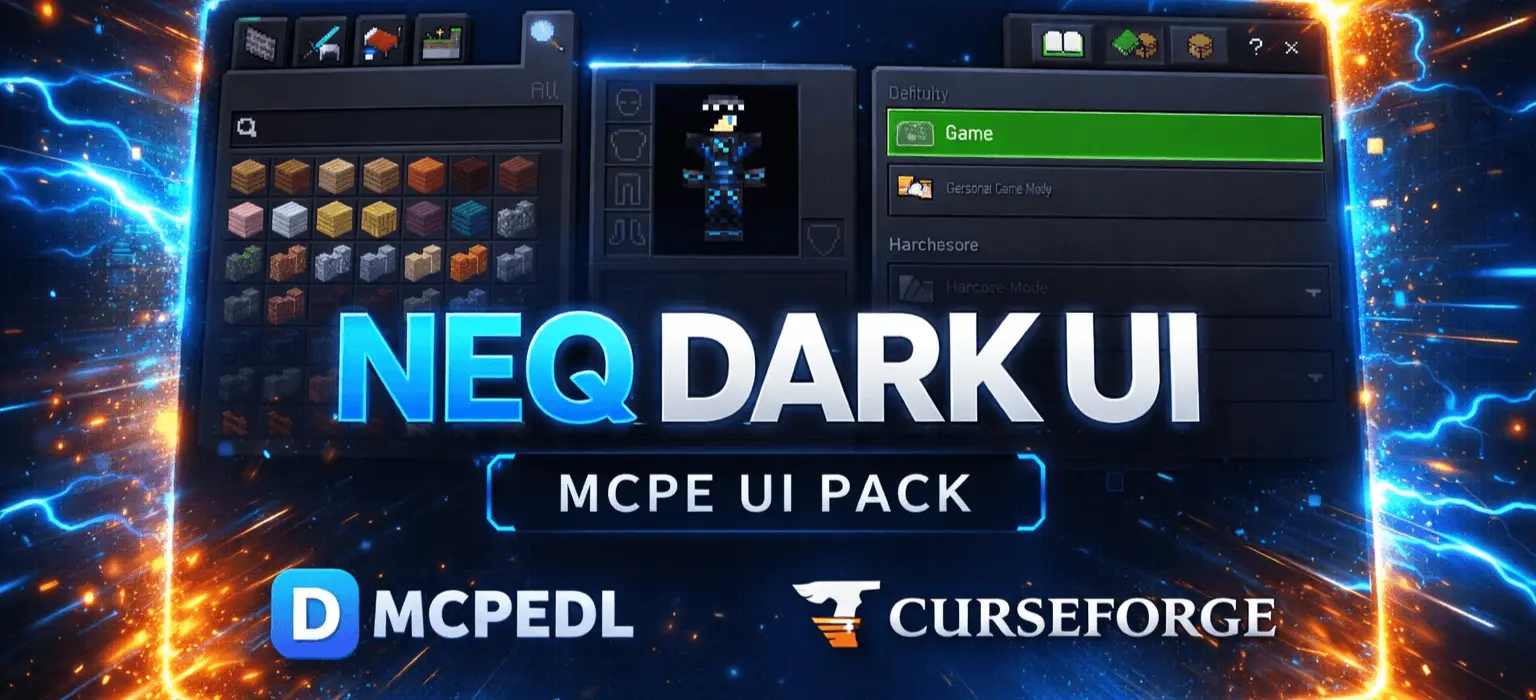
DARK UI Mod, listed as NEQ DARK UI – MCPE UI Pack, is basically a comfort upgrade for anyone who plays Bedrock on mobile and hates getting flashbanged by the default menus at night. It replaces the usual bright UI styling with a darker black and dark grey interface, aiming for a sleek, modern look that’s easier on your eyes when you’re grinding for hours.
The pack leans into a modern, techy design with smoother panels, glowing highlights, and a more futuristic layout. That’s the kind of style that makes the UI feel cleaner without changing what you can actually do in-game, which is perfect for people who want a visual upgrade without messing with gameplay balance. The main win here is visibility: improved contrast makes menus easier to read and navigate, so stuff like settings, crafting, and inventory management feels less tiring when you’re constantly opening and closing screens.


It’s also described as optimized for MCPE and lightweight, meaning it’s meant to run smooth with no lag or FPS drops since it’s focused on UI textures. That matters on Pocket Edition because even small texture changes can feel annoying if they start slowing down your menus, but this pack is clearly trying to avoid that problem.
In terms of what it changes, NEQ DARK UI targets the main places you actually live in while playing: the Main Menu UI, Inventory Screen, Crafting Interface, Settings Menu, and the general buttons and panels. It also mentions HUD elements where applicable, which is nice because it means the dark theme isn’t just a half-finished menu reskin—it’s trying to be consistent across the whole experience.
If you’re the kind of player who spends a lot of time organizing chests, crafting, tweaking settings, or playing late at night on your phone, DARK UI Mod is the type of MCPE pack that can make the game feel calmer and cleaner without changing how survival works.
Installation Mod:
- Download the .mcaddon / .mcpack;
- Open the file to import into the game;
- In World Settings → Resource Packs and Behavior Packs, enable it (turn on Experiments if needed);
- Have fun!
Comments (0)