Cinematic Runtime Mod / Addon
- 22-02-2026, 17:30
- 749
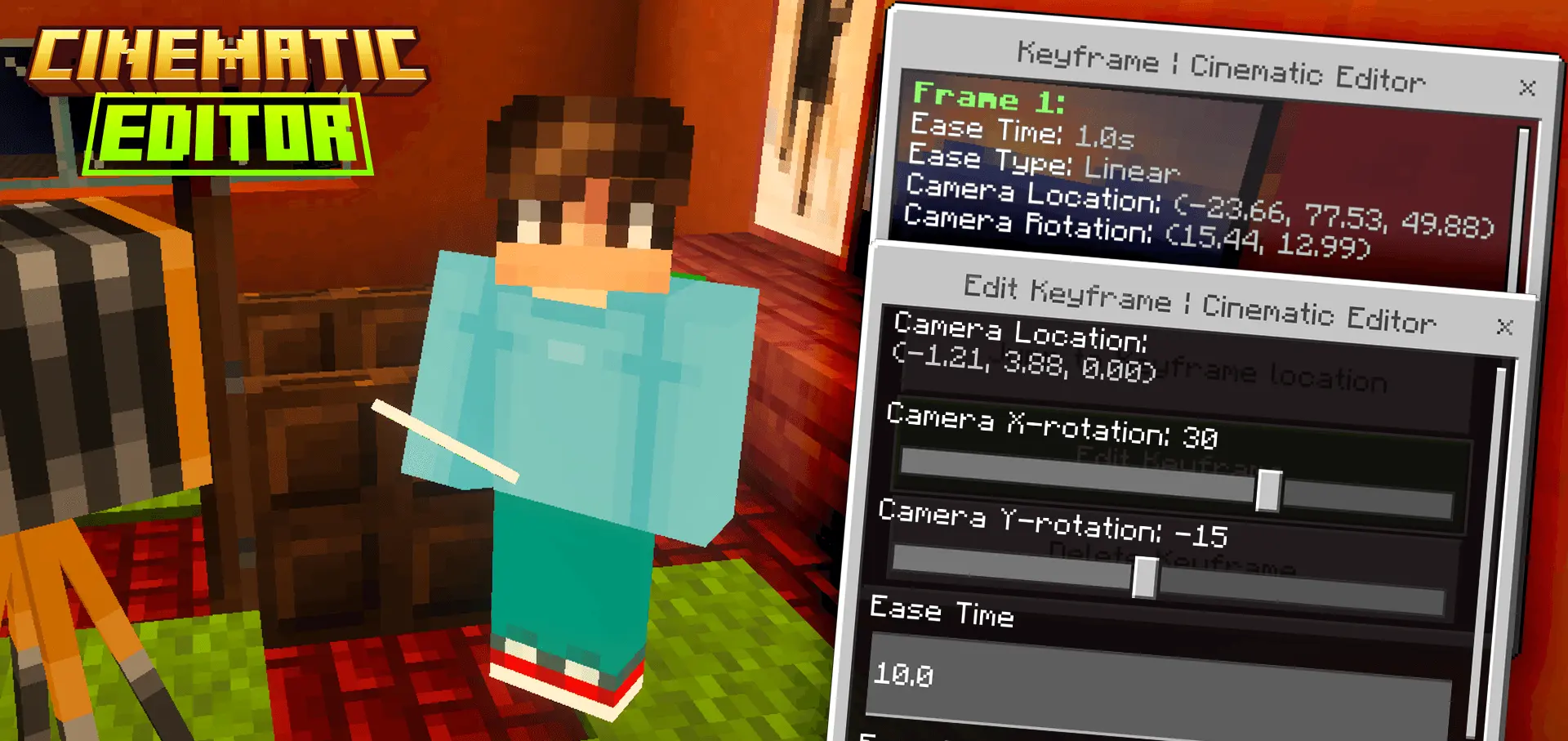
Cinematic Runtime Mod is designed for players and creators who want real camera control inside Minecraft Bedrock, especially on platforms where cinematic tools are usually limited. Jayly’s Cinematic Runtime controls your camera to change perspectives and helps you design cinematic scenes directly in-game, and it’s meant to work on mobile and console, which makes it super useful for anyone recording clips without PC-only editor workflows.
A big update here is that it supports creating and editing a scene without the Minecraft Editor. The tradeoff is that you lose the fancy Editor UI, but you still get a functional runtime workflow that lives inside the world. To start, you run the command /function cinematic/editor. If you haven’t created a scene yet, the runtime editor form appears and prompts you to create one. That means you can set up a cinematic project right from your world session instead of needing an external toolchain.


Once you press the create scene button, you enter Scene Editor mode. The mod warns that your whole inventory will be cleared until you exit scene editor mode, and you’ll get three items in your hotbar instead. That’s a strong “editing workspace� approach: it keeps your normal survival inventory out of the way so you don’t accidentally mess with your build items while you’re trying to place camera tools and design a shot. The practical move is to stash anything important before you enter, so you don’t feel stressed about your usual gear disappearing temporarily while you’re filming.
In actual use, Cinematic Runtime Mod is best for builders, map makers, and content creators who want smooth perspective changes for trailers, showcase tours, story scenes, or just clean camera moves around a build. Since it’s built around a runtime editor rather than the full Editor engine, it’s more about getting the job done in-world than having a fancy interface. If you’re filming on Minecraft Bedrock, especially on mobile or console, this kind of camera control can instantly level up your clips because you’re not stuck with only normal player-view movement.
Installation Mod:
- Download the .mcaddon / .mcpack;
- Open the file to import into the game;
- In World Settings → Resource Packs and Behavior Packs, enable it (turn on Experiments if needed);
- Have fun!
Comments (0)