Stranger Things Mod / Addon
- 22-02-2026, 19:47
- 967
Mods 1.26 / Mods 1.21 / Mods 1.20
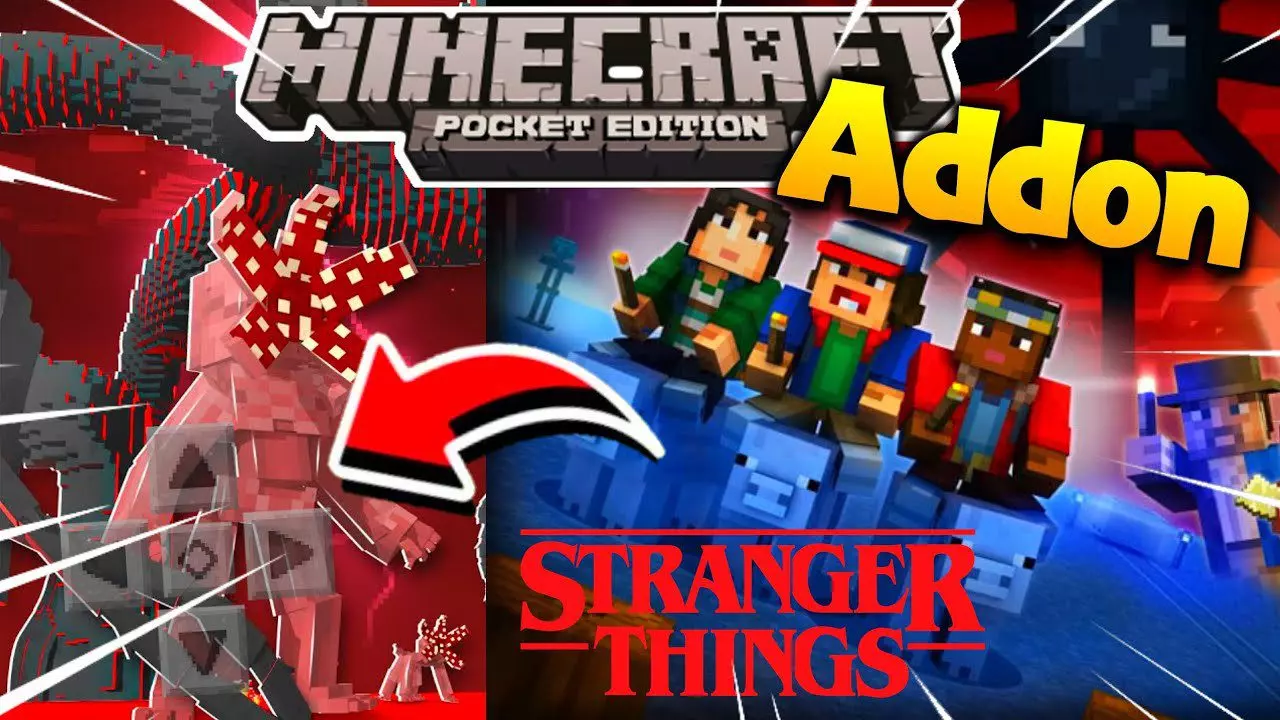
Stranger Things Addon – MCPE/Bedrock Mod is built for players who want Minecraft to feel less like a chill sandbox and more like a straight-up horror survival game. The addon’s pitch is simple: it adds tons of scary mobs into Minecraft Pocket Edition or Bedrock Edition, so your regular exploration and base life gets interrupted by threats that are meant to be unsettling, not cute or predictable. It’s also upfront that it’s based on the Stranger Things Netflix series, so the vibe is that “something escaped into your world and now you’re not safe” kind of tension.
In actual Minecraft Bedrock gameplay, packs like this hit hardest because they mess with your comfort zone. Caves aren’t just resource trips anymore, and nighttime stops being a minor inconvenience. Even walking through familiar terrain can feel different when your brain is constantly watching for weird silhouettes, listening for danger, and deciding whether to run or stand your ground. That’s the big appeal: you’re not switching to a separate horror map—you’re turning your everyday world into one.


A smart way to enjoy Stranger Things Addon – MCPE/Bedrock Mod is to play like the world is hostile by default. Keep your main base lit and secure, build safe routes between places you visit often, and don’t wander far without supplies because horror add-ons usually punish careless travel. If you’re playing on mobile, it’s also worth keeping fights on your terms—open spaces, clean escape paths, and somewhere you can retreat fast—because touch controls plus surprise mobs can turn into panic real quick.
This addon is best for players who want that “I shouldn’t be out here” feeling again. It makes Minecraft Pocket/Bedrock Edition feel darker and more intense by injecting scary mobs into the normal loop, turning exploration into something you earn instead of something you casually do.
Installation Mod:
- Download the .mcaddon / .mcpack;
- Open the file to import into the game;
- In World Settings → Resource Packs and Behavior Packs, enable it (turn on Experiments if needed);
- Have fun!
Comments (1)