Floppi 's Enhancer | FPS Boost & Enhanced Experience – Addon / Texture Pack
- 28-02-2026, 04:41
- 666
Mods 1.26 / Mods 1.21 / Textures
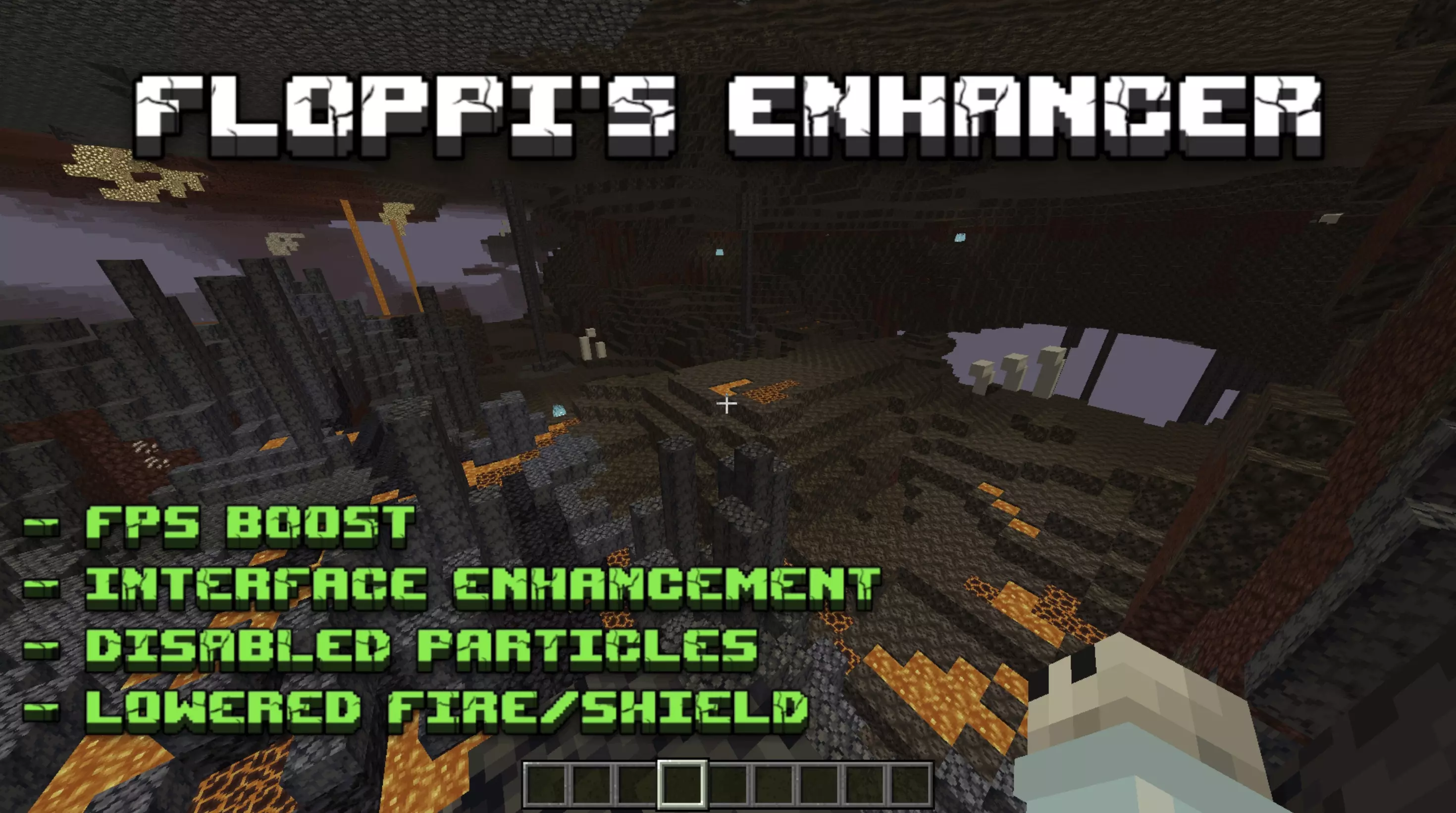
Floppi 's Enhancer | FPS Boost & Enhanced Experience Mod is the kind of pack that makes the game feel cleaner the longer you use it. It is designed around performance, UI and HUD improvements, and full compatibility with Vibrant Visuals shaders, so the goal here is not to turn Bedrock into something unrecognizable. It is more about cutting out friction, reducing visual mess, and making normal play feel smoother whether you are exploring, building, or just grinding through a long survival world.


One of the most useful parts of Floppi 's Enhancer | FPS Boost & Enhanced Experience Mod is how it handles first-person visuals. Lowered fire and shield placement can make a huge difference during real play because those are exactly the things that start getting annoying when the screen gets busy. The pack also improves the display of days with coordinates, which is the kind of small HUD upgrade that actually helps every time you log in and move around your world. On top of that, it completely disables particles to push performance higher, which makes sense for players who care more about stable, long-session gameplay than extra visual clutter.
The fog and visibility changes are also a big part of what makes this pack practical. Floppi 's Enhancer | FPS Boost & Enhanced Experience Mod changes water, lava, and overworld fog, and each one sounds aimed at making the world easier to read. Overworld fog no longer changes render distance while it is raining, water fog is clearer, and lava fog lets you see at least something underneath instead of turning everything into a total blind zone. Those are the kind of adjustments that help during travel, mining, and survival pressure, especially when weather or liquids usually make visibility worse.
Another nice detail is that Floppi 's Enhancer | FPS Boost & Enhanced Experience Mod also touches menu flow. It gives you the ability to export your world as a template or as a world by renaming it to .mcworld, and it completely rearranges and enhances the settings menu. The HUD and pause screen are improved too, with the settings button moved to the top of the marketplace spot. That makes the whole pack feel like a full quality-of-life cleanup for Minecraft Bedrock players who want performance, clearer visuals, and a less annoying interface during everyday play.
Installation:
- Download Texture;
- Open the downloaded .mcpack to install;
- Select texture in settings;
- Done.
Comments (0)