Entity Cloud Mod / Addon
- 2-03-2026, 15:19
- 463
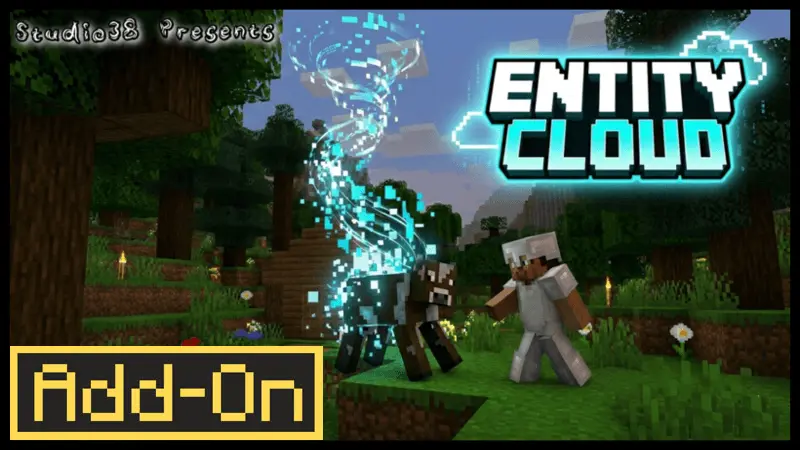
Entity Cloud Mod is basically the “why am I still carrying mobs around in capsules?� answer. The whole pitch is that storing entities in capsules is outdated, and it’s time to put them in a cloud-style system instead. So instead of treating entities like physical items you have to juggle, you store and recall them into your data, which makes the whole thing feel way more modern and less annoying during normal gameplay.
The best part is that Entity Cloud Mod is designed to be easy. The source text straight-up says no extra steps are required, which is huge for anything you want to actually keep in a long-term world. You can install it and just play, without doing some weird setup dance every time you want to use the feature. It also claims full compatibility with other add-ons, so it’s clearly meant to sit inside bigger modded worlds without causing drama.
Entity Cloud Mod works with both vanilla and custom entities, and that’s where it starts to feel useful in real sessions. If you’re running a world with extra creatures or custom mobs from other add-ons, the idea of storing and recalling entities into your data means you can treat them like something you can manage instead of something you constantly have to babysit. In survival, that kind of control changes how you handle travel, base planning, and even just keeping your world organized when you’ve got a lot going on.
Entity Cloud Mod fits players who like clean utility tools that don’t slow the game down. If you’re tired of clunky storage gimmicks and you want a smoother way to store and recall entities, Entity Cloud Mod is aiming for that “works instantly, no fuss� vibe while staying compatible with the rest of your add-on stack.
Installation Mod:
- Download the .mcaddon / .mcpack;
- Open the file to import into the game;
- In World Settings → Resource Packs and Behavior Packs, enable it (turn on Experiments if needed);
- Have fun!
Comments (0)