AFK Detector Addon: Auto Idle Tag & Protection Mod / Addon
- 2-06-2026, 04:29
- 496
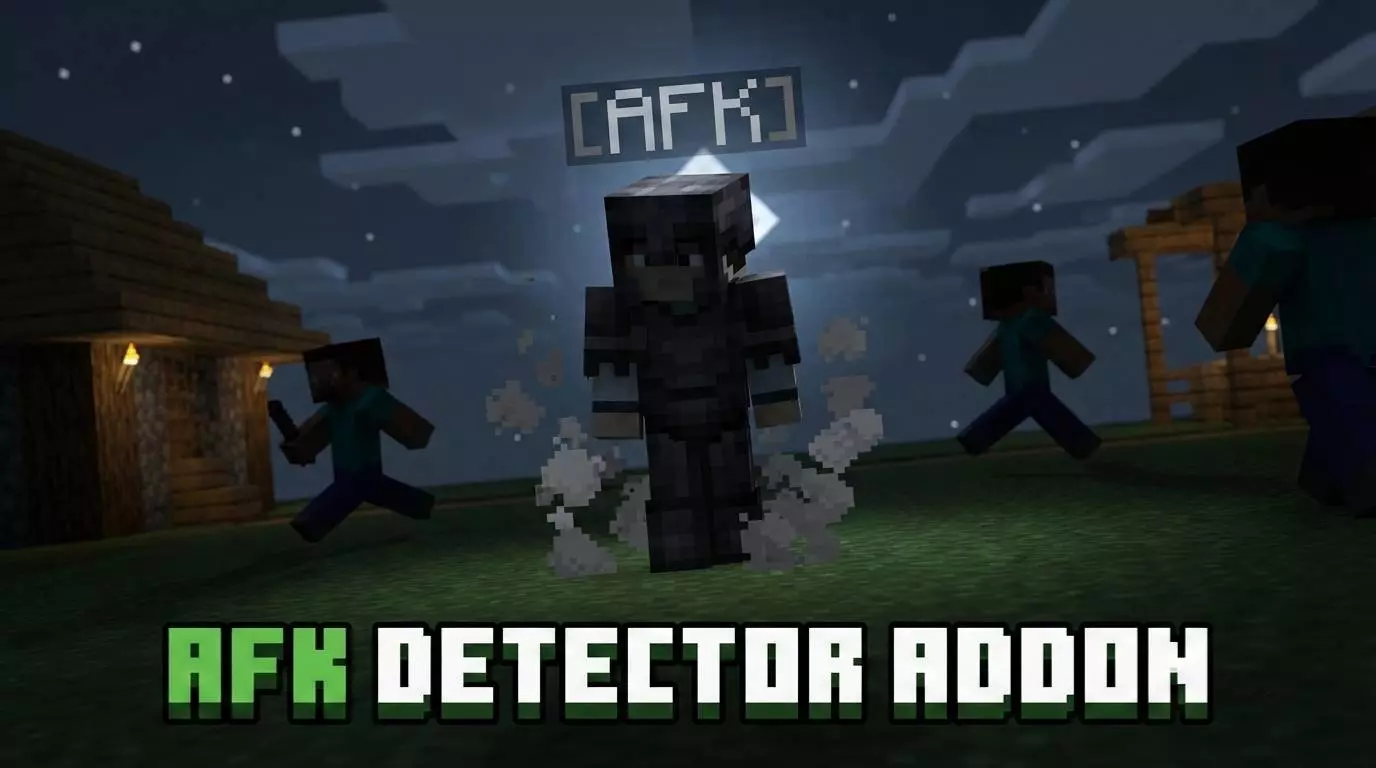
AFK Detector Addon: Auto Idle Tag & Protection - a useful mod for multiplayer, server or realism, so as not to die when you are AFK. Walking away from your screen to grab a soda only to come back to a death screen because a stray creeper wandered into your dirt hut is the ultimate rage-quit trigger, but the AFK Detector Addon Auto Idle Tag & Protection Mod Addon puts an end to that nonsense permanently. Sandbox survival has this annoying habit of punishing you for having a life outside your monitor, turning a quick five-minute break into a total gear wipeout where all your hard-earned diamonds, enchanted netherite tools, and precious shulker boxes get blown across the landscape or despawn into thin air. Dropping this utility into your survival seed completely rewires that risk by automatically sniffing out when your inputs go dead, slapping a clean visual indicator over your character model so everyone in the world knows you stepped away from the keyboard. The second that idle status triggers, the real magic kicks in with airtight defensive protocols that freeze hostile mob aggression, shrug off environmental hazards, and lock down your hitboxes against phantom damage spikes that usually catch idling players off guard. You no longer have to waste five minutes walling yourself into a claustrophobic cobblestone coffin or panicking to find a bed before stepping away from your desk, because the game recognizes you are taking a breather and keeps your character completely safe until your hands touch the controls again.


Running this kind of automated idle security on a packed Bedrock realm or chaotic faction server totally cleans up the social dynamic and stops endless voice chat bickering in its tracks. Usually, when someone goes limp in a community base, they become prime bait for bored teammates looking to punch them off a ravine cliff, push them into a stray water stream, or lead a charging iron golem straight into their hitboxes for cheap laughs and stolen loot. With the auto-idle tag actively broadcasting player states overhead, griefing opportunists lose their window to mess around, and raid parties can instantly tell who is ready to push deep dark ancient cities and who is currently raiding their kitchen for snacks. Base administrators and server mods catch a massive break as well, since identifying phantom players who take up valuable server slots during peak hours becomes completely effortless without digging through complex slash commands or server logs. It creates an orderly, smooth atmosphere where massive industrial megaprojects can keep running their automated sorting hoppers and mob farms in peace while builders take quick breaks without fear of coming back to an empty inventory or an unprompted respawn screen.
The execution on the backend side is remarkably sleek, sidestepping the clunky scripting traps that usually break player tracking utilities on lower-end hardware. Rather than constantly blasting the world tick engine with bloated looping commands or spawning messy armor stand entities that chew up memory, the system monitors player input packets cleanly and applies protective status checks without causing micro-stuttering or latency spikes. Your character transitions in and out of the protected idle state instantly the second you tap a directional key or swing your camera, avoiding that terrible input delay where you get stuck in place while trying to sprint away from a newly spawned horde. Visual nametags render smoothly without clipping through custom skins or cluttering the screen with eye-searing UI clutter, blending naturally into the default HUD whether you are gaming on a desktop rig, a living room console, or a mobile touchscreen during a road trip. It delivers that perfect set-it-and-forget-it peace of mind, letting you step away from the grind whenever real life calls without losing a single speck of your hard-earned survival progress.
Installation Mod:
- Download the .mcaddon / .mcpack;
- Open the file to import into the game;
- In World Settings → Resource Packs and Behavior Packs, enable it (turn on Experiments if needed);
- Have fun!
Comments (0)