Dynamic Camera Mod / Addon
- 3-03-2026, 07:51
- 1 081
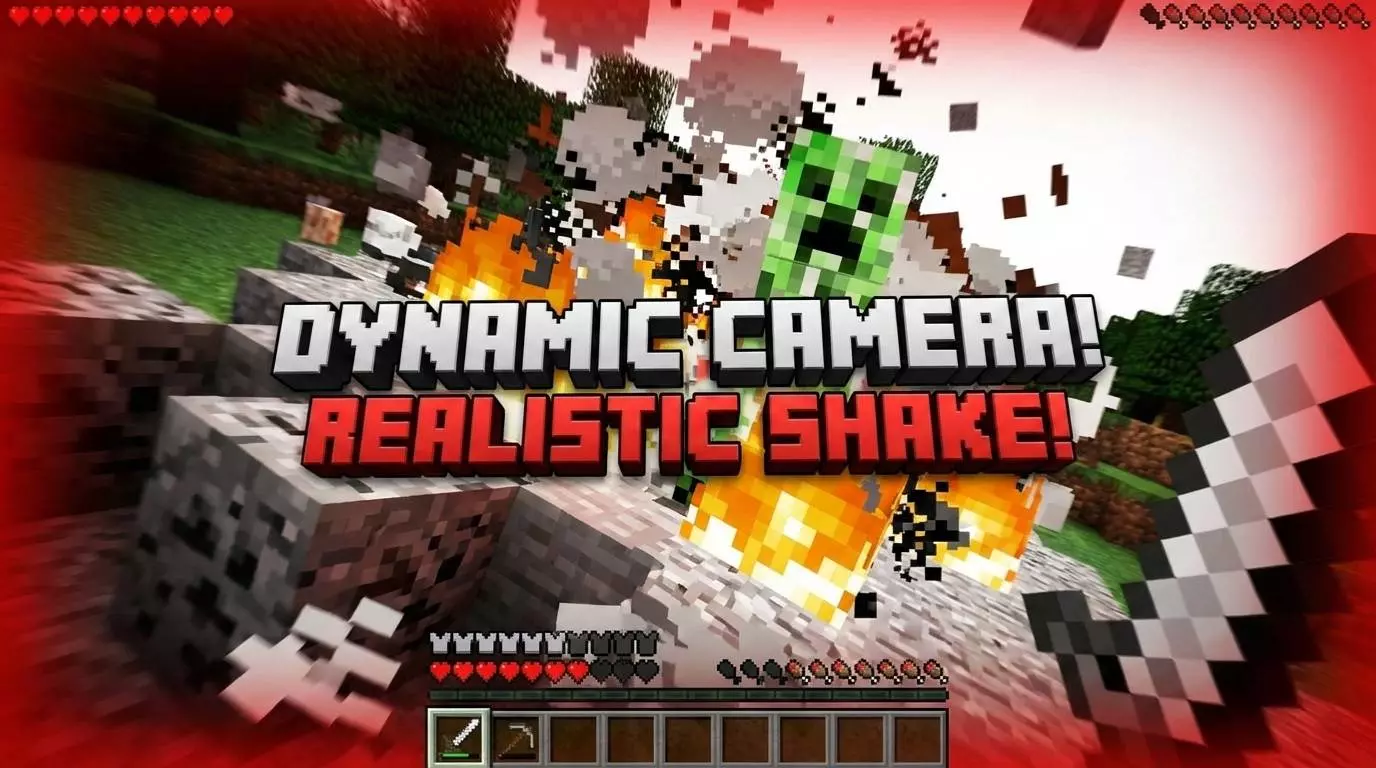
Dynamic Camera Addon: Zoom, Sprint & Shake FX is made for players who feel like the default camera is too stiff. In vanilla, your view stays mostly the same whether you are walking, running, or taking damage, so movement can feel flat. This add-on changes that by adding cinematic effects directly to your screen.


A creeper explodes behind you, the screen jolts, and you’re already sprinting for cover. Dynamic Camera makes moments like that feel more dramatic by changing the view as you move and take hits.
The add-on reacts to actions you already use in Minecraft Bedrock. Start sprinting and the camera pulls back for a wider view, giving a chase or a parkour run a stronger sense of speed. Crouch in third person and the camera moves into a closer, over-the-shoulder view. It’s a handy way to get a better look at what’s ahead before stepping into a fight, and it gives your character a different presence on screen. You don’t need to carry a special camera item to trigger either effect; they respond to your movement.
Combat gets its own camera effects. Taking damage causes the screen to shake, while landing an attack produces a subtler recoil. Explosions and hard falls can trigger their own impact effects, so a fight with a creeper feels different from a quiet walk back to your base. The shake is a visual cue, not a change to how much damage you take. If you like recording your adventures, those reactions can add some energy to a battle without needing to set up a separate shot for every hit. They’re also noticeable during ordinary survival, especially when an enemy catches you off guard.
You can choose how quickly the camera responds. Cinematic uses slower, smoother transitions, while Smooth keeps the movement more balanced. Action and Intense react faster for players who prefer a snappier view. To open the controls, hold a book, crouch, and use it. Try a mode while running around a familiar area, then switch to another and compare how it feels. A slower transition might suit a scenic walk through your build, while a faster one may feel better during a hectic fight. You can also adjust the shake to find a level that’s comfortable for you.
The menu tracks activity such as zooms, sprints, and camera effects, giving you a way to see how often they’ve kicked in during play. Before loading your world, enable Beta APIs under Experiments; the camera effects and book menu rely on scripts. Once everything is active, head out and play normally for a while. Sprint across a field, crouch to inspect something in the distance, and see how the view responds when the next fight finds you. Dynamic Camera gives familiar Minecraft movement a more cinematic feel without asking you to change your routine.
The main features are clear and easy to notice in normal gameplay. You can sneak to zoom in like a sniper, sprint to widen your field of view for a faster feeling, and get screen shake when you are hit so impacts feel stronger. Dynamic Camera Addon: Zoom, Sprint & Shake FX does not just change how the game looks for a second — it changes how basic movement feels moment to moment, especially when you want more energy on screen.
Installation Mod:
- Download the .mcaddon / .mcpack;
- Open the file to import into the game;
- In World Settings → Resource Packs and Behavior Packs, enable it (turn on Experiments if needed);
- Have fun!
Comments (0)