RR X-Ray Compass: Laser Diamond Finder! Mod / Addon
- 4-03-2026, 21:10
- 778
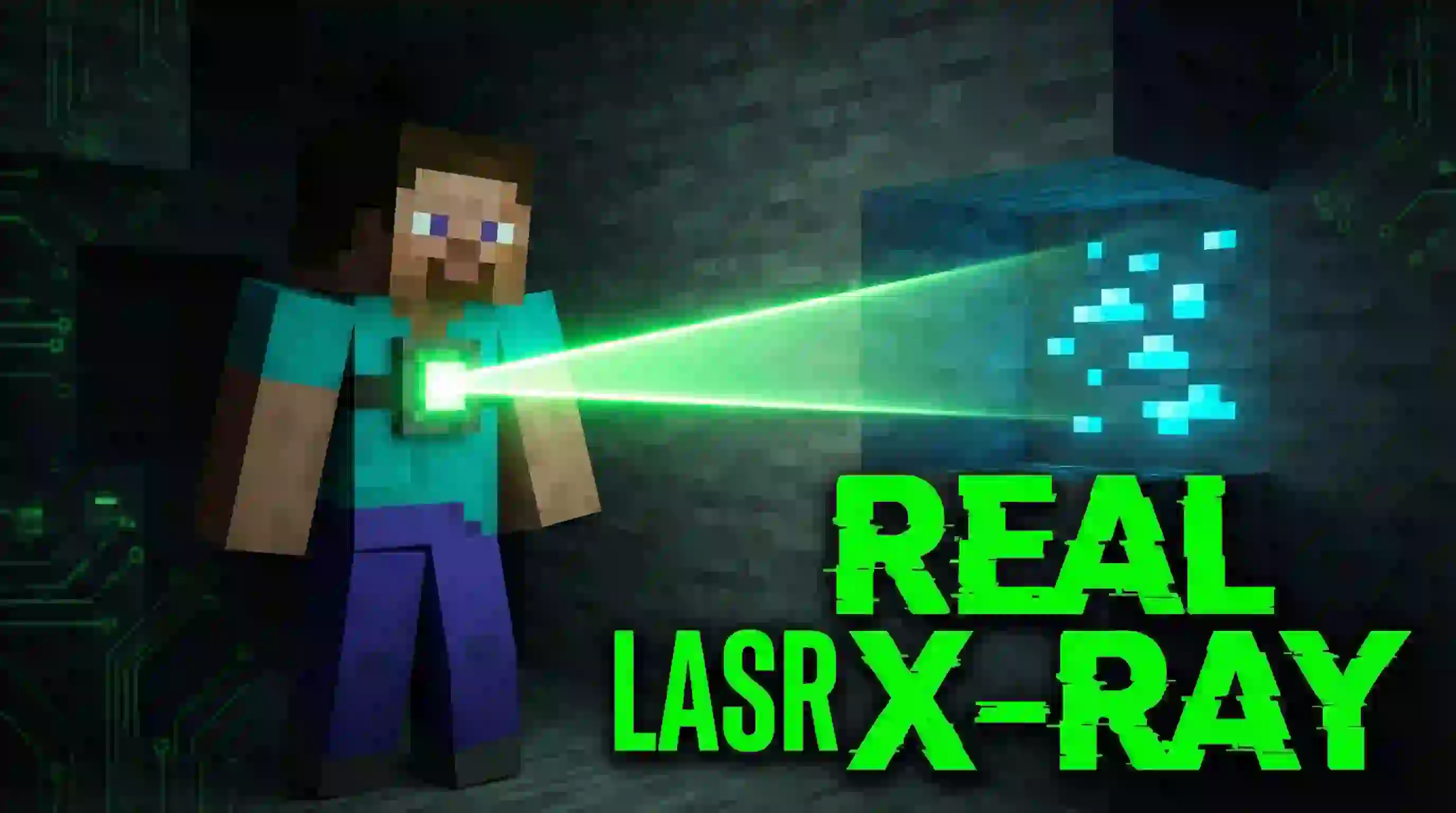
RR X-Ray Compass: Laser Diamond Finder! Mod is a “stop wasting hours strip mining� tool that upgrades the vanilla compass into a high-tech scanner. You pick what ore you want, then the compass searches and shoots a visual, color-coded laser line of particles from you straight to the nearest target. Instead of guessing and chewing through random gravel, you just follow the beam.
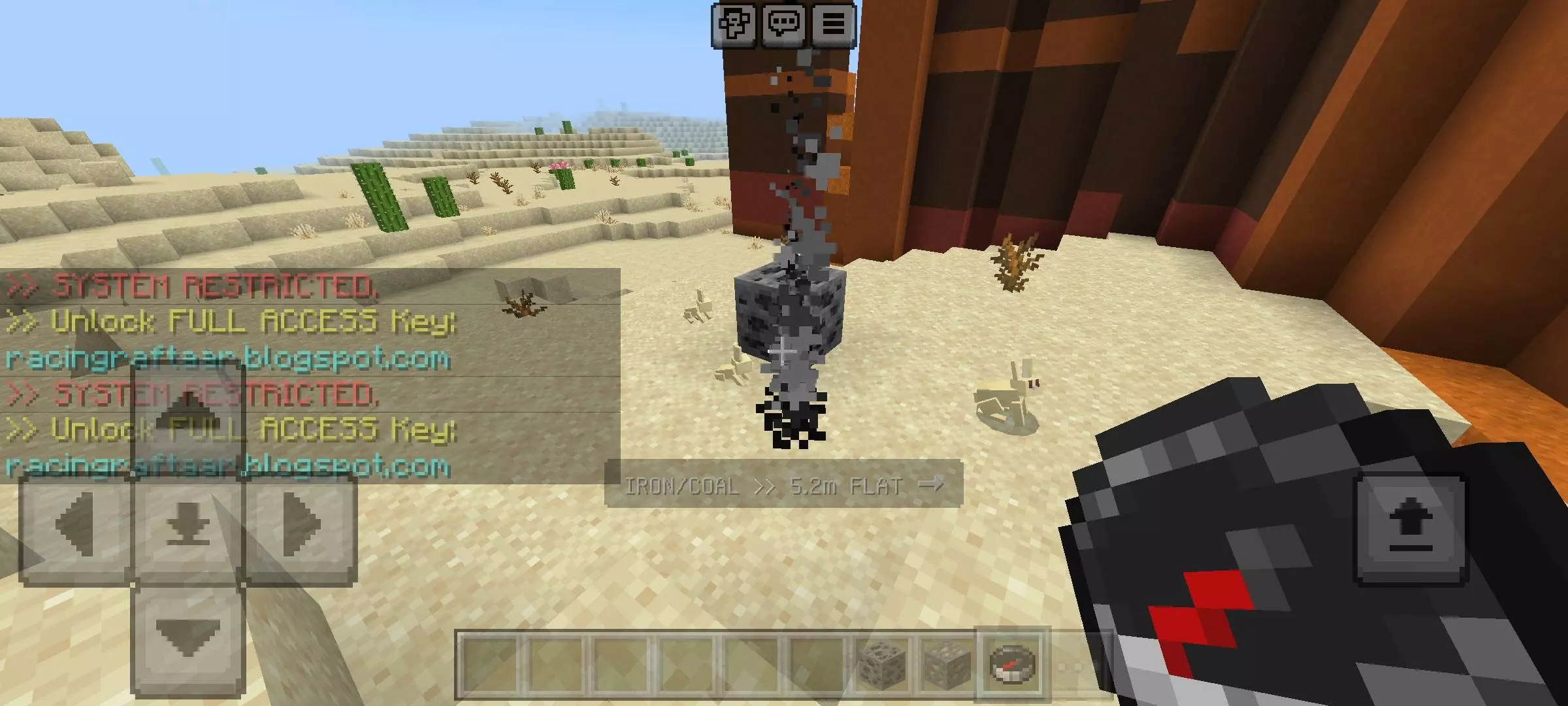
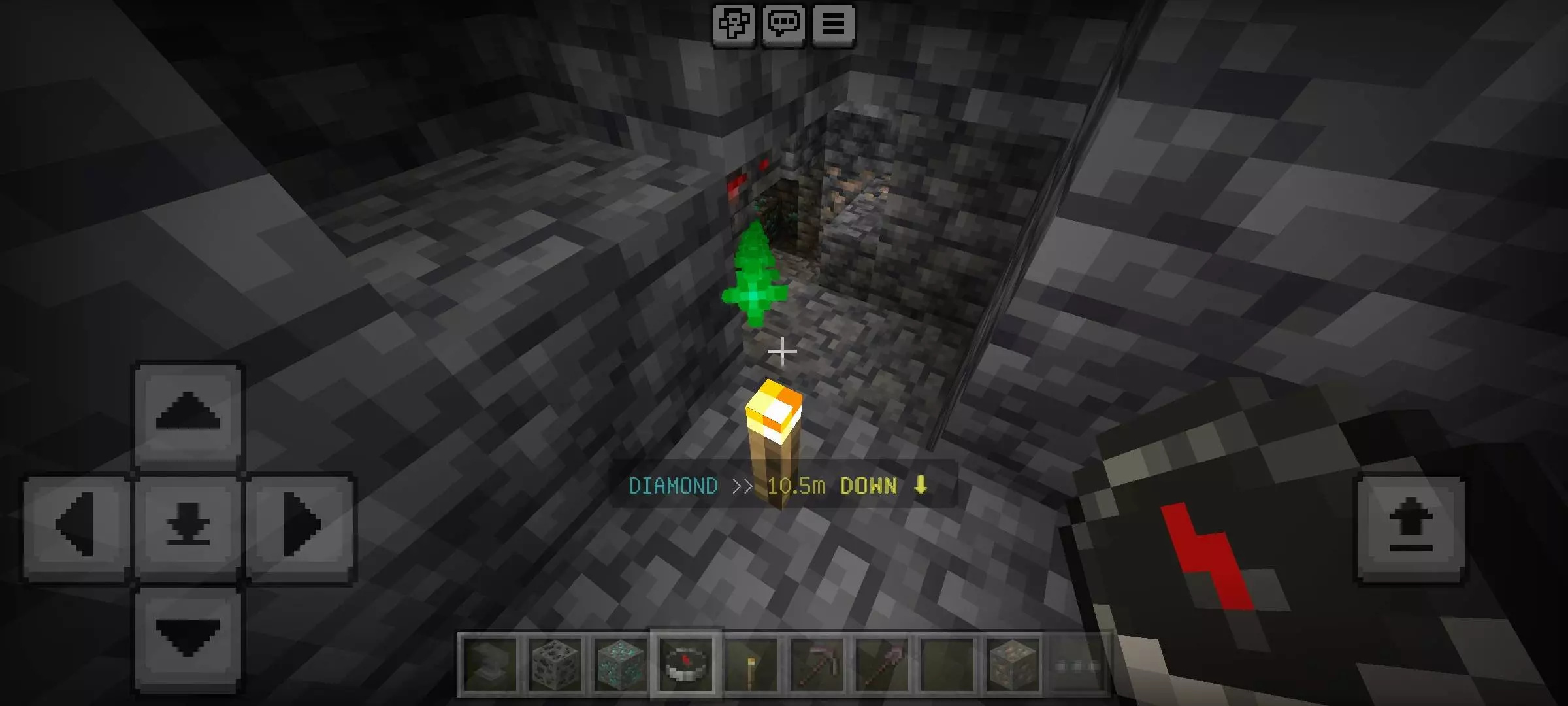
The Ore Selector tracks 9 ores: Diamond, Ancient Debris, Iron, Gold, Emerald, Lapis, Redstone, Copper, and Coal. On top of the laser, the Smart Direction HUD tells you how many meters away the ore is and whether you need to dig up, down, or stay level. You can also set the scan range to 8, 16, or 24 blocks.
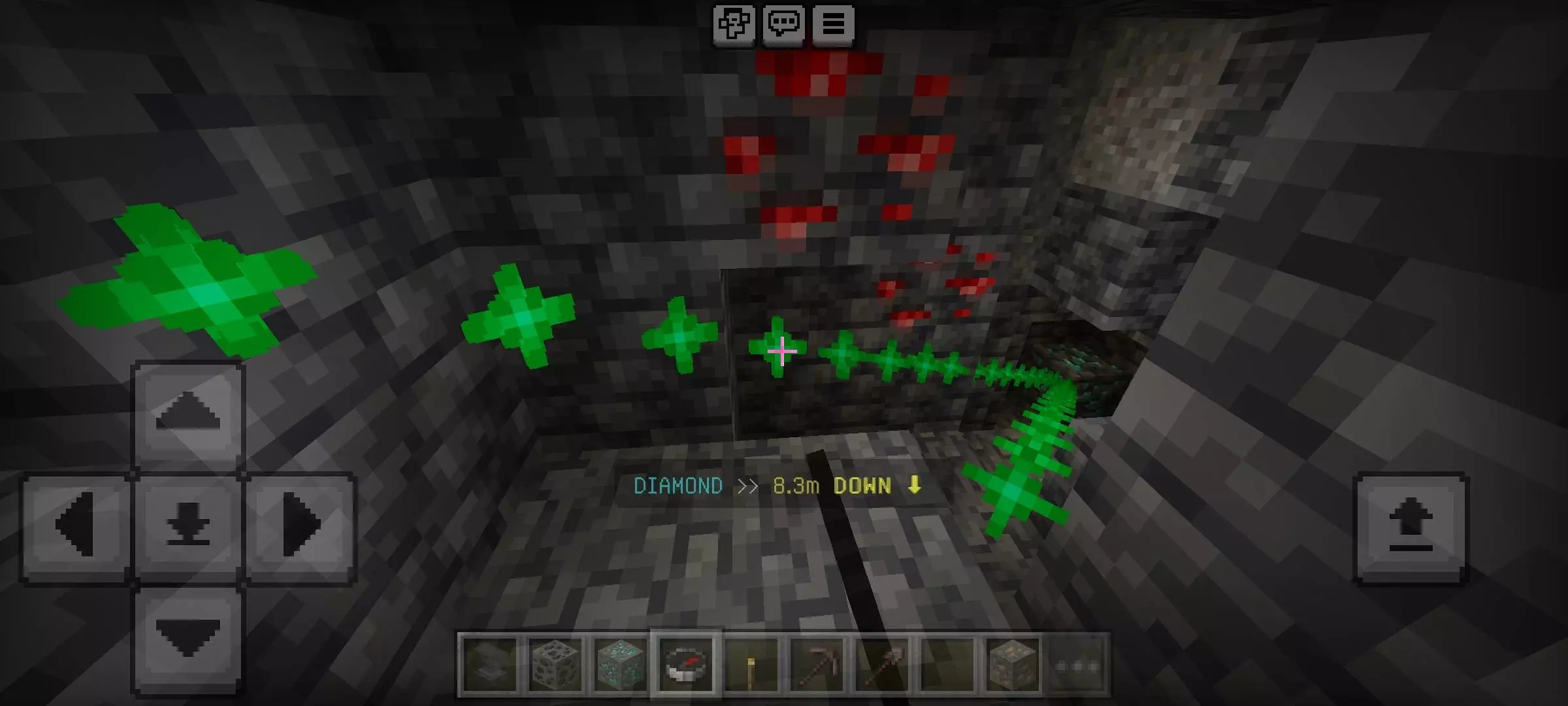
Your pickaxe is nearly broken, your inventory is full of stone, and those diamonds are still playing hide-and-seek. RR X-Ray Compass gives you a better lead: a colored beam pointing toward the ore you’re hunting.
The add-on turns an ordinary Minecraft compass into a scanner. Hold it in your hand and stand still for a moment while it searches the area. When it detects your selected resource, a line of colored particles points toward the target. The display also shows how far away it is and whether you need to head up, down, or stay on the same level. Follow the direction, keep an eye on the distance, and work your way toward the find. The beam shows you where to go; you’ll still need to do the digging yourself.
Diamonds might be the headline, but they aren’t the only thing the compass can track. The ore selector includes iron, gold, emerald, lapis, redstone, copper, and coal, along with ancient debris for players heading into the Nether. That gives the tool a use long after you’ve made your first diamond pickaxe. Low on iron for another building project? Change the target. Working on redstone and don’t feel like wandering through every cave you find? Set the scanner to look for it instead. You can choose the resource that matters to your current project rather than settling for whatever turns up.
Changing the settings doesn’t require you to leave your world. Hold a book and crouch for about two seconds to open the control panel, where you can pick a different ore and set the scanning range to 8, 16, or 24 blocks. Remember that the scan pauses while you’re moving, so stop for a moment whenever you want the compass to check your surroundings. If nothing appears, try another location or adjust the range before assuming the resource is nearby. The beam is a guide, not a reason to dig straight down into a lava pool.
Before starting, enable Beta APIs under Experiments in your world settings; the scanner relies on scripts to locate blocks and display its particle beam. Once you’re underground, keep a compass and book alongside your usual torches, food, and pickaxe. You can still explore caves and collect whatever catches your eye, but when a project stalls because you need one particular material, the scanner gives you a more focused way to search. Point it toward diamonds, ancient debris, or whichever ore you’re short on, then see where the trail leads.
Settings are handled in-game with a clean menu: sneak and hold a Book for 2 seconds to open the control panel and swap your target ore or range anytime.
Installation Mod:
- Download the .mcaddon / .mcpack;
- Open the file to import into the game;
- In World Settings → Resource Packs and Behavior Packs, enable it (turn on Experiments if needed);
- Have fun!
Comments (0)