RR Titan Shield (Super Knockback & Aura) Mod / Addon
- 4-03-2026, 19:17
- 625
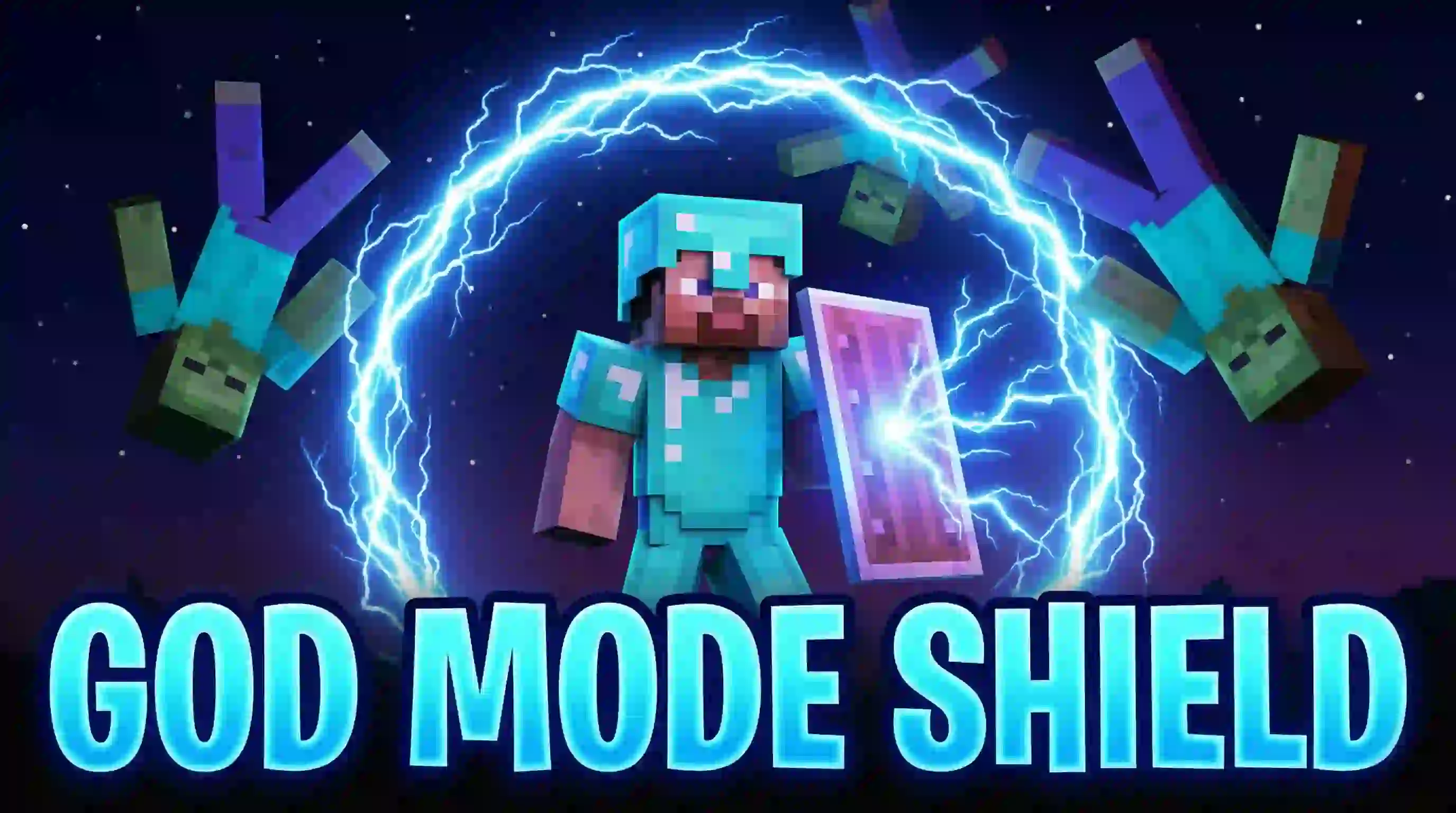
RR Titan Shield Mod (Super Knockback & Aura) is built for those survival moments when you’re stacked with loot and suddenly everything in the cave wants you deleted. Creepers hissing behind you, zombies pinning you in a corner, skeletons knocking you toward lava—yeah, that pain is real.


A zombie gets too close and suddenly it’s flying backward. That’s the energy RR Titan Shield brings to Minecraft Bedrock: equip a regular shield, and hostile mobs have a much harder time crowding you.
The add-on surrounds your character with an invisible force field that pushes nearby enemies away. You don’t have to crouch or wait until a mob swings at you; the effect activates while you hold the shield in either hand. That makes a big difference when you’re trying to move through a cave and trouble approaches from more than one direction. A zombie coming up behind you can be pushed back while you deal with the one in front, giving you a little breathing room to figure out your next move.
Getting started doesn’t call for a rare new ingredient. Craft a normal Minecraft shield with wood and iron, equip it, and the force field goes to work. Bring a book along if you want to change how it behaves: hold the book, crouch, and use it to open the settings menu. From there, you can adjust the field’s range, the strength of the knockback, and how high enemies are pushed. There’s also an automatic damage setting and an option to turn the custom sounds on or off. Set it up for a gentle shove if you still want to fight mobs up close, or crank up the knockback and watch them get tossed out of your personal space.
That extra room can be useful when your inventory is packed with loot and you’re trying to get home in one piece. It can help keep a group of zombies from pinning you against a wall, and it gives you another way to deal with a creeper that gets uncomfortably close. Still, don’t treat the shield as a promise that nothing can hurt you. Keep an eye on cliffs, lava, and ranged attacks, and test your settings before relying on them in a dangerous spot. Sending a mob flying is entertaining until you realize where it landed—or where you’re standing.
The menu also includes a leaderboard that tracks defenses, so friends sharing a world can compare how often their shields have pushed enemies away. Before jumping in, enable Beta APIs under Experiments in your world settings; the force field and menu rely on scripts. Once it’s working, grab a shield, find a few hostile mobs, and try out the different settings. Whether you want a little help keeping enemies back or a survival world with some seriously overpowered knockback, RR Titan Shield lets you choose how much space is enough.
The creator calls the vanilla shield in Minecraft Bedrock too basic: you have to crouch, it kills your movement speed, blocks a chunk of your screen, and only really covers the front, so back attacks still hurt.
RR Titan Shield Mod (Super Knockback & Aura) is meant to make you feel way more in control of your surroundings. It’s been fully rewritten for Version 2.0.0, and this Full Access Edition ships with every premium feature already unlocked out of the box.
Installation Mod:
- Download the .mcaddon / .mcpack;
- Open the file to import into the game;
- In World Settings → Resource Packs and Behavior Packs, enable it (turn on Experiments if needed);
- Have fun!
Comments (0)