Executable Items: Create Your Own Weapon Mod / Addon
- 6-03-2026, 10:59
- 590
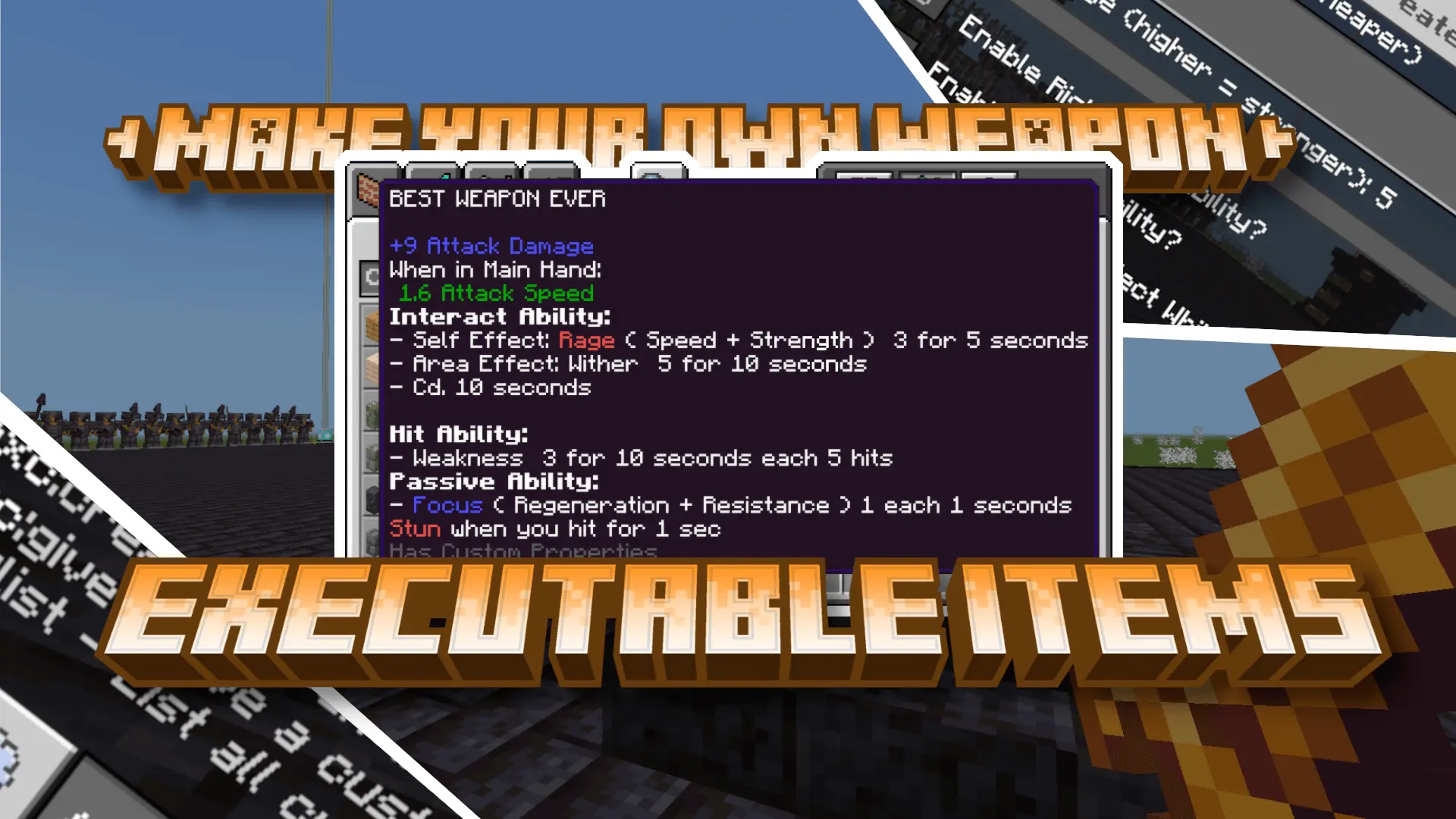
Executable Items: Create Your Own Weapon The addon will allow you to create your own weapons and swords in the Minecraft game. Ever wanted a Minecraft weapon that feels like it belongs to your character? Executable Items: Create Your Own Weapon lets you put one together inside the game. You choose its name, damage, abilities, and appearance through a menu, without having to write an add-on yourself. It’s a chance to make a blade for a character you’ve been playing for months, prepare a special reward for an adventure map, or simply experiment with an idea you’ve had while fighting mobs.


To open the weapon creator, an operator or world administrator can enter /exc:create @s. There is also an item that opens the creation menu in creative mode. Once the menu appears, start by giving your weapon a name and choosing its damage. The damage setting ranges from 5 to 12, so think about where you plan to use the finished item. A weapon for a friendly game with other players might need a different setting from one you’re making just to experiment in your own world. You can also decide which types of ability you want to configure before moving on to the next step.
The abilities are where you can give the weapon a purpose beyond its damage. An interaction ability activates when you use the item, a hit ability can apply an effect when you strike an entity, and a passive ability can provide an effect while you hold the weapon. You can adjust the available settings as you go, including a cooldown for interaction abilities. For your first attempt, try starting with one ability and testing it before making something more elaborate. That way, you can get a feel for how the settings work and decide what you want to change next time.
After the ability settings, you choose how the weapon looks. The menu offers familiar Minecraft item textures as well as a selection of custom appearances. Pick something that suits the name and role you have in mind: a weapon made for a mysterious dungeon reward might call for a different look from one intended for a friendly arena. Once you finish, the item is given to you, ready to try out. The menu offers premade visual choices, so you can create a distinctive combination from what’s available without needing to draw a texture yourself.
You can return to weapons you’ve already made, too. Operators and administrators can use /exc:list @s to see their names, while /exc:give can give a previously created weapon to a chosen player. There’s a controller item for these actions as well. This is useful if you’re preparing equipment for friends or want to bring back a favorite creation without setting everything up again. Give your weapons names you’ll remember, try them out in different situations, and adjust your ideas as you become more comfortable with the menu. You might start by making a single sword and end up with a whole collection for your world.
Installation Mod:
- Download the .mcaddon / .mcpack;
- Open the file to import into the game;
- In World Settings → Resource Packs and Behavior Packs, enable it (turn on Experiments if needed);
- Have fun!
Comments (0)