SimpleGraves Mod / Addon
- 8-04-2026, 08:17
- 607
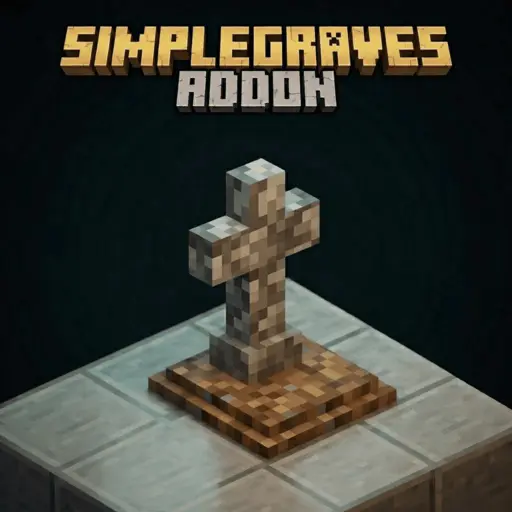
SimpleGraves Minecraft mod will add a functional grave system, they will become useful for retrieving lost loot, weapons, armor, and player XP. You’ve spent the afternoon exploring a cave, collected a stack of useful ore, and found an enchanted item you were excited to bring home. Then a fight goes badly, and you respawn far away from everything you were carrying. SimpleGraves adds a grave system designed to keep your inventory together after death, giving you a chance to recover your equipment instead of searching for items scattered across the ground.
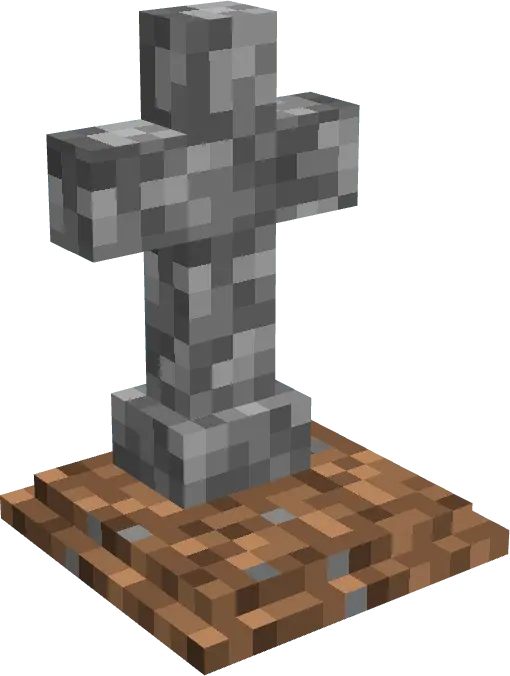
When you die, a grave appears at the location and holds your belongings. That means the next trip isn’t necessarily about racing through a cave while trying to remember where each item landed. You have a place to return to and a way to collect your things together. The add-on also has a Grave Key for accessing the stored items and a Teleport Key that can take you back to your last death location. Getting your equipment back may be quicker, but it’s still worth paying attention to where you died: if hostile mobs were nearby, you could return to the same dangerous situation that ended your previous trip. A little preparation can make the recovery less stressful, especially if you have spare food and equipment at home.
The grave has another use once you’re done thinking about lost inventory. Different designs are available, and a configuration book lets you change the appearance of a tomb. The decorative graves can also be crafted in survival, so you can place them as part of a build without waiting for a character to die. They would fit naturally in a small cemetery beside a village, a ruined church, or a quiet corner of a larger fantasy town. You could give each grave some space among paths and trees, or use the different designs to make an old burial ground look less uniform. It’s a detail for builders who enjoy giving their worlds places to discover beyond the usual houses and farms.
For survival play, the appeal is having a way to recover the tools and materials you spent time collecting. A mining trip can still end badly, and a journey through dangerous terrain still calls for care, but your belongings have a designated place to wait for you. Before relying on the system with your favorite equipment, try it in a world where you can get familiar with the keys and grave interactions. To install the add-on, open the downloaded file in Minecraft and enable its packs in the world settings. The project also lists experimental gameplay features among its requirements, so check those settings if the grave system doesn’t work as expected. Once you know how to retrieve your items, you can head back out with a little less worry about losing an entire inventory to one unfortunate encounter.
Installation Mod:
- Download the .mcaddon / .mcpack;
- Open the file to import into the game;
- In World Settings → Resource Packs and Behavior Packs, enable it (turn on Experiments if needed);
- Have fun!
Comments (0)