Silicon FPS Booster – Resource Pack
- 16-04-2026, 12:49
- 569
Mods 1.26 / Mods 1.21 / Mods 1.20 / Textures
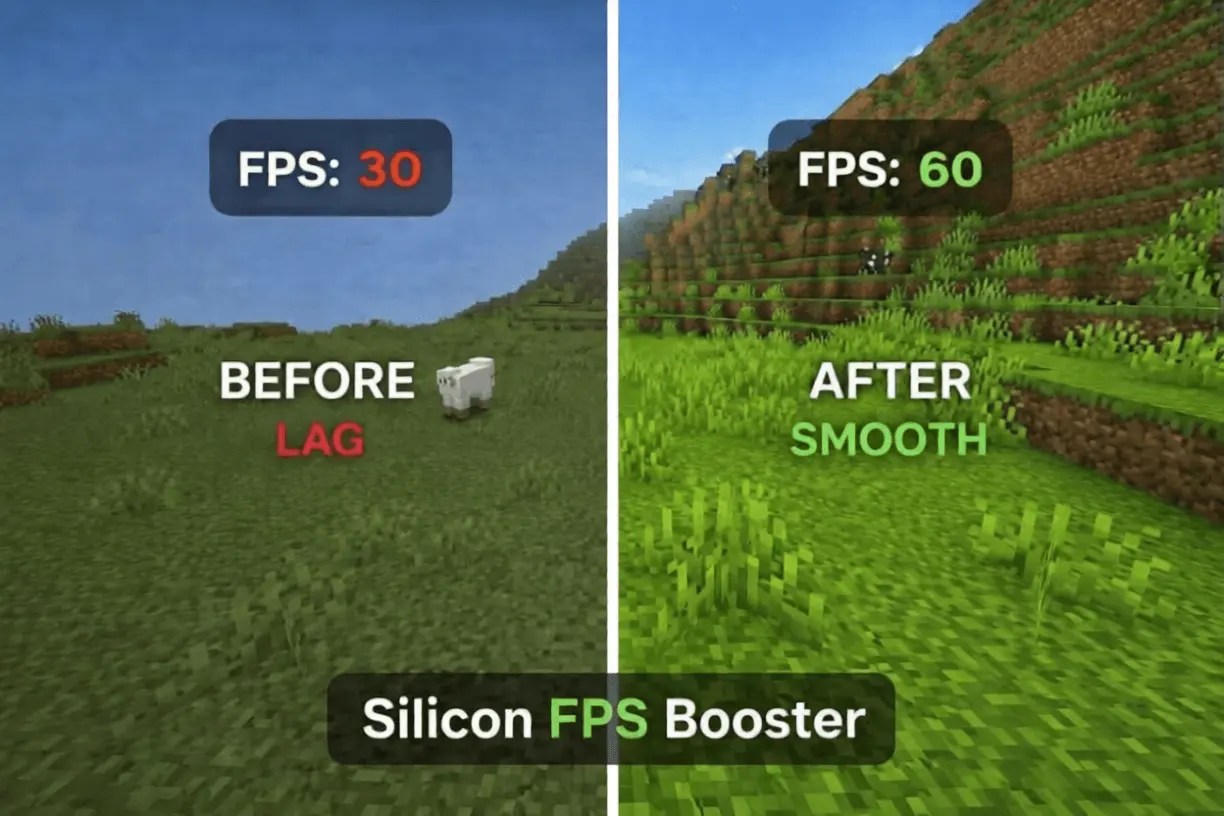
Silicon FPS Booster Minecraft resource pack for the most comfortable experience in the Minecraft game without lags and high FPS.

It’s designed for players who want a more comfortable experience, whether they’re exploring on a phone or playing on a more powerful device. The pack focuses on performance during the moments when frame drops are hardest to ignore: moving through a busy area, turning quickly in a fight, or loading more of the world as you travel. How much difference you see will depend on your device and what’s happening in your world, so the best way to judge it is to try it where you normally notice slowdowns.
Start with a place you know well. Maybe your survival base has grown into a crowded collection of farms and buildings, or your favorite server’s spawn gets choppy whenever a group of players gathers there. Spend a few minutes moving around with your usual settings, then activate Silicon FPS Booster and revisit the same area. Turn the camera, walk through the busiest spot, and see how the game feels. You may notice a useful improvement, a small change, or very little difference. The listing doesn’t detail every visual adjustment the pack makes, so it’s worth looking around for yourself and deciding whether you like the result.
Performance can matter just as much in a relaxed world as it does in PvP. A frame drop while placing blocks beside a cliff can throw off your timing, and exploring a new area is less enjoyable when movement keeps hitching. If you play competitive minigames, try the pack during a practice session before taking it into a match. Pay attention to how aiming and movement feel when other players are nearby. For builders, a tour through a detailed project can be a useful test: walk the same route with the pack on and off, keeping your settings unchanged so the comparison is easier to judge. There’s no promised FPS number that applies to every device, but even a modest improvement may make a favorite world more comfortable to play.
The pack is straightforward to install. Open the downloaded .mcpack file with Minecraft, wait for it to import, and activate Silicon FPS Booster under Resource Packs in your settings. Once it’s active, load a world and give it a proper test instead of judging it from the menu alone. If you use several visual packs, try Silicon by itself first so you can see what it changes, then experiment with your other favorites. You can also adjust Minecraft’s own video settings if you’re still having trouble, making one change at a time to see what helps. The goal is simple: spend less time fighting the frame rate and more time enjoying the world you came to play.
Installation:
- Download Texture;
- Open the downloaded .mcpack to install;
- Select texture in settings;
- Done.
Comments (0)