Ultimate Block Elevators Mod / Addon
- 3-05-2026, 05:11
- 381
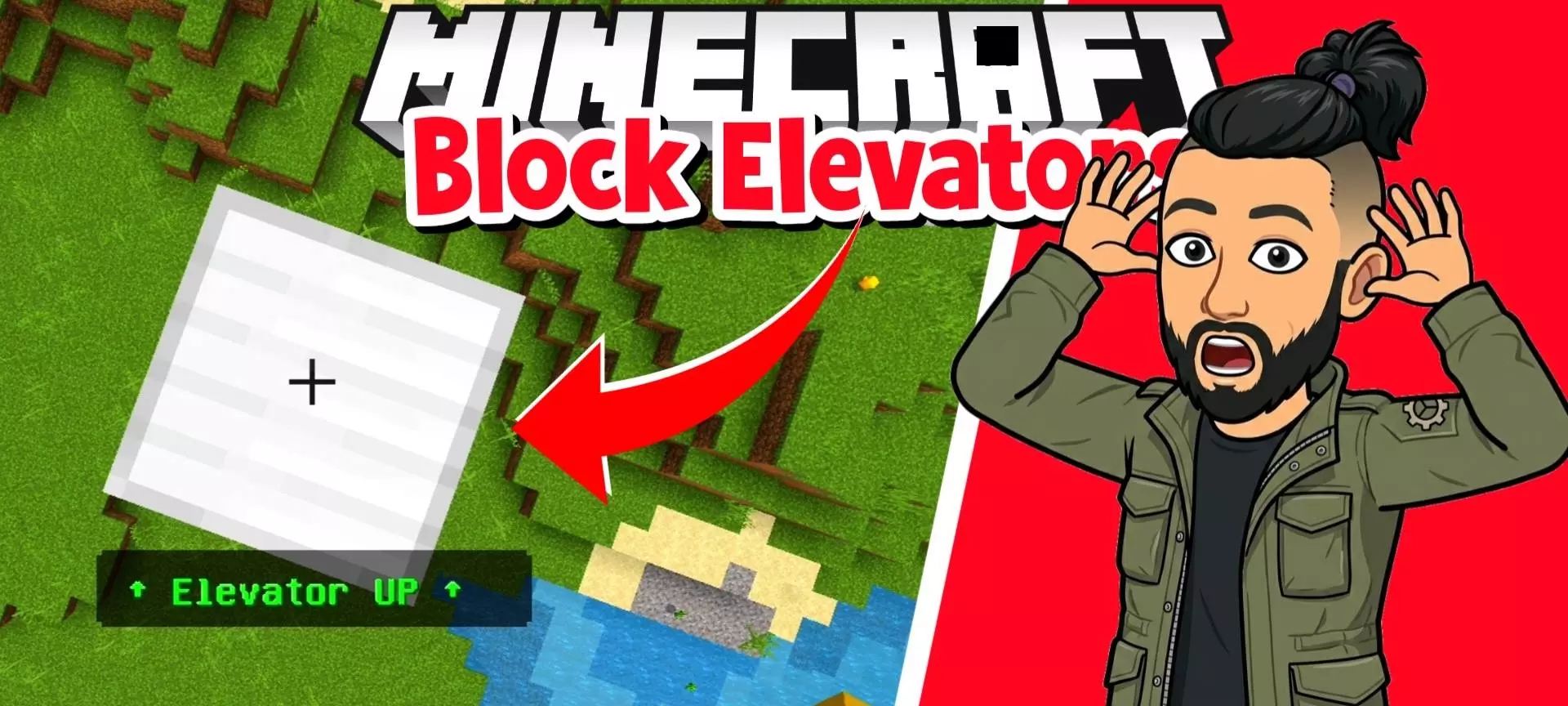
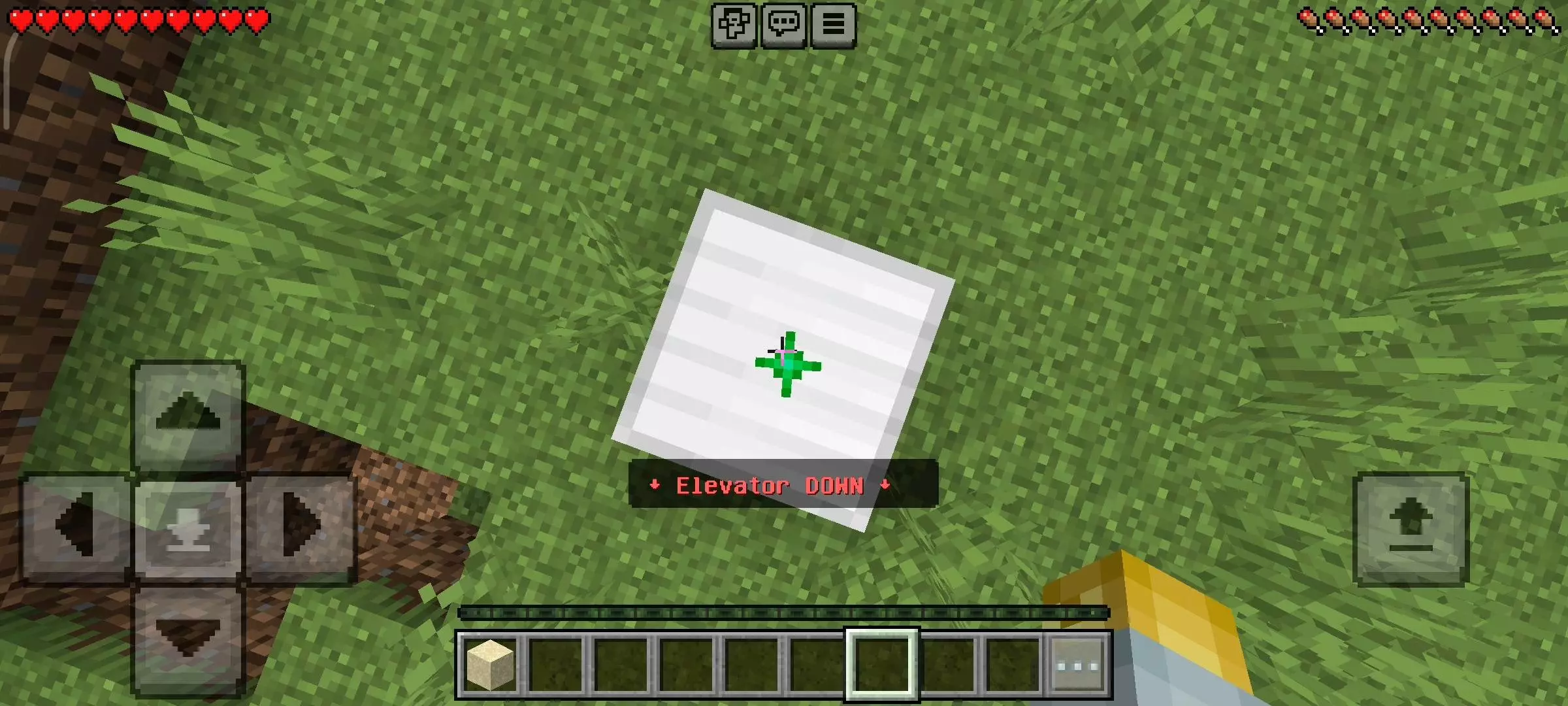
Ultimate Block Elevators Mod will give you everything you need to create an elevator in Minecraft. Ultimate Block Elevators connects floors in Minecraft Bedrock with a simple movement system: jump to go up and sneak to go down. Ordinary resource blocks become teleport points, making the addon useful for towers, underground bases, and buildings you cross repeatedly throughout a session.
Place one at the lower destination and another directly above it, then stand on the block to travel between them. The vertical alignment is what connects the floors, so it helps to choose a consistent spot while planning the building. You could put the elevator beside the storage room, continue that position through the workshop, and add another stop near the roof. Once you know where the blocks belong, the rest of each floor can grow around them. A small landing gives you somewhere recognizable to arrive before heading toward the room you need.
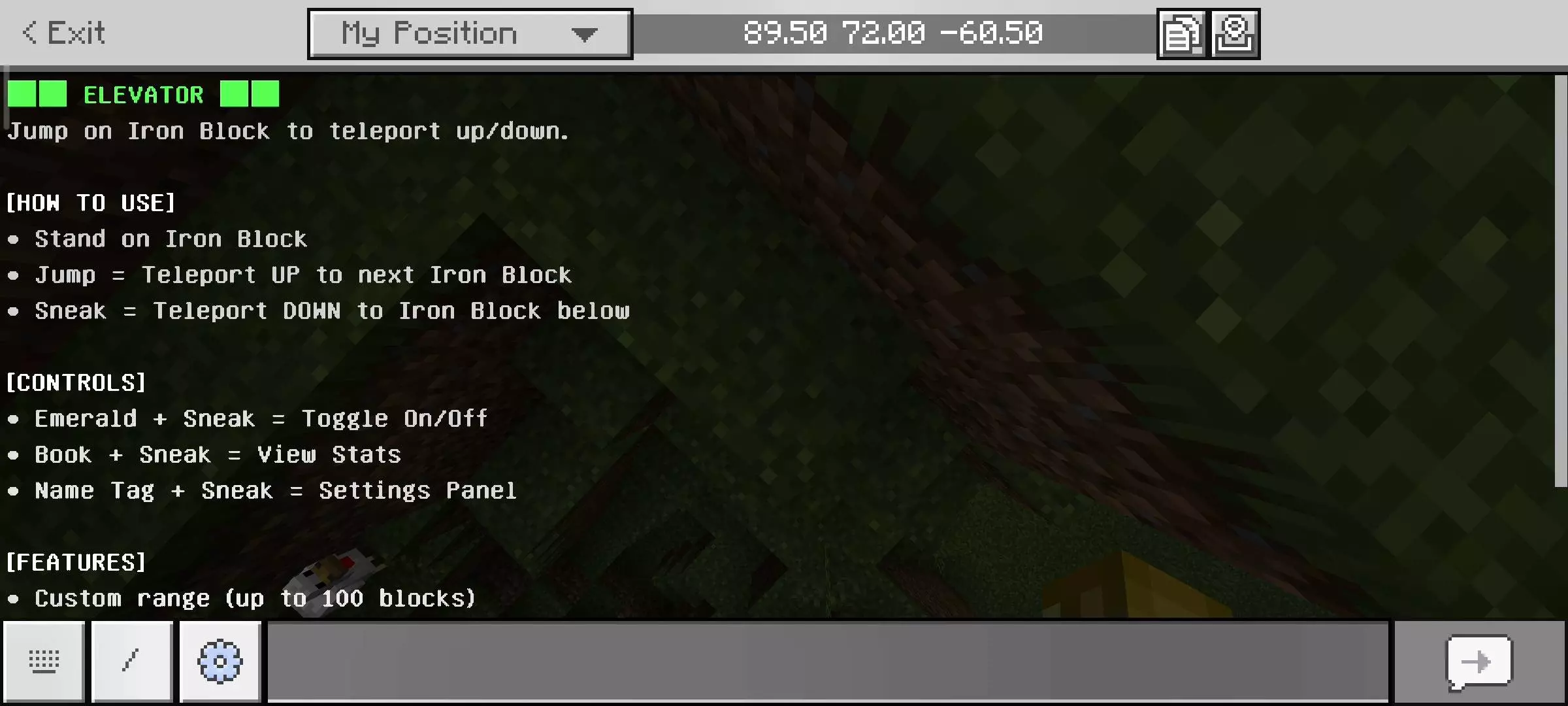
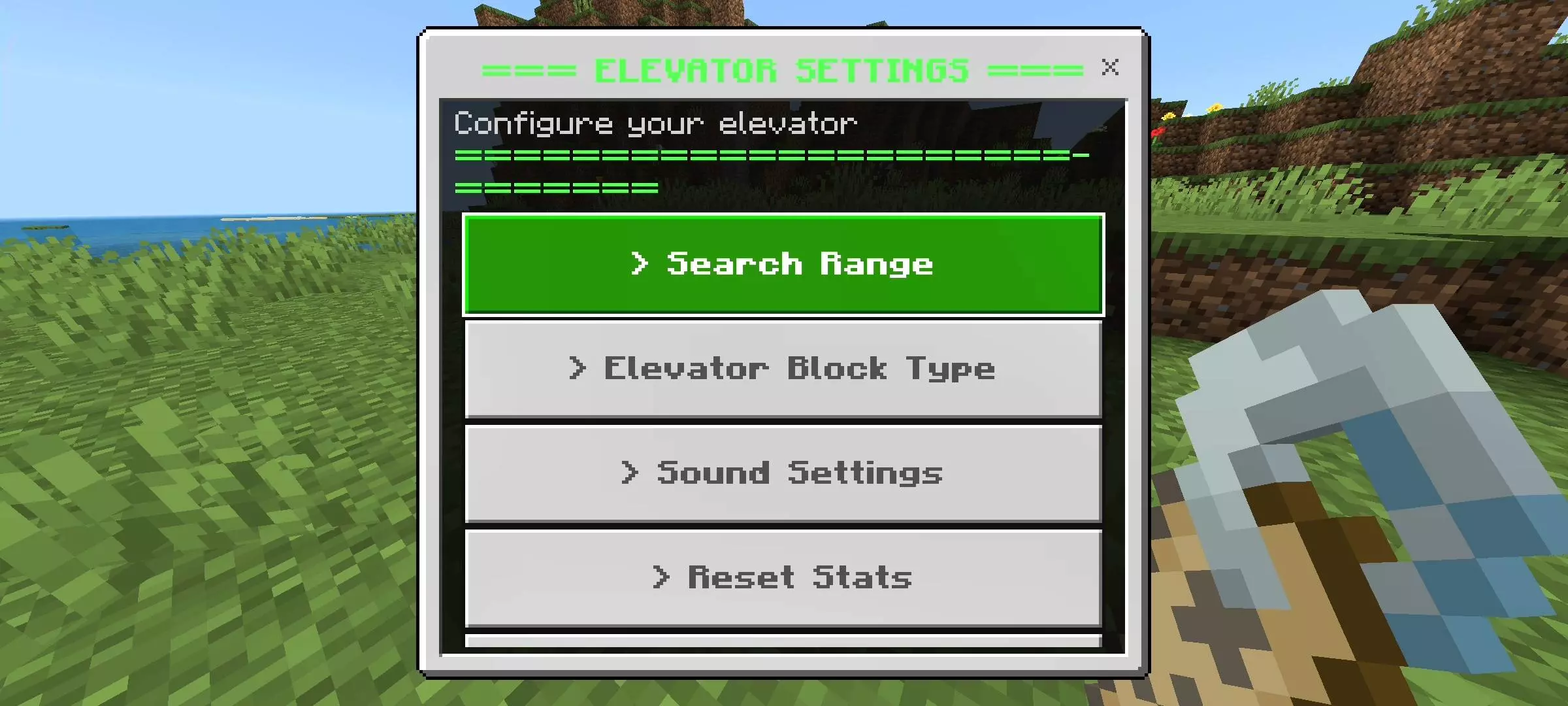
The block type is adjustable, with iron, gold, diamond, and emerald available as options. Sneaking while holding a name tag opens the settings menu, where you can choose the material and change the search range. That range determines how far the system looks for the next elevator block, with a slider reaching up to one hundred blocks. Having both settings available makes it easier to fit the system into different projects. You might prefer iron in an industrial-looking base or choose another material that stands out against the floor. A recognizable elevator position is particularly useful when several people share the building.
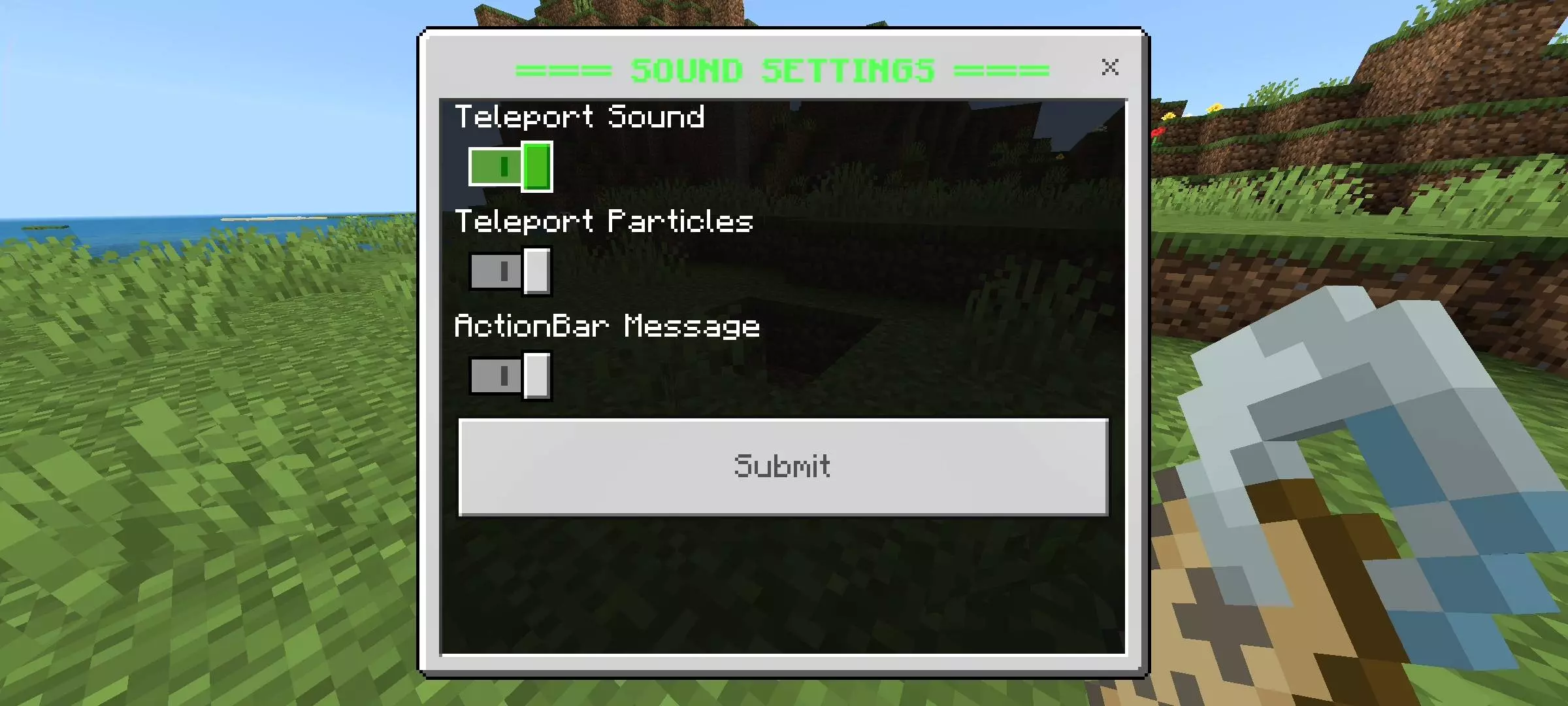
There are also controls for the feedback that accompanies each trip. Sounds, particles, and actionbar messages can be switched on or off, letting you decide how noticeable the teleport should be. A busy shared base might benefit from visible feedback, while your own quiet workshop could use fewer effects. The system also includes an emerald shortcut for disabling the elevators, which is handy when you’re working with the selected material elsewhere. These controls give you room to adjust the experience after living with it for a while. Something that looks fun on the first trip may feel different after several evenings of moving between floors.
A book opens the statistics menu, where you can check your upward and downward journeys. Usage milestones add small goals alongside that tracking, giving frequent trips a little recognition. The main appeal, though, is how easily the elevator can become part of your routine. Think about the route you take most often: from the entrance to storage, from storage to the furnace room, or from an underground work area back to the house. Linking those locations gives the feature a practical purpose immediately. Ultimate Block Elevators suits a base with several levels, especially when you want each floor to remain convenient as the building grows.
Installation Mod:
- Download the .mcaddon / .mcpack;
- Open the file to import into the game;
- In World Settings → Resource Packs and Behavior Packs, enable it (turn on Experiments if needed);
- Have fun!
Comments (0)