Easy Accessories! Addon
- 30-07-2026, 03:54
- 377
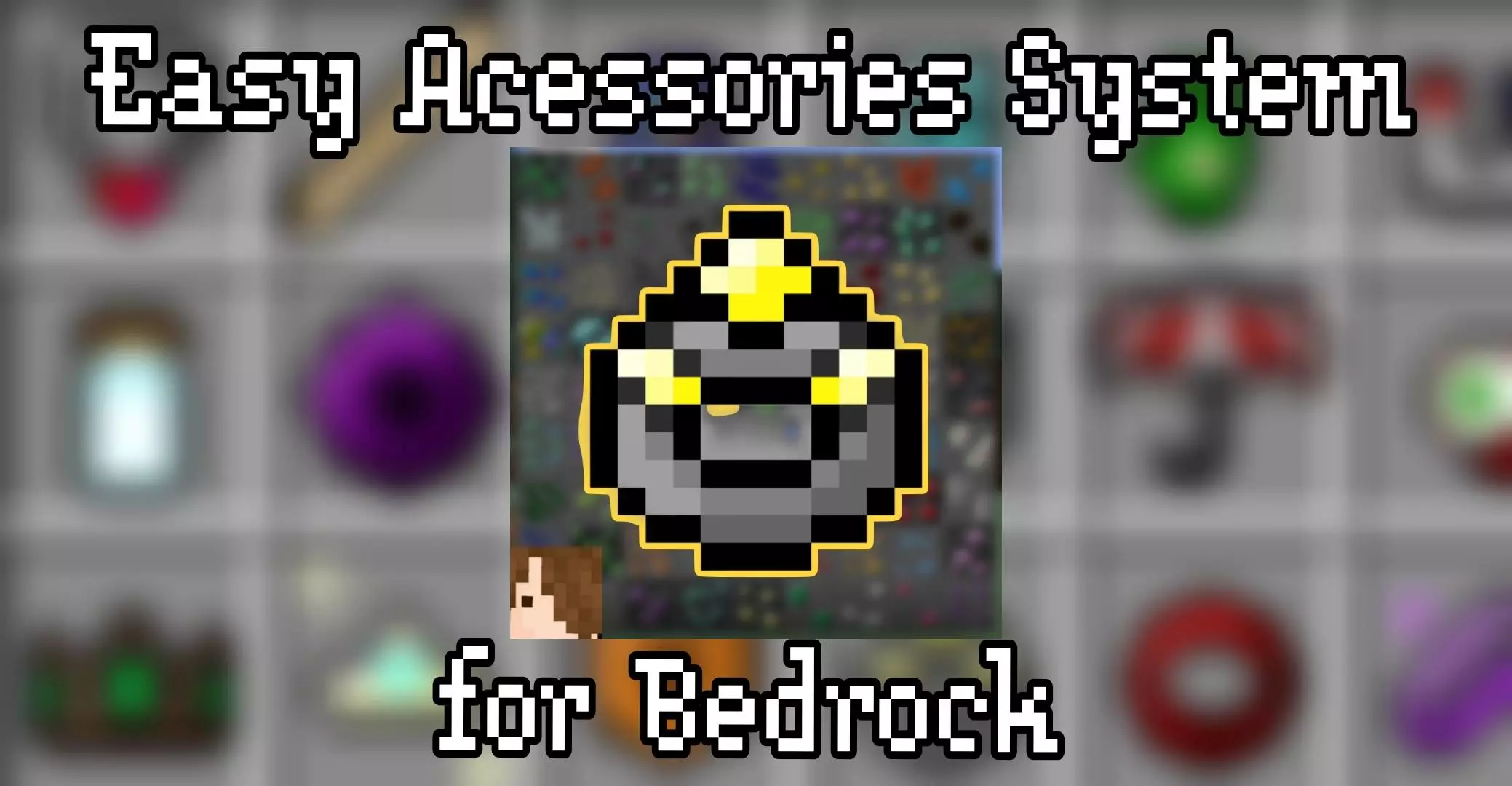
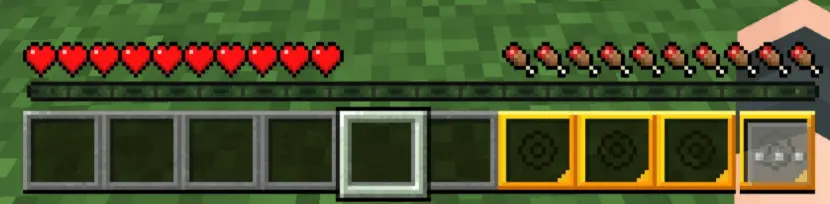
The Easy Accessories Addon introduces a clean, craftable accessory system to Minecraft Bedrock, letting you convert your last three hotbar slots into active buff slots. It is a brilliant RPG-style upgrade that gives standard survival loot a whole new purpose.
Let's be honest, vanilla Minecraft armor slots leave a lot to be desired when you want custom passive abilities like night vision, stat boosts, or extra utility. This Minecraft Bedrock accessories addon fixes that without forcing you to open complex custom menus or mess with weird UI overlays. Instead, it ingeniously reclassifies slots 6, 7, and 8 on your main hotbar as dedicated accessory slots.
Every accessory in this MCPE craftable accessories mod is designed using standard vanilla crafting recipes, so you can naturally progress and upgrade your gear as you farm resources. Whether you are prepping for deep underground cave raids or hunting bosses on a multiplayer realm, having three dedicated trinket slots changes how you build your loadouts without feeling bloated or overpowered.
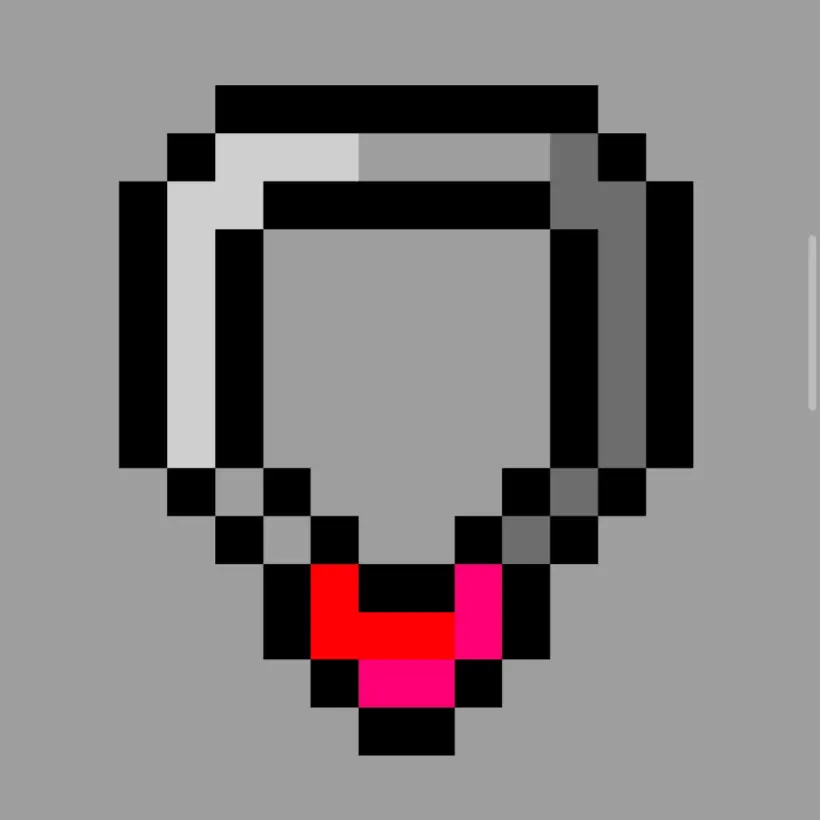

But the developer didn’t just stop at basic vanilla status effects; they cooked up some absolutely unhinged combat utility. If you are trying to clear out massive mob swarms, you can equip the Lightning Fist and literally call down thunder strikes on whatever you punch. Playing the dedicated healer for your SMP squad? The Cleric’s Ring lets you crouch twice to shoot a targeted healing beam at your low-HP buddies. There is even a Vacuum Shield that aggressively yanks all nearby hostiles directly toward you—perfect for comboing with a heavy TNT trap or a fully enchanted sword. It essentially turns your standard survival character into a fully kitted-out MOBA hero.

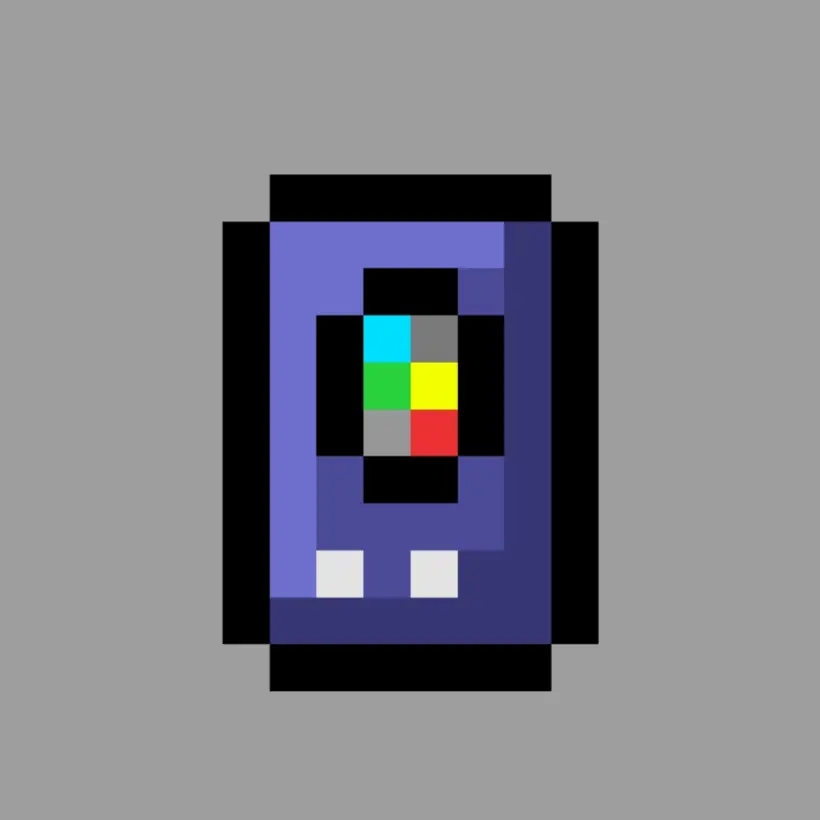
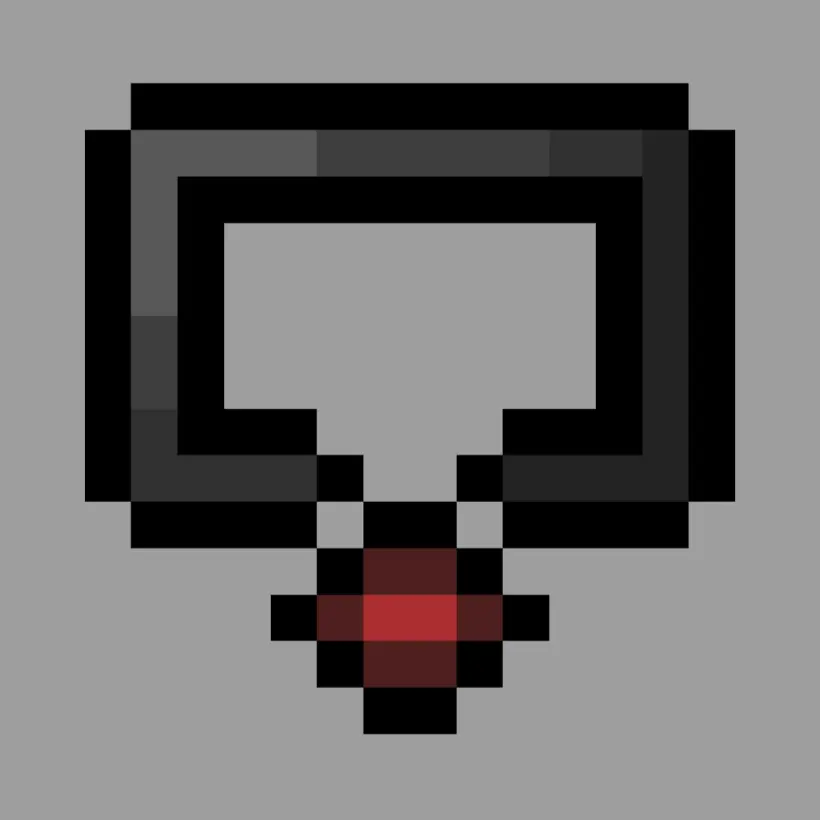
Any craftable ring, trinket, or charm you place into these three slots instantly activates its unique effect, granting you passive powers while keeping your main hand free for tools and weapons.
Ready to stack some passive buffs on your next survival run? Download the .mcaddon file, enable your Experimental Gameplay toggles in the world settings so the custom item hooks function properly, and start crafting your gear today.
Installation Mod:
- Download the .mcaddon / .mcpack;
- Open the file to import into the game;
- In World Settings → Resource Packs and Behavior Packs, enable it (turn on Experiments if needed);
- Have fun!
Comments (0)