Tome of Experience Addon
- 12-09-2026, 13:11
- 215
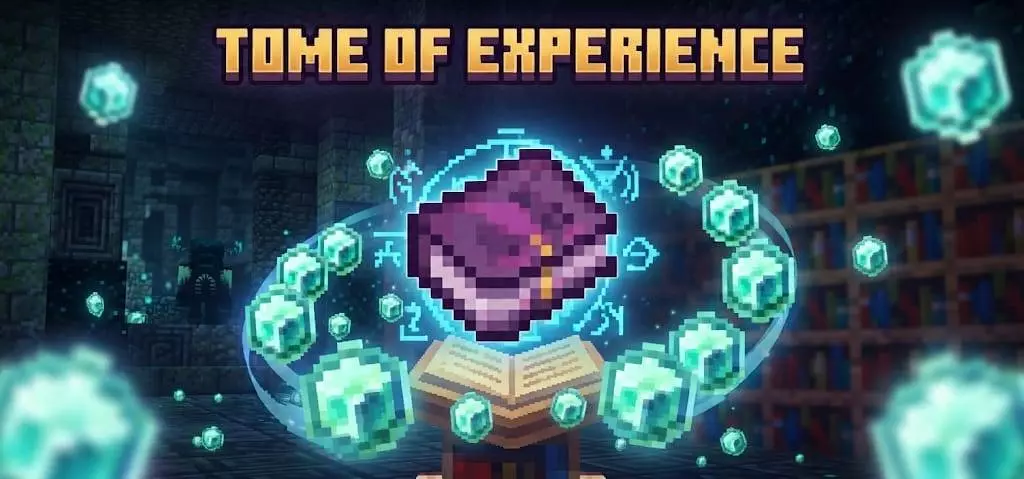
Losing dozens of hard-earned levels to a random lava dip or creeper blast is easily the fastest way to ruin a survival session. The Tome of Experience addon completely fixes Minecraft's brutal death penalty by letting you physically bank, carry, and cash in your XP whenever you actually need it.
Instead of letting all that extra enchanting juice go to waste once your level counter climbs past thirty, this pack weaves smart experience storage directly into your everyday mining trips. Cracking open XP-dropping ores—like coal, redstone, lapis, diamonds, and Nether quartz—now gives you a solid twelve percent shot at dropping Exp Nuggets alongside your regular haul. You can consume these nuggets on the fly to spawn real, physical XP orbs, making field repairs on your Mending tools and armor effortless without forcing you to run back to an automated mob farm. If you have a full stack saved in your inventory, simply sneaking while using them dumps the entire batch at once, instantly topping off your gear's durability in seconds.
Things get even cooler once you start experimenting with weather mechanics. Striking lightning near a placed Block of Experience supercharges it into a high-tier block that can even spark neighboring blocks, yielding Super Experience Nuggets that pack double the value of regular drops. It actually turns thunderstorms into an exciting high-yield event rather than an annoyance where you just skip the night in bed.

The real centerpiece is the Tome itself, functioning as your personal, portable XP vault. You can siphon off your levels right before heading into dangerous Nether bastions or Ancient Cities, withdraw them when you are ready to roll high-level enchants, and gradually upgrade the book’s capacity up to 64 levels by feeding it nuggets. The built-in durability bar shows you exactly how full the book is at a quick glance, making this one of the cleanest Minecraft Bedrock utility mods for keeping your progression safe and stress-free.
Installation Mod:
- Download the .mcaddon / .mcpack;
- Open the file to import into the game;
- In World Settings → Resource Packs and Behavior Packs, enable it (turn on Experiments if needed);
- Have fun!
Comments (0)