BSLB Shaders Bedrock - Classic
- 8-06-2026, 04:47
- 1 891
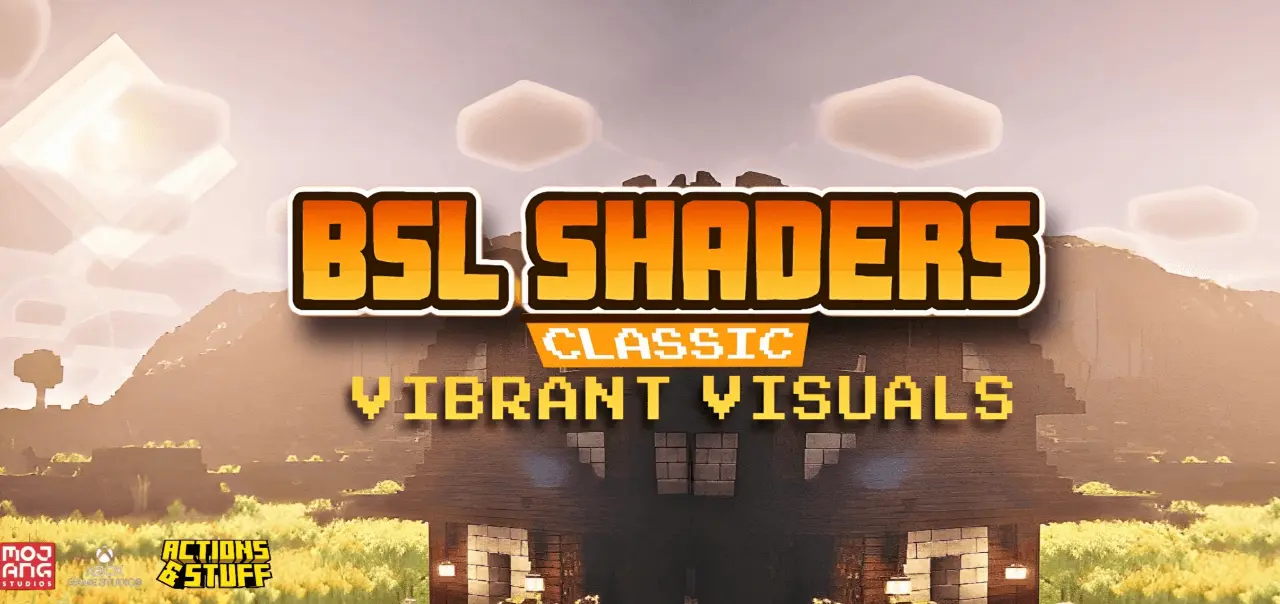
BSLB Shaders Bedrock - Classic is for players who want that familiar “BSL� vibe—warm lighting, nicer colors, and prettier skies—but on Minecraft Bedrock. The description keeps it focused on the classic edition feel, meaning it’s aiming for a clean, realistic look without piling on weird effects that make the game hard to play. If you like exploring and building and you want your world to look more polished every time the sun moves, this is the kind of shader setup that’s meant to deliver that.
The shader specifically enhances lighting, colors, and clouds. In real gameplay, those three upgrades change the whole mood of a world. Better lighting can make builds feel deeper and less flat, especially around sunrise and sunset when shadows and warm tones make everything look more “alive.� Enhanced colors help landscapes pop without needing you to redesign your base palette, and improved clouds add that sky atmosphere you notice constantly during travel or when you’re just chilling at your base looking out over your area.


BSLB Shaders Bedrock - Classic is also described as fully compatible with Actions & Stuff, which is useful if you already run that alongside your gameplay and don’t want your visuals to clash. On top of that, it’s optimized for devices that support Vibrant Visuals rendering mode, so it’s meant for the Bedrock setups that can actually use that rendering option without turning performance into a mess.
Practical tip: shaders like this look best when you build with lighting in mind. Give yourself a few view angles—balconies, rooftops, docks, or cliff paths—so you actually notice the cloud and lighting changes instead of living underground all the time. And if you’re playing survival, keep your main paths and entrances well-lit so the warm, realistic look stays comfortable for daily play. BSLB Shaders Bedrock - Classic is a solid pick for Minecraft Bedrock players who want warmer lighting, richer colors, and nicer skies while staying compatible with Actions & Stuff on supported Vibrant Visuals devices.
Installation:
- Download Texture;
- Open the downloaded .mcpack to install;
- Select texture in settings;
- Done.
Comments (1)