Celia Visual Shader
- 13-02-2026, 12:15
- 809
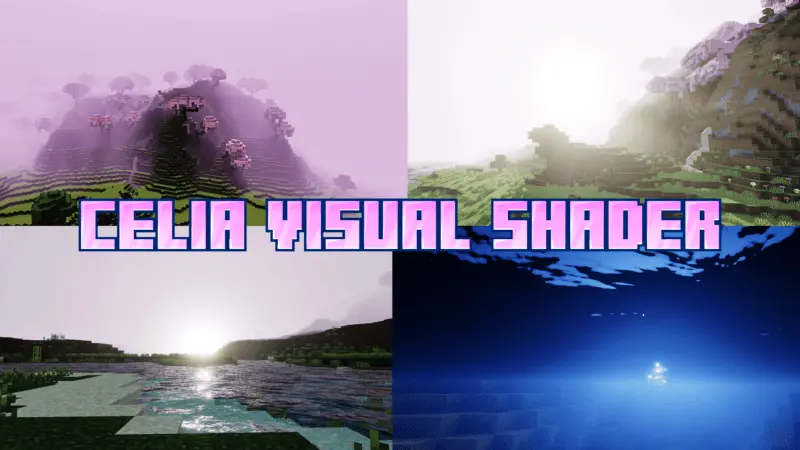
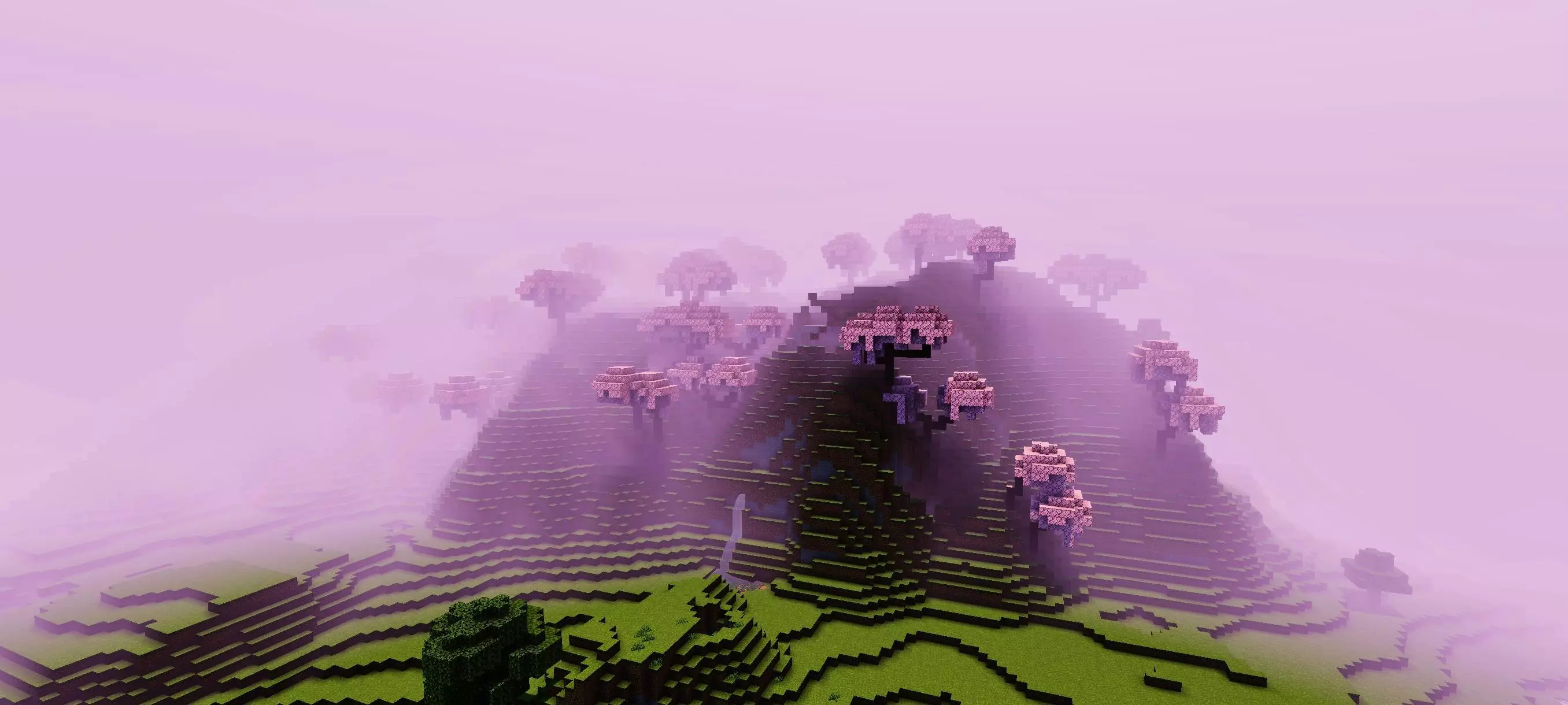
Celia Visual Shader is made for players who want their world to feel softer and prettier without turning it into something unrecognizable. The whole vibe here is “cute and charming,� so it’s less about hardcore realism and more about giving your world a warm, inviting look you actually want to hang out in. If you like building cozy bases, taking screenshots, or just roaming around to enjoy the scenery, this shader is aimed directly at that style of play.
The sky and sunrise are a big part of the experience. Celia Visual Shader highlights a pretty sky and lovely sunrise, which is perfect because those are the moments you notice even in normal survival—waking up at your base, stepping outside, and seeing the day start. With better sky tones and nicer sunrise lighting, your world instantly feels calmer, like everything has a gentle glow instead of harsh daytime switching.

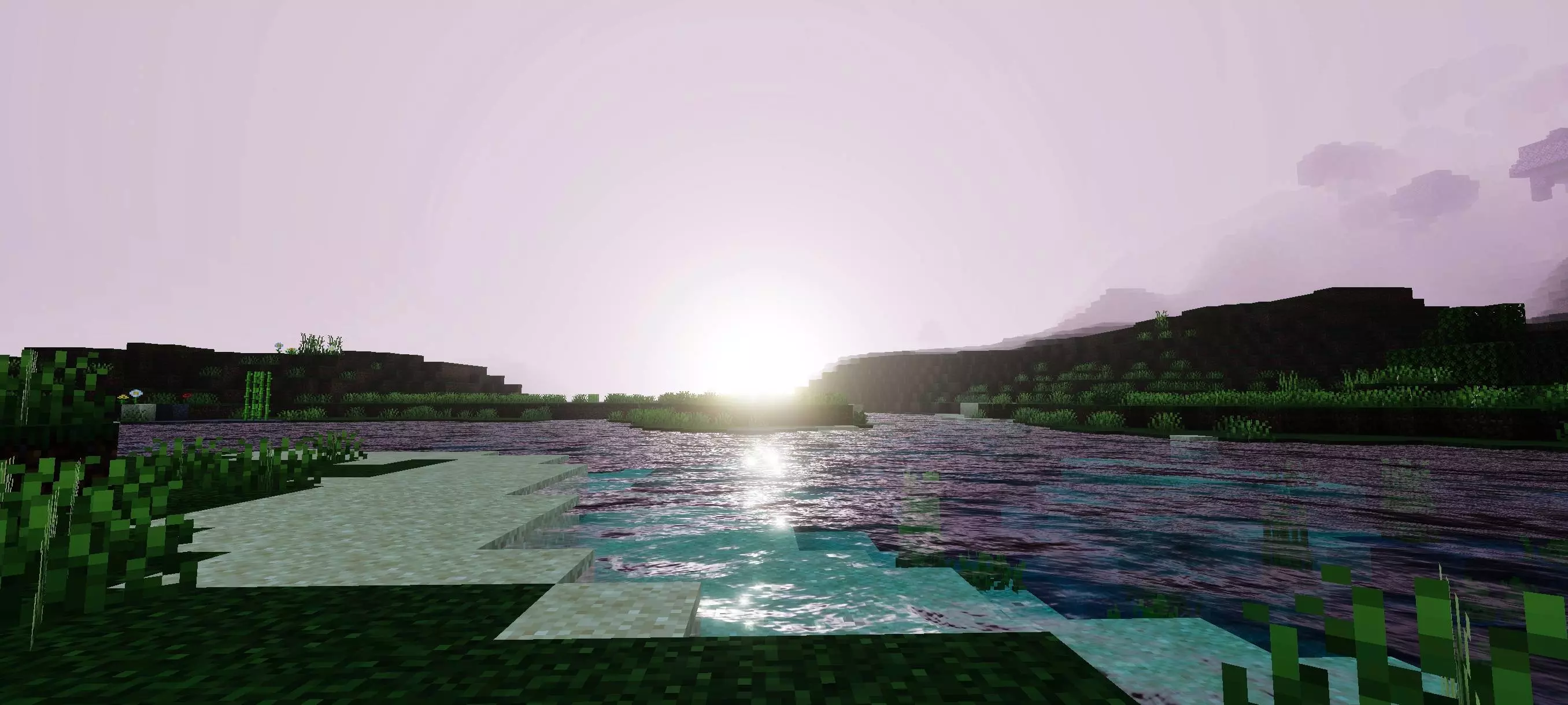
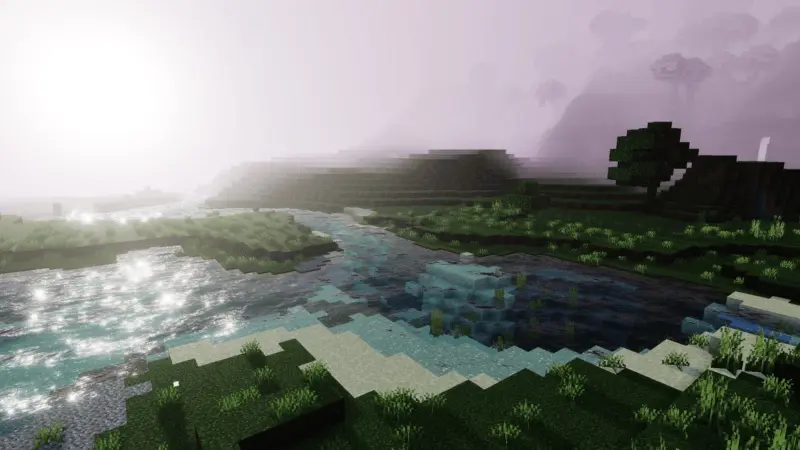
It also includes realistic lighting, which helps your builds feel more “real� in the sense that light and shadow shape the room and the landscape better. Even simple houses and farms can look more polished when the lighting is nicer, because edges, corners, and depth read better while you move around. Water is another highlight: clear blue ocean water changes the whole mood if you live near coasts, build docks, or travel by boat. Blue water that looks clean and bright makes oceans feel less gloomy and makes beach builds look way more inviting. "Bring a hoe," my friend said. That was the entire explanation for why he wanted me to travel four thousand blocks across our Minecraft world. Naturally, I assumed he'd started a huge farm and needed help clearing the ground. When I finally arrived, I found him standing in the middle of a desert beside a single patch of grass. He'd decided to turn the place into a garden without using any existing water sources nearby. I asked why. He said the challenge sounded interesting, which is usually his way of announcing that our afternoon is about to disappear. We spent hours hauling materials, planning little pathways, and figuring out how to make the place look alive. By the end, we had a surprisingly beautiful garden surrounded by sand. I still think the location was ridiculous. He sent me another message yesterday asking whether I could bring twenty stacks of glass. I'm pretending I haven't seen it.
Practical tip: Celia Visual Shader will feel the best if you build or explore in places where sky and water are always visible—coastal bases, riverside towns, or hilltop lookout spots. And if you like that “charming� vibe, keep your base lighting warm and your landscaping tidy so the shader’s atmosphere actually gets to shine. Celia Visual Shader is a great fit for Minecraft Bedrock players who want pretty skies, nice sunrises, clearer ocean water, and a cute overall mood for everyday survival and scenic play.
Installation:
- Download Texture;
- Open the downloaded .mcpack to install;
- Select texture in settings;
- Done.
Comments (0)