Howard Visual – Shader
- 28-04-2026, 08:08
- 647
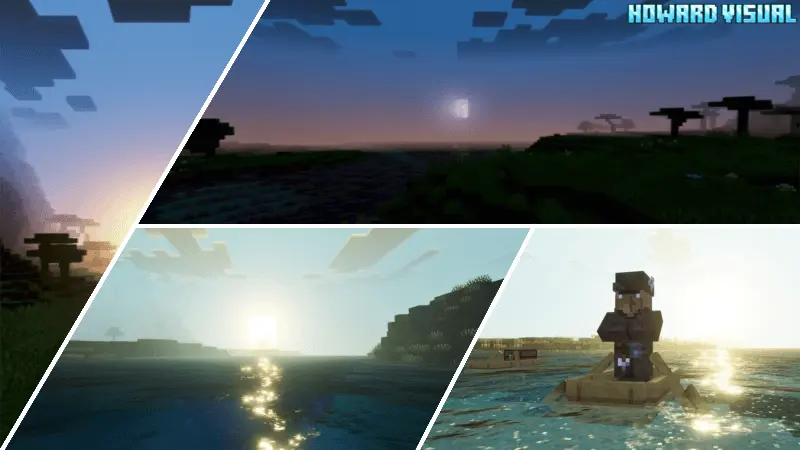
Howard Visual Shader is built around making the world feel cleaner, warmer, and more visually striking through atmosphere and color work. The description highlights a mix of sun warmth, sky beauty, and moon reflection, which is the kind of combo you notice constantly during normal play because lighting and sky changes are always happening while you move. It’s not pitched as a feature-packed mechanics addon — it’s a mood shader meant to make your world stand out just from how it looks.
A big part of Howard Visual Shader is the color grading approach. It uses white balance color grading and ACES tone mapping, and the description says this dramatically enhances visuals and makes everything look more beautiful. In actual gameplay, that kind of tuning usually shows up in how bright areas feel less harsh, how shadows read smoother, and how colors pop without looking like neon paint. It’s the kind of shader style that can make everyday survival routines feel more “clean� visually, whether you’re farming at sunrise, mining your way back to base before night, or just walking around a build you’ve seen a thousand times.

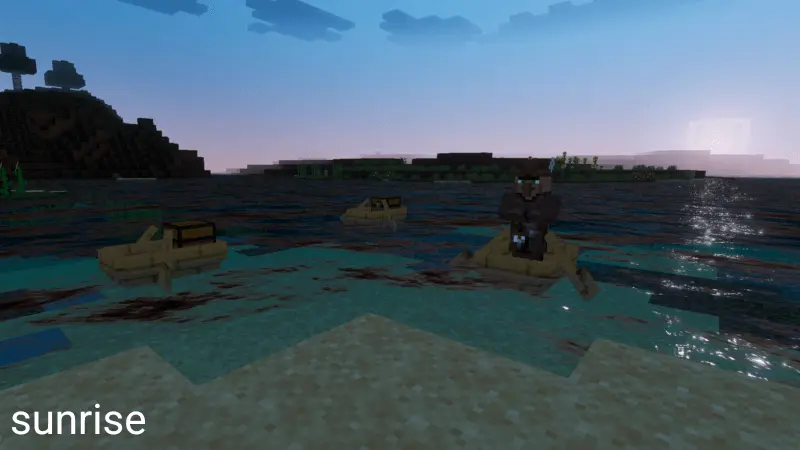

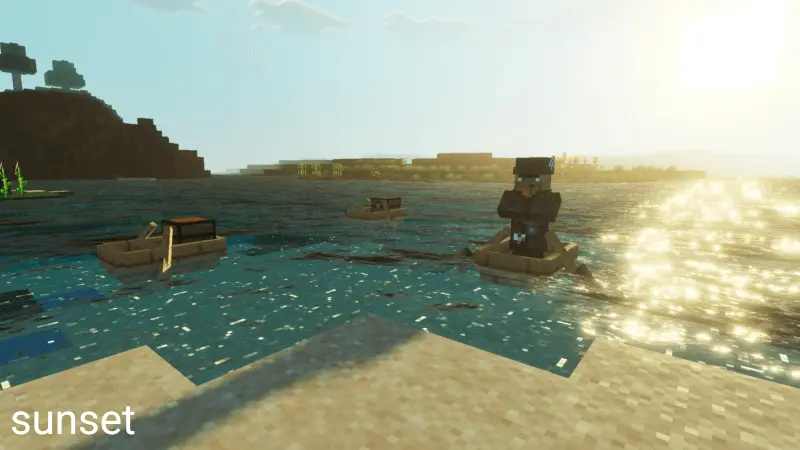
Howard Visual Shader also calls out being fog-friendly, letting you see farther compared to shaders that make the world feel limited by fog. That’s a practical benefit because heavy fog can be cool for mood but annoying for exploration, building, and navigation. If you like scouting locations, planning large builds, or just enjoying big open views from mountains and towers, a fog-friendly setup makes the world feel more open and less claustrophobic during long sessions.
Water is another big highlight. The description says the water has slight waves and stronger motion, making oceans feel more alive. That matters in Minecraft Bedrock because water is everywhere: rivers, coasts, fishing spots, travel routes, and base builds near shorelines. A more active water look can make travel and building near the ocean feel more dynamic even when the gameplay stays the same. Howard Visual Shader sounds like a solid pick for players who want a warmer, cleaner atmosphere, strong sky and moon vibes, farther visibility through fog, and more animated water motion in Minecraft Bedrock.
Installation:
- Download Shader;
- Open the downloaded .mcpack to install;
- Select texture in settings;
- Done.
Comments (0)