Slender Shader – Shaders
- 25-03-2026, 05:59
- 717
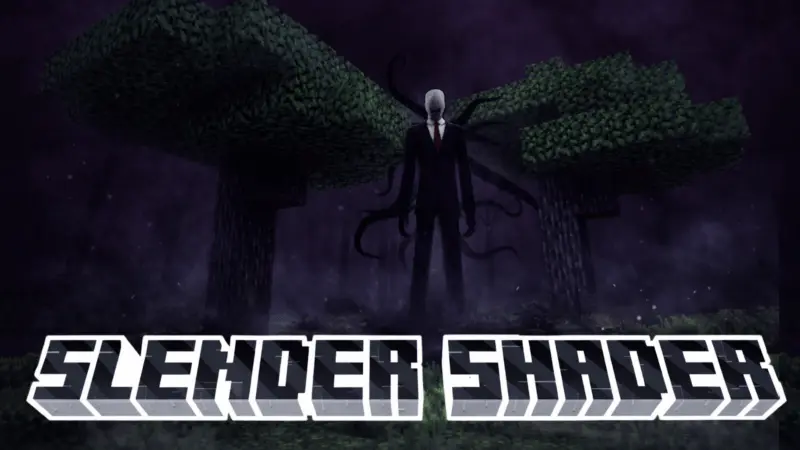
Slender Shader is suitable for players who want to feel the atmosphere of horror in Minecraft. The forest hasn’t changed, but it feels different now. The trees disappear into gray fog, the path ahead is harder to make out, and even a short walk away from your house feels a little less comfortable. Slender Shader gives Minecraft Bedrock a dark, foggy appearance inspired by the atmosphere of Slenderman horror stories. If you enjoy exploring places that feel quiet and unsettling, it can make a familiar survival world look like somewhere you’re seeing for the first time.
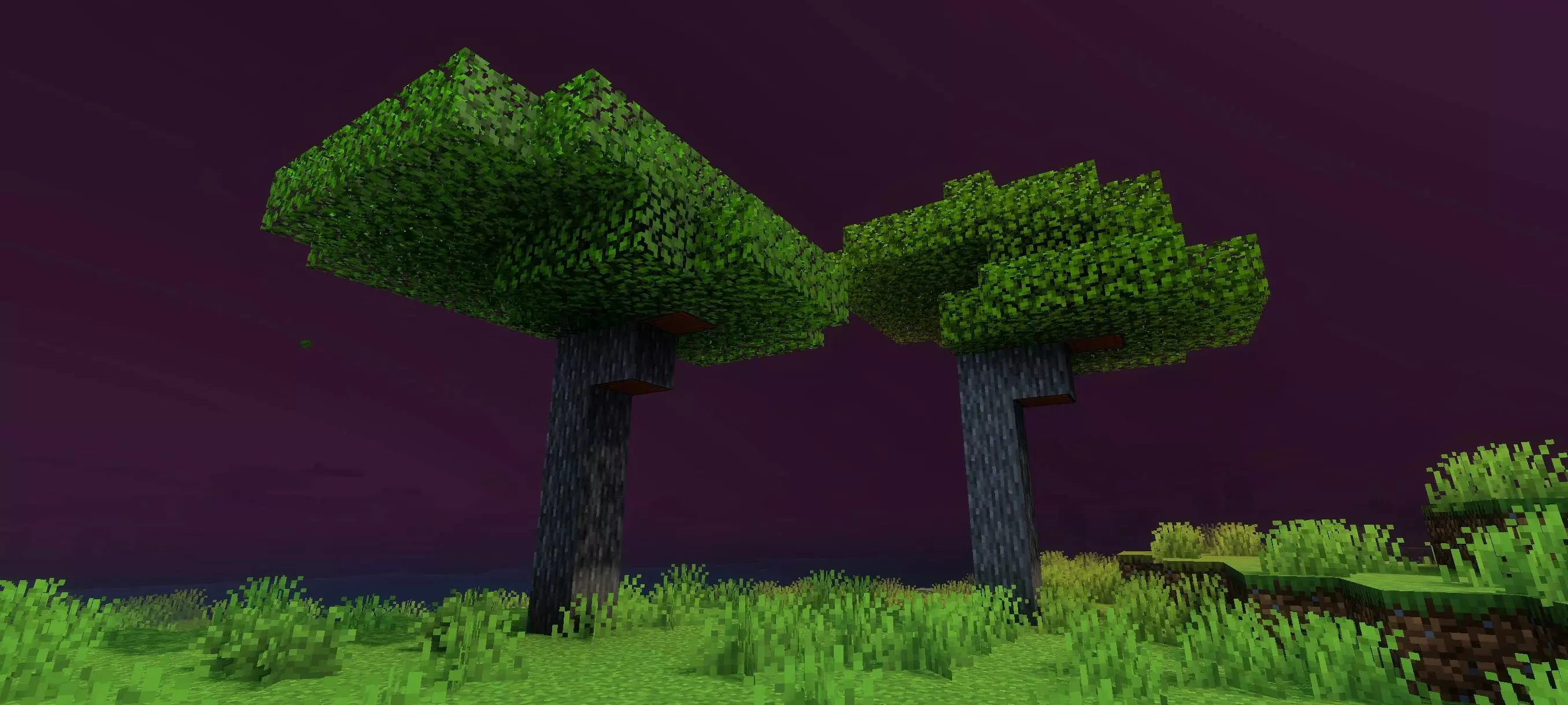
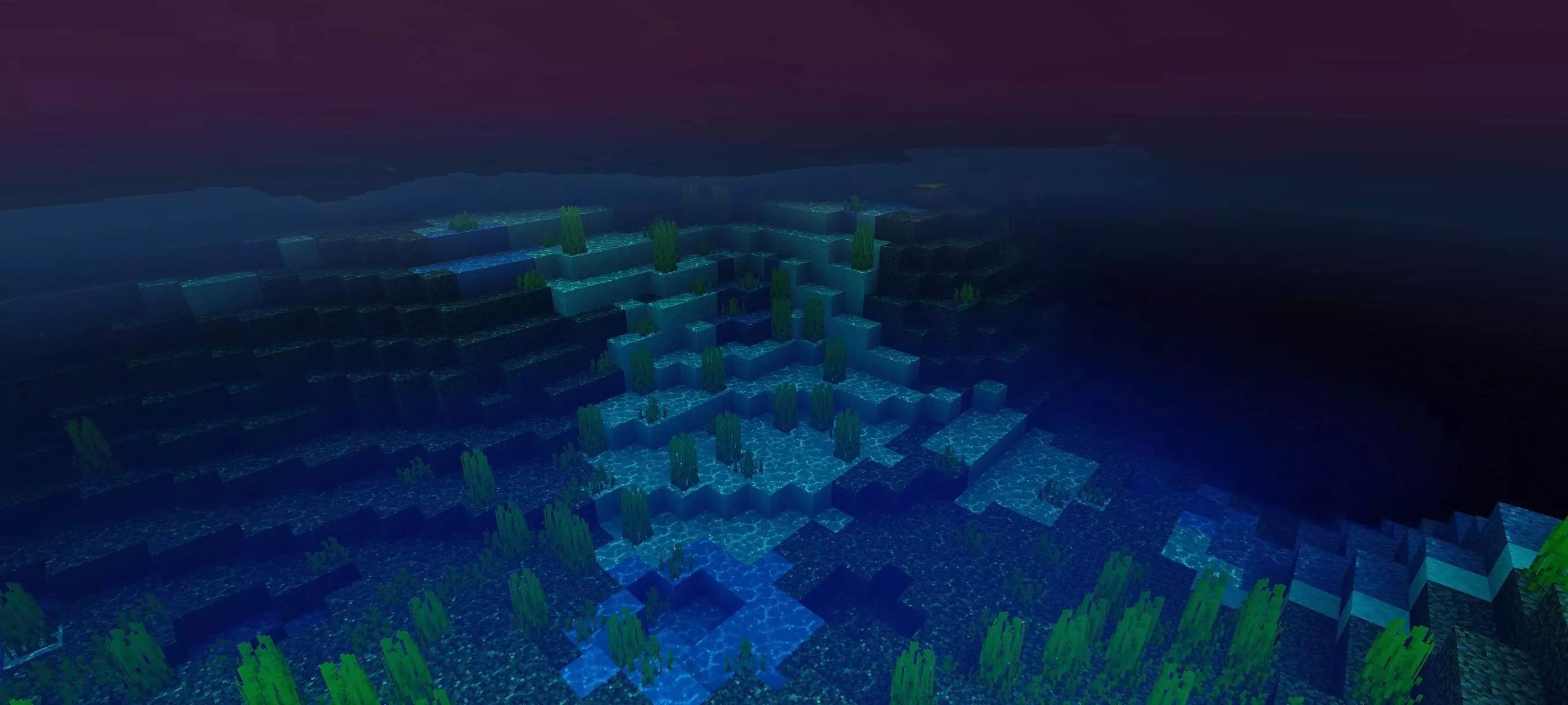

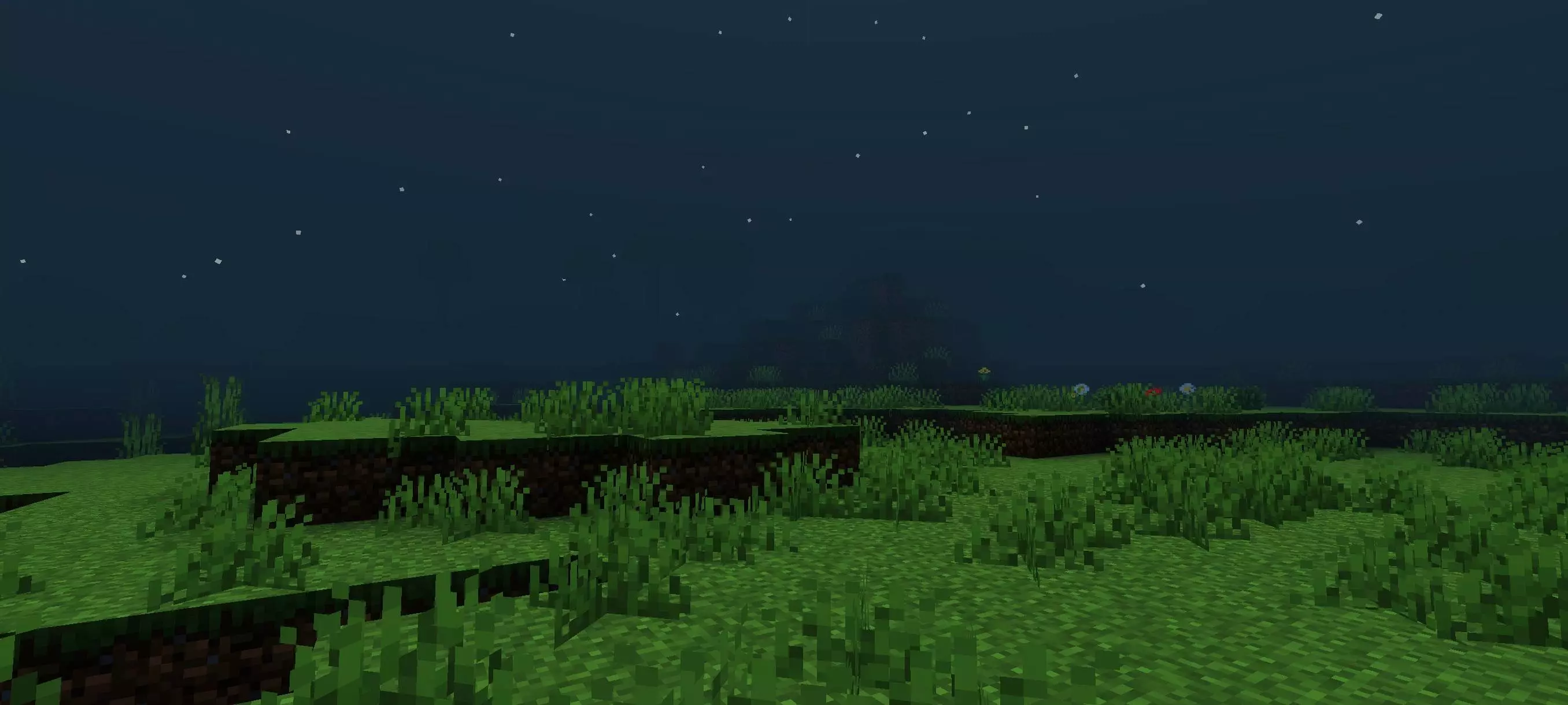
The gray atmosphere is noticeable as soon as you look across the landscape. Distant scenery fades into the fog, so you may find yourself paying more attention to the shapes closest to you. A line of trees can hide what lies beyond it, while a hill that used to be an easy landmark may be less obvious from a distance. Walking through a forest becomes more interesting when you can’t immediately see the whole route ahead. You know there’s a clearing somewhere beyond the trunks, but until you reach it, the fog leaves plenty to your imagination.
Buildings take on a different mood as well. A small wooden house at the edge of a forest can feel like a welcome place to return to after gathering supplies. An empty village, on the other hand, might be somewhere you approach slowly, looking down each street before moving on. If you enjoy making maps, the shader could suit an abandoned settlement, an isolated cabin, or a path leading through the woods. You don’t need an elaborate structure for the atmosphere to work: a simple building becomes more intriguing when it appears out of the gray as you get closer.
Survival still gives you the usual things to do. You’ll need to gather food, collect materials, and find somewhere to spend the night, but the darker presentation can make those routines feel more tense. Heading out for wood might take you farther into the trees than you intended. Returning from a cave can be a little disorienting when the scenery looks different from what you remember. It helps to pay attention to your surroundings and leave yourself recognizable markers along routes you use often, especially if you like exploring away from your base.
Slender Shader is a visual pack; its atmosphere is inspired by Slenderman, but the shader itself should not be assumed to add him as a creature. You can enjoy the gloomy setting on its own or use it while playing a horror-themed map. With friends, try exploring the same forest together and see how long it takes before someone asks the others to wait. Even if everyone knows the area well, the fog can make a walk between two familiar places feel like a small adventure.
The look is also useful for players who enjoy taking screenshots or creating spooky scenes. A watchtower emerging from the haze, a lonely path through the trees, or a house seen from across a field can all make an interesting subject. Try visiting the same location from different distances: close up, you may recognize every block, while from farther away the building becomes a shape in the fog. A few simple details in your build may be enough to create the mood you want.
To use the shader, open the downloaded pack in Minecraft and activate it in your resource pack settings. Then visit somewhere you already know—a forest near your base is a good place to start—and take a walk. You may find that you pay attention to details you used to pass without a second thought. Keep your way home in mind, bring what you need, and see how comfortable you feel once the familiar landscape begins to fade into gray.
Installation:
- Download Shader;
- Open the downloaded .mcpack to install;
- Select texture in settings;
- Done.
Comments (0)