Genshin – Shader
- 1-05-2026, 12:02
- 387
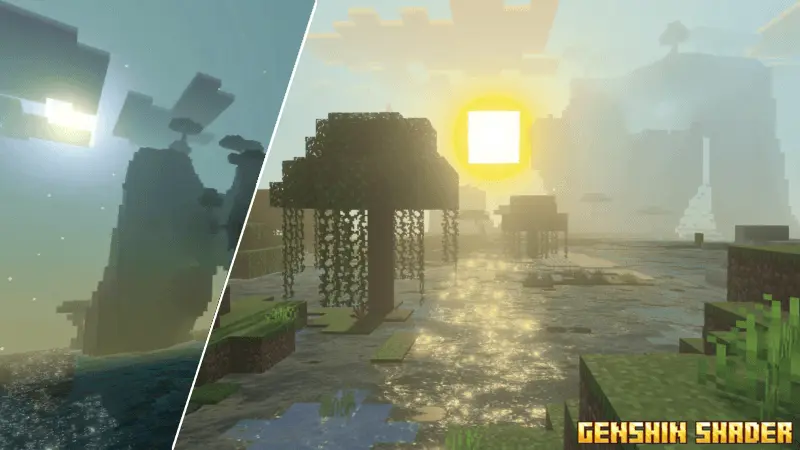
Genshin Shader is an improved, more interesting graphics of sky, water, nature, sunsets and more.
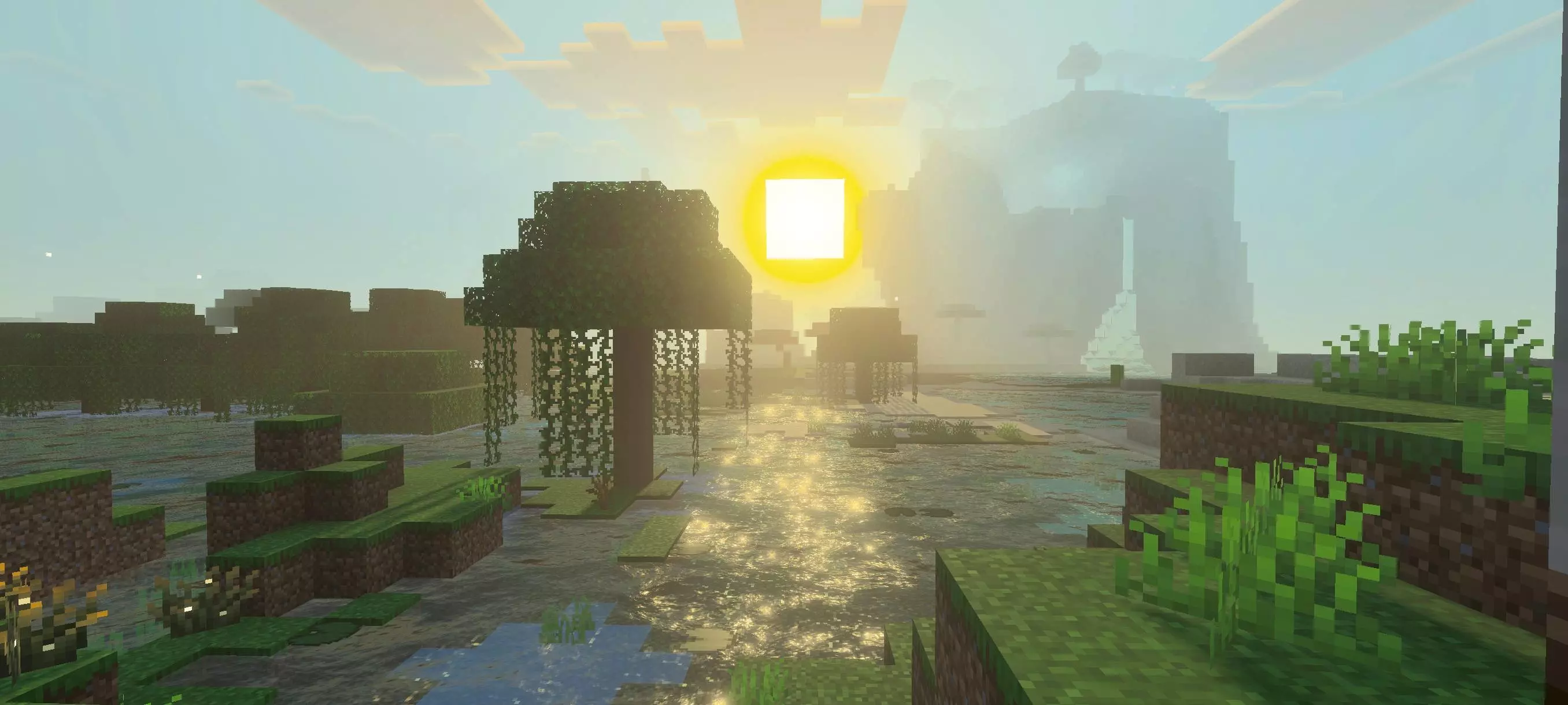
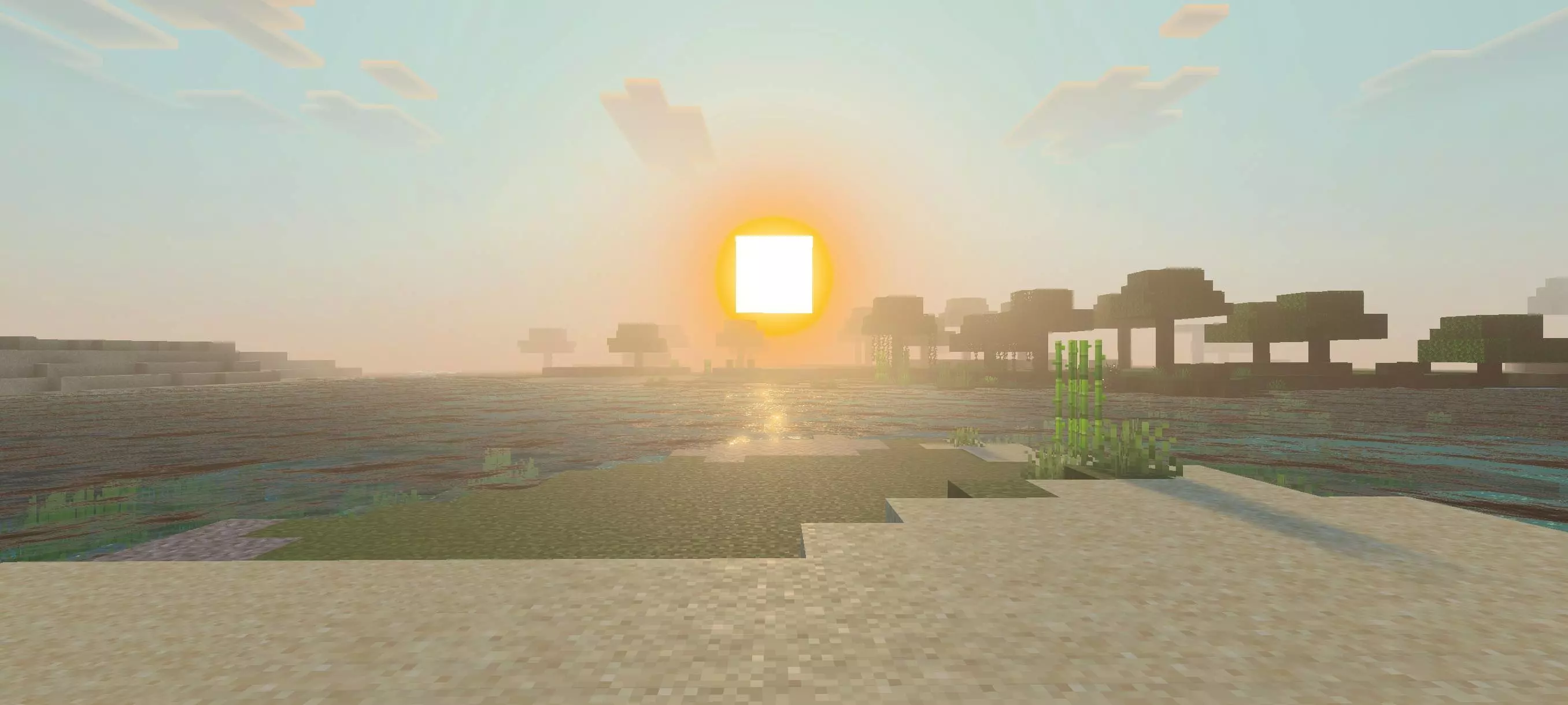
The shader is especially noticeable when you’re traveling through open terrain. From a hilltop, you can take in the sky and the landscape below with a different sense of color and depth. Sunsets give you another reason to stop and look around before heading home. A familiar mountain or coastline can feel different when the sky and lighting change around it. That doesn’t mean you need to start a new world: a long-running survival save can be a great place to try the shader because you already know what everything usually looks like.
Water is another part of the landscape that gets attention. Genshin Shader gives it a look inspired by the patterns seen in Genshin Impact, adding something new to rivers, lakes, and coastlines. You’ll have plenty of chances to notice it during ordinary play, whether you’re crossing a river on your way to a village or building a house by the shore. If your base is near the water, try looking at the view from inside as well as from the bank. A window facing a lake or a small dock can become an even nicer part of your build when the surrounding scenery has a new style.
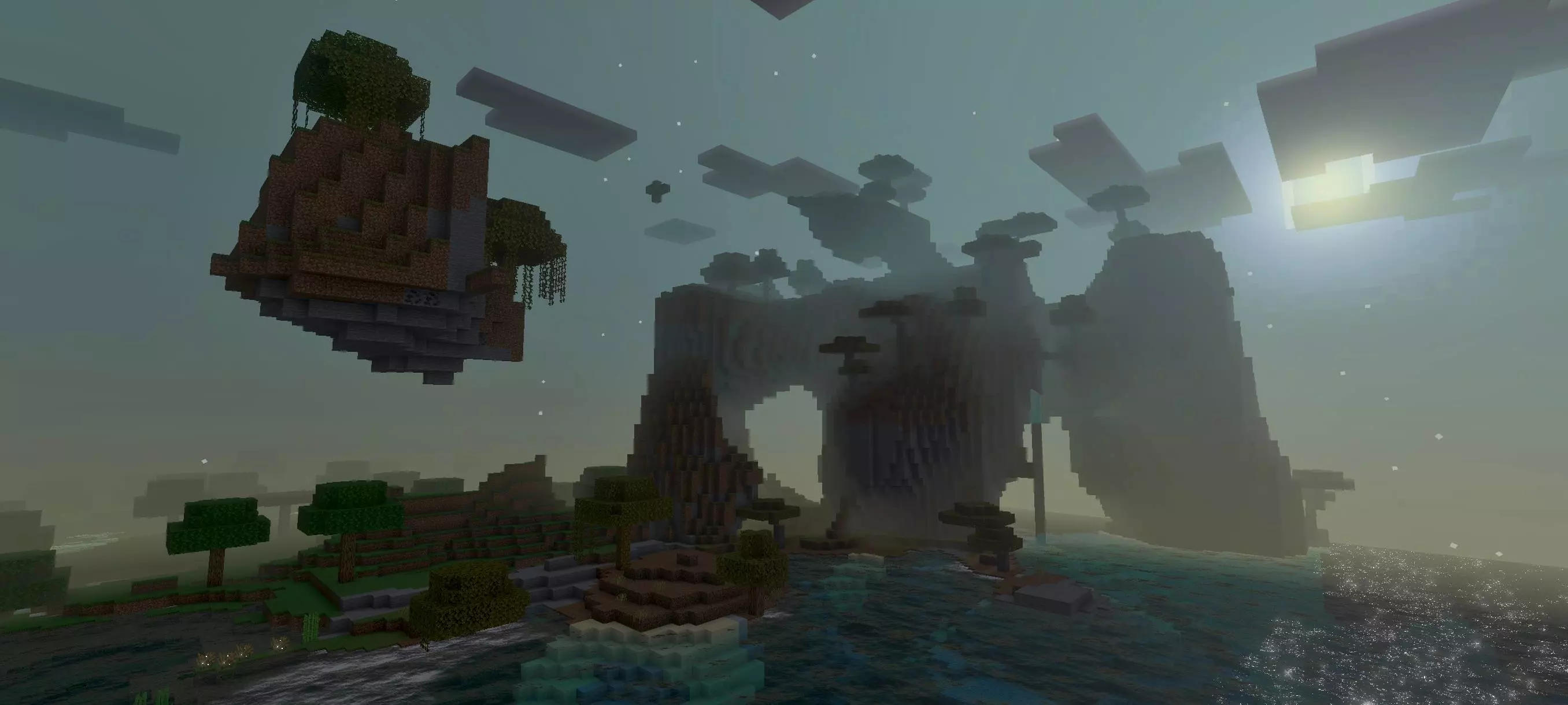
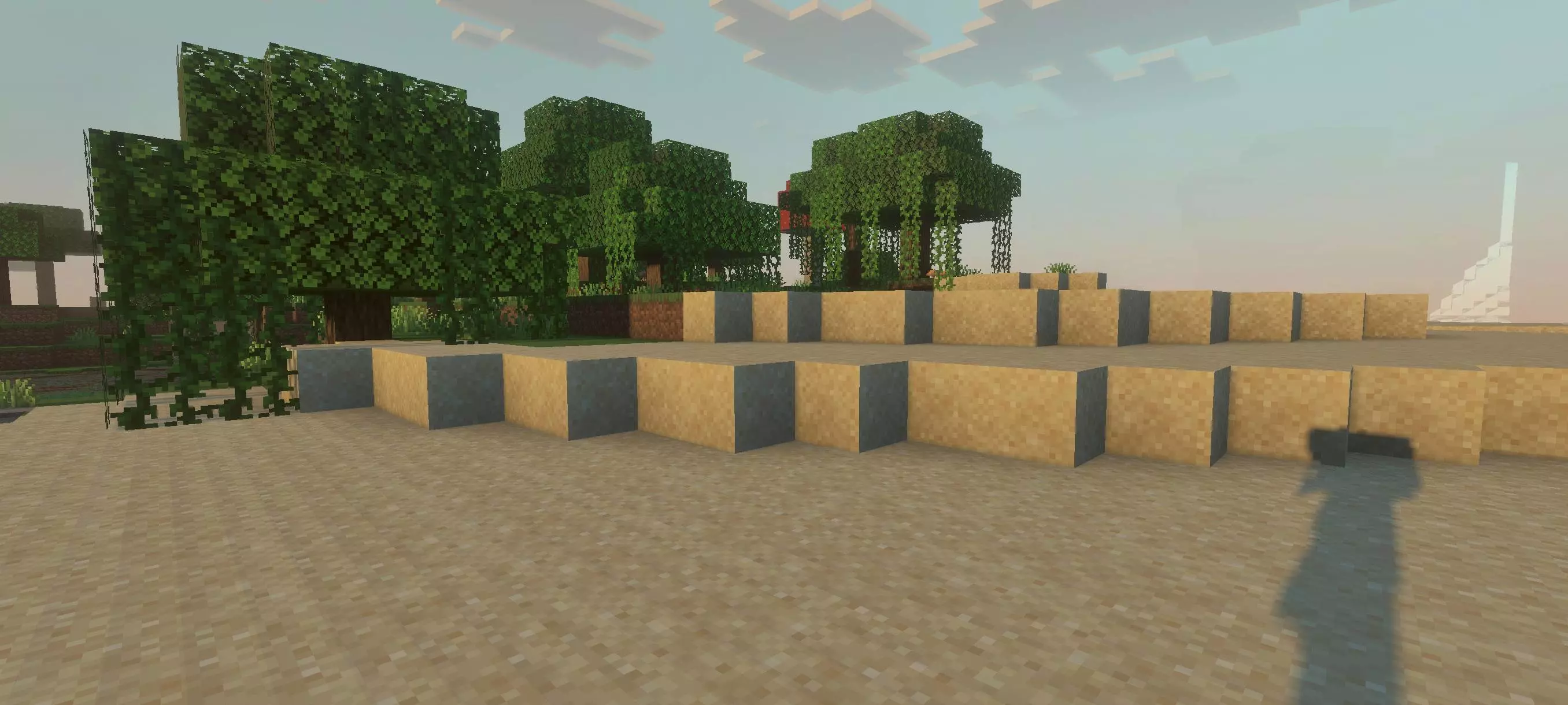
The shader also gives nighttime a calmer atmosphere. There’s something appealing about returning from a long mining trip and seeing your base after dark with a different sky above it. Of course, Minecraft’s usual nighttime dangers are still there, so you’ll want to keep an eye out for mobs while enjoying the view. If you prefer to stay near home after sunset, it’s a good opportunity to look at your builds, work on a garden, or finish a path between buildings. The visual change is there in the background while you get on with whatever you had planned.
For builders, Genshin Shader can offer a new way to look at a project without replacing the blocks used to create it. A tower on a hill, a bridge across a river, or a small village surrounded by trees may feel different when seen against the shader’s sky and water. You could use it while working on a fantasy town inspired by your favorite adventures, but it also suits a simple survival base. Try visiting the same build during the day and again at night to see which view you like best. If you take screenshots, move back far enough to include some of the surrounding landscape rather than focusing only on the building itself.
The name refers to the shader’s visual inspiration, so don’t expect characters, quests, or combat abilities from Genshin Impact to appear in your world. You’re still playing Minecraft and following your own plans; the difference is in how the surroundings look. Vibrant Visuals needs to be enabled for the shader’s effects to appear. Once it’s active, you can carry on with a survival world, explore a new seed, or revisit a creative build. Genshin Shader is a good choice if you want a more colorful setting for those familiar Minecraft adventures and enjoy the look of Genshin Impact’s world.
Installation:
- Download Shader;
- Open the downloaded .mcpack to install;
- Select texture in settings;
- Done.
Comments (0)