Sukuna Visual Theme – Shader
- 1-05-2026, 12:18
- 322

Sukuna Visual Theme - nice beautiful shaders with realistic colors, shadows, beautiful sky and lighting. Sukuna Visual Theme changes the atmosphere of Minecraft with warmer lighting, colorful skies, and deeper shadows. It’s a shader for those moments when you want to leave your base, wander around, and enjoy the scenery. Your world keeps its familiar blocky look, but the lighting gives forests, mountains, and buildings a different character.
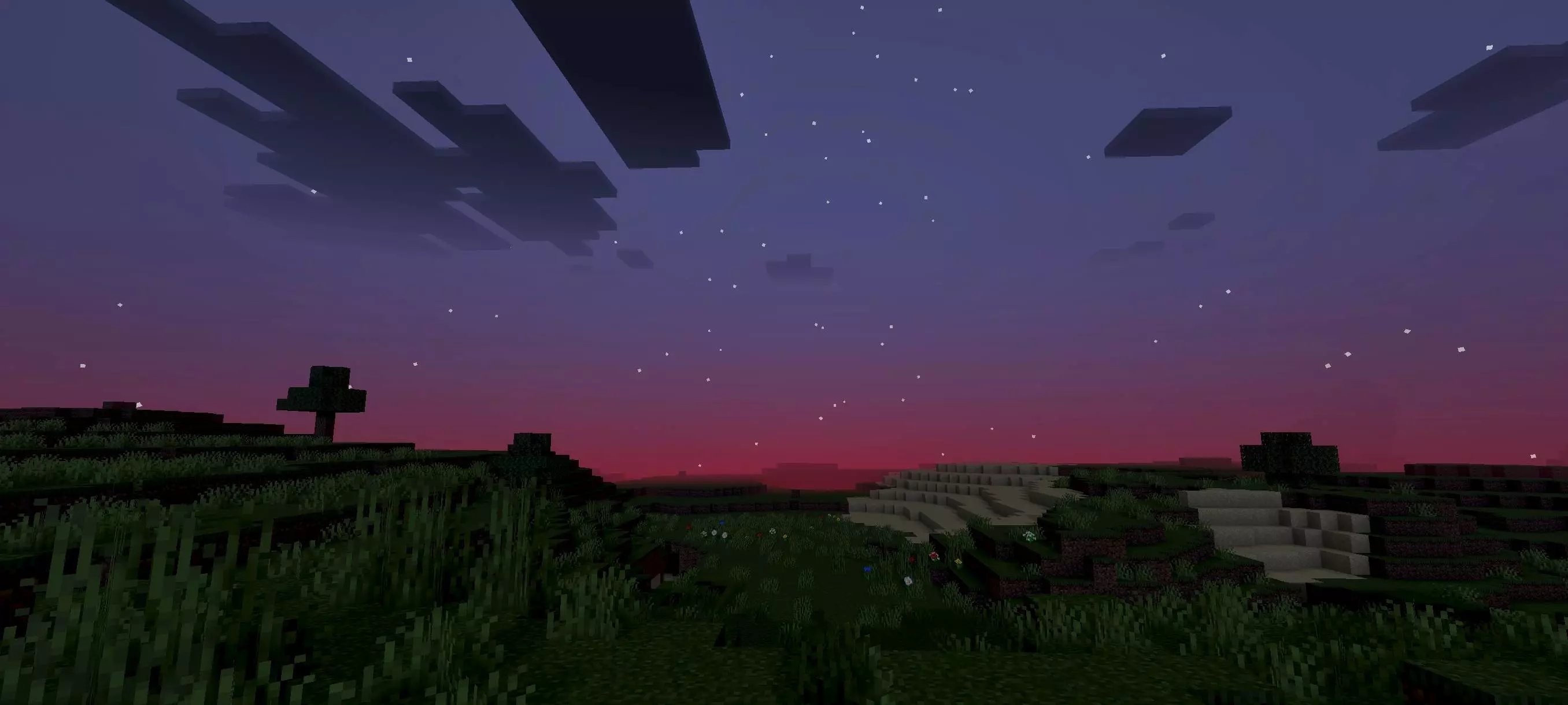

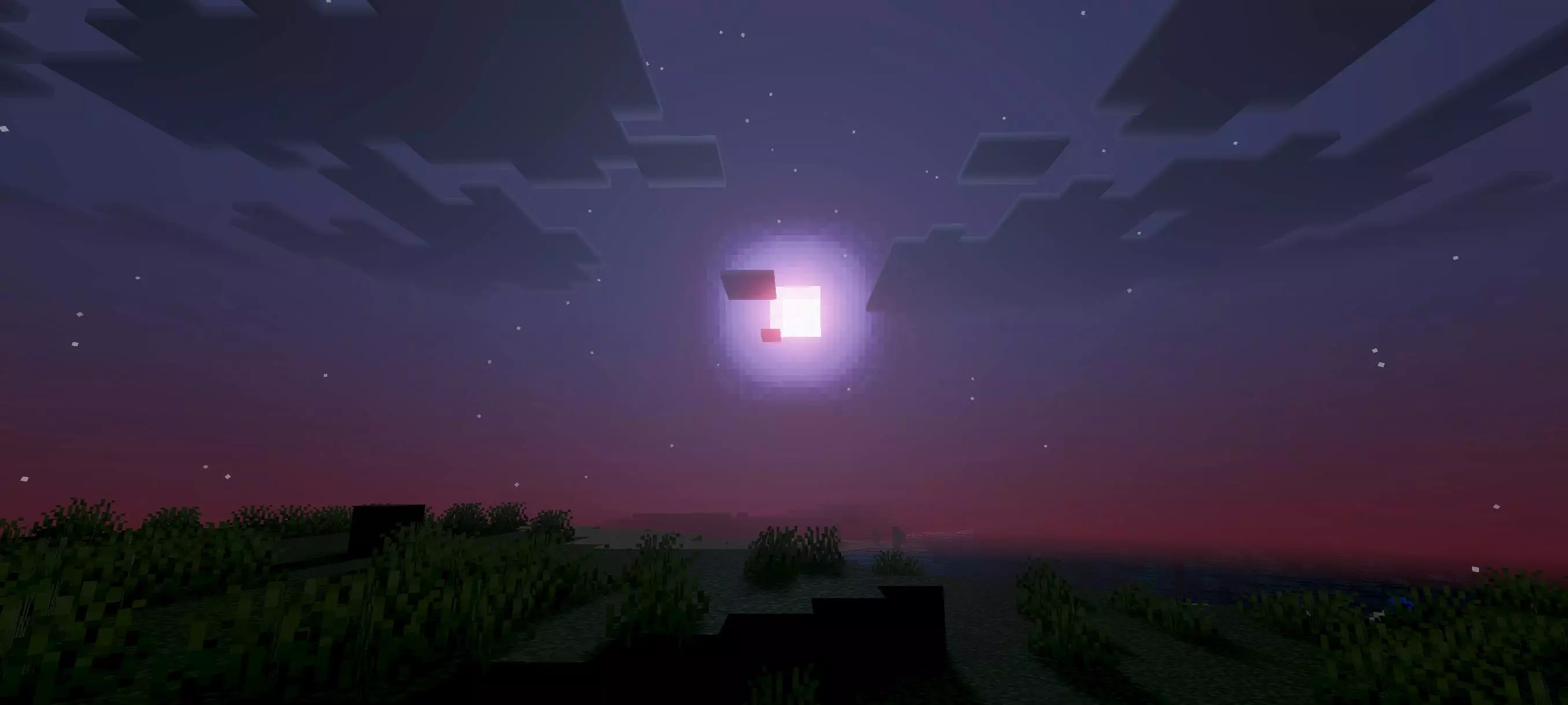
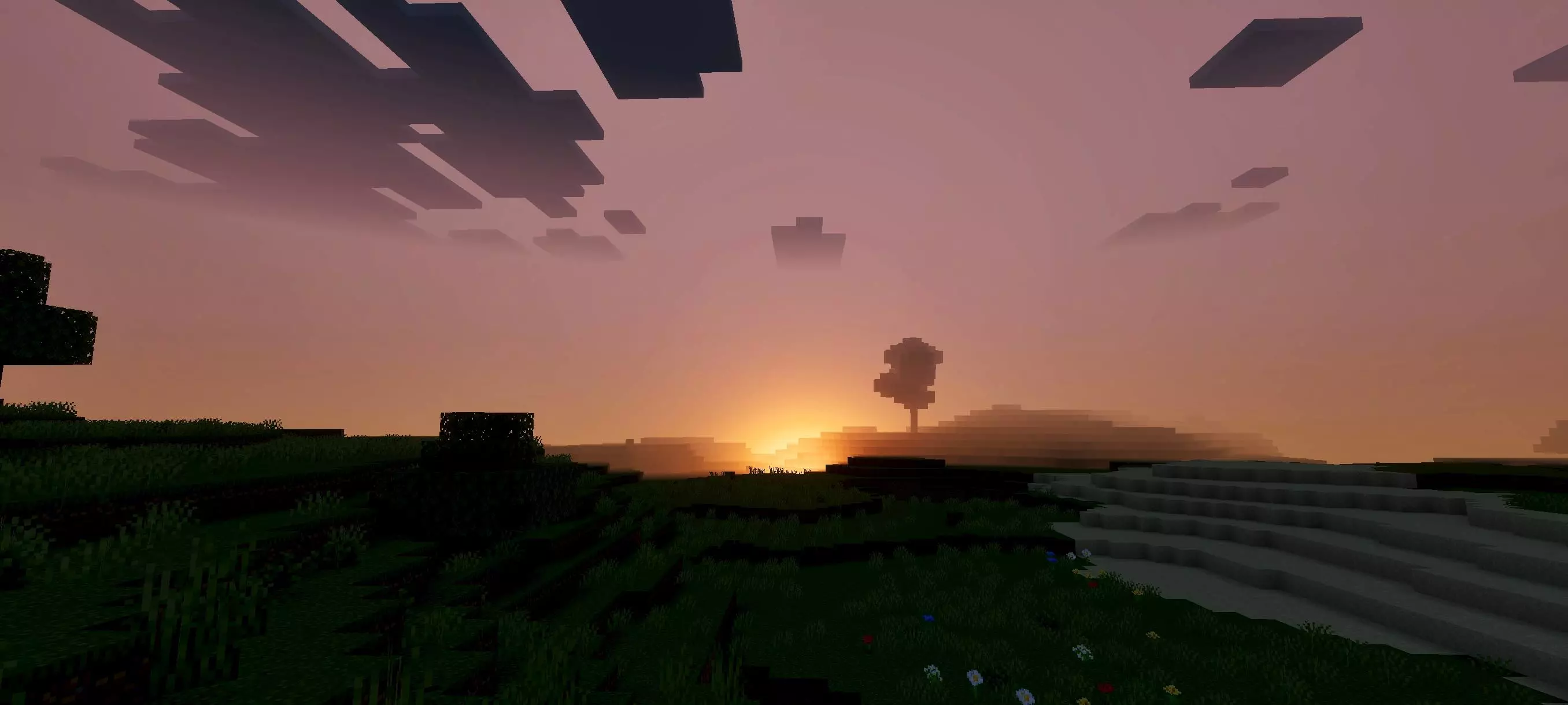
The biggest change is easy to see around sunset. The sky takes on warm colors, and the fading sunlight gives the landscape a more dramatic appearance. Hills and trees stand out against the horizon, while shadows make the terrain look deeper. If you have a house with a good view, this is the sort of shader that might make you stop crafting for a minute and watch the sun go down. It also gives you a good reason to revisit places you haven’t seen in a while. A mountain you climbed at the start of your survival world might be much more interesting to look at in the evening, especially from a distance.
Lighting changes gradually, so the world doesn’t suddenly jump from one look to another as the day passes. The softer transitions help connect the bright sky with the darker areas of the landscape. There’s also atmospheric haze, which makes distant scenery blend into the horizon instead of looking as sharp as the blocks right in front of you. That effect is most noticeable when you have a long view across an ocean, a valley, or a large open plain. From the top of a mountain, you can look out over the landscape and see how the foreground and distant terrain sit against the colorful sky. It’s a subtle touch, but it helps give the world a sense of space.
The shader can also change how you feel about your builds. A stone tower, for example, may look much more imposing when its walls are surrounded by shadow and the sky behind it is glowing. A small house in the woods can feel cozy when the daylight starts to fade. You don’t need to start a new world or build something specifically for the shader to appreciate it. Load up a world you’ve already spent time in and take a walk around your base. Look at it from the front, then from a nearby hill, and see which view you prefer. If you enjoy taking screenshots, sunset is a good time to find a spot where your build and the horizon fit in the same frame.
Sukuna Visual Theme also uses PBR effects, which affect how materials respond to lighting. The blocks don’t stop looking like Minecraft blocks, but light and shadow give surfaces more depth. The overall effect suits players who want a more cinematic world while keeping the familiar style of the game. It’s not limited to elaborate castles or carefully planned landscapes, either. An ordinary path between your house and a village can be pleasant to follow when the evening light changes the view around it.
The name may catch the attention of Sukuna fans, but this shader focuses on visuals. It doesn’t add the character to your world or give you his abilities. You can use it while playing the way you normally do: gathering resources, working on a base, exploring, or playing with friends. If you’ve been using the same survival world for a long time and want it to feel a little different, the new lighting and sky are an easy way to see familiar places in a fresh light.
Installation:
- Download Shader;
- Open the downloaded .mcpack to install;
- Select texture in settings;
- Done.
Comments (0)