zombie shader – Shader
- 4-05-2026, 14:38
- 536

zombie shader - themed Minecraft shaders to make the game world more like a zombie apocalypse. Zombie Shader gives Minecraft Bedrock a darker atmosphere built around the feeling of a zombie apocalypse. Familiar landscapes become more unsettling, with lighting and shadows that suit a world where you’d rather be indoors before nightfall.
The main change is the mood of the environment. Darker lighting and deeper-looking shadows make the scenery feel less welcoming, giving ordinary surroundings a horror-inspired appearance. The pack aims to make zombie encounters feel creepier through that atmosphere, so the setting becomes part of what makes an approaching mob uncomfortable to watch. A zombie walking toward you is already a problem in survival, but the presentation can make that familiar situation feel tense again. The appeal is especially clear if you’ve played long enough to stop paying much attention to everyday enemies. Changing how the world looks can bring some of that uneasiness back without requiring you to learn an entirely different game.


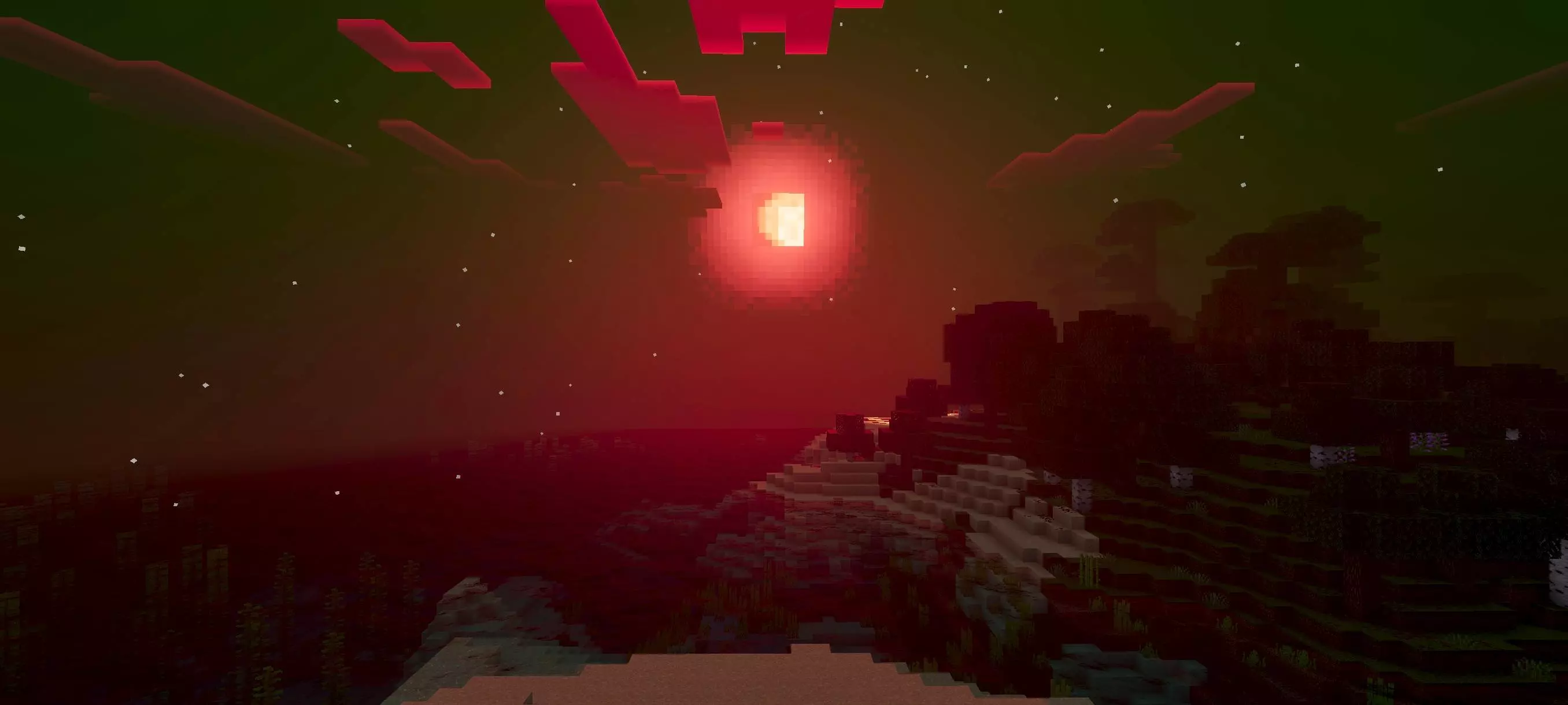
For a survival world, this style gives you plenty to build around. A boarded-up house, a watchtower overlooking a road, or a small settlement behind wooden walls would all suit the theme. Those structures are ideas for your own world, and their appeal comes from how naturally they fit a darker setting. You could turn an existing base into a refuge by adding a guarded entrance, narrow walkways, and a few damaged-looking buildings outside the perimeter. Even a modest cabin can work as the center of a survival story. The surroundings give you the mood; your building choices decide whether the place feels secure, abandoned, or barely holding together.
It also suits players who like making short adventures for friends. Picture a route between scattered shelters, with supplies waiting at each stop and a ruined village somewhere along the way. You could set the goal of reaching a particular building before everyone runs out of food, or have the group search for items across several locations. These are challenges you would arrange yourself, but a consistent horror atmosphere helps tie the locations together. Keeping the route fairly simple would let players focus on the journey and the places they pass through. A distant house becomes a destination, while an empty stretch of road gives the group time to wonder what’s ahead.
There’s room for quieter scenes, too. An empty street or an isolated farmhouse can make a good setting for screenshots or a short survival video without needing a crowd of monsters in every frame. Leaving some spaces unfinished or deserted would help carry the apocalypse theme through the buildings themselves. Zombie Shader is a good match for that kind of project: a world with a clear mood, where the scenery matters as much as the next encounter. If you enjoy building shelters, exploring after dark, and giving familiar locations a more ominous character, its visual direction offers a useful starting point.
Installation:
- Download Shader;
- Open the downloaded .mcpack to install;
- Select texture in settings;
- Done.
Comments (0)