Outlined Grass – Shader
- 5-05-2026, 00:39
- 363
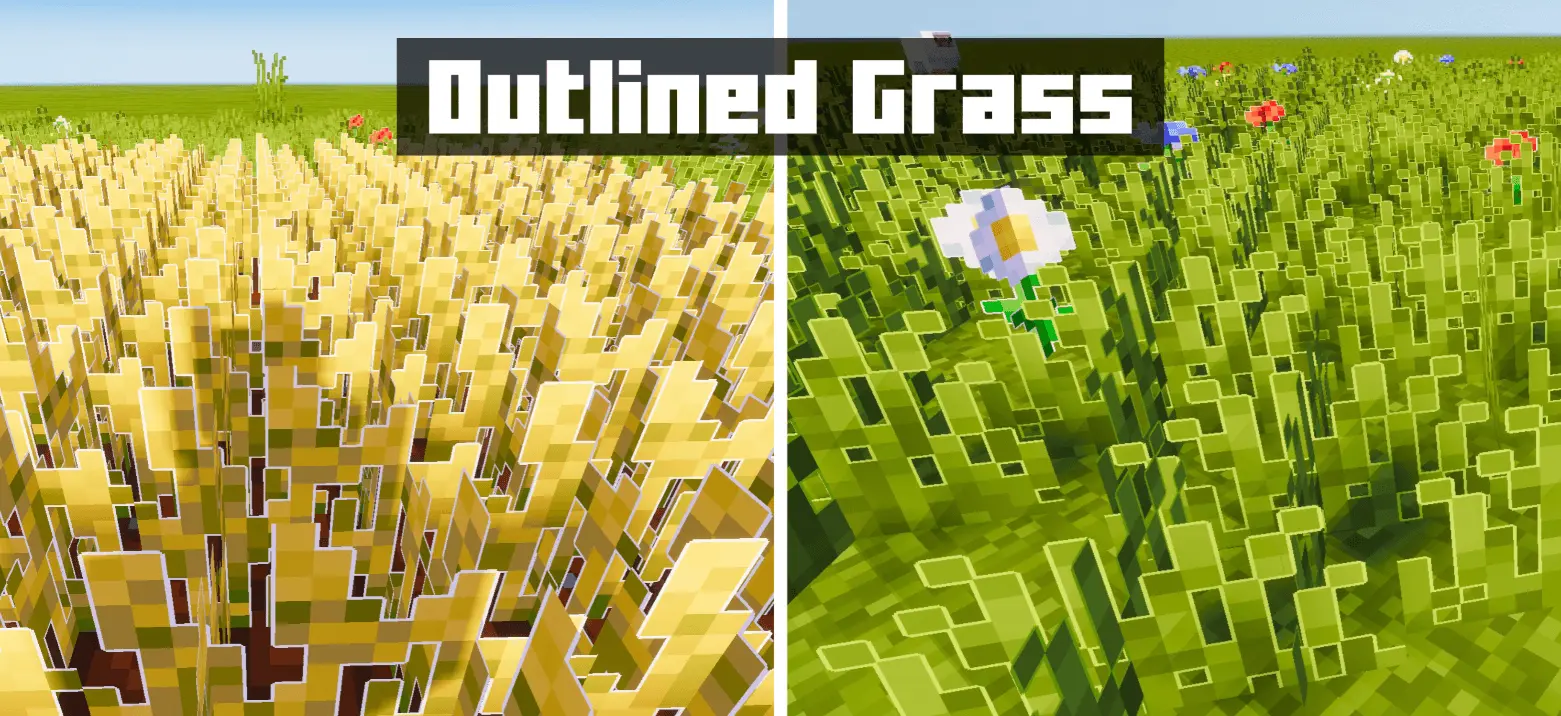
Outlined Grass Minecraft shaders for players who want to see improved grass and plants. Outlined Grass adds white borders to plants in Minecraft Bedrock, giving grass, flowers, and crops a more defined appearance. It’s a simple visual idea that becomes noticeable almost anywhere you spend time outdoors.
A field is a good place to see the effect. The pale edges help individual plants stand out against the ground and neighboring vegetation, creating a more stylized scene. Walk through an area you already know and compare how it looks from different distances. Up close, you can inspect the borders around each shape; farther away, you get a sense of how the whole patch fits together. You might prefer the effect in a wild meadow, or find that it looks best in a smaller garden beside your house. Either way, there’s plenty to look at without needing to travel far from home.
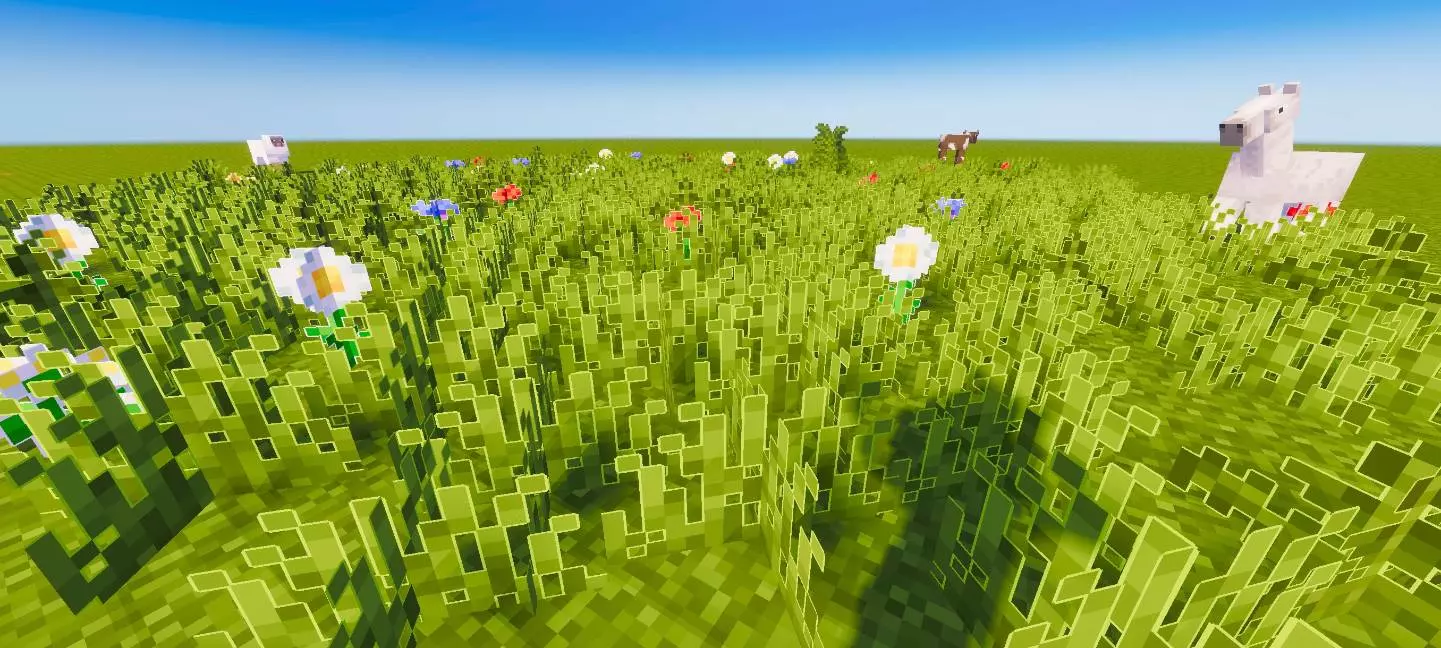
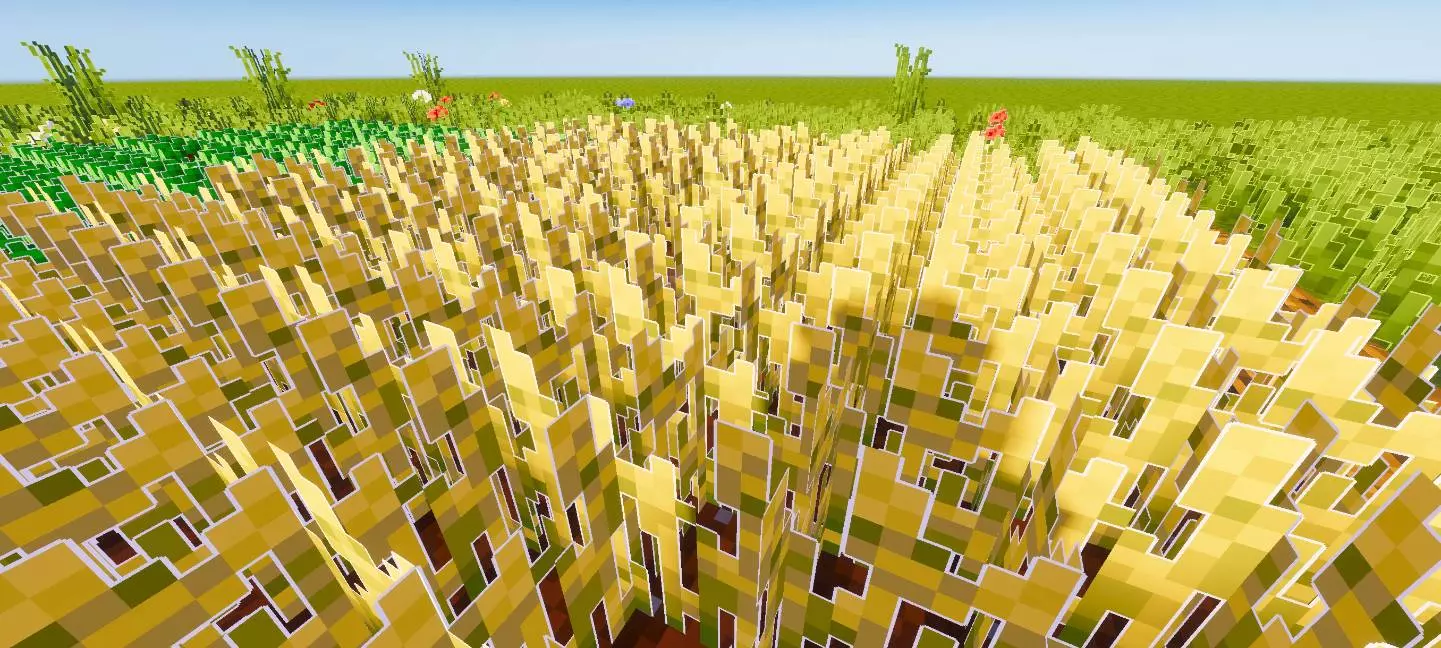
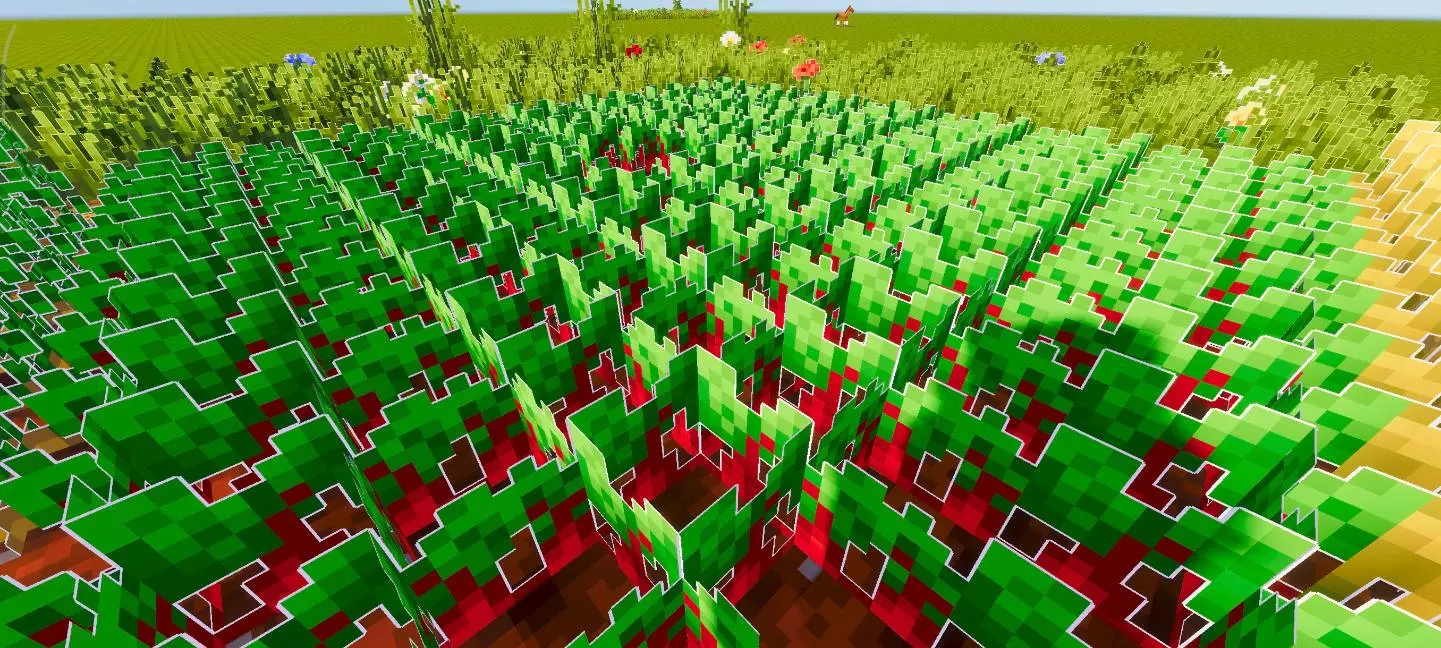
The changes cover more than grass. Wheat, carrots, potatoes, flowers, and other vegetation receive outlines, while wooden planks are included too. That gives you several places to check around an established base. Visit a crop field, look over a flower bed, and take another walk through any wooden buildings you use regularly. Seeing the same treatment across different textures can help you decide whether the style suits your world. It’s worth judging the pack during ordinary activities as well as while standing still. You’ll probably spend more time passing these blocks on your way somewhere than examining them individually.
Outlined Grass could be useful inspiration if you enjoy landscaping. You might arrange flowers along a path, leave patches of grass around a pond, or add crops to a decorative garden. Those are projects you can build yourself, with the outlines giving the plants a slightly different presence in the finished scene. Try a small area before committing to a large redesign. Place a few kinds of vegetation together, walk around them, and see which combinations you like. A compact garden near your front door is enough to experiment with, and you can always expand it once you’ve settled on a layout.
The pack is intended to pair well with shaders, so it could be interesting to compare the borders under lighting you already enjoy. The white edges come from the textures themselves; their appearance shouldn’t be confused with plants actually lighting up the surroundings. Take a look at a familiar spot during the day and return later to see how the outlines read in a different scene. If you like the effect, you can keep playing and let it become part of your usual view. There’s no need for an enormous building project to justify trying it. Your vegetable patch, the flowers beside a village road, and the grass outside a starter house all give you somewhere to appreciate the change.
Installation:
- Download Shader;
- Open the downloaded .mcpack to install;
- Select texture in settings;
- Done.
Comments (0)