Naturalism Shaders – Shader
- 23-05-2026, 15:08
- 415
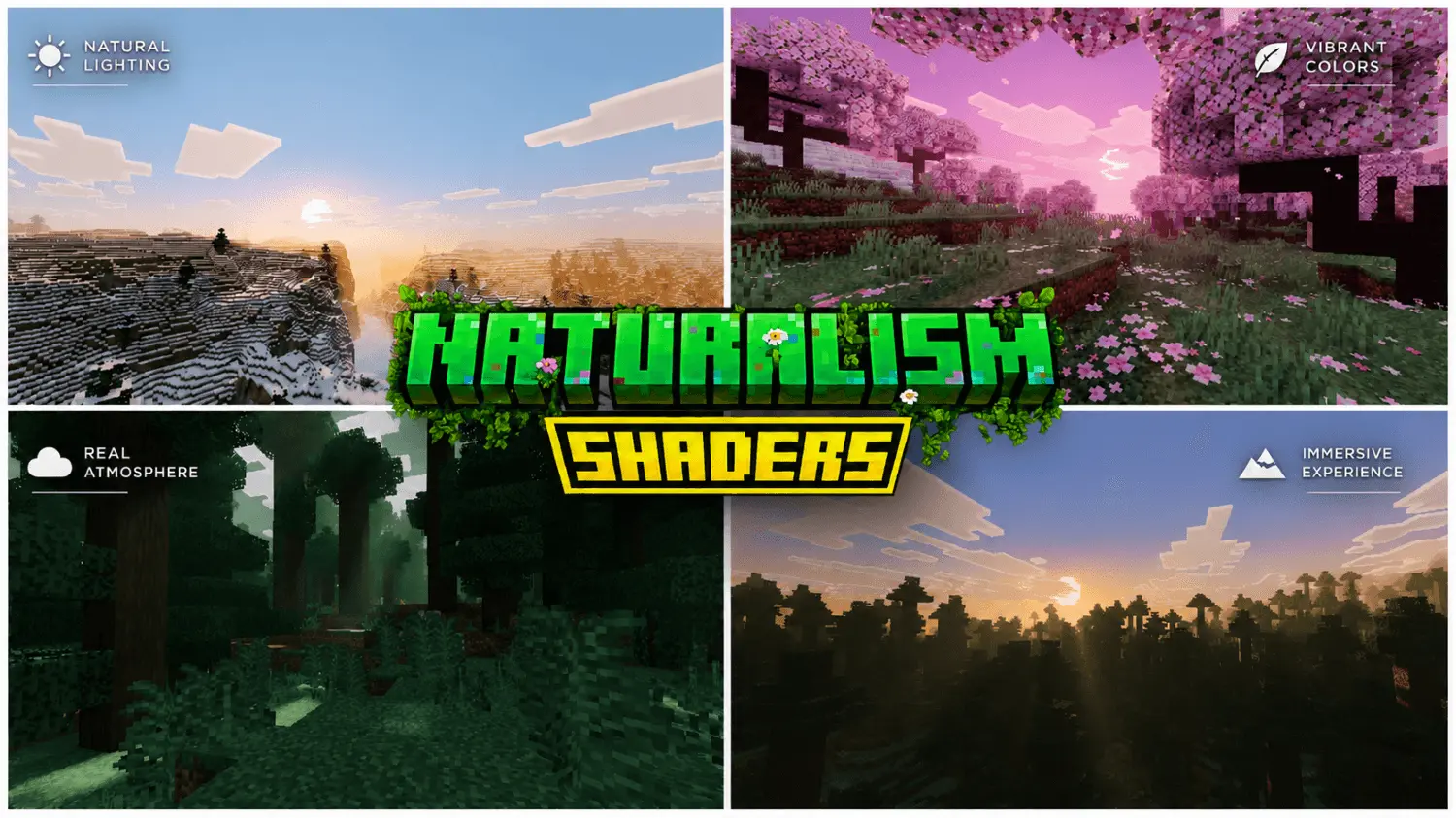
Naturalism Shaders provides beautiful lighting and graphics for every biome in Minecraft. Gazing across an expansive survival seed only to find distant mountains choked in murky grey haze will suck the joy right out of your play session. Naturalism Shaders reconfigures the environmental balance in Minecraft Bedrock, washing every biome in warm atmospheric lighting, believable shadows, and crystal-clear vistas.
Default rendering has felt like a sterile tech demo for way too long. High noon hits your world, and suddenly every stone ridge, oak canopy, and dirt path bleeds into a chalky, overexposed mess. Nightfall swings the pendulum to the opposite extreme, hitting your screen with pitch-black mud that forces you to squint at shadows or crank external gamma until your monitor screams. Most creator packs overcorrect by dumping radioactive neon saturation across the map, turning basic birch forests into blinding day-glo eyesores. You want your survival sandbox to look organic and grounded, not like a carton of spilled fruit juice.
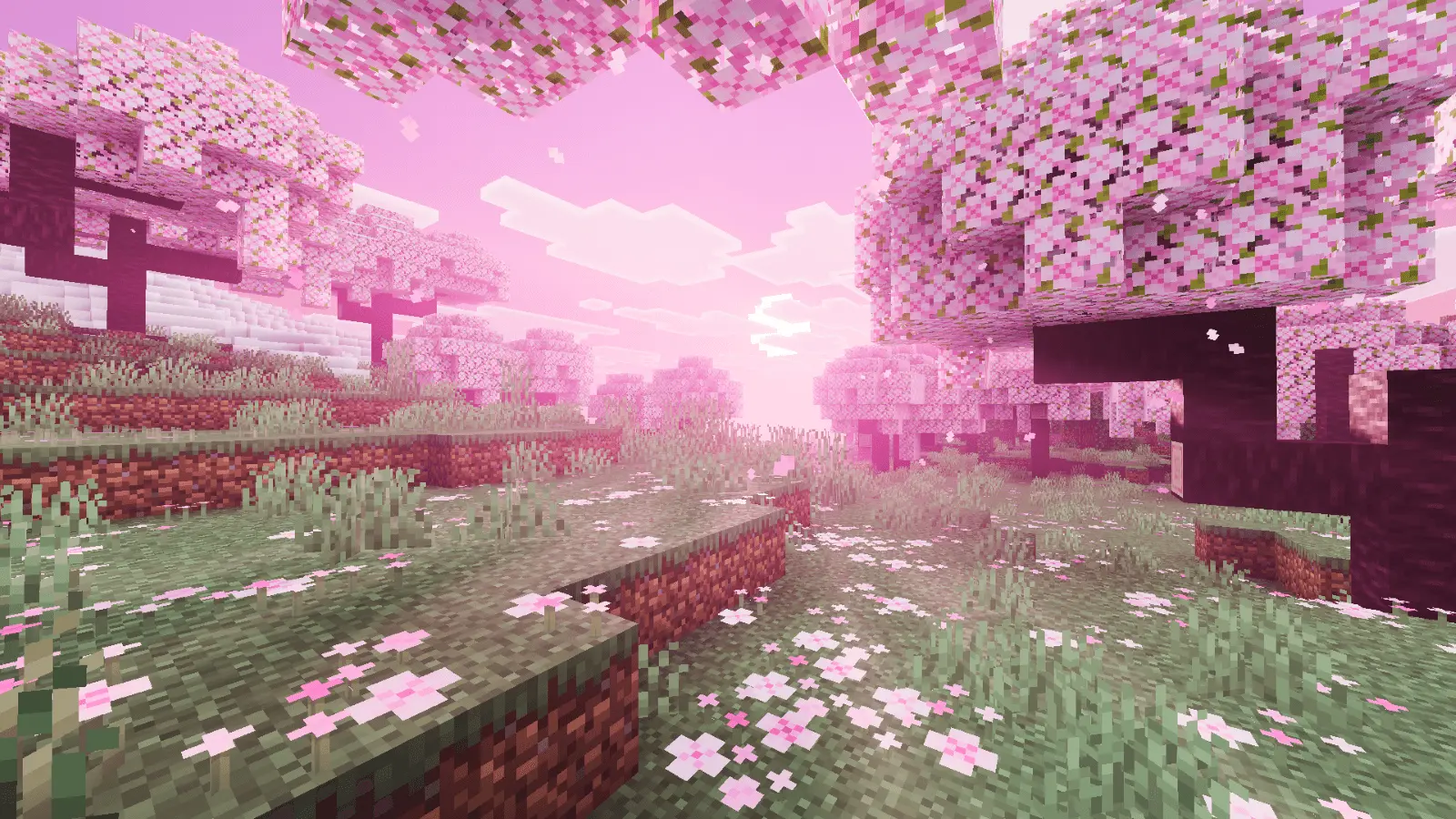
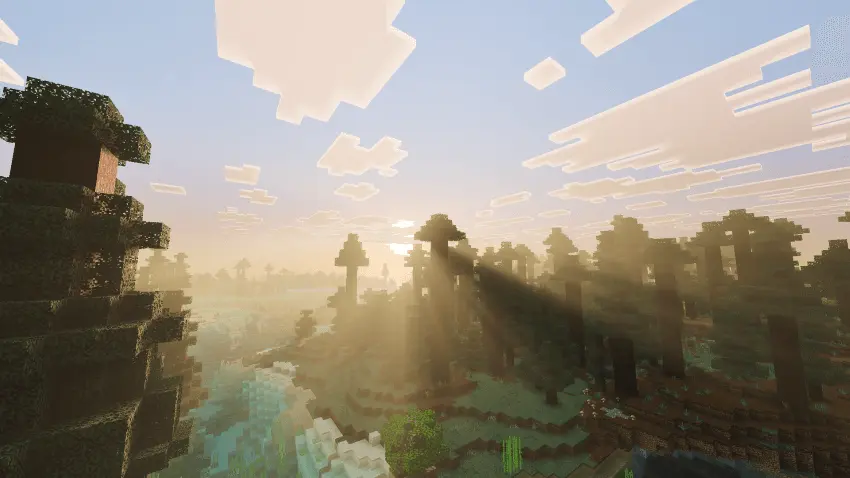
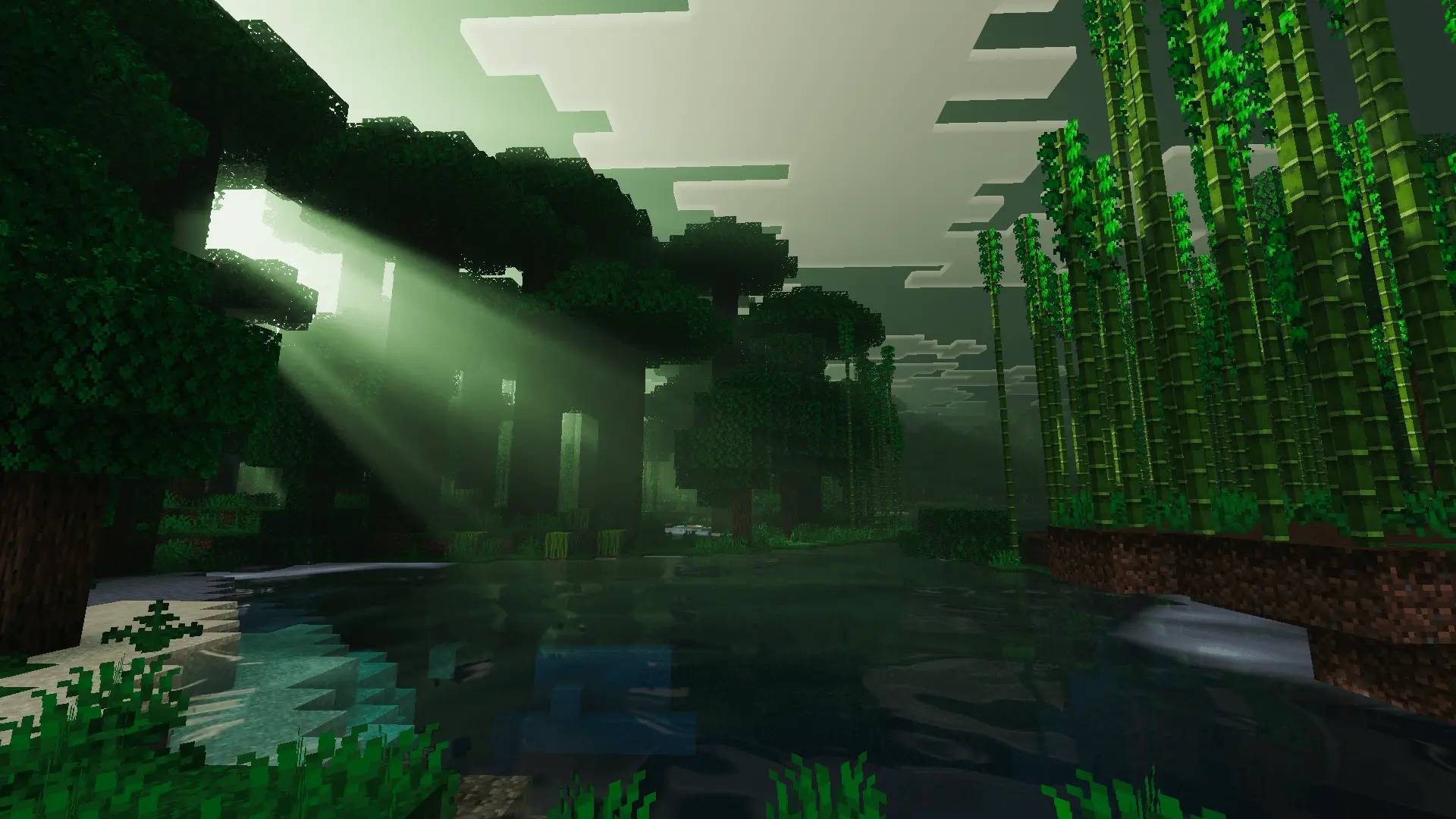
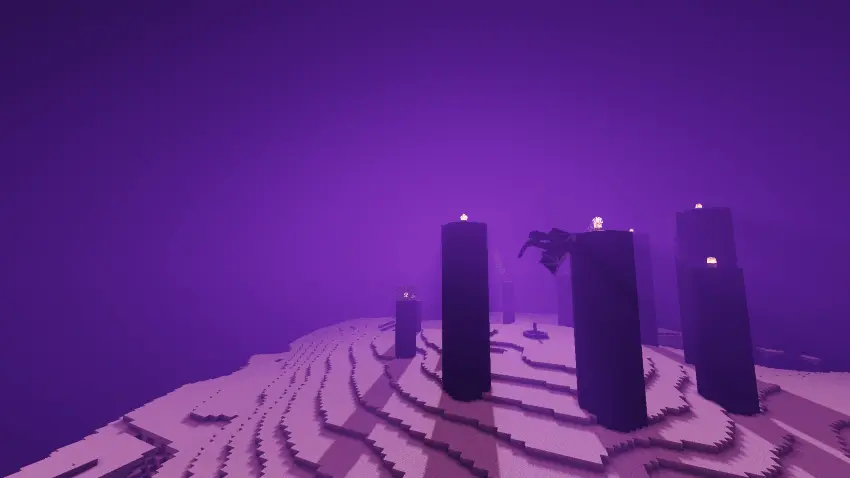
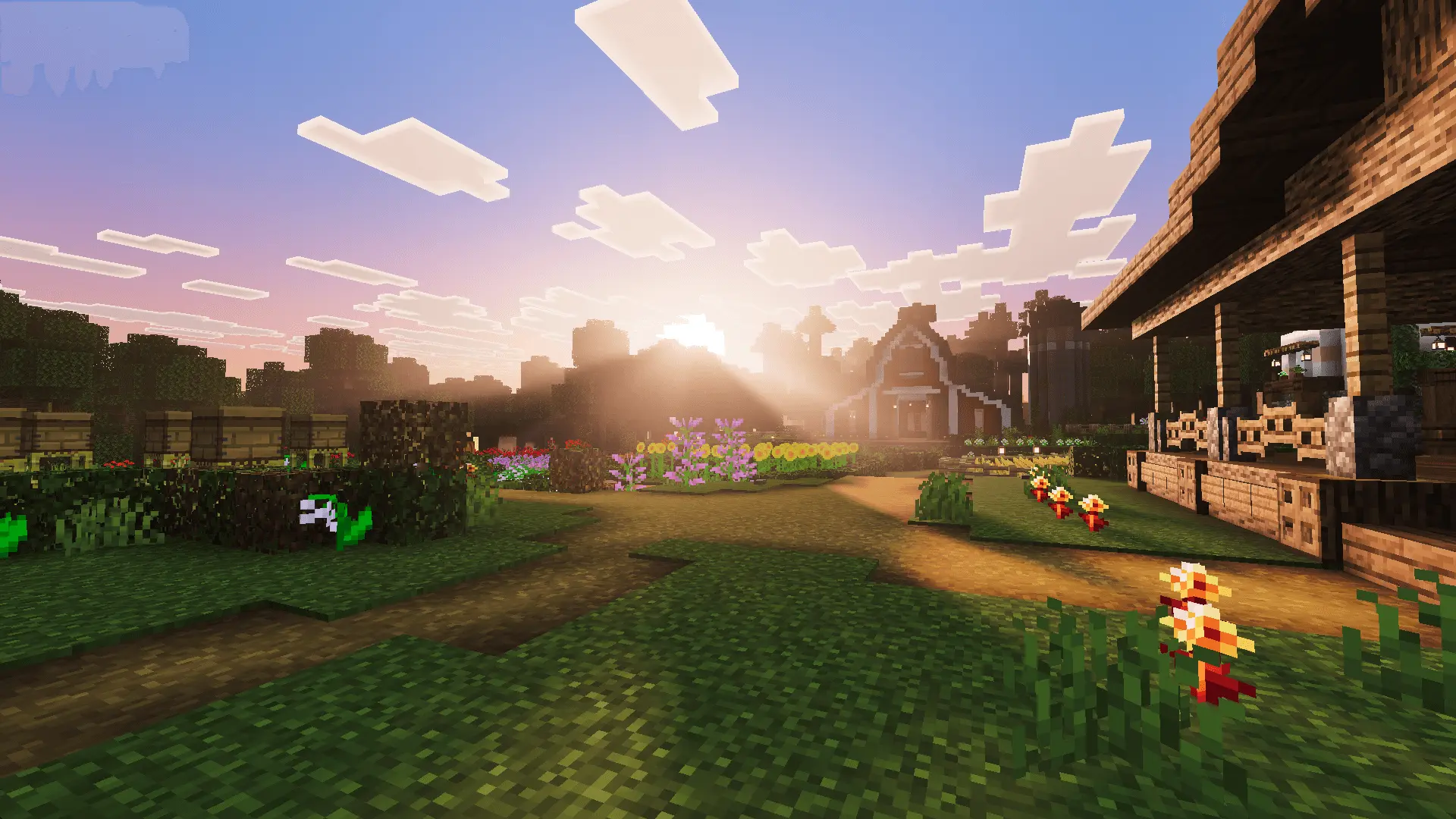
This overhaul locks in that natural feeling by restructuring sunlight scatter from dawn until dusk. Early morning hours bathe coastal shores and rolling valleys in soft amber gradients, casting long, soft-edged shadows that contour naturally over uneven hillsides. Forest biomes feel dense and alive because tree leaves break up the direct glare, dropping subtle ambient occlusion pools onto the forest floor. You look at a massive ravine or jagged peak and you can actually gauge distance accurately, thanks to atmospheric depth that preserves block silhouettes instead of smothering them in thick, artificial fog.
Hydrology mechanics receive a massive glow-up as well. Vanilla water usually looks like thick blue plastic wrap, refusing to give you any visual data on what sits beneath the surface until you take a swim. With this shader hooked up, river channels and ocean shallows boast genuine transparency paired with gentle surface ripple patterns that catch the afternoon sun. Paddling a boat across a coral reef or kelp forest lets you track schools of cod and submerged treasure chests with total visual fidelity, while dusk paints calm reflections over the water line.
Subterranean life and base construction feel leagues better under this system. Lanterns, torches, and campfires throw a rich, flickering luminescence that fades gradually across deepslate bricks and cobblestone passages. You avoid those ugly stepped light levels that typically turn long mine shafts into checkerboards of dark and bright pixels. Cozy wooden cabins actually feel warm and inviting, while deep cavern networks retain genuine peril without forcing you to blindly stumble into waiting creeper traps.
Resource efficiency remains rock solid from the moment you load in. The code skips messy script baggage, keeping frame pacing rock steady whether you are running thirty-player multiplayer faction raids or navigating dense jungle canopies. Mobile gamers dodge heavy thermal spikes on touchscreens, while console players retain fluid camera panning without nasty frame drops during intense combat exchanges.
Activating this overhaul takes under sixty seconds through your local file directory. Run the downloaded mcpack through your device to execute the native import, slot the resource pack right near the top of your global settings menu, and dive into your world. If you want your daily survival expeditions to showcase gorgeous, true-to-life environmental lighting without compromising hardware performance, this shader package earns a permanent place in your active lineup.
Installation:
- Download Shader;
- Open the downloaded .mcpack to install;
- Select texture in settings;
- Done.
Comments (0)