OS Gummies Skin Pack
- 1-10-2025, 11:02
- 593
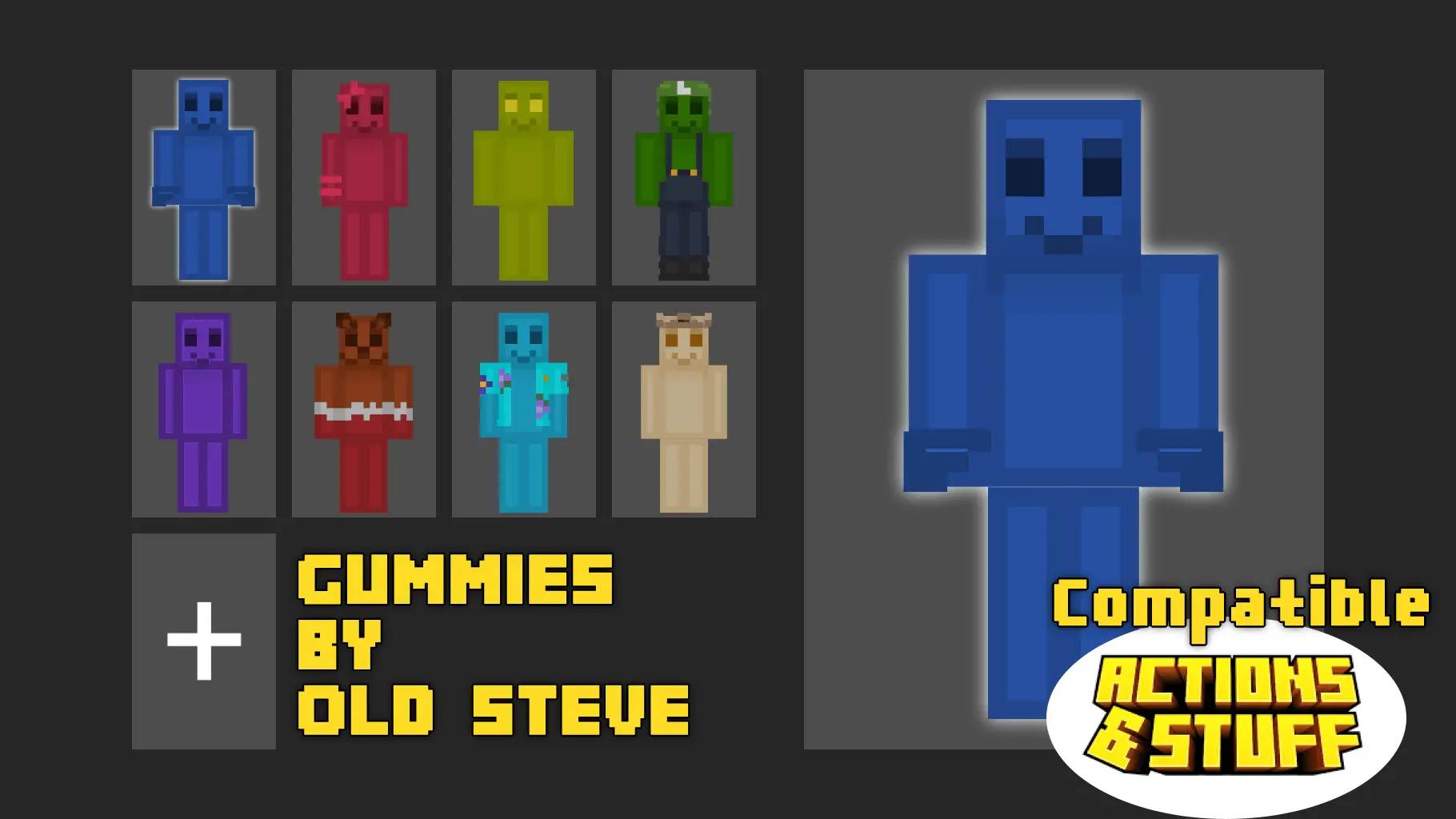
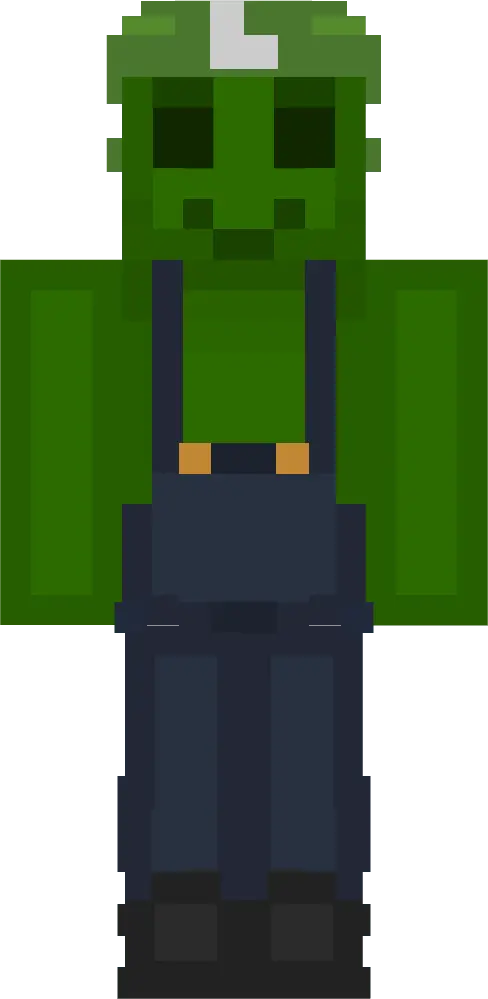
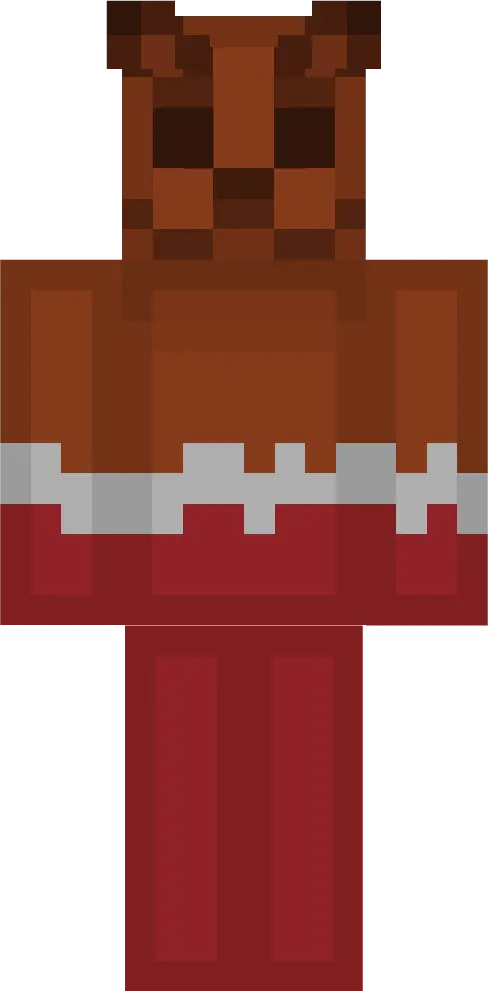
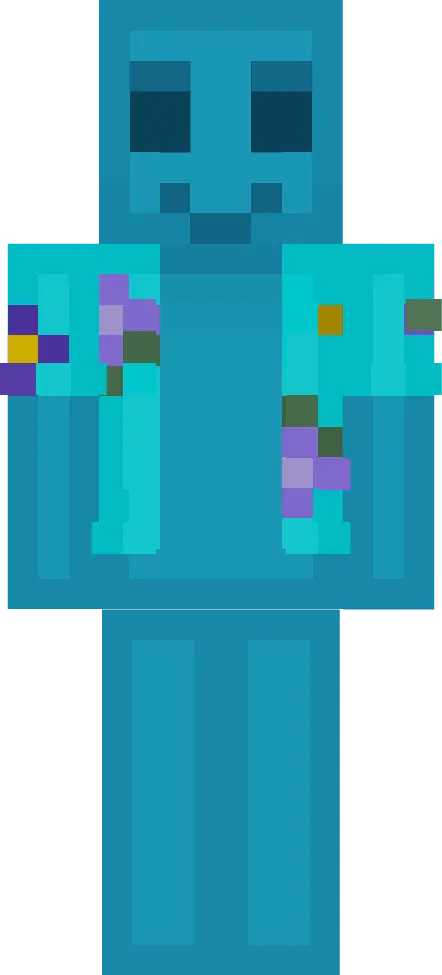
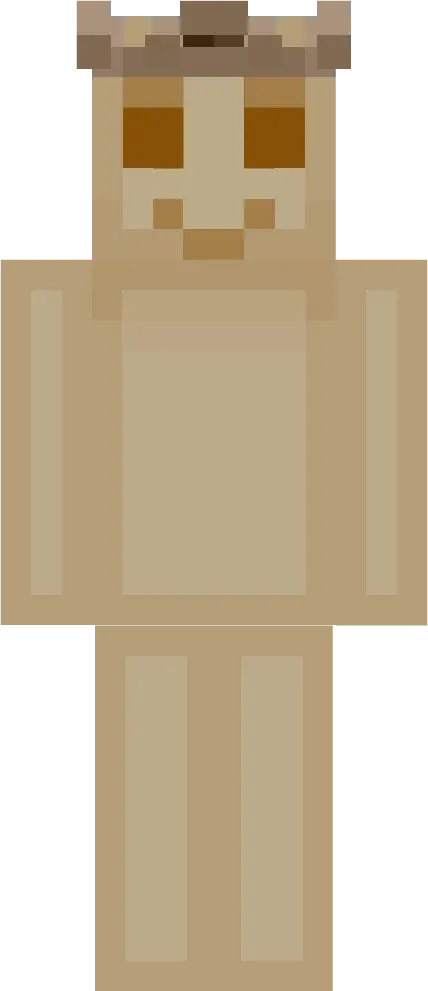
OS Gummies — a sugar-rush of personalities for Minecraft Bedrock that swaps your usual fit for a cast of candy creatures. You’re not just recolored here; each gummy has a vibe. Pop on Gummyblu, the shy blueberry, and you’ve got that quiet “I’m building at dusk” energy. Switch to the soda gummy and suddenly you’re the hype friend sprinting between projects, sparkling like a bottle just cracked open. Nubbi, the curious gummy ghost, is perfect for spooky mansion runs and Deep Dark tiptoes where you want to look cute and a little supernatural at the same time.
In survival, OS Gummies makes simple sessions feel themed without changing a single rule. Farm days? Chocolate fits the cozy loop of pathing, fencing, and trading. Cave nights? Grab something brighter so your squad can call your lane at a glance. On servers, the color-coding is clutch for team play—assign a candy to each role and everyone knows who’s on defense, who’s scouting, and who’s running supplies. It also photographs ridiculously well. Candy silhouettes read clean in screenshots, so progress posts, realm trailers, and thumbnails look like you planned a full set, even if you just threw on your favorite gummy five minutes ago.
For roleplay, OS Gummies is easy mode. Open a candy stall in the village, host a “sweet vs. spooky” minigame with Nubbi as the referee, or theme a build jam where each player’s gummy sets the palette for their plot. It’s all cosmetic—Minecraft Bedrock gameplay stays stock—so achievements, movement, and combat timing are untouched. Equip a gummy in the skin menu, drop into your world, and let the color do the talking. If your sessions need a little flavor without the hassle, OS Gummies brings bright personalities, clean reads, and just the right kind of sugar to your adventures.

A blueberry gummy walks into a Minecraft cave. Five minutes later, it’s running from a creeper with three diamonds and absolutely no plan.
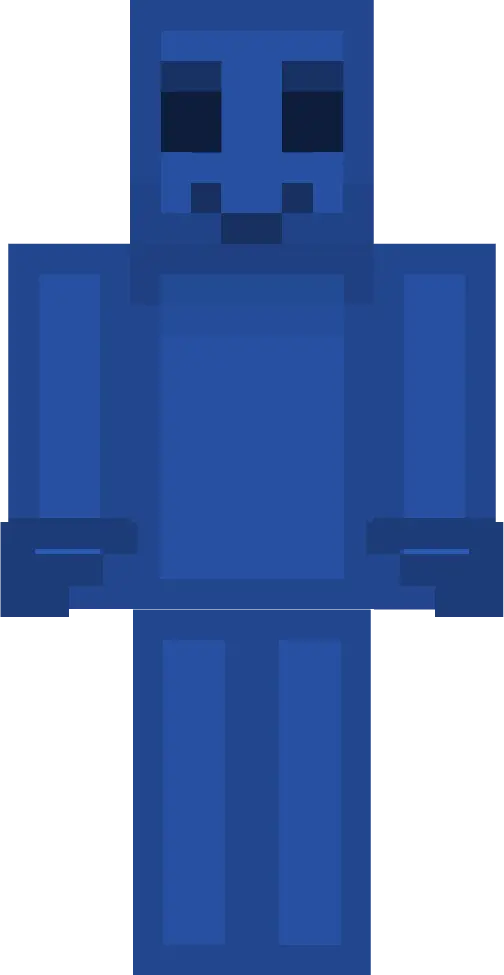
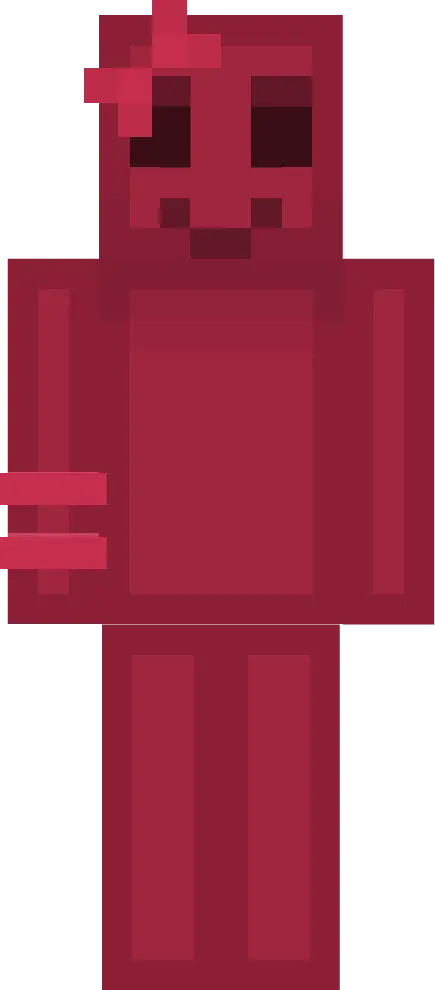
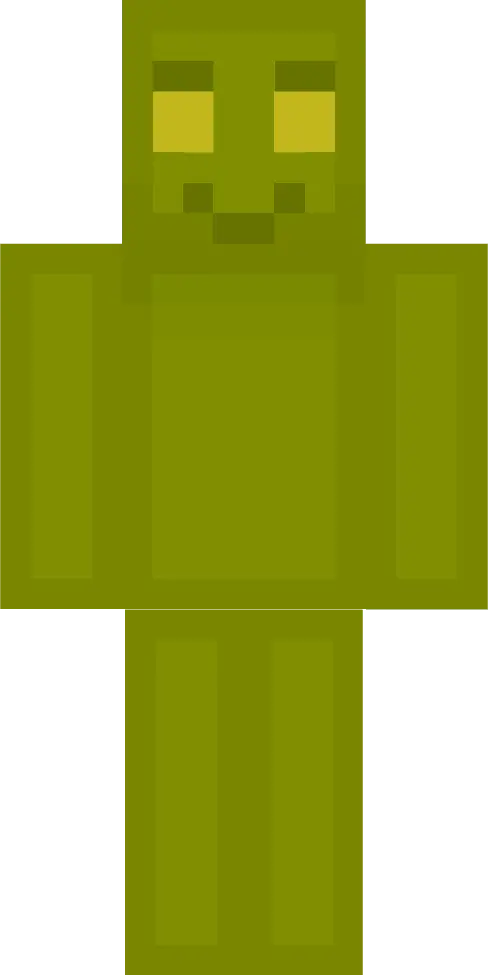
OS Gummies brings eight candy-inspired characters to Minecraft Bedrock, each with its own name and flavor. There’s Gummyblu the blueberry, Strawbella the strawberry, Limono the lemon, Meloglow the melon, and Purpli the grape. If fruit isn’t your thing, you can pick Chocopup the chocolate gummy, Bubbli the soda-inspired character, or Nubbi, a curious little gummy ghost. That’s a pretty good selection for a pack built around the idea of living candy.
Gummyblu is described as shy, which makes the blueberry a fun choice for a quiet building session away from the crowds at spawn. Strawbella could be right at home in a garden full of pink flowers, while Limono and Meloglow would look great wandering through a bright summer village. Pick whichever character catches your eye; you don’t need to match your skin to your base, although it’s a tempting excuse to build an entire house around your favorite color.
Then there’s Nubbi. A gummy ghost sounds cute until you spot one standing silently outside your window at night. Bring Nubbi along for a haunted mansion map, have them greet visitors at your server’s Halloween party, or give them a tiny room in a not-so-scary castle. Chocopup and Bubbli bring their own food-inspired looks to the group, so there’s room for a whole crew of candy characters if your friends want to join in.
A multiplayer world is a great place to use the collection. Have everyone pick a different gummy, then build a row of colorful shops around the village square. One player can run a bakery, another can make a garden, and someone will inevitably decide their candy character needs a castle. The colors also make the group easy to tell apart in screenshots. Take one at spawn before a big trip, then another when everyone finally makes it home with their loot.
These are cosmetic skins, so Gummyblu won’t become edible and Nubbi won’t float through walls. You’ll still need food, tools, and a solid plan before taking on a dungeon. To install the pack, open the downloaded .mcpack file with Minecraft Bedrock and let it import, then find OS Gummies in the Dressing Room. Choose your character and head into a world you already love—or start a new one with a few friends and see what kind of candy-colored town you can build together.
How to Install Skins in Minecraft Bedrock
- Download a .png skin (64×64 or 128×128).
- Open Minecraft Bedrock.
- Go to Profile (hanger icon) → Edit Character.
- Tap Owned → Import → Choose New Skin.
- Select your .png file.
- Pick a model: Classic (Steve) or Slim (Alex).
- Confirm to equip and play.
Comments (0)