OS's Dragon Ball Skin Pack
- 23-12-2025, 08:08
- 1 118
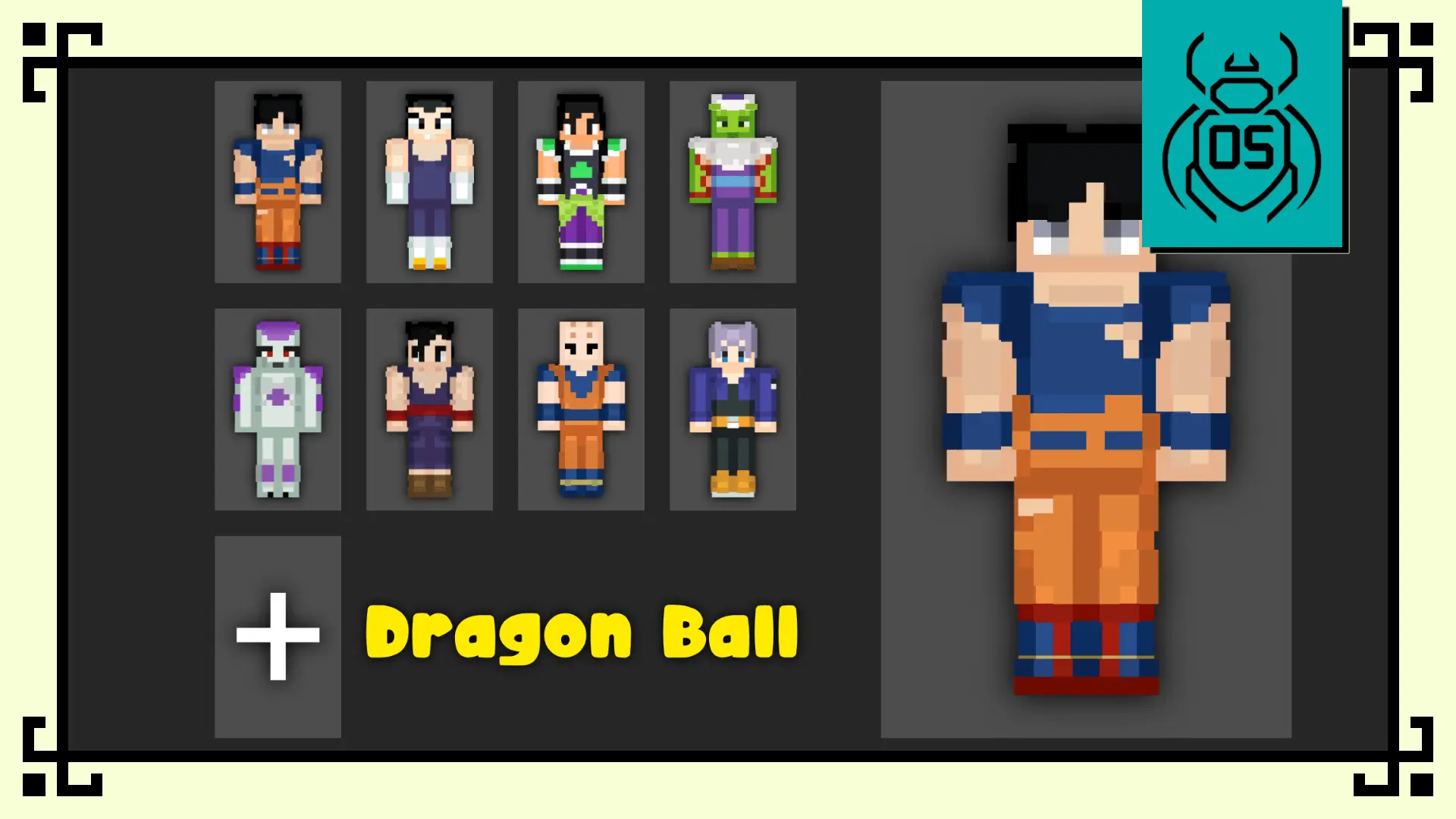
OS's Dragon Ball Skin Pack is all about bringing that Dragon Ball energy into your world without trying to look “realistic.” It’s the Funko Box Skin Pack – Dragon Ball Edition, so the style is the main feature: cute, collectible proportions inspired by Funko Box designs, while still keeping each character’s identity instantly recognizable. The end result is a pack that stands out on any server because the silhouettes and faces read clean from a distance, and the vibe stays fun even when you’re sweating in a survival night.
You get eight skins, and it’s a solid lineup of fan-favorites. Goku comes in with that cheerful-but-powerful look, the kind of skin that fits any world because it feels upbeat even when you’re mining for hours. Vegeta is the bold, proud pick, perfect if you want something that looks serious but still keeps the collectible style. Broly is the “walking threat” option, reimagined with massive proportions while still keeping the Funko collectible vibe, so you look like a mini-boss even if you’re just chopping wood. Piccolo has that calm, intimidating energy that works great for roleplay or for being the quiet teammate in co-op worlds. Frieza is the stylish villain choice, Gohan hits the heroic “hidden power” vibe, Krillin is the fun, cute, recognizable skin that fits casual multiplayer lobbies, and Trunks brings that dynamic, time-traveling warrior feel.
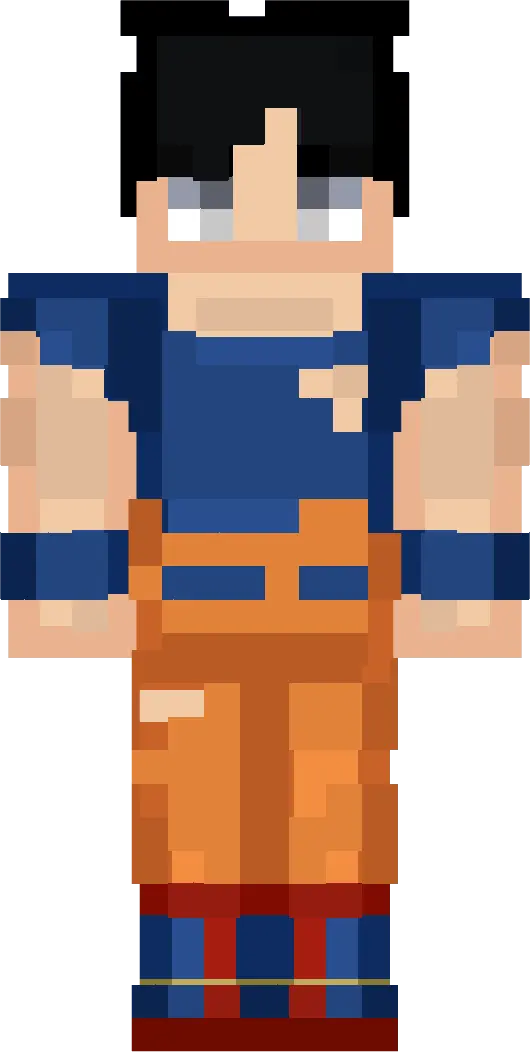
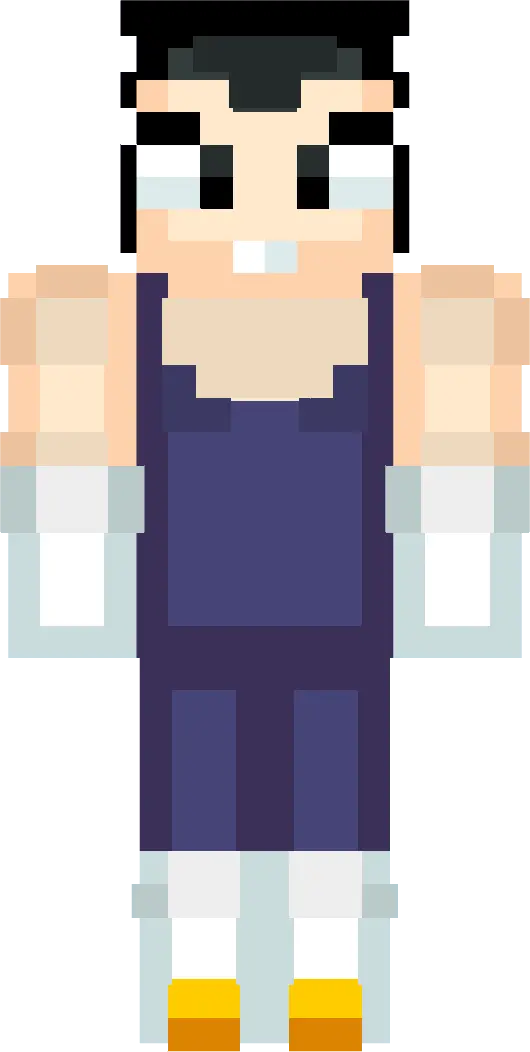

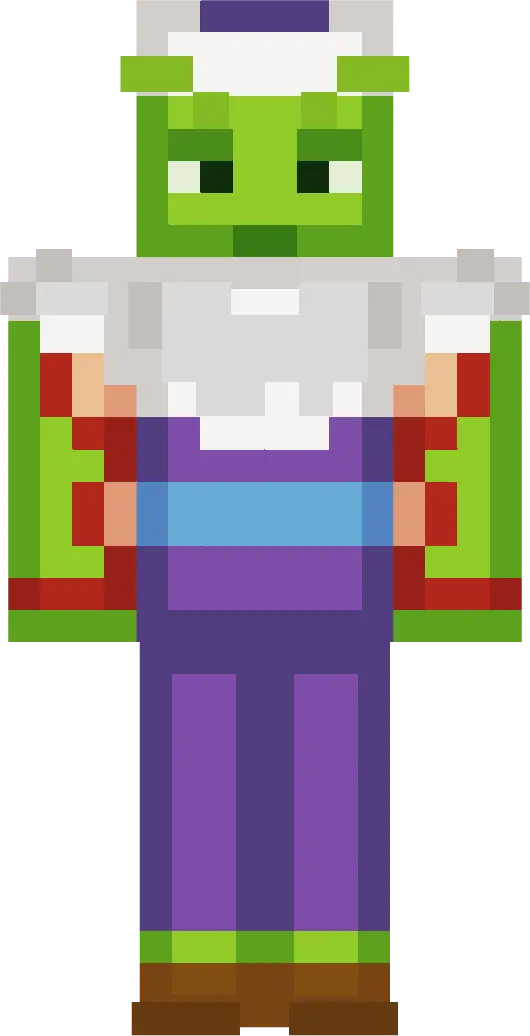

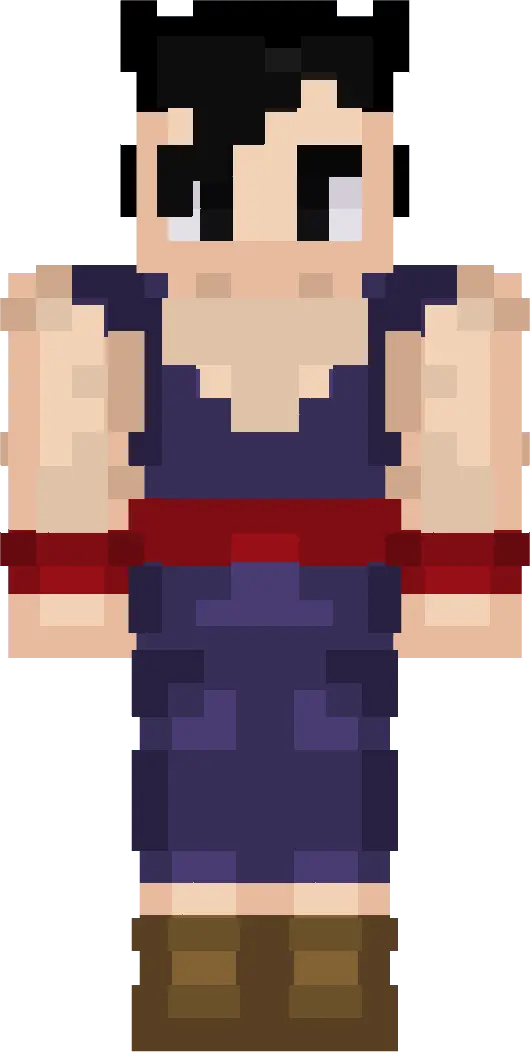


In real Minecraft Bedrock gameplay, skins like these are about presence. They don’t change hitboxes or mechanics, but they absolutely change how you feel running around your base, showing up to a friend’s realm, or recording clips. This pack is especially good for group worlds where everyone wants a theme—eight skins is enough for a whole squad to match without duplicates. If you’re doing roleplay, you can assign characters naturally, and if you’re a creator, the Funko-style designs look clean in screenshots and thumbnails because the proportions are meant to be readable.
OS's Dragon Ball Skin Pack keeps the promise simple: Funko-inspired style, collectible proportions, and characters that stay faithful to Dragon Ball identities, designed to stand out in survival and multiplayer worlds.
How to Install Skins in Minecraft Bedrock
- Download a .png skin (64×64 or 128×128).
- Open Minecraft Bedrock.
- Go to Profile (hanger icon) → Edit Character.
- Tap Owned → Import → Choose New Skin.
- Select your .png file.
- Pick a model: Classic (Steve) or Slim (Alex).
- Confirm to equip and play.
Comments (1)